
What Causes a Loose Gas Pedal and How to Fix It
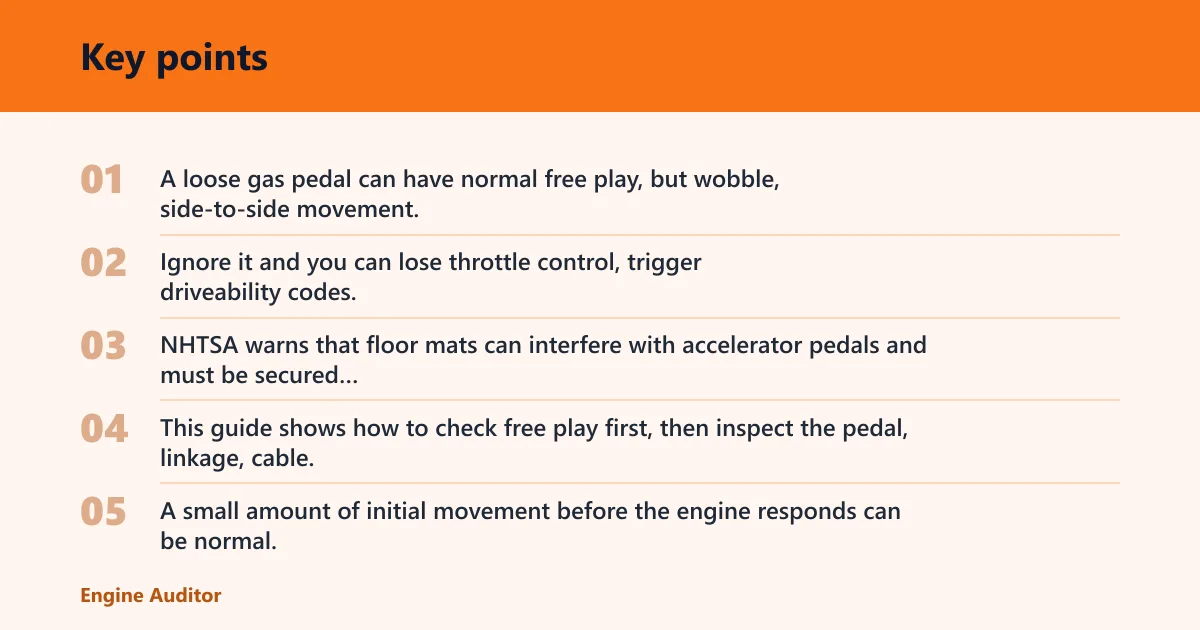
A loose gas pedal can have normal free play, but wobble, side-to-side movement, or excessive dead travel often points to a loose pedal mount, worn linkage, or throttle-pedal sensor fault. Ignore it and you can lose throttle control, trigger driveability codes, or miss a safety-critical mounting problem. NHTSA warns that floor mats can interfere with accelerator pedals and must be secured correctly or removed if they interfere. This guide shows how to check free play first, then inspect the pedal, linkage, cable, and sensor in order.
Why does my gas pedal feel loose?


What normal free play feels like
A small amount of initial movement before the engine responds can be normal. What is not normal is a pedal that rocks on its base, shifts laterally, or has a long dead zone before any throttle change. That difference matters because a loose-feeling pedal can come from simple wear, or from a part that is nearly disconnected. In real-world diagnosis, that distinction often separates a worn pedal bracket from a much more serious control issue.
How wobble, slack, and dead travel differ
Wobble usually points to the pedal assembly itself, especially the pivot point, mounting bolts, or pedal arm. Slack usually comes from a cable or sensor signal issue. Dead travel means the pedal moves but the engine does not react right away, which is more concerning on drive-by-wire systems and on cable systems with excess adjustment play. On electronic throttle control (ETC), technicians commonly verify pedal-position sensor correlation and connector condition before replacing parts; on cable systems, the focus stays on mechanical free play and cable condition.
What you’ll need
- Flashlight
- Trim tool or small inspection mirror
- Socket set or driver for mounting hardware
- OBD-II scan tool
- Gloves
- Wheel chocks
Gas pedal diagnostic matrix
| Symptom pattern | Likely cause | Quick check | Urgency | Best next test / DIY vs shop |
|---|---|---|---|---|
| Pedal wobble | Worn pedal pivot bushings or loose mounting bolts | Grab the pedal arm and move it side to side; look for rattle at the bracket | Fix soon; movement should not grow | DIY: inspect/tighten hardware first; shop if the bracket is cracked or the pedal mount is distorted |
| Excessive free play | Cable slack or adjustment play | Check whether the pedal moves before the throttle linkage starts | Inspect before driving farther | DIY on cable throttle: trace cable routing and adjust only to spec; shop if the cable is frayed or seized |
| Delayed throttle response | Drive-by-wire sensor fault or cable binding | Read live pedal position data with an OBD-II scan tool | Moderate to high | DIY if you can read live data and inspect the connector; shop if data drops out, correlation fails, or codes return |
| Dead zone before engagement | Throttle body binding or carbon buildup | Inspect closed-throttle movement and linkage return | Moderate | DIY if the throttle plate is visibly sticking; shop if relearn, cleaning, or throttle-body testing is needed |
| Loose pedal pad | Damaged pad or pedal arm clips | Press the pad corners and look for broken retainers | Low to moderate | DIY: replace clips/pad if separate; shop if the pedal arm itself is cracked |
| Broken return spring | Pedal return spring failure | Check for weak return force or a spring out of place | High | Shop recommended: a weak or missing return spring can create an unsafe throttle feel |
| Floor-mat interference | Mat overlap or failed retention anchors | Lift the mat and see whether the pedal travel changes | High; remove obstruction first | DIY: remove the mat and verify anchor engagement; replace noncompliant mats per NHTSA floor-mat guidance if they interfere with pedal travel |
| Sensor-related limp behavior | Dual sensor track mismatch or connector problem | Scan for trouble codes and compare both pedal travel signals | High; limited power behavior may follow | Shop strongly recommended: OEM ETC diagnostics often require code-guided testing of APP sensor tracks, 5V reference, ground, and connector terminals |
| Frayed cable strands or disconnected end | Throttle cable wear or detachment | Inspect the cable near both ends with a mirror | High | Shop if the cable is frayed, kinked, or partially detached; do not keep driving a cable that can bind or snap |
Is it safe to drive with a loose accelerator pedal?
Only if the pedal has minor design free play and stays firm under your foot. If the pedal wobbles, binds, sticks, or changes feel between starts, stop treating it as a small annoyance. A pedal that suddenly feels different can point to a loose bracket, a failing spring, or a throttle control fault. NHTSA specifically warns that unsecured or poorly fitted floor mats can interfere with accelerator movement, and unexpected pedal behavior is a diagnostic concern, not a normal condition.
When it is a low-risk annoyance
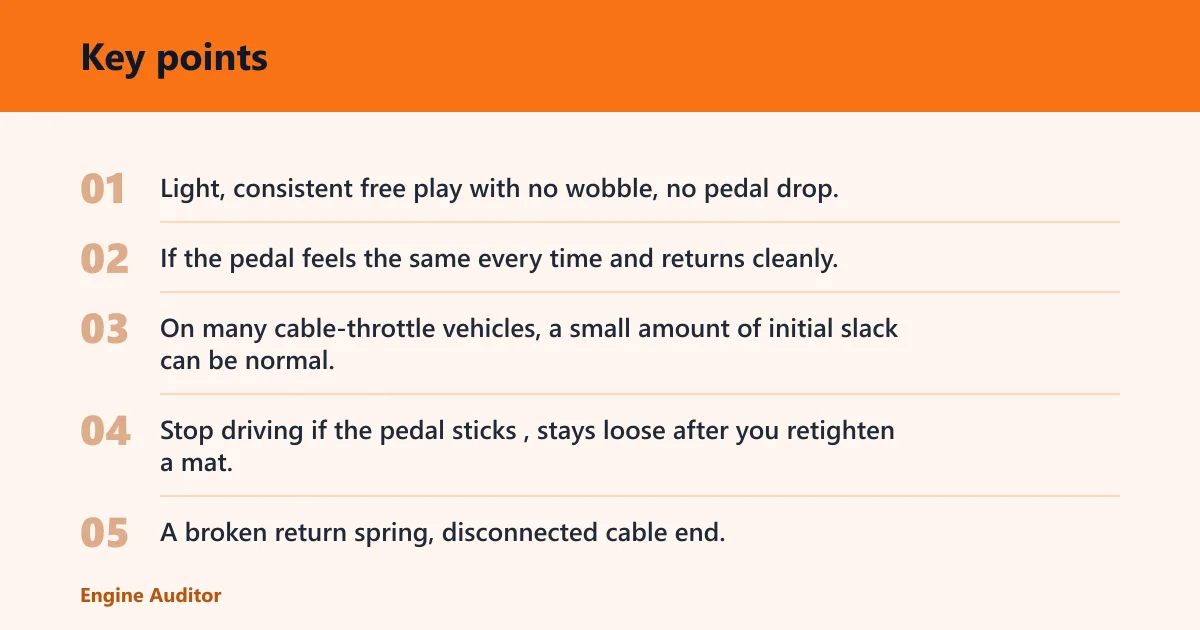
Light, consistent free play with no wobble, no pedal drop, and no warning lights is usually less urgent. The key test is repeatability. If the pedal feels the same every time and returns cleanly, it is more likely normal than defective. On many cable-throttle vehicles, a small amount of initial slack can be normal; on ETC systems, the pedal should still feel smooth and consistent even though the sensor does the actual signal work.
When it is a stop-driving problem
Stop driving if the pedal sticks, stays loose after you retighten a mat, or triggers reduced-power behavior. A broken return spring, disconnected cable end, or sensor mismatch can change throttle control without warning. Limp-mode response, throttle warning lamps, and dual-signal disagreement are fault indicators that need inspection before normal driving resumes. A common first-timer mistake is to “drive it once more” after the pedal begins to hang up.
What to do before the next trip
Park on level ground, set the parking brake, and chock a wheel. Then remove the floor mat, check the pedal for free movement, and scan for codes if the vehicle uses drive-by-wire. If the pedal remains loose after those checks, do not wait. Get it inspected before the next drive. This is especially important if the issue appears only when the seat is adjusted or if the mat shifts after entering the vehicle.
How do you inspect the pedal assembly?
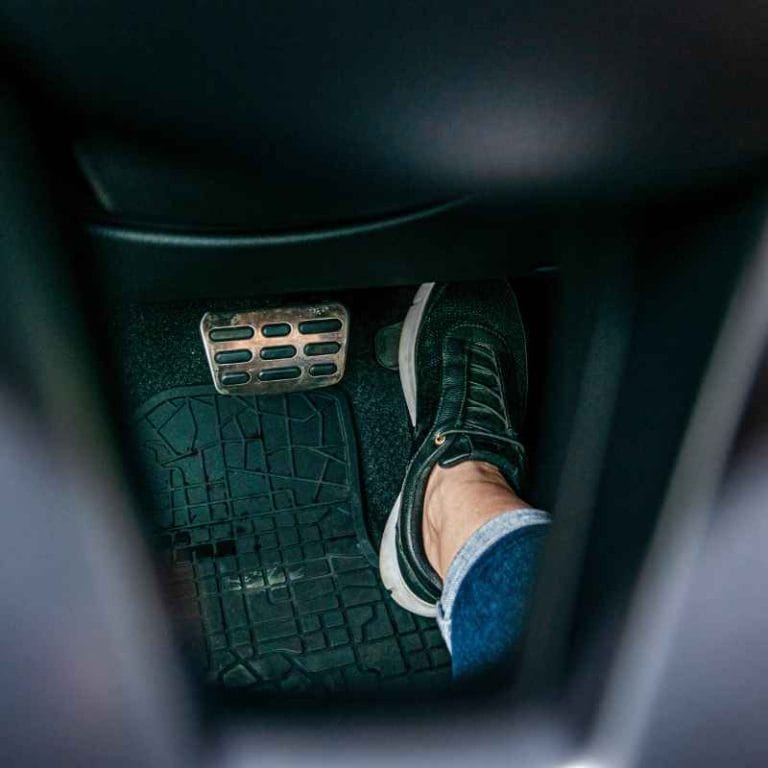
Start at the pedal hardware, not the sensor. A loose pedal arm, cracked pad, worn pivot bushing, or backed-out mounting bolt can feel like a throttle problem even when the rest of the system is fine. This inspection order catches the simplest mechanical faults first and matches the sequence commonly used before electronic diagnosis.
- Park, switch the ignition off, and chock a wheel.
- Use a flashlight to inspect the pedal pad and arm for cracks, broken clips, or missing trim.
- Grip the pedal near the pivot point and move it side to side; note any rattle or side play.
- Check the mounting bolts and bracket with the correct socket or driver and tighten only to the vehicle’s specified torque.
- Look at the return spring and confirm it pulls the pedal back with steady tension.
- Check footwell clearance so the pedal does not touch trim, carpet, or a shifted floor mat.
Say your pedal pad rocks only at the lower edge while the arm stays firm. That points more toward a damaged pad clip than a bad throttle sensor. Suppose the whole pedal assembly shifts when you press with your hand. That usually moves the problem up to the mount or bushing, not the engine side. If the symptom shows up only after carpet or mat work, recheck the footwell first before assuming the pedal failed.
What causes looseness in cable throttles?
Cable-throttle vehicles can feel loose from cable slack, adjustment play, frayed strands, or a disconnected end. Some cable-throttle systems have little or no user-adjustable slack, so confirm whether the vehicle is designed for adjustment before trying to set it. The pedal may move normally at first, then take up slack before the throttle plate opens. That delay is mechanical, not electronic, and it often gets worse as the cable ages. On older cable systems, pedal feel is often the quickest clue: a soft, delayed takeup usually points to cable condition or routing, not the pedal pad itself.
Check cable slack and adjustment play
Inspect the cable path from the pedal to the throttle body for sag, sharp bends, or points where the outer sheath moves. If there is visible slack, the cable may need adjustment or replacement. A cable that has too much play can make the pedal feel disconnected even though the pedal hardware is sound. If the vehicle uses a mechanical throttle body, check for smooth movement at the lever and verify that nothing in the cable path is pulling the throttle open.
Inspect for frayed strands or a disconnected end
Look for broken wire strands at both cable ends. Fraying means the cable can bind, then release suddenly. A disconnected end can leave the pedal moving with little resistance and little or no throttle response. That is a repair-now issue, not a watch-and-wait issue. If the cable is fraying near either end, the best next test is a full visual inspection of the routing and end fittings; replacement is usually the safe fix.
Look for throttle body binding or carbon buildup
Open the air inlet enough to inspect closed-throttle behavior and plate movement. If the throttle body binds or does not return smoothly, the pedal can feel lazy or dead at the top of travel. Carbon buildup at the throttle plate can create the same sensation even when the cable is intact. A sticking plate can mimic pedal looseness because the initial pedal movement is being used to overcome resistance instead of opening the throttle immediately.
Can floor mats make the gas pedal feel loose?
Yes. A floor mat can overlap the pedal, catch under the edge, or shift onto the retention anchors in a way that can change pedal travel. That can mimic looseness, delay engagement, or create a dead zone. This is the first thing to remove from the equation. NHTSA floor-mat guidance specifically warns that mats must not interfere with accelerator operation, and safety inspections often begin with the driver footwell because mat interference can create a false mechanical fault.
Check mat overlap and retention anchors
Pull the mat back and inspect the anchor points, then verify the mat lies flat. If the mat slides forward, it can obstruct the pedal arm or change the angle of attack. The risk is highest with loose aftermarket mats that are not clipped to the floor. A mat that looks “close enough” is not close enough if it can ride up under the accelerator.
Remove the mat and retest pedal movement
With the engine off, press the pedal several times after removing the mat. If the looseness disappears, the fault was interference, not a mechanical failure. Reinstall only a mat that locks to the floor and stays clear of the pedal path. If the vehicle came with all-weather mats, confirm the anchors match the mat design and are not missing or damaged.
Should you replace the accelerator pedal assembly?
Replace the accelerator pedal assembly when the pivot is worn, the mounting points are cracked, the pedal arm is bent, or the sensor track is faulty on a drive-by-wire setup. Do not replace it first if the problem is mat interference or cable slack. Mechanical inspection comes before parts swapping, and on ETC vehicles the pedal assembly is often replaced only after sensor data and connector checks point there.
When replacement makes sense
If the pedal has persistent side play after all bolts are tight, or the sensor signal is erratic even with a clean connector, replacement is reasonable. On many modern cars, the pedal sensor is part of the assembly, so a failed track can mean replacing the full unit rather than a single switch. A replacement is also appropriate when the pedal housing is physically damaged or the return spring is not serviceable separately.
When repair or adjustment is enough
If the issue is a loose bolt, a shifted bracket, or cable slack, a repair is usually enough. A throttle cable with a serviceable adjuster should be set to remove excess slack without holding the throttle open. Tighten in small increments and recheck pedal return after each change. If the pedal feels normal after adjustment but returns to slack again, look for a cable sheath issue or a mounting point that is moving under load.
Can a throttle pedal sensor cause a loose-feeling gas pedal?
Yes, especially on drive-by-wire vehicles. The pedal itself may still feel normal to the hand, but the response can feel loose, delayed, or disconnected because the dual sensor tracks are not agreeing. A connector problem can create the same complaint, and the car may enter limp behavior. Pedal-position sensor correlation, voltage supply, ground, and connector integrity are all worth checking when pedal response seems off.
Check dual sensor tracks and the electrical connector
Use an OBD-II scan tool to read diagnostic trouble codes. If your tool supports manufacturer-specific live data for the vehicle, compare the two pedal travel signals while slowly pressing the pedal. If the tracks disagree, or the reading drops out, the sensor or connector needs attention. The best next test is usually a controlled live-data sweep and connector inspection, because a signal mismatch is more informative than guesswork.
Look for limp behavior
If the vehicle limits throttle response, illuminates a warning light, or feels stuck at low power, stop treating it as a loose pedal alone. That symptom pattern means the control system has likely detected a fault. A sensor issue can be more serious than a worn pedal bushing because the engine may not respond predictably. In many ETC systems, limp mode is a protective strategy after the ECM sees implausible pedal or throttle data.
Common mistakes
- Replacing the pedal assembly before checking floor-mat interference.
- Ignoring loose mounting hardware or worn pivot bushings.
- Skipping the OBD-II scan on drive-by-wire vehicles.
- Assuming every loose pedal is an electronic fault.
- Driving past delayed throttle response, limp behavior, or a broken return spring.
Keep the footwell clear, use only mats that lock to the floor, and recheck pedal mounting hardware after any interior work near the driver’s side footwell. If the symptom pattern changes after an interior service or mat replacement, re-run the pedal and footwell checks before replacing parts.
Frequently asked questions
What makes an accelerator pedal wobble or move side to side?
Wobble usually comes from wear at the pivot bushings, a loose bracket, or damaged mounting hardware. The pedal arm may also be bent or cracked. A side-to-side rattle that gets worse with pressure is a mechanical fault until proven otherwise. If the wobble is paired with a clicking or popping sound, inspect the mount and pivot area first.
How do I fix a loose gas pedal?
Start with the floor mat, then inspect the pedal pad, pivot, mounting bolts, and return spring. On cable-throttle vehicles, check slack and cable condition. On drive-by-wire vehicles, scan for codes and compare live pedal position data if your scan tool and vehicle support it before replacing parts. The correct fix depends on whether the problem is mechanical slack, interference, or an electronic signal fault.
Products related to this article
Sponsored / affiliate links. As an Amazon Associate I earn from qualifying purchases. I may earn additional commission from eligible campaigns.