Honda Civic Maintenance Symbols: A Simple Driver’s Guide
Honda Civic maintenance symbols are service reminders, not emergency warnings: A or B tells you the basic maintenance, and any number subcode tells you which extra item to do now or at the oil change interval. Miss the meaning and you can overservice, delay needed work, or confuse a routine reminder with a real fault. This guide translates the common Honda Civic codes, separates Maintenance Minder messages from dashboard warning lights, and tells you what needs action immediately versus what should be checked against the owner’s manual.
What the maintenance symbol means
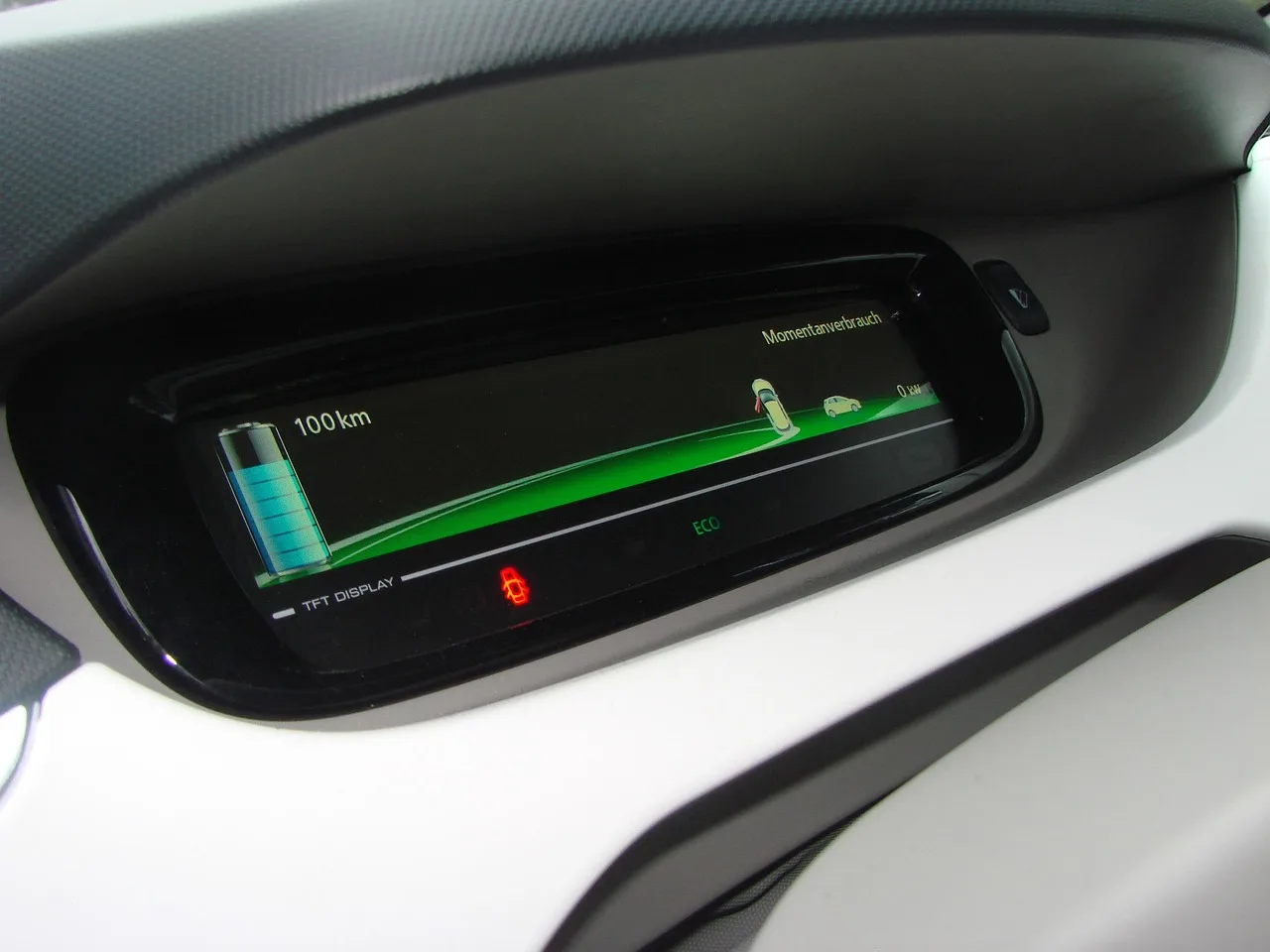
The Honda Maintenance Minder is Honda’s oil life monitoring and service code system on many Civic trims and model years. It can appear as oil life percentage, a letter code, or numbered subcodes in the instrument cluster or driver information interface. On newer displays, the reminder usually appears as a service message rather than a simple old-style light.
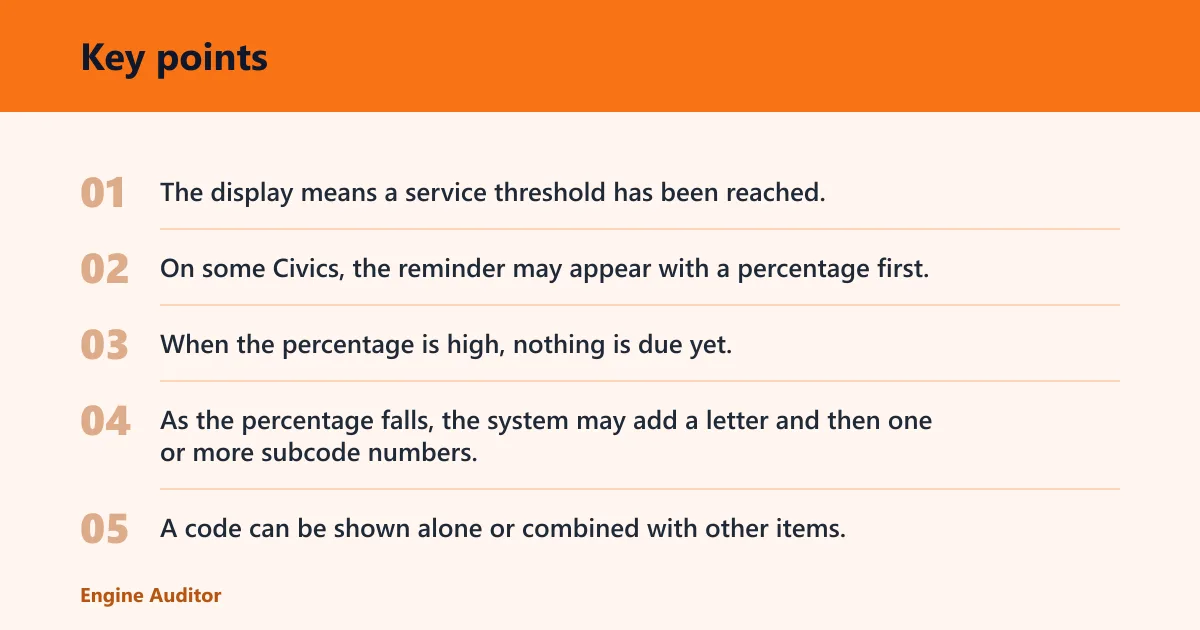
The display means a service threshold has been reached. It is not a fault diagnosis. On some Civics, the reminder may appear with a percentage first, then a code such as A1 or B12 as the remaining oil life drops.
Oil life percentage and service code display
When the percentage is high, nothing is due yet. As the percentage falls, the system may add a letter and then one or more subcode numbers. A code can be shown alone or combined with other items, which is why the display should be read as a service list, not one single warning.
Older Civic models may use a simpler maintenance light. Newer models often show the code on the information screen. Check the owner’s manual for the exact year and trim, because the display text and button path vary.
Why the reminder appears
The reminder appears because the car has reached a calculated interval based on driving patterns, engine operating time, and mileage accumulation. Short trips, frequent idling, and repeated cold starts can bring the reminder on sooner than a steady highway commute.
That is why two Civics of the same year can show different timing. The system is designed to fit use, not a fixed calendar alone.
A, B, and the numbered subcodes
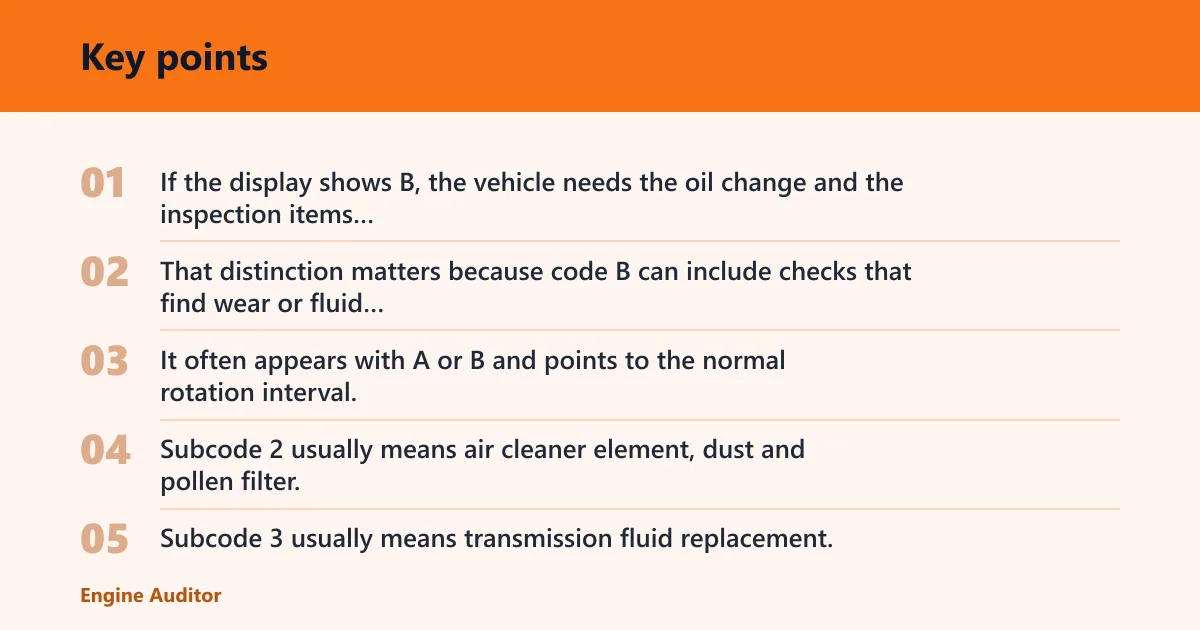
Honda code A typically means engine oil replacement. Honda code B typically means engine oil replacement plus a broader inspection set, which may include oil filter replacement, a multi-point inspection, and brake and chassis checks. The numbered subcodes point to extra maintenance items that may be due at the same time.
Maintenance code A and code B
A is the basic service reminder. B adds more than an oil change. If the display shows B, the vehicle needs the oil change and the inspection items attached to that code, not just the oil service alone.
That distinction matters because code B can include checks that find wear or fluid issues before they become larger repairs.
Subcode 1 through 6
Subcode 1 usually means tire rotation. It often appears with A or B and points to the normal rotation interval, though exact timing can vary by tire wear pattern and model year.
Subcode 2 usually means air cleaner element, dust and pollen filter, and drive belt inspection. Subcode 3 usually means transmission fluid replacement, often for a CVT or automatic fluid service, but the exact fit depends on the drivetrain and model year.
Subcode 4 usually points to spark plugs, valve clearance inspection, and timing-belt/water-pump-related inspection where equipped. Subcode 5 means engine coolant replacement. Subcode 6 usually means transmission or related drivetrain fluid service on the applicable model.
How combined codes work
Combined codes are read as a stack of jobs. A1 typically means oil service plus tire rotation. B12 means the B service set plus subcodes 1 and 2. B123 means the B service set plus tire rotation, air and cabin filter checks, belt inspection, and transmission-fluid-related service where applicable.
When two codes appear together, read them as a service list tied to the manual’s interval and do not assume one item can be postponed simply because another item is also shown. Oil and inspection items are the priority in the B code. Rotation, filters, and certain long-interval items should be checked against the manual for that model year.
Honda civic maintenance symbols table
This table translates the common Honda Civic maintenance symbols into what they mean, what to do now, and what can wait until the next visit. If the vehicle shows a combined code, follow the highest-priority item first and check whether the second item is still within its service window.
| Code or display | What it means | What to do now | What can wait until the next service visit |
|---|---|---|---|
| A | Engine oil replacement | Book the oil change | Other inspections if the manual does not list them for this visit |
| B | Engine oil replacement, oil filter replacement, multi-point inspection, brake and chassis checks | Schedule full B service | Nothing in the B list should be skipped |
| 1 | Tire rotation | Rotate tires if due with the current service | If tread wear is even and the manual allows, it may wait until the next service visit |
| 2 | Air cleaner element, dust and pollen filter, drive belt inspection | Inspect and replace parts that fail inspection | Drive belt or filter replacement can wait only if inspection shows no issue and the manual allows deferral |
| 3 | Transmission fluid replacement, often CVT or automatic service | Plan the fluid service as soon as practical | Can wait if the vehicle is still within the exact model-year interval and the manual allows |
| 4 | Spark plugs, valve clearance inspection, coolant replacement at long interval | Book long-interval service | Usually not a “next oil change only” item if the code is present |
| 5 | Engine coolant replacement | Schedule coolant service | Usually should not be postponed far past the due point |
| 6 | Rear differential fluid on some models | Service the drivetrain fluid if the vehicle has that system | Can wait only if the model does not use that system or the code does not apply to your trim |
| Check engine, tire pressure, battery, brake, or oil pressure warning | Not a Maintenance Minder service reminder | Check the warning light type and act based on the fault | Do not treat these as routine maintenance items |
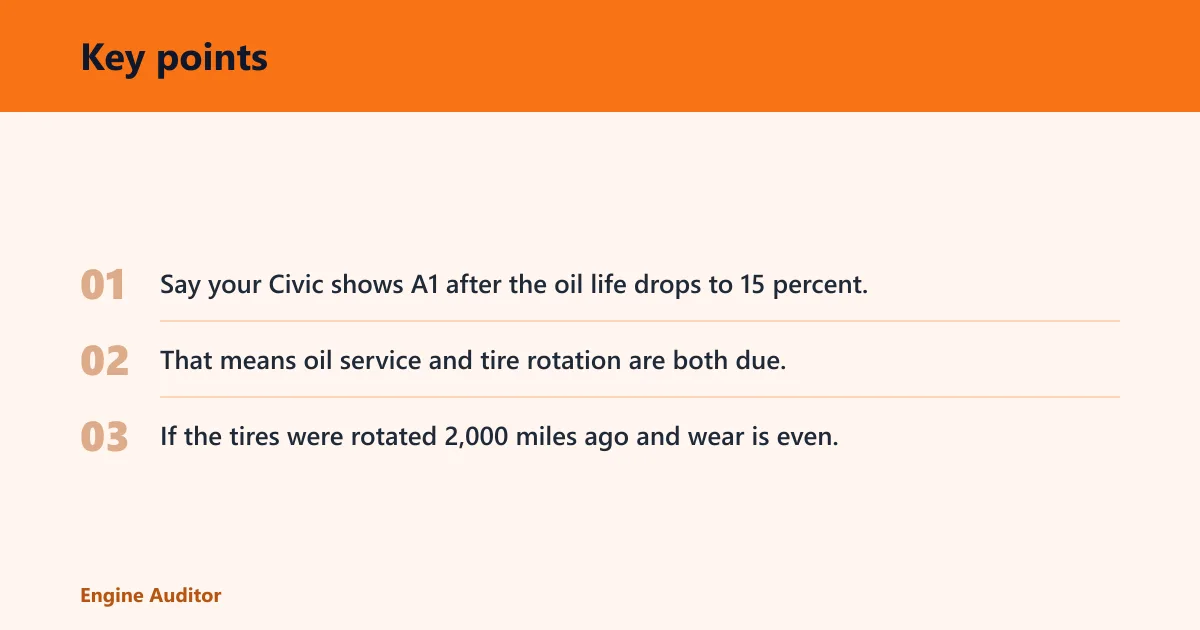
Say your Civic shows A1 after the oil life drops to 15 percent. That means oil service and tire rotation are both due, and it is reasonable to handle them together at the same visit. If the tires were rotated 2,000 miles ago and wear is even, the shop may verify whether the rotation still belongs in this service cycle under your model’s manual.
Is it a warning light?
The Maintenance Minder is a service reminder, while check engine, tire pressure, battery, brake, and oil pressure alerts are generally fault or safety warnings. If you see the maintenance code display, that usually means scheduled service, not an emergency stop.
Maintenance reminders versus check engine
A check engine light points to an emissions or engine-management fault and should not be lumped in with A, B, or numbered subcodes. A maintenance reminder can show up with no drivability symptoms at all. A check engine light can appear with poor running, reduced power, or stored fault codes.
Maintenance reminders versus tire pressure
The tire pressure warning looks for underinflation or a tire pressure monitoring problem. It is not the same as subcode 1, which is a rotation reminder. If the tire pressure light is on, check inflation first. If only the maintenance code shows, think rotation or service interval rather than air loss.
Maintenance reminders versus battery alerts
A battery or charging warning is about system voltage, alternator output, or battery condition. That is separate from the Maintenance Minder. If a battery alert appears with dim lights, slow cranking, or electrical problems, address that diagnosis now rather than waiting for the next service visit.
Can you keep driving?
Usually yes, if the display is only a Maintenance Minder code and the car drives normally. That means you have a service reminder, not a stop-driving warning. The right response is to judge whether the code should be checked against the exact service item shown and the owner’s manual for that model year.
Now, soon, or next service
A code such as B, B1, or B12 should move you toward booking service. An oil life percentage that is already low should not be ignored for long. A code like 4 or 5 points to longer-interval work that should be scheduled according to the manual.
Suppose the display shows only 15 percent oil life and A1. You can usually drive to a shop, but that is not the best code to delay for weeks. The service plan is oil change plus rotation, then reset the minder after the work is done.
When the code means book service now
Book service now when the code includes engine oil replacement and the display is low, when B appears, or when a longer-interval code has reached the mileage or time shown in your manual. If the vehicle also has a non-maintenance warning, do not treat it as a routine reminder.
When the code can wait
Check the owner’s manual before treating any subcode as optional or deferrable. The manual remains the final reference for that trim and model year.
Why the code came back
If a maintenance code returns after service, the most common reason is that the reminder was not reset, or it was only partly reset. The Civic may still think the service interval is active, so it brings the code back even though the oil or filter was already changed.
Reset was skipped or incomplete
Some display systems need a menu reset after the maintenance work is done. If the reset is skipped, the oil life percentage and service code do not clear. If only part of the menu reset is completed, the display can come back the next time the ignition is cycled.
Service was done but the minder was not cleared
This is a common post-service confusion. The car was serviced, but the instrument cluster still shows the old code. That does not mean the vehicle failed to recognize the work automatically. It means the reminder still needs the reset step that matches your model year.
Model-year display differences
Some Civics use buttons on the driver information interface. Others use steering-wheel menu controls and an information screen text prompt. Because the reset path changes by model year and trim, the same code can be cleared in different ways on different Civics.
How to reset the display
Resetting the Maintenance Minder is a display procedure, not a repair. The exact button sequence changes by model year, but the idea is the same: bring up the maintenance display, enter the reset menu, and confirm the code clear after service is complete. Check the owner’s manual if the screen labels do not match.
- Turn the ignition to the position used for the information screen or switch the vehicle to accessory mode, depending on the display type.
- Open the maintenance or vehicle information menu on the driver information interface.
- Find the maintenance item display that shows the code or oil life percentage.
- Choose the reset option and confirm when the screen asks for approval.
- Verify that the code clears and the oil life percentage returns to the normal post-service state.
When to stop and check the manual
If the display does not match the menu labels in your Civic, stop and check the manual before pressing through the screens. A wrong menu choice can clear the wrong display or leave the reminder active. That is especially true on models with different cluster layouts or hybrid displays.
Picture a Civic Hybrid that shows a maintenance code and a separate battery-related warning. The maintenance code still points to service items, but the battery warning is not part of the reminder system. In that case, the service reminder can wait for the planned visit, while the battery warning needs separate attention now.
Frequently asked questions
What do the Honda Civic maintenance symbols mean?
They are Honda Maintenance Minder reminders. A or B tells you the base service, and numbered subcodes tell you which extra items are due. Think of the display as a service list tied to oil life and inspection intervals, not as a fault code like a check engine warning.
Is the maintenance minder symbol the same as a check engine light?
No. The maintenance minder is a scheduled service reminder. A check engine light points to an engine or emissions fault. If the check engine light is on, treat it separately from the A, B, or numbered service codes and follow the diagnostic path for that warning.
What does A, B, 1, 2, or 3 mean on my Honda Civic?
A means engine oil replacement. B means oil replacement plus the broader inspection set and oil filter replacement. 1 usually means tire rotation, 2 usually means filters and belt inspection, and 3 usually means transmission fluid service on the applicable model and drivetrain.
Can I keep driving if the maintenance symbol comes on?
Usually yes, if it is only a maintenance reminder and the car drives normally. The safer rule is to book service soon when the code includes oil service or B service, and to check the owner’s manual if the code is a longer-interval item or if another warning light is also on.
How do I know if the symbol means an oil change or tire service?
Look at the code beside it. A means oil change. B means oil change plus inspections. Subcode 1 points to tire rotation, so A1 means oil service and tire rotation together. If you only see a tire pressure warning, that is a separate issue from maintenance rotation.
Why did my Honda Civic show a maintenance code after an oil change?
The most likely reason is that the minder was not reset, or the reset was incomplete. The car does not always clear the code on its own after service. After the oil change, the display still needs the correct reset procedure for the model year and instrument cluster type.
How do I reset the maintenance symbol after service?
Use the maintenance or vehicle information menu on the driver information interface, then select the reset option and confirm the clear. The exact steps vary by year and display type, so the owner’s manual is the right reference if the button sequence on your Civic does not match the menu on screen.
Do hybrid Honda Civic models show different maintenance symbols?
They can. Many hybrids still use the Maintenance Minder, but the display layout and some service intervals can differ by powertrain. Hybrid, CVT, automatic, and AWD-related models may also change which subcodes apply, so you should verify the code against the exact trim and owner’s manual.
Products related to this article
Sponsored / affiliate links. As an Amazon Associate I earn from qualifying purchases. I may earn additional commission from eligible campaigns.