Honda Civic Maintenance Light Won’t Reset? Try These Steps First
Reset the Honda Civic maintenance light by matching the display type to the reset method; many Civics clear with a 10-second button hold or a menu reset after the ignition is switched to ON and the engine stays off, but a failed reset usually points to the wrong model-year procedure or a stored fault. If you skip the correct reset, the reminder can stay on, hide the real service interval, or make you miss a fault that needs diagnosis. This guide shows how to identify your Civic’s dashboard warning, follow the right reset steps, and check the common reasons a maintenance light will not clear.
What you’ll need

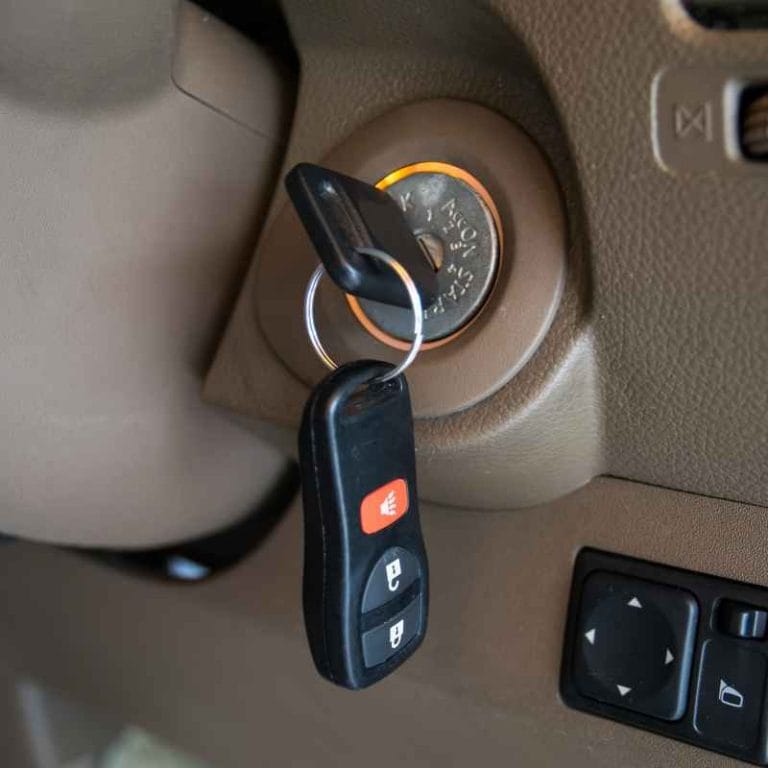
- Ignition key access or a push-button start fob
- The owner’s manual or a model-specific dash note
- A charged battery
- Access to the trip meter button, SEL/RESET button, or steering-wheel controls
- An OBD2 scanner or Honda diagnostic software, only if manual reset fails and a cluster or ECU fault is suspected
Honda Civic reset matrix
| Civic generation | Dashboard symptom | Correct reset method | Likely failure cause | Next step |
|---|---|---|---|---|
| 2006–2011, trip-button cluster | MAINT REQD or oil life message in the cluster | Ignition ON, engine off; press and hold the trip meter button until Trip A appears, then keep holding until the display resets | Wrong ignition position or button released too early | Repeat with the key in ON, not ACC |
| Older cluster with dashboard trip reset | Oil life stays below 100% after service | Use the trip meter reset control on the dash or cluster; hold until the oil life value blinks and returns to 100% | The cluster did not enter reset mode | Try again with the engine off and the dash fully powered |
| 2010–2015 MID models | OIL LIFE or MAINTENANCE shown in the Multi-Information Display | Ignition ON, then use the MID controls or SEL/RESET path shown on the display until the oil life confirms 100% | Wrong menu path for the trim | Use the steering-wheel buttons only if the MID prompts for them |
| 2016–2018 steering-wheel menu models | Maintenance Minder code such as A1, B1, A12, or B13 appears in the MID | Use Home > Settings > Vehicle or System > Maintenance Info, then reset the service item | Menu path not fully completed | Return to the Maintenance Info screen and confirm the reset prompt |
| 2012–2020 models with SEL/RESET button | Oil Life indicator or service reminder in the MID | Ignition ON, engine off; hold SEL/RESET for about 10 seconds on some models until the oil life blinks and returns to 100% | Button held too briefly | Repeat the hold and wait for the blink confirmation |
| 2019+ digital cluster models | Digital cluster shows Maintenance Minder or service prompt | Use Settings > Vehicle > Maintenance Info or the displayed reset prompt, then confirm the reset on screen | Cluster menu lockout or low voltage | Charge the battery and retry the on-screen path |
How do you reset the maintenance reminder?
Use the exact path your cluster shows, with the ignition in ON and the engine off. On older Civics, that often means holding the trip meter button; on newer Civics, it means using the MID or SEL/RESET menu until the oil life blinks and returns to 100%. The correct path depends on the model and the cluster layout.
- Turn the ignition to ON, not ACC, with the engine off.
- Find the active reminder on the cluster: Oil Life, MAINTENANCE, or a code such as A1 or B13.
- If your Civic has an older cluster, press and hold the trip meter reset button until Trip A appears, then keep holding until the display clears.
- If your Civic has a MID, use Home > Settings > Vehicle or System > Maintenance Info, then select Reset.
- If your Civic uses SEL/RESET, hold it for about 10 seconds on some models until the oil life blinks and returns to 100%.
- Cycle the ignition off, then back to ON, to confirm the reminder stays cleared.
For example, a 2014 Civic may show OIL LIFE at about 15% after an oil change. If the key is left in ACC, the reset screen may never appear. Move to ON with the engine still off, then use the dash button path until the display flashes and returns to 100%.
Why won’t my Honda Civic maintenance light reset after service?
Most failed resets are commonly caused by one of four issues: the ignition is in the wrong position, the wrong button or menu path is being used, battery voltage is too low for the cluster to accept the command, or the display is locked by a cluster fault or stored warning. A correct reset should not require guesswork.
Check the ignition position first
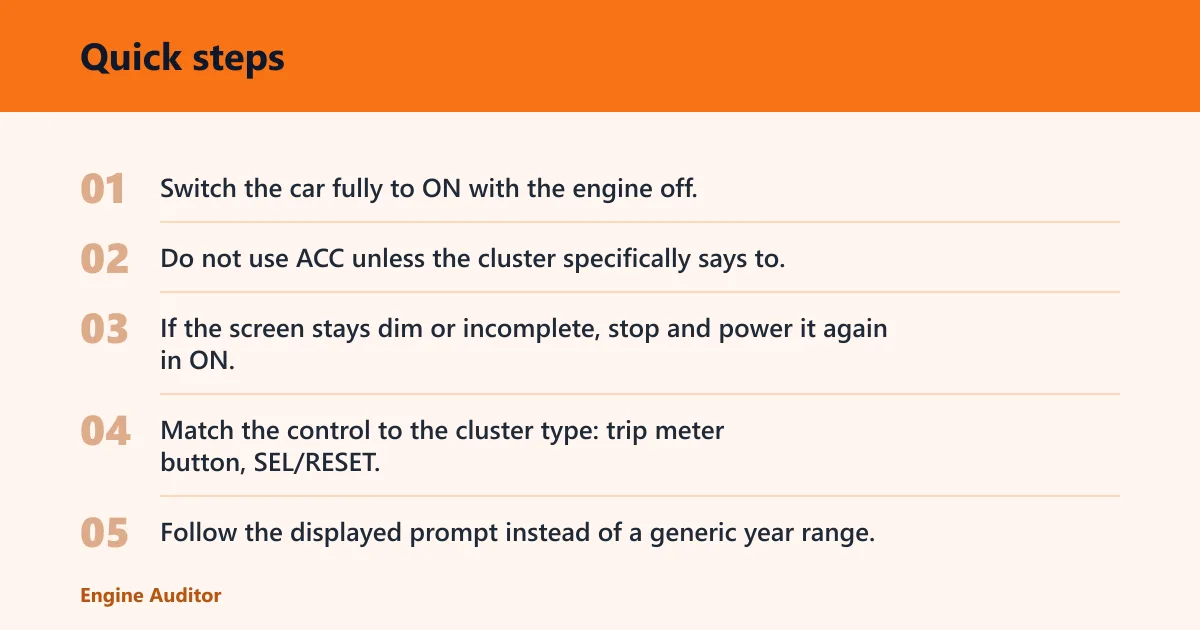
- Switch the car fully to ON with the engine off.
- Do not use ACC unless the cluster specifically says to.
- If the screen stays dim or incomplete, stop and power it again in ON.
Check the button or menu path
- Match the control to the cluster type: trip meter button, SEL/RESET, or steering-wheel menu.
- Follow the displayed prompt instead of a generic year range.
- Hold the button until the reset blinks or confirms; on some models that takes about 10 seconds.
Check battery voltage and display lockouts
- Start by confirming the battery is charged before you retry the reset.
- If the cluster behaves erratically, disconnect external loads and let the car sit powered for a minute, then retry.
- If the reminder will not clear after correct steps, treat it as a cluster or ECU issue.
Suppose a 2020 Civic shows a maintenance prompt, but the steering-wheel buttons ignore the reset command. If the battery was weak during service, the MID may not accept the command cleanly. Charge the battery, then retry Home > Settings > Vehicle > Maintenance Info.
What if it comes back on after I reset it?
If the reminder returns, the reset may have worked but the service interval is still active, or a different warning is present. Confirm that the oil change or scheduled maintenance was actually completed, then look for separate dash messages. A maintenance reminder that returns immediately can also point to a stored fault that needs diagnosis.
- Verify the service item tied to the reminder, such as oil, filter, or scheduled maintenance codes.
- Check whether the cluster shows a separate warning light or message besides the maintenance reminder.
- If the display shows A1, B1, A12, or B13 again, repeat the correct reset path for that cluster type.
- Use an OBD2 scanner or Honda diagnostic software only if the cluster or ECU may be involved.
- Book a mechanic if the reminder returns after a correct reset and a full service check.
A common first-timer mistake is resetting the reminder before the actual service is finished. If the oil and filter were not changed yet, the cluster may be cleared once and then return as soon as the system sees the interval is still due.
Does the reset method change by Civic model year?
Yes. Honda Civic Maintenance Minder behavior changes by generation, cluster type, and menu layout, so a broad year range is not enough by itself. Some older cars use a dash trip-button reset, many newer cars use the MID or SEL/RESET path, and digital clusters may place the reset under vehicle settings.
Match the method to the display, not the year alone
- Identify whether the cluster is analog, monochrome LCD, MID-based, or digital.
- Look for the active prompt: MAINT REQD, OIL LIFE, or a service code.
- Use the method that the cluster layout supports, not a generic Civic reset video.
Honda Maintenance Minder codes such as A1, B1, A12, and B13 can appear on different Civic layouts. The code matters because it tells you the reminder is a service interval notice, while the reset path depends on the dashboard screen that shows it.
Is the maintenance light the same as the check engine light?
No. The Maintenance Minder is generally a service reminder tied to oil life and scheduled maintenance, while the check engine light typically points to a powertrain fault stored by the vehicle. A maintenance reminder can clear with a proper reset; a check engine light usually needs code retrieval and repair, not just a button hold.
- Maintenance reminder: follow the cluster reset path after service.
- Check engine light: read the fault code before clearing anything.
- If both appear together, do not assume one reset solves both.
If that didn’t work, try this next
If the manual reset still fails after the correct path, move from the simplest checks to the more invasive ones. Start with ignition state and button/menu choice, then battery voltage, then scan-tool diagnosis. The order matters, because a cluster that cannot accept the reset command is often not a service interval problem at all.
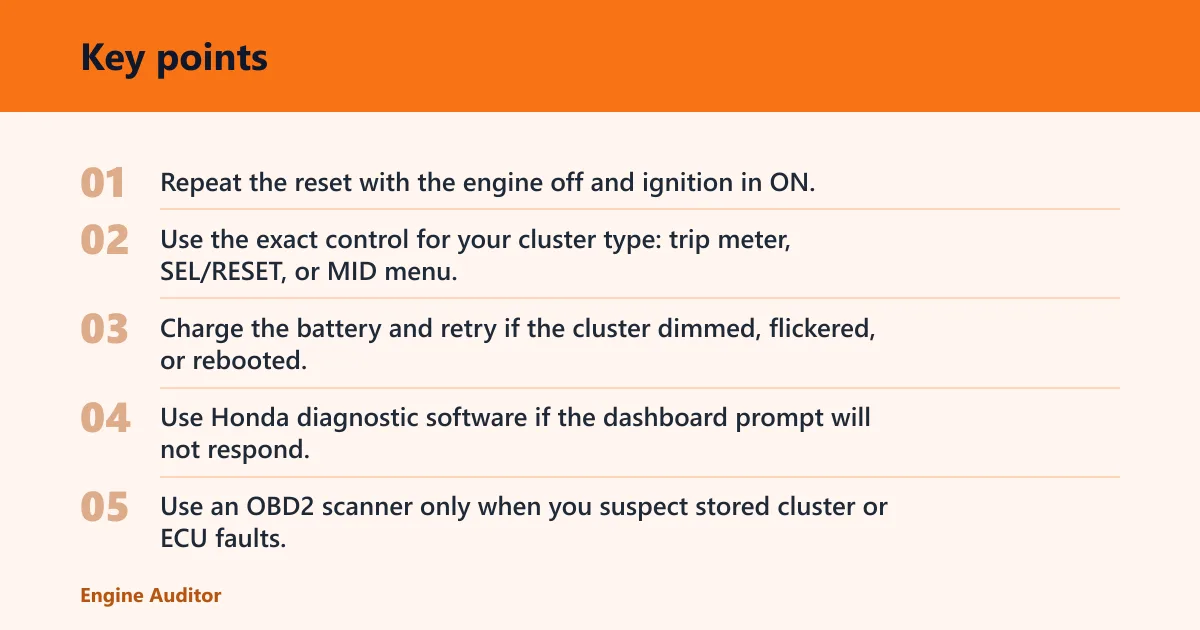
- Repeat the reset with the engine off and ignition in ON.
- Use the exact control for your cluster type: trip meter, SEL/RESET, or MID menu.
- Charge the battery and retry if the cluster dimmed, flickered, or rebooted.
- Use Honda diagnostic software if the dashboard prompt will not respond.
- Use an OBD2 scanner only when you suspect stored cluster or ECU faults, not as the first fix for a normal reset.
Common mistakes
- Using ACC instead of ON, which can prevent the reset screen from appearing.
- Holding the button too briefly, especially on models that need about 10 seconds.
- Choosing the wrong control for the cluster type.
- Resetting before the service is actually completed.
- Confusing a maintenance reminder with a check engine light.
- Assuming a generic OBD2 scanner will clear every Civic dashboard reminder.
Frequently asked questions
How do I reset the Honda Civic maintenance minder manually?
Turn the ignition to ON with the engine off, then use the control your cluster supports. Older cars often use the trip meter button; newer cars often use Home > Settings > Vehicle or System > Maintenance Info, or SEL/RESET for about 10 seconds. Confirm that oil life returns to 100%.
Do I need to start the engine to reset the maintenance light?
No, many Civic reset procedures require the engine off with the ignition in ON. Starting the engine can move you out of the correct menu state. If your cluster will not show the maintenance reset prompt, switch fully off, then back to ON and try again.
What if the maintenance light comes back on after I reset it?
Check whether the actual service was completed and whether another warning is present. If the reminder returns with the same code, repeat the correct reset path for your cluster type. If it comes back immediately after a proper reset, inspect battery voltage or use diagnostic software for cluster or ECU faults.
Products related to this article
Sponsored / affiliate links. As an Amazon Associate I earn from qualifying purchases. I may earn additional commission from eligible campaigns.