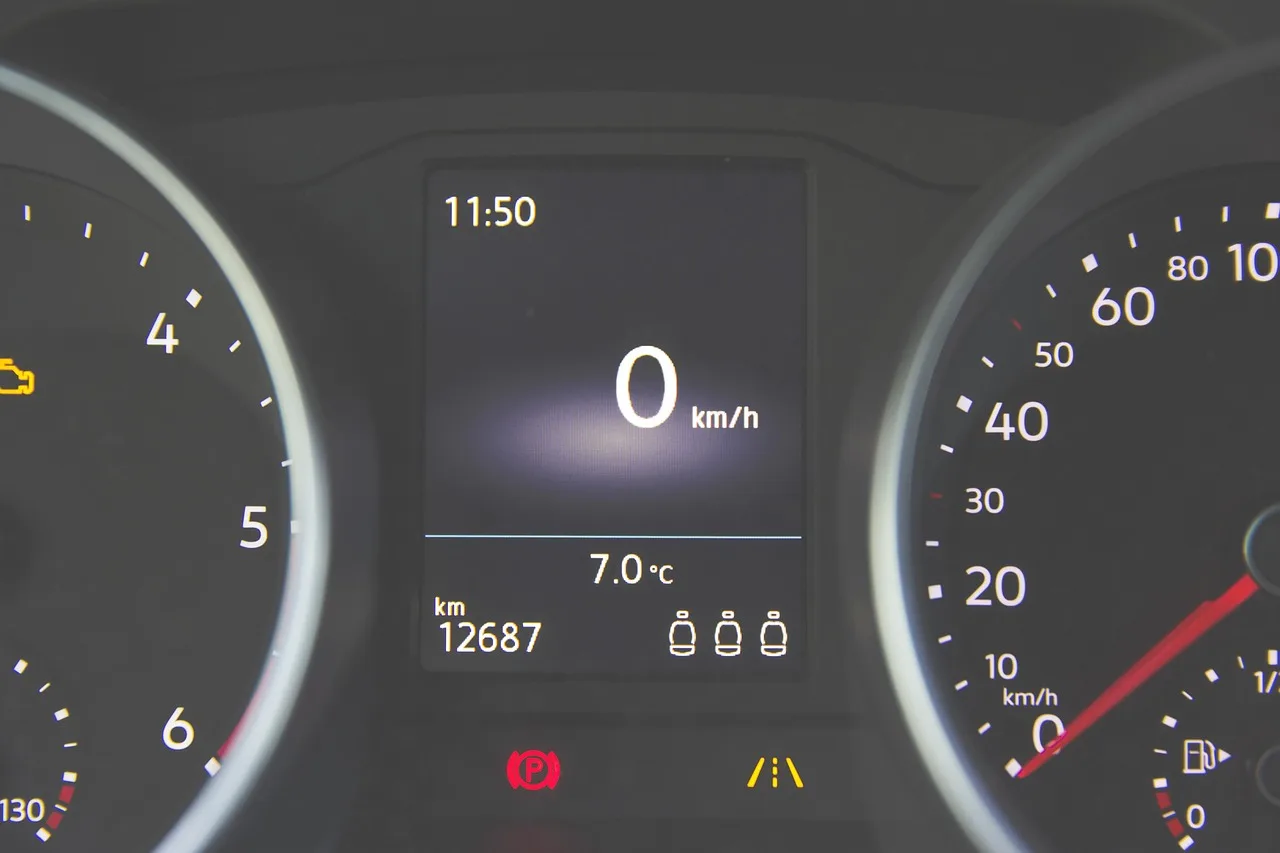
Honda Civic Maintenance Required Light
Honda Civic maintenance required light usually means the maintenance minder reached its interval, most often for oil and filter service. Confirm the work was done, then reset it after the service is complete. Ignoring it can mean overdue fluids, missed inspections, and a reset that hides real maintenance needs. This guide covers what triggers the light, how to verify the needed service, and the correct Civic reset method by generation.
What you’ll need before you reset it
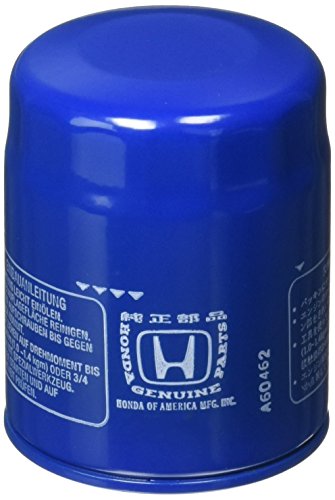
- Your owner’s manual for the exact model year and display type.
- Ignition key access or a start button you can switch to ON without starting the engine.
- The correct reset control for your Civic: trip reset button, SEL/RESET button, or touchscreen menu.
- A service record or repair order showing the oil change, filter change, and any other maintenance is complete.
- If another warning light is on, a scan tool that can read Honda fault codes.
Honda civic maintenance required decision table
| Symptom | Most likely cause | Exact next step |
|---|---|---|
| Light appears after service | The reminder was never reset after the oil or maintenance work | Confirm the service order, then run the reset path for your exact Civic display |
| Light won’t reset | Wrong ignition position, wrong button sequence, or wrong menu path | Turn ignition to ON only, open the oil-life screen, and use the matching reset method for that generation |
| Oil life still shows after reset | The reset did not complete, or the wrong screen was reset | Repeat the sequence from the oil-life display and hold the correct control until the display confirms 100% |
| Check engine light is also on | A separate fault code is present | Read codes first; do not treat the maintenance reminder as the only problem |
| Older versus newer Civic reset method | Different generations use different controls | Use the trip reset button on many older clusters, SEL/RESET on some 2012+ Civics, or the maintenance menu on newer infotainment systems |
What the Honda Civic maintenance light means
The light is usually a service reminder, not a breakdown warning. Honda’s Maintenance Minder logic tracks oil-life percentage and vehicle use, so the reminder can appear near an oil-change interval rather than on one fixed mileage schedule.
Reminder versus fault light
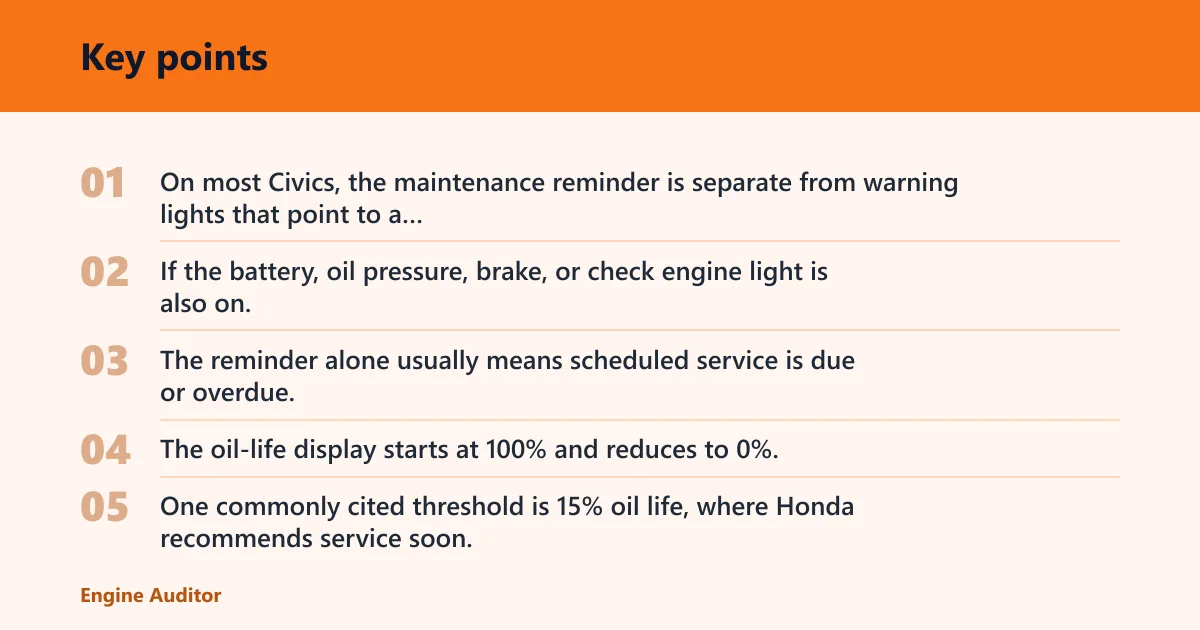
On most Civics, the maintenance reminder is separate from warning lights that point to a fault. If the battery, oil pressure, brake, or check engine light is also on, treat that as a different diagnosis. The reminder alone usually means scheduled service is due or overdue.
How Honda Maintenance Minder uses oil-life data
The oil-life display starts at 100% and reduces to 0%. One commonly cited threshold is 15% oil life, where Honda recommends service soon. At 5% oil life, service is immediate. At 0%, the service is past due. That is why the light may appear around 6,000 miles and can take up to 7,500 miles to turn on, depending on use.
Picture a Civic that has the maintenance reminder on, but no other dashboard light. That often means the next step is an oil change and related checks, not a tow. Suppose the same car also shows a check engine light. Then the reminder no longer tells the full story, and the fault code should come first.
When you can usually keep driving briefly
If the maintenance light is the only warning and the car drives normally, you can usually keep driving for a short period while you arrange service. Do not treat that as permission to ignore oil changes or inspections for long. The light is there because the interval has already been reached.
What changes if another warning light
Another warning light changes the priority. The maintenance reminder may still be due, but a separate code can point to a problem that needs diagnosis before any reset. In that case, read the fault code first, then decide whether the maintenance reminder should be cleared after the repair.
How do you reset the light on your Civic?
Reset the reminder only after the service is complete, then use the control method that matches your Civic’s year and display. On older models, that may mean ignition ON without starting, selecting the oil-life screen, and holding the trip reset button. On some newer Civics, the SEL/RESET button or a maintenance menu handles the reset and returns oil life to 100%.
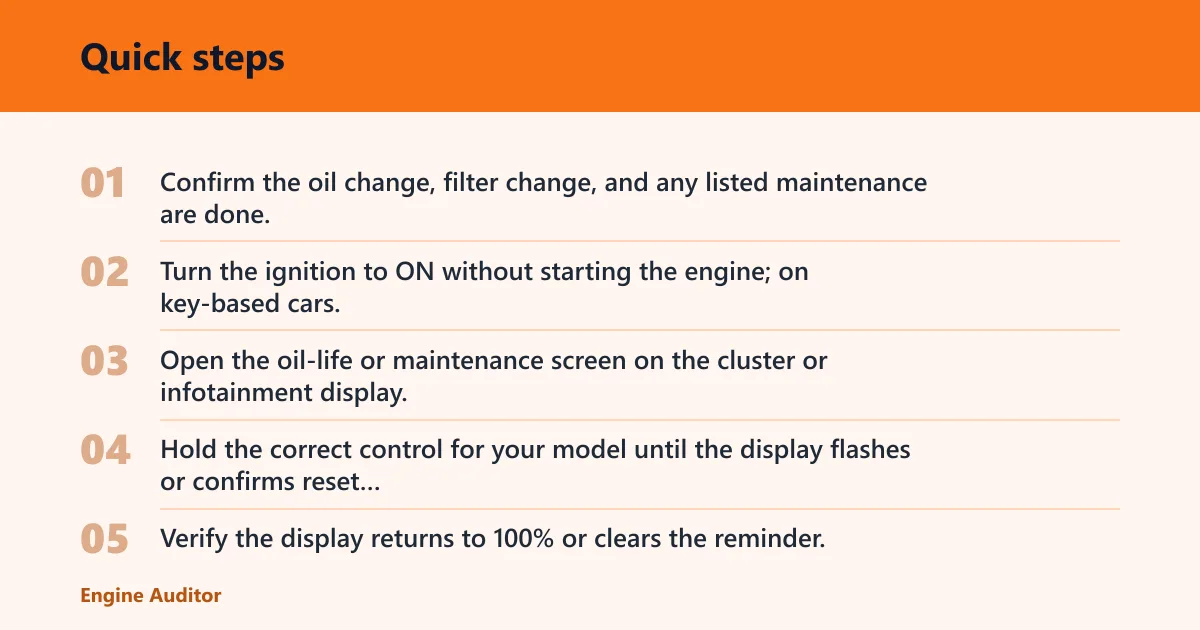
- Confirm the oil change, filter change, and any listed maintenance are done.
- Turn the ignition to ON without starting the engine; on key-based cars, this is ignition position II.
- Open the oil-life or maintenance screen on the cluster or infotainment display.
- Hold the correct control for your model until the display flashes or confirms reset completion; one common procedure uses about 10 seconds.
- Verify the display returns to 100% or clears the reminder.
For many older Civics, the trip reset button is used after the oil-life screen is selected. For some 2012 to 2022 Civics, the SEL/RESET button on the steering wheel controls the oil-life menu path. Newer Hondas may place the maintenance reset under a touchscreen path such as Home > Settings > Vehicle > Maintenance, then a reset command.
Honda Civic owners sometimes get stuck by resetting the wrong screen. Say your cluster shows trip A, trip B, and oil life. If you hold the reset control while trip A is highlighted, the reminder may stay on because the oil-life screen never received the command.
Why won’t the Honda Civic maintenance light reset?
When the reminder stays on after a reset attempt, the most common cause is a mismatch between the car’s display and the reset sequence. Wrong ignition position, wrong screen, incomplete service, or a separate fault code can all leave the reminder in place even after button presses.
Wrong ignition position
The reset sequence usually needs the ignition ON without starting. If the engine is running, or if the car is not fully in the accessory/ON state required by that generation, the menu may not accept the reset. Turn it off, return to the correct ignition state, then try again.
Wrong button or menu path for that generation
Older cluster-button Civics, newer steering-wheel-control Civics, and touchscreen-equipped models do not always use the same steps. If your model has a SEL/RESET button, use the oil-life menu first. If it has a maintenance menu in the infotainment system, use that path instead of the cluster button.
Incomplete service or missed maintenance code
The system may reject a reset if the maintenance work was not finished or if a service code still applies. Verify the oil service, tire rotation, and any inspection items listed by the reminder. A reset should clear a completed service, not substitute for it.
Battery disconnect or display issue
A battery disconnect can interrupt stored settings on some cars. If the display behaves oddly after power loss, cycle the ignition, re-enter the menu, and try the reset again. If the screen is blank, frozen, or missing the maintenance menu, the issue may be with the display itself rather than the reminder.
Stored diagnostic trouble code
If a scan tool shows an active code, the reminder may not clear normally. Use an OBD2 scanner to read the code first. Basic scanners can read and clear many codes, but many of them do not perform Honda maintenance resets, so do not assume any scanner can finish the job.
If that did not work, move to the next level: verify the exact menu path in the owner’s manual, then use a scan tool only for code reading or clearing. If the check engine light is present, fix that fault first. A maintenance reset will not repair an engine, sensor, or emissions problem.
What should I check before resetting the maintenance light?
Check the oil service first, then look at the other items the maintenance reminder commonly bundles with it. Tire rotation is often paired with the reminder, and fluids, brake wear, and other inspection points may be part of the same maintenance code. Resetting before those items are complete only hides the next service due.
- Engine oil was changed and the filter was replaced if required.
- Tire rotation was completed if the maintenance code called for it.
- Fluid levels were checked and topped up as needed.
- Brake condition was inspected if the service schedule called for it.
- No second warning light is active on the dash.
A common first-timer mistake is to reset the reminder after only topping off oil. That clears the display but leaves the actual service due. If the code included tire rotation or inspection items, finish those steps first, then reset.
Common mistakes
- Resetting before the oil change or inspection is finished.
- Using a generic reset method on the wrong Civic generation.
- Holding the button on the wrong screen, such as trip mileage instead of oil life.
- Ignoring a check engine light or other warning because the maintenance reminder is also on.
- Assuming every OBD2 scanner can clear Honda maintenance reminders.
Frequently asked questions
Why does my Honda Civic say maintenance required?
It usually means the Maintenance Minder reached a service point for oil and related checks, not that the engine has failed. Confirm the oil change or other scheduled work is complete, then reset the reminder using the exact method for your model year and display type.
What does the maintenance required light mean on a Honda Civic?
It is a service prompt tied to oil-life logic or related maintenance codes. On many Civics, the display starts at 100% and counts down to 0%, with service soon at 15% and immediate service at 5%. A separate warning light means you need diagnosis beyond routine maintenance.
Can I drive with the maintenance required light on?
Usually yes for a short time if it is the only warning light and the car drives normally. That said, the reminder is already telling you service is due or overdue. Arrange the oil change, rotation, or inspection promptly instead of waiting for another interval.
Does maintenance required mean I need an oil change only?
Often oil service is the main item, but the reminder can also include tire rotation and other inspection tasks. Check the maintenance code or owner’s manual, then complete every listed item before resetting the display. A reset should match the work that was actually done.
What’s the difference between maintenance required and maintenance minder?
“Maintenance required” is the dash reminder people see, while Maintenance Minder is the system behind it on many Civics. The system tracks oil life and service needs, then triggers the reminder when the percentage drops to its thresholds. The display is the symptom; the minder is the logic.
Why won’t my Honda Civic maintenance light reset?
The usual causes are the wrong ignition state, the wrong button sequence, the wrong menu path, or an unresolved fault code. Recheck the display type, use the correct reset control, and confirm the service is complete. If another warning light is on, scan for codes first.
Products related to this article
Sponsored / affiliate links. As an Amazon Associate I earn from qualifying purchases. I may earn additional commission from eligible campaigns.