How to Reset Honda Civic Maintenance Minder After Service
Set the ignition to ON and keep the engine off. Open the oil-life or maintenance screen for your dash type, then hold the reset control or follow the menu path until the display returns to 100% or clears the serviced item. Do it after the oil change or other service is finished.
How to reset it
What you’ll need
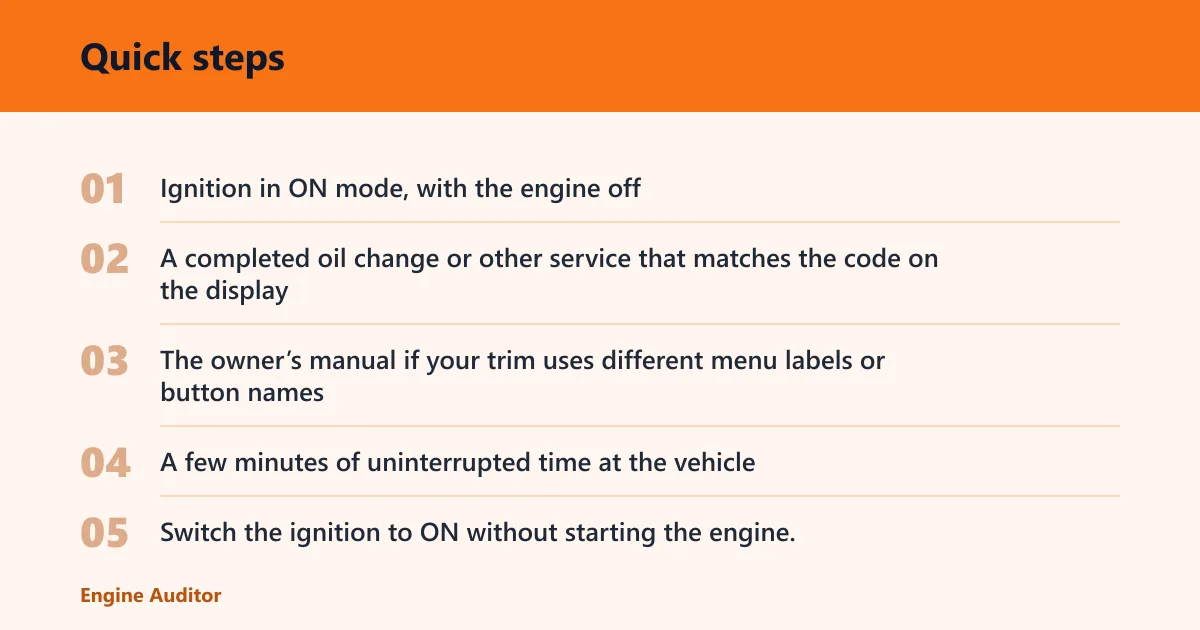
- Ignition in ON mode, with the engine off
- A completed oil change or other service that matches the code on the display
- The owner’s manual if your trim uses different menu labels or button names
- A few minutes of uninterrupted time at the vehicle
Reset steps
- Switch the ignition to ON without starting the engine.
- Open the oil-life or Maintenance Minder screen for your cluster type.
- Choose the reset option that matches the service you completed.
- Confirm the reset and verify the display returns to 100% or clears the due item.
Maintenance Minder reset table
| Dashboard type | Exact reset path | What to do if the code returns | Troubleshooting check |
|---|---|---|---|
| Touchscreen Civics | Settings > Vehicle > Maintenance Info > Reset | Go back to Maintenance Info and reset only the item that was serviced, if the menu offers individual items | If you were on a trip screen, move to the maintenance screen first; if the code still returns, check whether the service was actually completed |
| SEL/RESET-button Civics | Ignition ON, display on oil life or maintenance screen, then press and hold SEL/RESET until the display changes and completes the reset | Repeat on the correct maintenance screen, not a trip meter or settings page | If the display is in accessory mode, change to ON; if the code returns, the service may have been partial or not done |
| Older TRIP/RESET models | Ignition ON, use the cluster screen that shows oil life or maintenance info, then hold the TRIP/RESET control until the indicator clears or returns to 100% | Reopen the maintenance screen and repeat the hold sequence only after the completed service item is selected | If the wrong screen is open, the hold will do nothing useful; if the same code returns, verify the exact service item first |
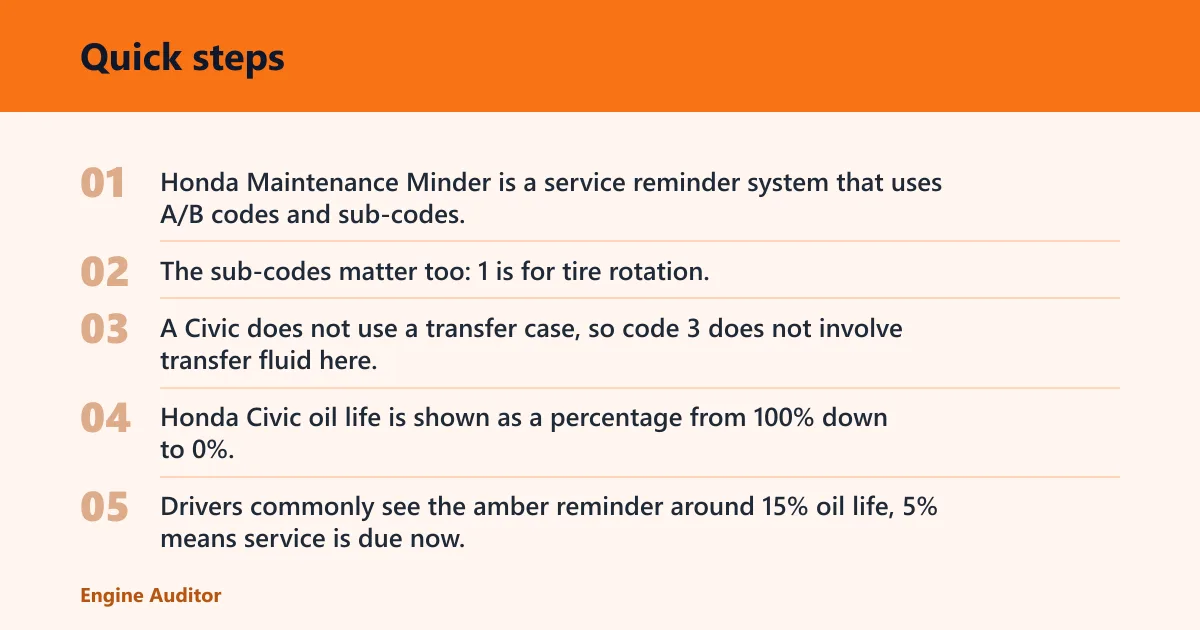
Honda Maintenance Minder is a service reminder system that uses A/B codes and sub-codes, tracks oil life and other maintenance items, and must be reset manually after service. A usually points to engine oil service. B adds broader inspection items. The sub-codes matter too: 1 is for tire rotation, 2 covers air cleaner and cabin filter related items, 3 refers to transmission fluid on a Civic, 4 covers spark plugs, timing belt, or valve clearance items where applicable, 5 is for engine coolant, and 6 refers to rear differential fluid. A Civic does not use a transfer case, so code 3 does not involve transfer fluid here.
Honda Civic oil life is shown as a percentage from 100% down to 0%. Drivers commonly see the amber reminder around 15% oil life, 5% means service is due now, and 0% means the car is past due and still needs attention. A successful reset should bring the display back to 100% or clear the serviced maintenance item.
Say your Civic shows A1 after an oil change and tire rotation. If the touchscreen menu offers individual items, you can clear the serviced item rather than wiping unrelated reminders. Suppose the display still shows B1 after only the oil was changed; that usually means the tire rotation portion was not reset, so the code can come back until the full A/B combination is matched to the work done.
Why won’t it reset?
Most failed resets come from the wrong screen, accessory mode, a partial reset, or service that was not actually performed. The fix order matters. Start with the screen you are on, then the ignition position, then the service record, because those four checks explain most return codes.
If the wrong screen is open
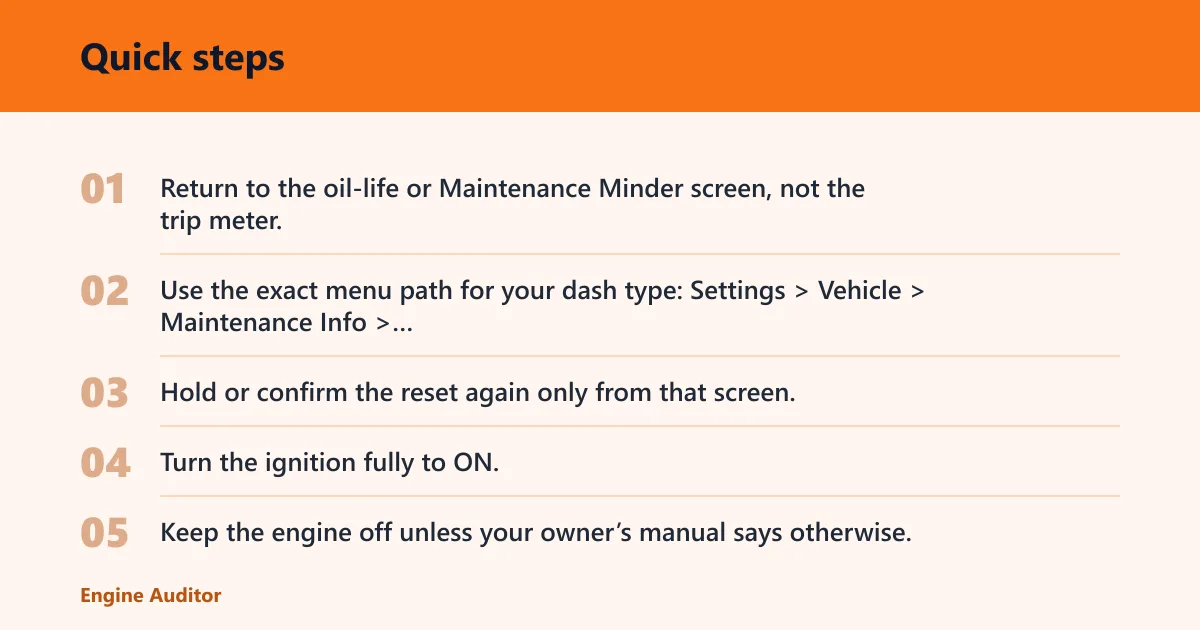
- Return to the oil-life or Maintenance Minder screen, not the trip meter.
- Use the exact menu path for your dash type: Settings > Vehicle > Maintenance Info > Reset, or the steering-wheel menu on many 2016+ Civic trims.
- Hold or confirm the reset again only from that screen.
If the ignition is in accessory mode
- Turn the ignition fully to ON.
- Keep the engine off unless your owner’s manual says otherwise.
- Run the reset again with the display awake and stable.
If only part of the code was serviced
- Match the code to the work completed: A, B, and any sub-code.
- Reset only the item that was actually serviced if the menu allows item-by-item clearing.
- If the car only offers a general reset, note the remaining due item on your service record.
If the service was not performed
- Stop and verify the oil change or related maintenance was completed.
- Check the invoice or maintenance notes against the displayed code.
- Complete the missing service before trying to clear the minder again.
A common first-timer mistake is resetting before the oil filter is changed. The display may clear, but the record is now out of sync with the actual service. Another common miss is expecting the same menu path on every Civic; many 2015+ Honda menus use the touchscreen path, while many 2016+ Civic trims use steering-wheel or Driver Information Interface controls instead.
If that didn’t work, try this next: confirm the exact item on the screen, then compare it with the work just completed. If the code still returns after a correct reset, a dealer can clear it quickly and check whether the reminder logic matches the vehicle’s service history.
Common mistakes
- Resetting before the oil change or inspection is finished
- Trying to clear the minder in accessory mode instead of ON mode
- Using the touchscreen path on a Civic that resets through steering-wheel menus
- Expecting the Maintenance Minder to clear a check engine light
- Assuming every Civic can clear only one sub-code at a time
The Maintenance Minder is separate from the check engine light. A reset will not erase engine fault codes or fix a running problem. If the check engine light is on, treat that as a different issue and diagnose it separately.
Should you reset it after service?
Reset the minder after the oil change or service is complete, then verify the display shows 100% or the correct cleared state. If the same code returns, match the screen to the work actually done and check the maintenance record before trying again.
Write down the code, the reset date, and the service items so the next interval is tracked correctly. That record helps when the vehicle later shows a combined A/B code, because the display can only stay accurate if the last service is documented correctly.
Prevention
Keep the service invoice or repair note with the code, the date, and the completed items. That simple record makes the next Maintenance Minder reset much easier to verify.
Frequently asked questions
How do I reset the Honda Civic maintenance minder after service?
Turn the ignition to ON, open the maintenance or oil-life screen, then hold SEL/RESET, TRIP/RESET, or use the menu path until the display returns to 100% or clears the serviced item. The exact path depends on the dash layout and trim.
Why won’t the Honda Civic maintenance light reset?
Check the screen first, then the ignition position, then whether the service was actually completed. Wrong screen, accessory mode, and partial reset are the most common causes. If the same code remains after a correct reset, the car may still be waiting on an unperformed item.
Do I need the engine running to reset the maintenance minder?
No. Most Civic reset procedures use ignition ON with the engine off. Accessory mode may not work. If the display does not respond, switch to ON and repeat the same menu path or button hold.
Can I reset Honda Civic oil life without a scan tool?
Yes. A normal Maintenance Minder reset does not need a scan tool. Use the cluster menu or the SEL/RESET control, then confirm that the oil life returns to 100% or the serviced item clears.
What should the oil life show after a successful reset?
It should return to 100% on the oil-life display, or the serviced maintenance item should clear. If only one item was serviced and the interface supports item-by-item reset, the remaining due items may stay visible.
Will resetting the maintenance minder clear a check engine light?
No. The Maintenance Minder and the check engine light are separate systems. Resetting the minder only clears the service reminder. Use a fault-code scan and diagnosis for an engine warning light.
Products related to this article
Sponsored / affiliate links. As an Amazon Associate I earn from qualifying purchases. I may earn additional commission from eligible campaigns.