Chevy Remote Start Not Working? Troubleshooting Guide
If your Chevy remote start won’t work, start with the key fob battery, then check the vehicle’s start conditions: an active Check Engine Light, an open hood, shifter not in Park, or a door, hood, or liftgate that is not fully latched can block the command. Chevy remote-start behavior also varies by model year and trim, so the exact command sequence and lock/start timing in your owner’s manual matters. GM’s guidance also makes clear that app-based starting depends on account and service status, not just the vehicle itself.
Diagnosing remote start symptoms and next steps

What you’ll need
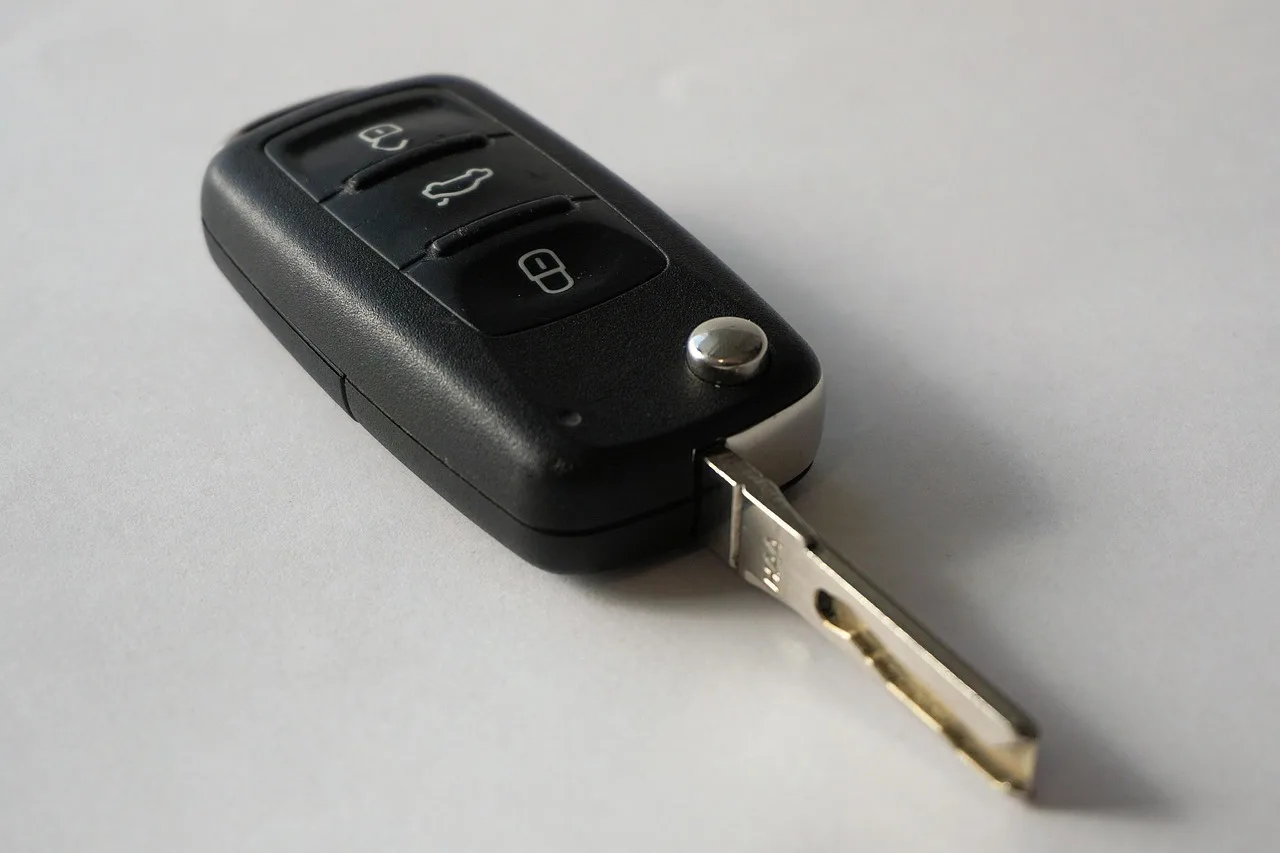
- Spare key fob for a direct comparison
- Owner’s manual or remote-start section for your exact Chevy model
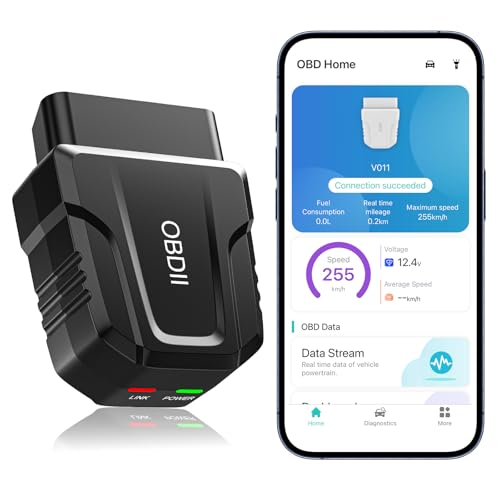
- Basic code reader if the Check Engine Light is on
- Phone with myChevy app access and current login details
- A way to check vehicle battery voltage, such as a multimeter
Remote-start decision table
| Symptom pattern | Likely cause | Confirming clue | Quick at-home test | Next action |
|---|---|---|---|---|
| No response | Dead fob battery, out-of-range fob, app outage, or a disabled system | No lock-cycle feedback, no horn/chime response, and the spare fob behaves differently | Try the spare fob within close range and check whether the vehicle responds at all | Replace the fob battery, then check app or OnStar status if the fob still fails |
| Single flash, no crank | Safety interlock, weak vehicle battery, or a stored fault that blocks remote start | The vehicle acknowledges the command but refuses to continue, often with a warning light or latch concern | Confirm Park, fully closed panels, no warning lights, and normal cranking from the key or button | Inspect hood, door, and liftgate switches; scan for codes if the Check Engine Light is on |
| Starts then shuts off | Wrong key-fob command sequence, unstable battery voltage, or a blocked startup condition | Engine starts briefly, then stalls or shuts down in a repeatable pattern | Watch for a repeatable shutoff pattern and compare with a normal start and idle | Test the vehicle battery, then check for open-panel signals and engine faults |
| App command fails but fob works | myChevy login, phone pairing, OnStar status, or app cache issue | Fob start works from the same location, but the phone command fails or times out | Send the command again after force-closing the app and checking account status | Clear app cache, sign in again, and verify OnStar authorization |
How to narrow the cause
A symptom-first check is faster than swapping parts. Start with the exact failure pattern, then split the problem into fob, vehicle, app, or safety-interlock branches. That order matters because a working spare fob points away from the vehicle and toward the original battery or its signal path. GM and Chevrolet support both use this same divide-and-conquer logic: confirm the command source first, then the vehicle conditions that allow remote start.
- Confirm the exact failure pattern: no response, one flash with no crank, start then shutoff, or app-only failure.
- Test the spare fob near the vehicle, then compare response, button feel, and range with the original fob.
- Check the vehicle battery and note whether a normal start still sounds strong and immediate.
- Inspect the hood, doors, and liftgate for a false-open signal or an obviously misaligned latch.
- Check for warning lights, app login problems, OnStar status, or an aftermarket module that may need separate diagnosis.
Why the symptom pattern matters
No response usually points to the command source, while a flash with no crank points to a vehicle-side block. A start that dies after a few seconds often means the truck, SUV, or car is seeing a safety or voltage problem after the command is accepted. App-only failure is a separate branch because the command depends on myChevy, OnStar, and account authorization rather than the fob radio path alone.
Say your Silverado remote starts from the fob in the driveway, but the myChevy app gives a failure message from the same location. That difference usually moves the diagnosis away from the vehicle and toward the phone, the account, or the OnStar link. Chevrolet and OnStar support both note that app commands can fail if the subscription, login, vehicle pairing, or service authorization is not active.
What to check first
Remote start can fail for different reasons on factory, app-based, and aftermarket systems. Some trims and model years have factory remote start built in; others require an added module or a dealer-installed package. That affects the repair path, so confirm which system you have before you buy a battery or schedule service. Also note that not every Chevrolet model uses the same remote-start sequence or the same lock-start timing, so the owner’s manual is the right reference for command steps.
Factory vs app-based vs aftermarket
Factory remote start uses the key fob or an in-vehicle command path. App-based remote start depends on the myChevy app, OnStar authorization, and a working data connection. An aftermarket module may add longer range, but it also adds wiring, programming, and a separate failure point. If the vehicle has an added remote-start module, its own fuse, wiring, relearn, or reset behavior may not match factory GM logic.
Key fob battery
A weak fob battery often shows up as short range, inconsistent button response, or the need to stand closer to the vehicle. Compare the original fob with the spare. If the spare works normally, replace the original battery before you suspect the car. GM service literature and battery guidance generally treat coin-cell weakness as a common first check because low transmitter power can prevent the vehicle from receiving a valid remote-start command.
Vehicle battery
A weak vehicle battery can still crank the engine but block remote start first. Cold weather makes that more likely because battery voltage drops under load. Battery authorities generally describe a healthy 12-volt battery as sitting near full charge at rest, while a noticeably lower resting reading suggests a weak state or discharged battery; the exact cutoff is less useful than the trend, the load behavior, and whether the vehicle starts normally afterward. Test it before chasing software or key fob problems.
Hood, door, and trunk switches
Remote start shuts down when the vehicle thinks a panel is open. A hood latch that is slightly misaligned, a door switch that reads open, or a liftgate sensor that stays active can all trigger a safety block. False-open sensing is common after body work, a slam, or ice buildup.
Check engine light
An active Check Engine Light may disable remote start even if the engine still starts and runs normally with the key or button. That said, not every CEL affects every Chevy the same way, and some faults block remote start while others do not. Stored diagnostic trouble codes matter because the system may block remote start until the fault is fixed. Clearing the light alone is not enough if the cause remains.
myChevy app and OnStar
The myChevy path has its own failure list: outdated phone software, weak Bluetooth or Wi-Fi signal, app cache problems, login errors, inactive OnStar, or a vehicle/account mismatch. If the app fails but the fob works, treat it as an account or communication problem first. OnStar and GM support both emphasize that remote commands depend on an active subscription, a signed-in account, and the vehicle being properly linked. If needed, verify OnStar status by calling 1-888-4ONSTAR.
How do you reset Chevy remote start?
A reset can clear a temporary app or command issue, but it will not fix a bad battery, open-latch signal, or active fault code. Start with the least invasive step: use the spare fob, then recheck the original. If the failure returns, treat it as a diagnostic clue, not a cure. Factory systems and aftermarket modules may also reset differently, so a successful reset on one vehicle does not prove the same fix will work on another.
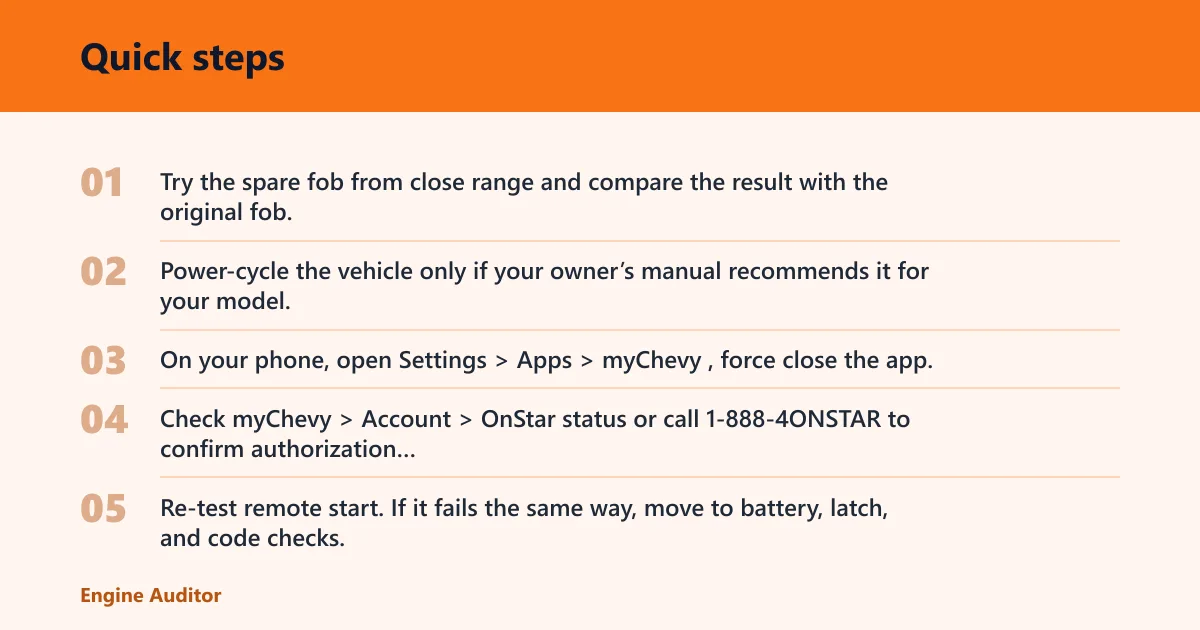
- Try the spare fob from close range and compare the result with the original fob.
- Power-cycle the vehicle only if your owner’s manual recommends it for your model.
- On your phone, open Settings > Apps > myChevy, force close the app, clear cache and data, then sign in again.
- Check myChevy > Account > OnStar status or call 1-888-4ONSTAR to confirm authorization and vehicle sync.
- Re-test remote start. If it fails the same way, move to battery, latch, and code checks.
A common first-timer mistake is to clear the app and assume the whole system is fixed. If the vehicle battery is weak or the hood switch still reads open, the next command will fail again. That repeat failure is useful information. If an aftermarket module is installed, a successful app reset may not touch the module at all, which is why factory-vs-aftermarket identification matters before you call the repair complete.
What stops remote start on a Chevy?
The usual blockers are simple, but they do not behave the same way. A dead fob battery causes command loss. A weak vehicle battery may block remote start before normal starting becomes noticeably difficult. A false-open hood or door switch can stop the command even when everything looks closed. Cold weather can make all of these problems show up sooner because battery output drops and latches can be less forgiving.
Common blockers to check
- Key fob battery and reduced range
- Weak vehicle battery, especially in cold weather
- Open or misread hood, door, or liftgate switches
- Check Engine Light or stored trouble codes
- myChevy or OnStar authorization problems
- Aftermarket module wiring or programming faults
Picture a vehicle that starts normally from the button on a mild day, but the remote start refuses after an overnight freeze. That pattern points first to battery voltage and signal quality, not to a failed starter motor or a bad engine. Cold weather can expose a weak battery that was already near the edge, and it can make a marginal remote-start module act unreliably even when the truck otherwise seems fine.
Common mistakes
Owners often replace the key fob battery when the vehicle battery is the real problem. They also ignore a Check Engine Light because the engine still starts, or they treat app failure as the same as fob failure. Those shortcuts lead to wasted parts and wrong repairs.
- Replacing the fob battery before comparing it with the spare fob
- Skipping latch inspection when the vehicle thinks a panel is open
- Clearing codes without checking why the Check Engine Light came on
- Assuming myChevy and OnStar are the same thing as the key fob
- Buying an aftermarket module part before confirming the system type
When should I take my Chevy in for dealer help?
Take it in when the same failure repeats after the fob, battery, latch, and app checks, or when the vehicle stores codes you cannot read. Dealer help is also smart if the system is factory-installed and the problem looks like a BCM, radio, or module communication fault. Repeated failure after a reset is a diagnostic sign, not proof that the system just needs another app refresh.
If the remote start works from the fob but not from the app, the dealer is not always the first stop. Verify OnStar status first, then the phone app and account match. If both fob and app fail, or the vehicle shows a warning light, schedule service sooner. If the vehicle has an aftermarket remote-start module, the dealer may not service the add-on itself, so the installer or an aftermarket specialist may be the better next step.
Frequently asked questions
Why is my Chevy remote start not working?
Start with the command source: a bad fob battery, app login issue, or weak vehicle battery can stop the system before anything else. Then check Park, hood, doors, liftgate, and warning lights. The fastest path is to compare the spare fob with the original and scan for codes. Model-year differences matter, so the exact button sequence and allowed conditions should come from your owner’s manual.
Can a check engine light disable Chevy remote start?
Yes. A lit Check Engine Light can block remote start even if the engine still starts with the key or button. Read the code with a scanner, repair the fault, and clear the code only after the cause is fixed. Clearing it alone may not restore remote start, and not every CEL behaves identically across Chevy trims or model years.
Why does my key fob start work but remote start does not?
That split usually points to a remote-start-specific block, not a dead vehicle. Check the hood, doors, liftgate, and any warning light first. If the fob unlocks doors but remote start fails, the issue is often a safety interlock, code, or battery-voltage problem. If the vehicle is equipped with an aftermarket module, its programming or wiring can also cause this split behavior.
Will a weak car battery affect Chevy remote start?
Yes. A weak vehicle battery can still crank the engine yet fail remote start first, especially in cold weather. Test the battery and look for a resting voltage that suggests weakness rather than relying on the dashboard alone. Low voltage can disrupt modules and cause intermittent remote-start behavior long before a no-start condition appears.
Does myChevy or OnStar need to work for remote start?
For app-based remote start, yes. The app typically needs a valid login, vehicle sync, and active OnStar authorization for app-based remote start. If the fob works but the app does not, force close the app, clear cache and data, sign in again, and confirm the account by calling 1-888-4ONSTAR. Subscription expiration or an account mismatch can stop app control even when the vehicle itself is fine.
Do door, hood, or trunk latches affect remote start?
Yes. A misread hood, door, or liftgate switch can tell the vehicle a panel is open even when it looks closed. Inspect latch alignment, ice buildup, and any recent body work. False-open sensing is a common reason for a one-flash, no-crank failure.
Why does Chevy remote start fail in cold weather?
Cold weather often exposes weak batteries, sticky latches, and marginal connections, so a system that worked yesterday may fail after an overnight freeze. That can affect the key fob, the vehicle battery, or an aftermarket module. If the failure appears only in cold weather, battery health and latch sensing are the first places to check.
How do you diagnose an aftermarket remote-start module?
Start by identifying whether the vehicle is factory-equipped or has an add-on module, because the failure logic is different. Check the module’s fuse, wiring, and any reset or valet procedure from the installer documentation. If the factory system still works but the add-on does not, the module, its programming, or its ground and power supply are the likely suspects.
Products related to this article
Sponsored / affiliate links. As an Amazon Associate I earn from qualifying purchases. I may earn additional commission from eligible campaigns.