Chevy Key Fob Battery Dead? Replacement and Reset Steps
If your Chevy key fob is dead or weak, start with the coin-cell battery. Many Chevy fobs use a CR2032, CR2025, or CR2016 battery, depending on model and year. Check the battery contacts before you assume the fob needs reprogramming. A bad battery can leave you locked out, and on push-button start models it can stop remote start until you use the backup start method.
What a dead Chevy key fob looks like


Weak range, slow response, and spotty lock or unlock commands usually point to a fading coin cell. Total no-response is different: the battery may be fully dead, the contacts may be dirty, or the shell may be damaged. In many Chevrolet models, the car can still start with a dead smart fob if you use the backup start method.
What the symptoms usually mean
A low battery warning may give you some time before complete failure. If the fob works only when you stand close to the vehicle, the battery is usually the first thing to check. If the car starts but the buttons fail, the battery can still be weak enough to stop remote functions while leaving the immobilizer function intact.
- Weak range: battery voltage is dropping.
- Delayed response: the fob may be near the end of battery life.
- Intermittent locking and unlocking: often a weak battery or dirty contacts.
- Total no-response: battery, contact, shell, or button failure.
What you need before opening the fob
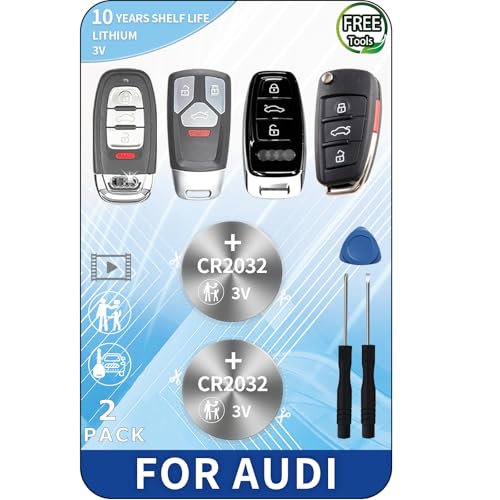
Check the battery type on the fob or in the Chevy owner’s manual before you buy anything. Many vehicles use a CR2032, CR2025, CR1632, or CR1620 coin battery, but Chevrolet battery type varies by model and production year. Common reader locations vary by model, so the owner’s manual is the best place to confirm the exact battery and any battery-reader spot if your vehicle has one. A CR2032 is a common 3V lithium coin cell and is usually inexpensive at retail.
- Correct coin-cell battery size from the fob or owner’s manual
- Flathead screwdriver or plastic pry tool
- Clean work surface
- Tray or small container for the old battery and shell pieces
How do you open a Chevy key fob?
Open the case at the seam or release point, and remove the hidden mechanical key first if that design uses one. Pry gently. A small flathead screwdriver or plastic pry tool works, but a non-marring plastic tool is better because it reduces shell damage and keeps the case tabs from cracking.
- Press the release and slide out the hidden mechanical key, if present.
- Find the seam or notch in the shell.
- Insert a flathead screwdriver or plastic pry tool into the seam.
- Twist just enough to release the clips.
- Separate the halves without forcing the case apart.
How do you replace the battery?
Note the positive and negative sides before you remove the old coin cell. Install the new battery in the same orientation, then snap the shell back together and make sure the case is fully seated. If the battery flips the wrong way, the fob will not work even if the cell is new.
- Lift out the old coin cell.
- Match the positive and negative markings to the old battery position.
- Place the new coin cell in the same direction.
- Rejoin the shell until every edge sits flush.
- Test lock, unlock, and trunk functions.
Suppose a 2018 Chevy remote opens from the driveway only when you stand beside the driver door. That weak range fits a dying battery more than a broken fob. If a fresh CR2032 goes in the same orientation and the buttons still fail, the next check is the contact leaf inside the shell.
Chevy key fob troubleshooting decision table
| Symptom | Likely cause | Correct battery action | Reprogramming needed? | Backup start method |
|---|---|---|---|---|
| Weak range | Low coin-cell voltage | Replace with the correct CR2032, CR2025, or CR2016 from the manual | No, usually not | No, unless the fob fully dies |
| Intermittent lock or open | Weak battery or dirty contacts | Replace battery and inspect the contact pads | No, usually not | Only if the fob later becomes dead |
| Total no-response | Dead battery, bent contact, or cracked shell | Install the correct battery and check orientation | No, unless vehicle instructions say otherwise | Yes, if it is a push-button start model |
| New battery still dead | Corrosion, worn buttons, missing retainer, or damaged shell | Clean contacts and inspect the case | Usually no | Use only as a temporary start method |
| Push-button start emergency use | Fob battery fully dead | Battery swap later; start first if needed | No | Hold fob near the start button or reader |
Does a Chevy key fob need reprogramming?
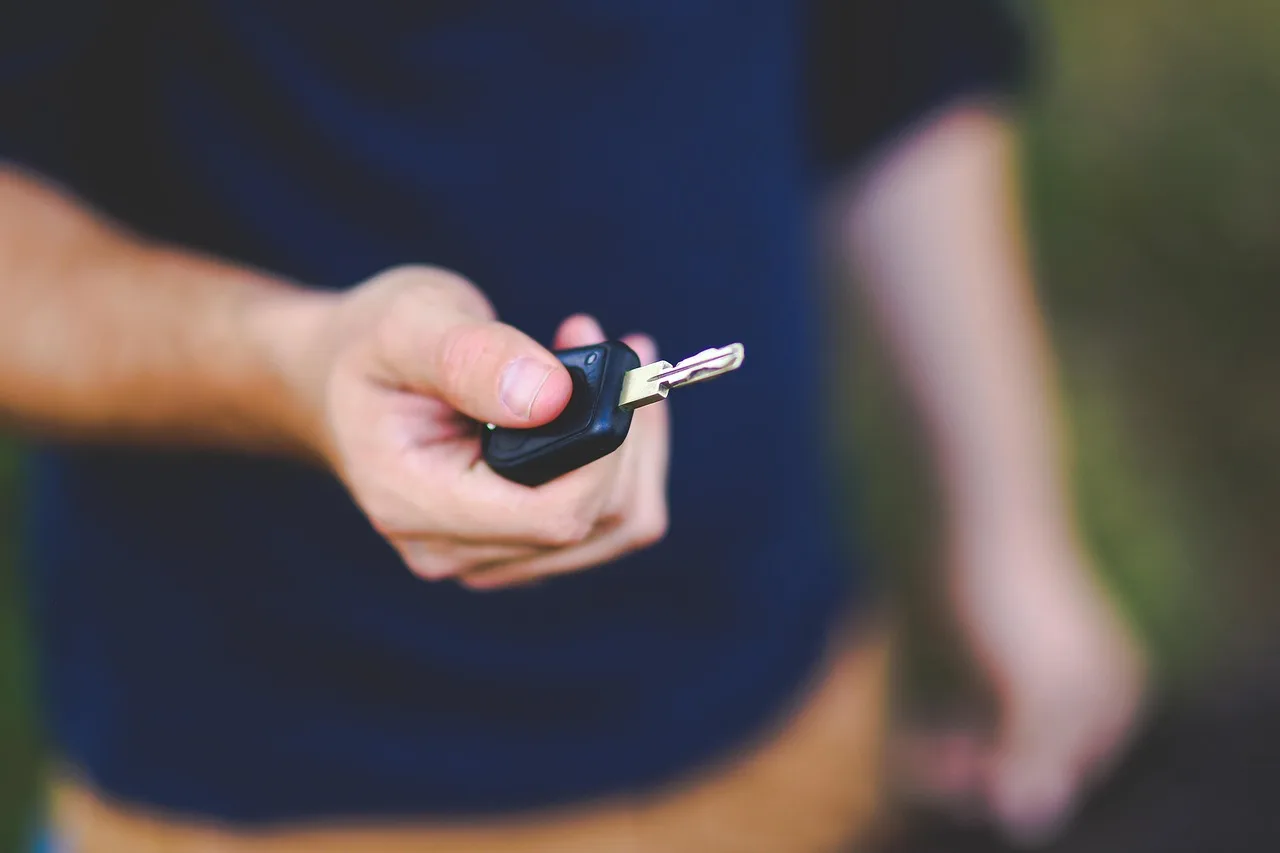
Most battery swaps do not need reprogramming. If the fob starts working after the new cell goes in, stop there. Reprogramming becomes worth considering only when the battery is confirmed correct and the fob still fails after contact and shell checks.
What if the new battery still does not work?
If a new battery leaves the fob dead, inspect the contact points, the case, and the battery retainer. Bent or corroded contacts can stop current flow. A cracked shell can shift the battery off its pads. A missing retainer can let the coin cell move when you press a button.
- Open the shell again and verify the battery size.
- Check that the positive and negative sides match the old layout.
- Look for green or white corrosion on the contacts.
- Press the battery gently to confirm the retainer holds it flat.
- Inspect the buttons for wear or sticking.
A common first-timer mistake is using a CR2032 where the fob calls for a thinner cell. The case may close, but the battery can sit too high and fail to touch both contacts. That leaves the fob dead even though the replacement is new.
If that didn’t work, try this next
Clean corrosion from the contacts carefully with isopropyl alcohol and a cotton swab or a soft brush, then let the parts dry completely. If the contacts remain bent, the shell may need replacement. If the fob still fails after the correct battery and a clean contact set, the issue is no longer a simple battery swap and a dealer or locksmith should inspect it.
- Remove the battery again.
- Clean the contacts and dry them fully before retesting.
- Close the shell and retest.
- Use the owner’s manual for model-specific reset or relearn steps if listed.
- Schedule professional service if the shell or contact frame is damaged.
How do you start a Chevy with a dead key fob?
Use the hidden mechanical key if you need door access, then start the vehicle with the backup reader method on push-button start models. Chevy systems can detect a dead fob through a short-range reader. Hold the fob against the start button or the designated reader area, then press the brake and start the vehicle.
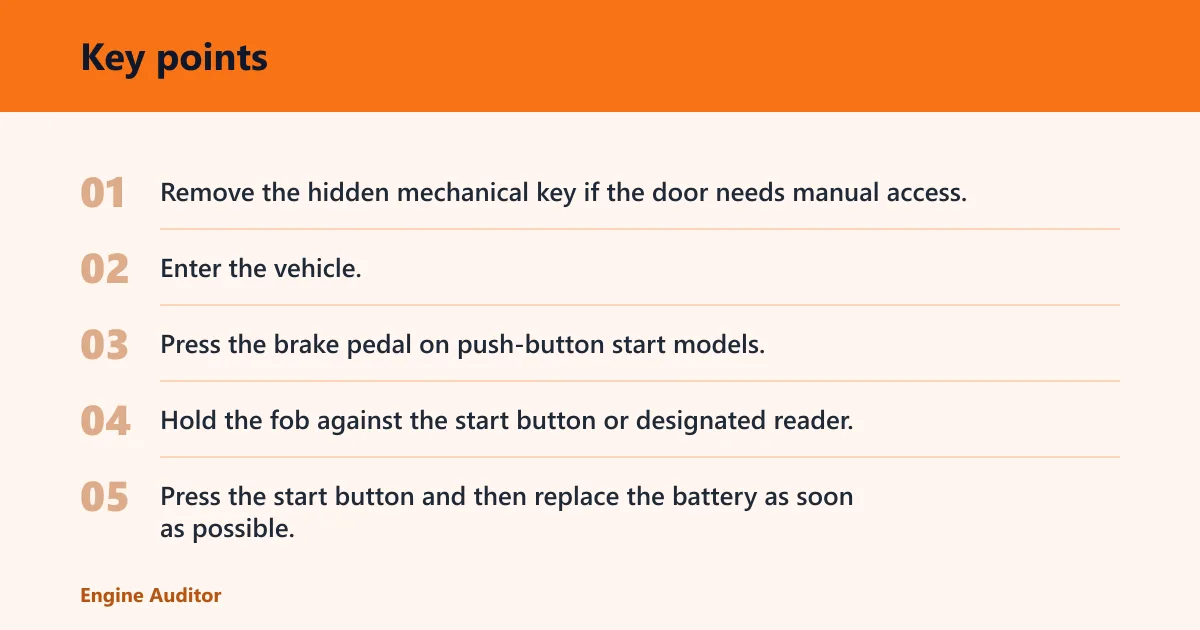
Backup start steps
This is a start method, not a reprogramming step. It is meant for a fully dead fob battery on compatible push-button start Chevys. The exact reader location can vary by model, so the owner’s manual matters here. Some vehicles place the reader directly behind the start button; others use a nearby marked spot.
- Remove the hidden mechanical key if the door needs manual access.
- Enter the vehicle.
- Press the brake pedal on push-button start models.
- Hold the fob against the start button or designated reader.
- Press the start button and then replace the battery as soon as possible.
Picture a push-button start Chevy that opens with the mechanical key but ignores the remote buttons after the battery dies. If the car recognizes the fob only when it touches the start button, that is normal backup-start behavior, not proof that the key fob has failed permanently.
How much does a Chevy key fob battery replacement cost?
DIY battery replacement is usually the cheapest path. Common replacement batteries cost about $3-$8. Dealer service is higher. Professional replacement typically takes 20-35 minutes, while the battery swap itself usually takes less than 5 minutes.
- DIY: lowest cost if you already have the right coin cell and pry tool.
- Locksmith: useful if the shell is damaged or the key is stuck.
- Dealer: the safer call when your model has a unique reader or battery design.
Frequently asked questions
What battery does my Chevy key fob use?
Check the fob body or the owner’s manual first. If the shell is already open, match the old battery’s printed code and install the replacement in the same orientation.
How do I open a Chevy key fob without breaking it?
Remove the hidden mechanical key if your fob has one, then pry at the seam with a small flathead screwdriver or plastic pry tool. Use just enough force to release the clips. A plastic tool is better for avoiding shell damage, especially on tight cases or older fobs with brittle tabs.
How do I replace the battery in a Chevy key fob?
Open the shell, note the positive and negative sides, remove the old coin cell, and place the new one in the same direction. Snap the case closed until the edges sit flush. Then test lock, unlock, and trunk buttons before deciding anything else is wrong.
Do I need to reprogram my Chevy key fob after battery replacement?
Usually no. If the fob works after the battery swap, no reset is needed. If it still fails, check the contacts, shell, and battery size first. Only after those checks should you follow any model-specific relearn or dealer instructions in the owner’s manual.
Why does my Chevy key fob still not work after a battery swap?
The usual causes are bent contacts, corrosion, a cracked shell, worn buttons, or the wrong battery size. Confirm the battery orientation, then inspect the contact pads and retainer. If the cell is correct and the shell is intact, the problem may be beyond a simple battery issue.
How do I start my Chevy if the key fob battery is dead?
Use the hidden mechanical key for door access if needed, then hold the dead fob against the start button or the designated reader area. On push-button start models, press the brake and start the vehicle. The exact reader placement is model-specific, so the owner’s manual should confirm it.
Is a low key fob battery the same as a bad key fob?
No. A low battery often causes reduced range and intermittent response long before the fob is truly dead. Replace the coin cell first. If the fob still fails with a correct battery, then inspect the shell, contacts, and button assembly before calling it a bad fob.
Products related to this article
Sponsored / affiliate links. As an Amazon Associate I earn from qualifying purchases. I may earn additional commission from eligible campaigns.