Can You Start Your Car With the Chevy App? (Expert Answer)
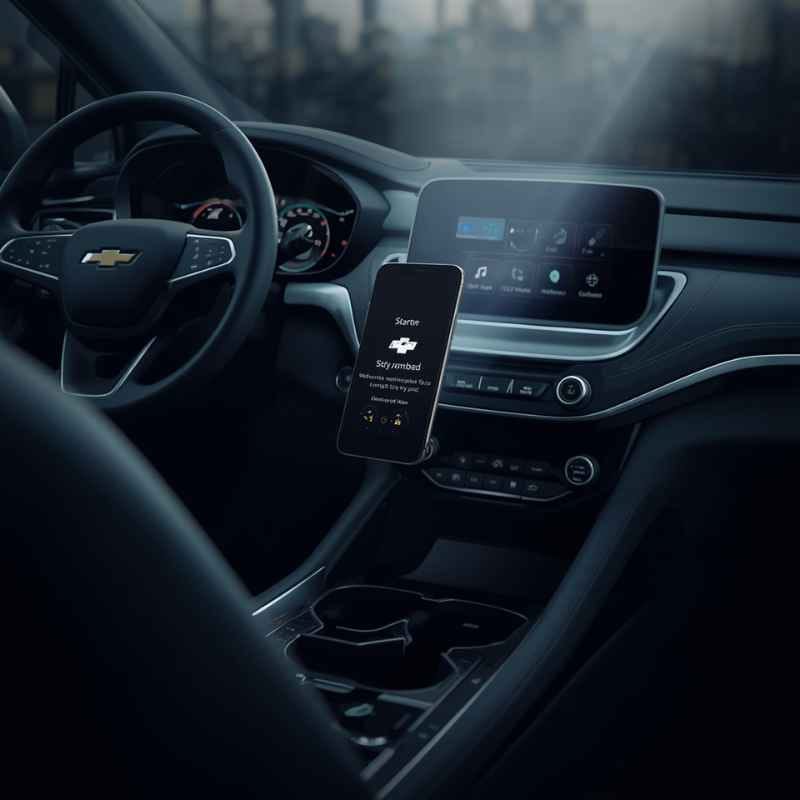
You can start your Chevrolet remotely using the myChevrolet mobile app. This feature is called Remote Start. It allows you to warm up or cool down your car’s cabin. You need an active eligible OnStar or connected services plan. Your vehicle must also be equipped with the remote start feature.
Starting Your Chevy With the App: The Inside Scoop
So, what exactly is this magic behind starting your car with a phone app? It’s all part of Chevrolet’s connected services. These systems link your car to a network. This network lets you control certain functions from afar. The main player here is the myChevrolet mobile app. It’s your digital key to many car features.

MPC
MPC Remote Start Kit Compatible with Chevrolet…
- WHAT'S INCLUDED - Complete remote start system compatible with Select GMC & Chevrolet Trucks & SUVs. Package includes a smartphone…
- FEATURES - Smartphone control lets you start your vehicle from your mobile device; also works with the factory remote by pressing…
- EASY PLUG-IN INSTALLATION - Utilizes a plug-in T-harness that reduces manual wire connections. Installation is simple and includes…
As an Amazon Associate I earn from qualifying purchases.
The core technology is built into your car. It’s a small computer system. This system connects to satellite and cellular networks. When you use the app, it sends a command. This command travels through the internet. Then, it reaches the car’s computer via the network. The car receives the signal and acts on it. It’s like sending a text message to your vehicle.
How the Remote Start Feature Works
Remote Start isn’t just about turning the engine on. It’s about preparing the cabin for you. When you activate Remote Start through the app, your car’s engine turns on. Simultaneously, it activates your climate control system. This means the heat or air conditioning will start working. It will run for a set amount of time. This is usually around 10 to 15 minutes.
After this time, the engine will shut off. This is a safety feature. It prevents the car from running indefinitely. You can, however, restart the remote start sequence. You can do this if you need more time. You simply use the app again. The car will then start for another cycle.
Why Does it Need Special Systems?
Starting a car involves complex systems. The engine needs to turn over. Fuel needs to be supplied. The ignition system must spark. Doing this remotely requires a secure and reliable connection. It also needs to meet safety standards. You don’t want just anyone starting your car.
Chevrolet uses its OnStar service for this. OnStar is a connected car service. It provides safety, security, and convenience features. Remote Start is one of these convenience features. It requires an active subscription. This subscription ensures the communication link is always active. It also verifies you are the authorized user.
What About the App Itself?
The myChevrolet app is available for both iOS and Android devices. You download it from your phone’s app store. Once installed, you link it to your Chevrolet account. This account is tied to your vehicle’s VIN (Vehicle Identification Number). After setup, you’ll see various features. Remote Start is usually a prominent button.
The app shows your car’s status. It can tell you if doors are locked or unlocked. It can show tire pressure. And, of course, it has the Remote Start button. Tapping this button sends the command. You’ll often get a confirmation message on your phone. This tells you the command was received and is being processed.
My Own Close Call With a Cold Start
I remember a particularly brutal January morning a few years back. The snow was falling hard. It was still dark outside. I had an early meeting across town. The kind of meeting where being late is just not an option. I bundled up in my warmest clothes. I grabbed my briefcase and headed for the front door.
Stepping outside was a shock. The wind howled. The snow was already a few inches deep. My car was a white lump in the driveway. I shivered as I fumbled for my keys. The thought of sitting in a freezing car, waiting for the heater to kick in, felt unbearable. My fingers were already numb.
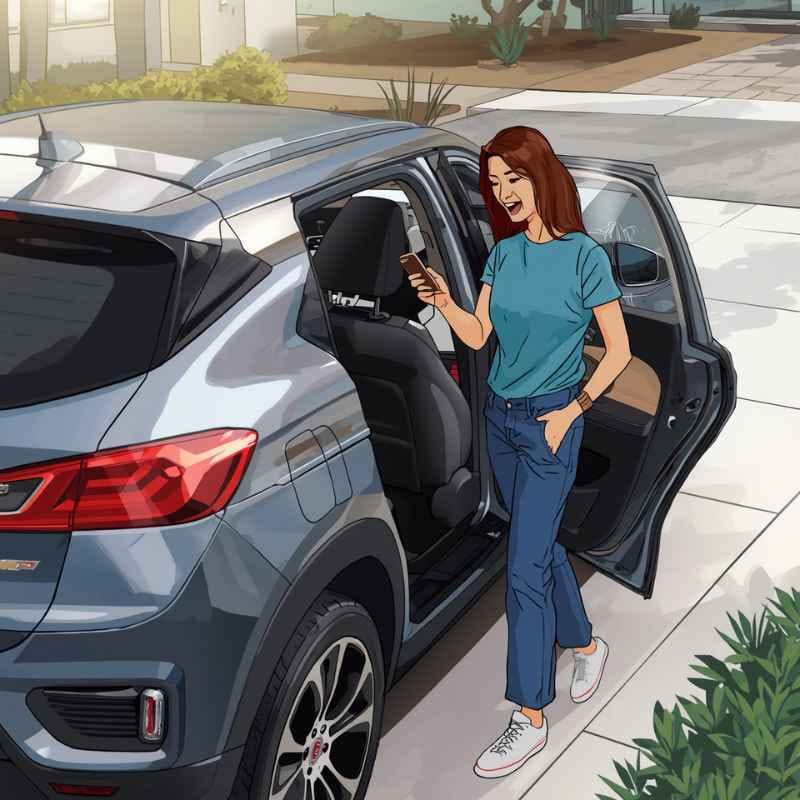
I stood there for a moment. Then, it hit me. I had recently set up the myChevrolet app. I’d been a bit skeptical. I thought it was just another tech gimmick. But then, I remembered the Remote Start feature. My heart did a little leap of hope. Could it actually work?
I pulled out my phone. My hands were shaking a little. I opened the app. I found the Remote Start button. It looked so simple. I pressed it. A little spinning icon appeared. I held my breath. Did it work? Was it really sending a signal through the storm?
After what felt like an eternity, but was probably only 30 seconds, a green light flashed on my phone. “Remote Start Activated,” it read. I peeked out the window. And there it was. My car’s headlights flickered on. Then, the engine roared to life. A cloud of exhaust puffed into the snowy air.
I practically ran to the car. I didn’t even need my hat anymore. I got in, and the air was already noticeably less frigid. The steering wheel wasn’t ice cold. Within five minutes, the cabin was warm and comfortable. That meeting was the least stressful commute I’d had in months. It taught me that this tech isn’t just for show. It’s a genuine game-changer.
Essential Checks Before Remote Start
1. Fuel Level: Ensure you have enough gas. Your car won’t start if the tank is nearly empty.
2. Battery Health: A weak battery might not have enough power. Check your battery status in the app.
3. Vehicle Security: The car must be in Park. All doors must be closed and locked.
The hood must also be latched.
4. Transmission: Make sure the transmission is in Park (P). This is a critical safety step.
What You Need to Get Started
It sounds great, right? But not every Chevrolet comes with this capability out of the box. There are a few key things you need. Think of them as the VIP pass for remote car starting.
1. An Eligible Chevrolet Vehicle
First, your car needs to be built for this. Most newer Chevrolet models come with the hardware. This includes vehicles from around 2016 onwards. However, it’s not guaranteed for every trim level. Some models might have it as an optional package. Older cars might not have the necessary systems at all.
You can check your car’s features. Look at the window sticker from when it was new. You can also check your owner’s manual. A quick call to your Chevrolet dealer is also a good option. They can look up your car’s specific options using its VIN.
2. An Active Connected Services Plan
This is a big one. Chevrolet uses its OnStar or connected services for this. You need an active plan. These plans aren’t free. They are a subscription service. The type of plan you need depends on the features you want. For Remote Start, you typically need a certain level of the connected services package.
This subscription covers the communication. It allows the app to talk to your car. It also includes other features like diagnostics. It can also provide roadside assistance. Without an active subscription, the Remote Start button in the app will not work. It will likely be grayed out or show an error.
3. The myChevrolet Mobile App
You’ll need the actual app on your smartphone. It’s free to download. But remember, the app alone doesn’t do anything without the connected services plan. Once downloaded, you’ll need to create an account. You’ll then link your vehicle to this account.
The app interface is usually pretty straightforward. You log in, and your car’s details pop up. You’ll see a list of available remote commands. Remote Start is usually one of the most obvious ones.
4. Vehicle Setup and Readiness
Your car also has to be ready to receive the command. This means a few things must be correct. The car must be in Park. The doors must be shut. The hood needs to be latched. And crucially, your fuel tank can’t be on empty. These are safety measures. They prevent unexpected behavior.
The car also needs to be properly set up in the app. This involves pairing your car’s VIN with your account. Sometimes, there’s a verification step. This ensures you are the rightful owner.
Remote Start vs. Key Fob Start
Remote Start (App): Requires a smartphone, active connected services plan, and VIN linking. Offers more convenience as you don’t need to be near the car.
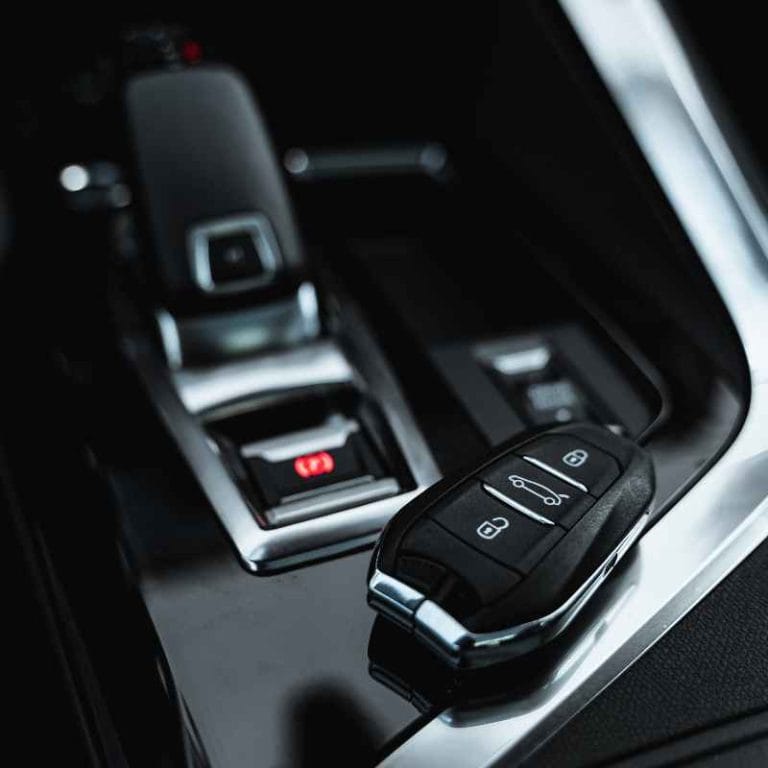
Remote Start (Key Fob): Built into your car’s key fob. Works when you are within a certain range (usually 100-300 feet). Does not require a subscription or smartphone.
When is Remote Start Normal and When is it Concerning?
Most of the time, using the Chevy app to start your car is perfectly normal. It’s a great tool. It makes driving more comfortable. It can even help save time. However, there are a few situations where you might want to pay closer attention.
Normal Scenarios
Cold Weather: Starting your car to warm up the engine and cabin on a chilly morning is the most common use. It makes getting in much more pleasant.
Hot Weather: Doing the same on a sweltering afternoon to get the AC running is also normal. It cools the car down before you get in.
Convenience: You’re running late and want the car ready as soon as you walk out the door.
*Quick Errands: You need to run into a store for a few minutes. You can start the car so it’s comfortable when you return.
When to Be Cautious
Frequent, Unnecessary Starts: If you’re starting your car multiple times a day for no good reason, it can increase wear and tear. It also uses more fuel.
The Car Doesn’t Start: If you press the button and nothing happens, there’s a reason. It could be a subscription issue. It could be a car setting (like the hood being open). Or it could be a system malfunction.
Engine Idles Too Long: While there’s usually a time limit, if you notice the car idling for much longer than expected, something might be wrong.
Security Concerns: Always be mindful of where you are when using Remote Start. You wouldn’t want someone to mistakenly start a car they don’t own.
Simple Checks You Can Do
If Remote Start isn’t working, here’s what to check first:
App Status: Is the app showing “Command Sent” or “Command Failed”?
Subscription: Is your OnStar or connected services plan active? Check your account online or call Chevrolet support.
Vehicle Settings: Is your car in Park? Are all doors closed? Is the hood latched?
Phone Signal: Do you have a good cell signal for your phone? Does your car have a good signal for its communication system?
Car Not Starting With App? Quick Checklist
- Is your connected services plan active?
- Is the myChevrolet app updated?
- Is your car in Park?
- Are all doors, windows, and the hood closed and latched?
- Is your fuel tank not empty?
- Do you have a good cell signal?
Real-World Scenarios and Habits
The way people use Remote Start often depends on their lifestyle and where they live. Living in a place with extreme weather means this feature is a lifesaver.
Environment Matters
In places like Minnesota or Maine, where winters are harsh and cold, Remote Start is almost a necessity. Waiting for a car to warm up in 0-degree Fahrenheit weather is brutal. The same goes for desert climates like Arizona, where summer temperatures can soar well above 100 degrees Fahrenheit. Cooling a car down before you get in makes a huge difference.
In more temperate climates, the use might be less frequent. It might be reserved for those few unusually hot or cold days. Or maybe it’s just for the novelty and convenience.
Driver Habits
Some drivers are very tech-savvy. They embrace these app-based features immediately. They’ll use it every time they anticipate needing a comfortable car. Other drivers might be more hesitant. They might forget about the feature or not fully trust it.
Then there are those who use it only in emergencies or extreme discomfort. My own experience with the snowstorm is a perfect example of this. I wasn’t using it daily, but when I really needed it, it was there.
Design and Materials
The effectiveness of Remote Start also depends on your car’s insulation. A well-insulated car will hold its temperature better. This means it will feel more comfortable faster. The materials inside the car also play a role. Leather seats can feel very cold or very hot compared to cloth.
User Behavior and Expectations
People’s expectations also shape how they use and perceive Remote Start. Some expect the car to be perfectly climate-controlled the moment they open the door. Others understand it’s a pre-heating or pre-cooling system. It gets the temperature heading in the right direction. It doesn’t instantly create a perfect environment.
Myth vs. Reality: Remote Start
Myth: Remote start drains my battery quickly.
Reality: While it uses some battery, modern systems are efficient. It’s more likely a weak or old battery will have issues, whether you use remote start or not.
Myth: Anyone can start my car with the app.
Reality: No. It requires your specific account login and an active, linked subscription tied to your car’s VIN.
Myth: Remote start is bad for my engine.
Reality: Modern engines don’t need long warm-up times like older cars. Starting and driving gently is usually best. Remote starting for 10-15 minutes to clear ice or heat the cabin is generally fine.
What This Means for You
Understanding how to use Remote Start with your Chevy app can be a real benefit. It’s about making your daily life a little easier. It’s also about knowing when it’s working right and when it’s not.
When It’s Just Normal Convenience
If you live in an area with fluctuating temperatures, the app is your friend. You can warm up your car before you leave for work. You can cool it down before picking up kids from school. It’s about enhancing your comfort. It’s about saving yourself from the shock of a freezing or boiling interior.
This feature is designed to be reliable. When your subscription is active and your car is set up, it should work most of the time. It’s a part of the connected services package that Chevrolet offers. It adds value to owning a modern vehicle.
When You Might Want to Pay Attention
Sometimes, technology doesn’t cooperate. If the app suddenly stops working, don’t panic. It’s usually a simple fix. The first thing to check is your connected services subscription. These plans need to be renewed. Sometimes, there can be a delay in systems reconnecting after renewal.
Another common issue is when the car itself isn’t ready. For example, if the hood sensor is faulty, the car might not detect that the hood is closed. This will prevent Remote Start. You might get an error message in the app. Or the command might just fail without explanation.
Simple Checks to Know If It’s Working
Before you get out into the weather, do a quick check.
App Confirmation: Does the app say the command was sent and successful?
Car Lights/Sound: Can you see your car’s lights flash or hear the engine start?
Cabin Temperature: After a few minutes, does the air coming from the vents feel warmer or cooler?
If these things happen, then your Remote Start is working as intended. If not, it’s time to investigate. Check the app for error messages. Then, check your subscription status.
Quick Scan: Remote Start Requirements
| Feature | Requirement | Notes |
| myChevrolet App | Smartphone (iOS/Android) | Free to download. |
| Connected Services Plan | Active subscription (e.g., OnStar) | Necessary for app-to-car communication. |
| Eligible Vehicle | Equipped with remote start hardware | Check VIN or dealer for compatibility. |
| Vehicle Status | Parked, doors/hood closed, locked | Safety protocols. |
| Fuel | At least 1/8 tank | Car needs fuel to run. |
Quick Tips for Using Remote Start
Using the Chevy app for Remote Start is pretty straightforward. But here are a few tips to make the experience even better.
Keep Your App Updated
Make sure you always have the latest version of the myChevrolet app. Updates often include bug fixes and performance improvements. This can help prevent glitches.
Know Your Car’s Signals
Pay attention to the lights and sounds your car makes. Your car’s hazard lights usually flash a certain number of times to confirm remote start. The engine sound is the clearest indicator.
Understand the Time Limit
Remember that Remote Start usually runs for a set period. It’s typically 10 to 15 minutes. After that, the engine will shut off automatically. This is a safety feature. If you need it to run longer, you’ll need to restart the process using the app.
Use it Wisely
While convenient, try not to overuse Remote Start unnecessarily. Excessive idling can consume fuel and lead to more emissions. Use it when it truly makes a difference in your comfort or schedule.
Check Subscription Before Travel
If you’re planning a long road trip, especially in extreme weather, double-check your connected services subscription. Ensure it’s active and will remain active throughout your trip. You wouldn’t want to lose this feature when you need it most.
Location Awareness
Always be aware of your surroundings when using Remote Start. Make sure you are in a safe place and that no one is near your vehicle.
Remote Start: Step-by-Step in the App
- Open the myChevrolet app.
- Log in to your account.
- Select your vehicle.
- Locate the Remote Start button.
- Tap the button.
- Wait for confirmation on your phone.
- Head to your pre-conditioned car!
Frequently Asked Questions
Can I start my Chevy with the app if I don’t have OnStar?
Click to reveal answer
You need an active Chevrolet connected services plan, which often includes or is bundled with OnStar. Even if you don’t use the traditional OnStar emergency services, this subscription is what enables the communication between the myChevrolet app and your vehicle for features like Remote Start.
How long does the remote start session last?
Click to reveal answer
Typically, a remote start session lasts for 10 to 15 minutes. This is an automatic shut-off feature for safety and fuel efficiency. If you need the car to run longer, you can initiate another remote start sequence via the app.
What happens if my car’s doors are unlocked when I try to remote start it?
Click to reveal answer
For security reasons, your Chevrolet car must be locked for Remote Start to work. If the doors are unlocked, the remote start command will likely fail, and you might receive an error message in the app. Make sure all doors are closed and locked.
Can I use the remote start feature in extreme temperatures?
Click to reveal answer
Yes, the remote start feature is especially useful in extreme temperatures. It allows you to pre-heat or pre-cool your car’s cabin before you get in, making your driving experience much more comfortable during very cold or very hot weather.
What if the remote start feature doesn’t work from the app?
Click to reveal answer
If remote start isn’t working, first check if your connected services plan is active. Ensure your myChevrolet app is updated and your vehicle meets the readiness requirements (in Park, doors/hood closed, etc.). You can also check for any error messages in the app or contact Chevrolet customer support.
Do I have to pay a monthly fee for the Chevy app remote start?
Click to reveal answer
Yes, using the remote start feature through the myChevrolet app requires an active subscription to Chevrolet’s connected services. This subscription fee covers the communication network that allows the app to control your vehicle remotely. Different subscription tiers may be available with varying features.
What is the range of the remote start function on the app?
Click to reveal answer
The range for remote start using the myChevrolet app is virtually unlimited, as long as both your smartphone and your vehicle have a cellular signal. Unlike using a traditional key fob remote start, you don’t need to be within a specific physical distance of your car.
Conclusion: Your Car, Your Command
Being able to start your Chevrolet with an app is a fantastic modern convenience. It’s more than just a neat trick. It’s about making your daily routines smoother. It’s about adding comfort to your drives. Knowing the requirements—an eligible car, an active service plan, and the myChevrolet app—is key.
Remember the simple checks and tips. They ensure the feature works reliably for you. So, next time you’re facing a freezing morning or a scorching afternoon, you know what to do. Your car will be ready for you. It’s all just a tap away. Happy remote starting!
Related pick: Check today's price on Amazon
Products related to this article
Sponsored / affiliate links. As an Amazon Associate I earn from qualifying purchases. I may earn additional commission from eligible campaigns.