
Car Comparison Chart Template: What to Include
Build a car comparison chart with about 8 to 12 columns that help decide the winner: price, trim, drivetrain, fuel economy, cargo space, safety tech, warranty, and monthly cost. Leave out specs that do not change your choice. A cluttered chart hides tradeoffs and can steer you toward a car that costs more or fits worse. This guide lists the columns to include, what to skip, and a simple template for comparing about two to four vehicles side by side.
What belongs in a car comparison chart
Start with the same vehicle version, then compare only the fields that can change your decision. One template supports ranking cars according to criteria you set, and those criteria can include price, size, and the number of doors. Each criterion can also be assigned an importance value, so the chart reflects your priorities instead of a generic spec dump.
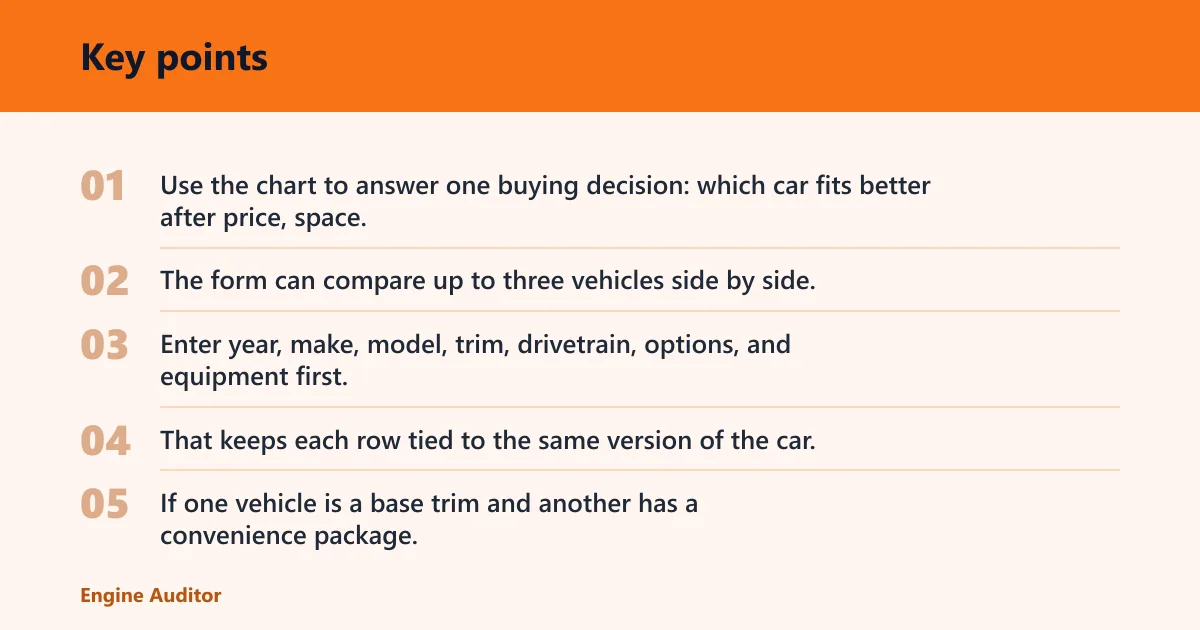
Use the chart to answer one buying decision: which car fits better after price, space, fuel use, safety, and ownership cost are all visible at the same time. The form can compare up to three vehicles side by side, which is enough for most shortlists and keeps the sheet readable.
Start with the same vehicle version
Enter year, make, model, trim, drivetrain, options, and equipment first. That keeps each row tied to the same version of the car. If one vehicle is a base trim and another has a convenience package, label that difference clearly before comparing any numbers.
Do not mix a front-wheel-drive base model with an all-wheel-drive loaded trim and call it a fair comparison. That turns the chart into a parts list, not a buying tool.
Separate must-compare fields from extras
Put the columns that change the winner at the front of the sheet. Then add optional details only if they matter to your use case or help break a tie. For most shoppers, the core columns are budget, space, safety, efficiency, comfort, and ownership costs.
A common first-timer mistake is filling the chart with color, badge style, and wheel design before fuel cost or rear-seat room. Those details can matter, but they should rarely outrank fit and cost.
Comparison columns priority table
This table separates decision-critical columns from optional details and tie-breakers. Use it as a filter before you build the spreadsheet, not after. If a column will not change your choice, it probably does not belong in the main view.
| Tier | Example columns | Why it matters | Typical weighting |
|---|---|---|---|
| Must-compare | Out-the-door price, monthly cost, fuel economy, trunk space, rear-seat room, safety features, drivetrain, trim, warranty, horsepower | These fields often change the winner because they affect affordability, fit, or daily use. | Highest |
| Compare-if-relevant | Tech interface, steering feel, ride comfort, seat upholstery, heating, air conditioning, sun/moon roof, security system, towing capacity | Use these when they matter to your commute, passengers, climate, or driving style. | Medium |
| Ignore-unless-tie-breaking | Paint color, wheel style, badge design, cosmetic trim accents, minor accessory packages | These rarely change the practical decision unless two cars are already close. | Low |
For commuters, weight fuel economy, monthly cost, and comfort at the top. For families, weight rear-seat room, trunk space, safety, and door count. For long-distance drivers, give extra weight to tank capacity, distance on a full tank, seat comfort, and highway MPG.
Which vehicle details should you enter?
Enter the vehicle identity first: year, make, model, trim, options, and equipment. That is the minimum needed to compare like with like. If the chart omits trim or options, you can end up comparing two cars that look similar on paper but are not the same vehicle.
Year, make, model, trim, and options
The year tells you the model cycle. The make and model identify the vehicle. Trim and options tell you which features are present and which are missing. Add equipment notes for items that materially change the comparison, such as a larger screen, heated seats, or a premium audio package.
Suppose one SUV is a mid-level trim with heated front seats and another is a base trim with cloth upholstery. That difference affects comfort and often price, so it should be visible in the chart, not buried in a note.
Drivetrain and equipment differences
Drivetrain differences matter because front-wheel drive, rear-wheel drive, and all-wheel drive can change price, fuel economy, traction, and maintenance needs. Label them directly in the chart. If one car has a package that adds safety equipment or infotainment hardware, note that package in the row and treat it as a real spec change.
Color and other low-priority fields
Paint color belongs near the end of the sheet, if at all. It rarely changes the value of the car in a way that should move the final ranking. Use it only when the buyer has a hard preference or when inventory limits make color a real constraint.
How do you compare price and total cost?
Compare the out-the-door price, not the sticker price alone. Include base price, rebates, trade-in value, taxes, insurance, registration, and the final total price. A car with a lower sticker can still cost more once those items are added.
Use out-the-door price
Out-the-door price is the cleanest way to compare cars on day one. It captures the full purchase check after rebates, trade-in value, taxes, insurance, and registration are applied. The form captures taxes, insurance, and registration, and it can also include rebates and trade-in value.
If one dealer advertises a lower base price but the fees are higher, the chart should expose that difference immediately. That is where a “cheap” car turns expensive.
Add hidden ownership costs
Price alone misses the costs that accumulate after purchase. Fuel, maintenance, depreciation, and insurance interact in ways that can change the better buy. A fuel-efficient car with higher insurance can still cost less overall, while a cheap purchase can lose value faster than expected.
A finance-oriented spreadsheet may also suggest the 20/4/10 guideline. The 20/4/10 rule recommends a 20% down payment, and it says to keep transportation costs under 10% of income. Use that as a guardrail, not a substitute for the full chart.
Compare ownership costs over time
Put the monthly payment, fuel cost, insurance, and estimated maintenance in separate columns when possible. Then add a final ownership-cost total for the period you care about, such as about 3 years or 5 years. That makes it easier to see whether a lower purchase price really stays lower.
How should you compare fuel economy and range?
Use MPG city and MPG highway first, then add average MPG, fuel consumption per 100 miles, tank capacity, and distance on a full tank. The template tracks MPG city and MPG highway, and those numbers should be treated as core fields for any commuter or road-trip buyer.
Use MPG city and MPG highway
City MPG matters for stop-and-go driving. Highway MPG matters for steady-speed trips. If your commute is mixed, average MPG gives a quick summary, but it should not replace the two official cycle numbers in the chart.
Add average MPG and fuel use per 100 miles
Average MPG is easier to scan than two separate numbers, but fuel use per 100 miles can be even more practical when you compare gas cost directly. Lower fuel use per 100 miles means less fuel burned for the same distance. Use both if you want a clearer cost picture.
Compare tank capacity and full-tank distance
Tank capacity in cubic feet is a cargo measure; tank capacity for fuel is a range measure, so label it clearly. Distance on a full tank helps long-distance drivers compare fewer fill-ups between stops. A larger tank does not guarantee better range if the vehicle is inefficient.
How do you compare safety, space, and comfort?
Compare safety features that can change risk, then compare space and comfort items that affect daily use. Include airbags, a security system, heating, air conditioning, upholstery, and sun/moon roof when they matter to the buyer. Safety and comfort should be visible side by side, not buried in a paragraph.
Safety features that matter
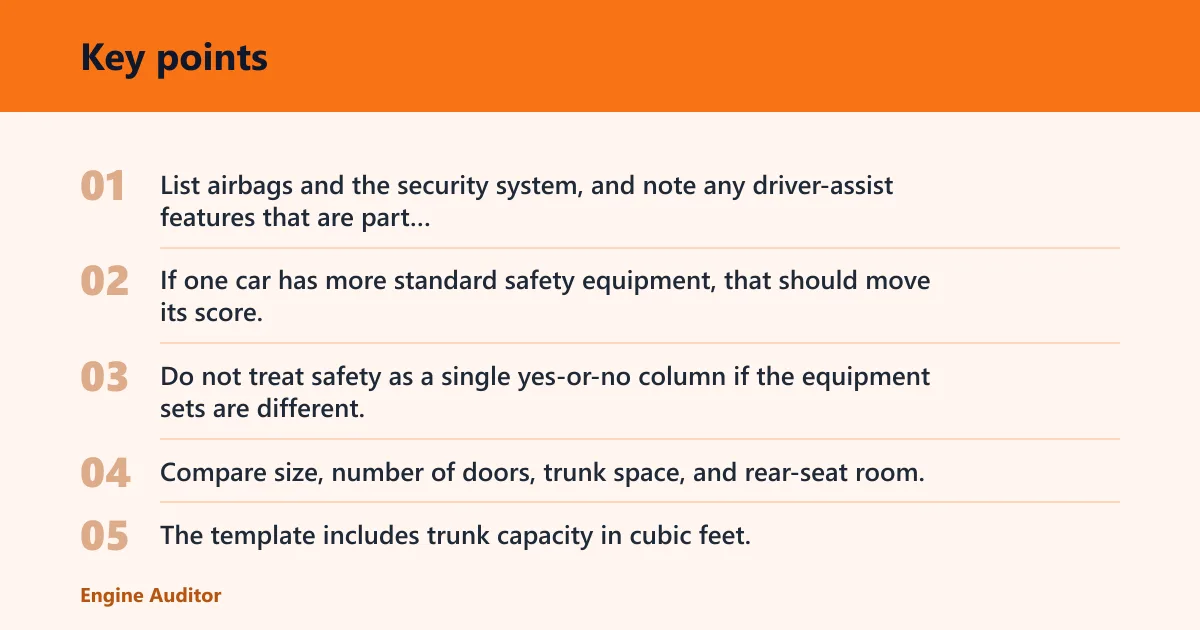
List airbags and the security system, and note any driver-assist features that are part of the trim or package. If one car has more standard safety equipment, that should move its score. Do not treat safety as a single yes-or-no column if the equipment sets are different.
Space checks for cargo and rear seats
Compare size, number of doors, trunk space, and rear-seat room. The template includes trunk capacity in cubic feet, which helps when shopping for strollers, luggage, or sports gear. Door count matters too, especially if passengers climb in and out often.
Picture a compact sedan and a small crossover with similar prices. If the sedan has stronger MPG but the crossover has easier rear-seat access and more cargo room, the chart should make that tradeoff obvious instead of forcing a memory test.
Comfort items that affect daily use
Heating, air conditioning, upholstery, and sun/moon roof belong in the chart when they affect daily comfort. For some shoppers, cloth versus leather, or basic climate control versus dual-zone control, is enough to change the result. Use subjective comfort items only when you can compare them consistently.
A repeatable scale helps. Rate seat comfort, steering feel, and infotainment usability using the same 1-to-5 scale for each car, and add one short note explaining the score. That keeps the chart from turning into vague impressions.
How do you score cars without misleading yourself?
Set thresholds and categories before you compare anything. Use low, medium, and high classifications, assign each criterion an importance value, then calculate scores the same way for every car. The worksheet includes overall ratings for each car, but those ratings only help if the scoring rules stay fixed.
Set thresholds and categories first
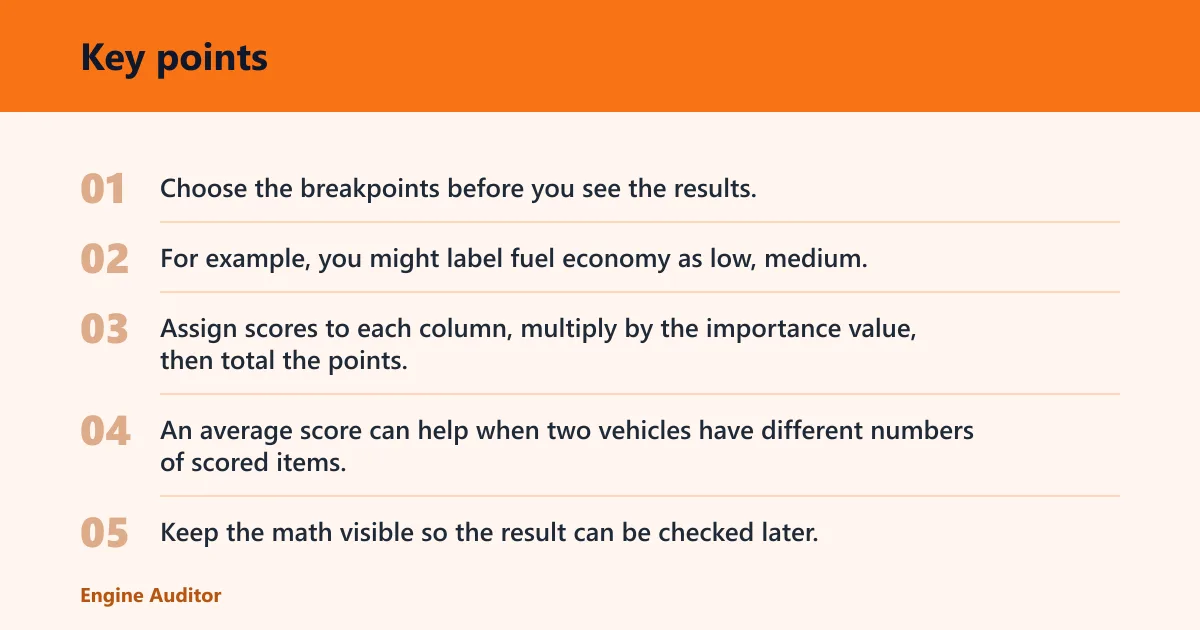
Choose the breakpoints before you see the results. For example, you might label fuel economy as low, medium, or high based on the numbers in your shortlist, or you might set a hard floor for trunk space or safety equipment. The key is consistency.
| Criterion | Low | Medium | High | Score example |
|---|---|---|---|---|
| Fuel economy | Below target | Meets target | Exceeds target | 1 / 2 / 3 |
| Safety equipment | Fewer standard items | Typical set | Extra standard items | 1 / 2 / 3 |
| Space | Tight rear seat or cargo area | Adequate for your use | Comfortable margin | 1 / 2 / 3 |
Use scores, totals, and averages consistently
Assign scores to each column, multiply by the importance value, then total the points. An average score can help when two vehicles have different numbers of scored items, but the total score is usually the main ranking number. Keep the math visible so the result can be checked later.
Handle subjective items with a repeatable scale
Comfort and infotainment are hard to compare if the notes are vague. Use the same scale for each vehicle and define what each score means. For example, a 1 could mean distracting, a 3 could mean acceptable, and a 5 could mean easy to live with. Write the reason next to the score.
A common first-timer mistake is letting a shiny screen outweigh poor rear-seat space and high fuel use. Subjective features should inform the decision, not override the columns that affect ownership the most.
How many cars should you compare?
Compare two cars when you already have a direct head-to-head choice. Compare three cars when you are still shortlisting. Use four only when the sheet is still readable and each vehicle has a real chance to win. More rows are not better if they make the decision harder.
Two cars for a direct head-to-head
Two vehicles are easiest to score because every difference is obvious. This is the best format when the question is simple: which one should you buy?
Three cars for shortlisting
Three vehicles work well when the buyer has one favorite and two alternatives. The form can compare up to three vehicles side by side, which keeps the chart compact and makes the winner easier to spot.
When to split one chart into two
Split the sheet if you are comparing different body styles, such as a sedan versus an SUV, or if the trims differ so much that the same scoring rules no longer fit. Make one chart for practical fit and another for price-driven finalists, then compare the winners of each sheet.
Frequently asked questions
What should I include in a car comparison chart
Include year, make, model, trim, drivetrain, price, fuel economy, cargo space, rear-seat room, safety features, and ownership costs. Add comfort and tech only if they affect your choice. The goal is not to list every spec; it is to list the columns that can change which car wins.
How do I compare two cars side by side?
Put each car in its own column and use the same rows for every criterion. Keep the rows in decision order: identity first, then out-the-door price, then fuel, space, safety, comfort, and ownership cost. That layout makes differences visible without forcing you to hunt through notes.
What features matter most in a car comparison chart
The most important features are the ones that change daily use or total cost. For many shoppers that means out-the-door price, fuel economy, safety equipment, space, and drivetrain. Comfort and tech matter too, but they should usually rank below the items that affect budget and fit.
How do I compare the total cost of two cars?
Add base price, rebates, trade-in value, taxes, insurance, and registration to get the out-the-door price. Then add fuel, maintenance, and depreciation if you want a fuller ownership estimate. A lower sticker price can still lose once those costs are included.
Should I compare fuel economy, reliability, or price first?
Start with price if the budget is tight, because unaffordable cars are disqualified early. Start with fuel economy if the car will rack up miles or if commuting costs matter most. Reliability belongs near the top too, but only after you have confirmed the car fits your budget and use case.
How many cars should I put in a comparison chart
Two is best for a final head-to-head. Three is the sweet spot for most shoppers because it gives you a clear leader and two alternatives. Four is possible, but only if the same scoring rules still work and the sheet remains easy to read.
Products related to this article
Sponsored / affiliate links. As an Amazon Associate I earn from qualifying purchases. I may earn additional commission from eligible campaigns.