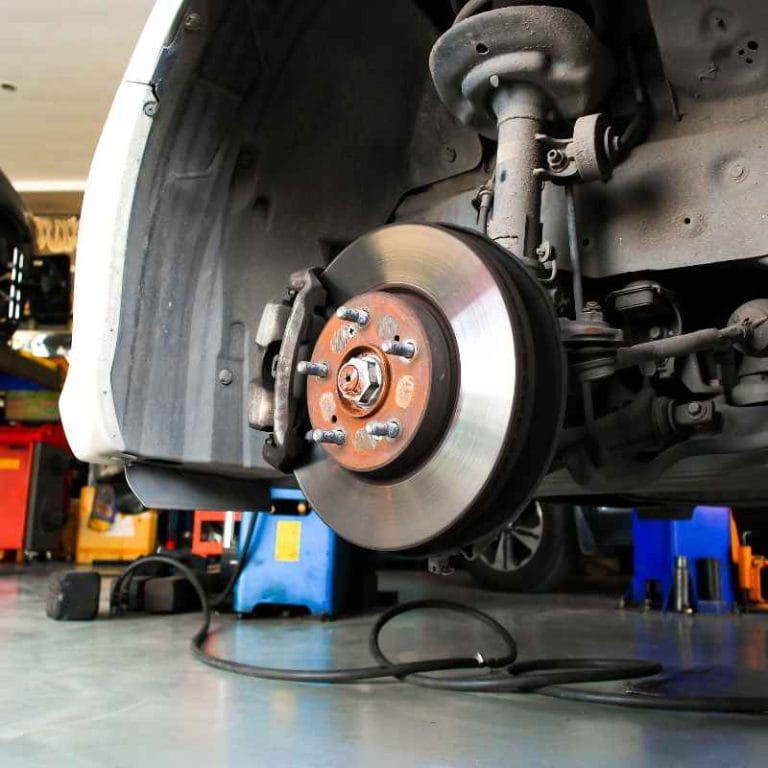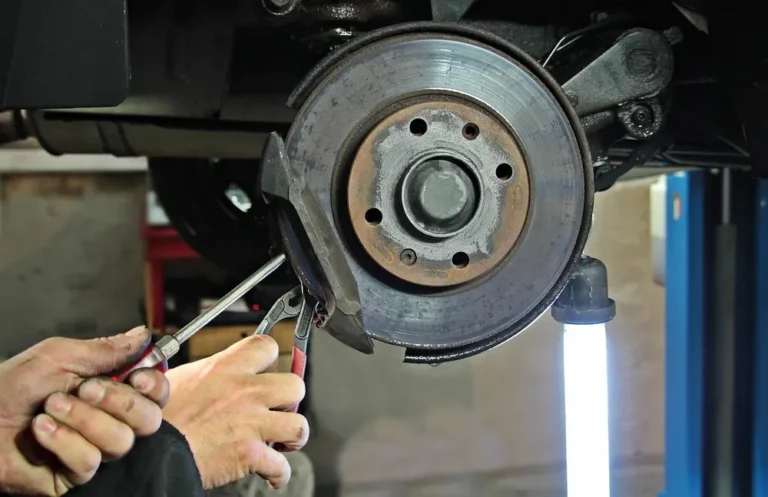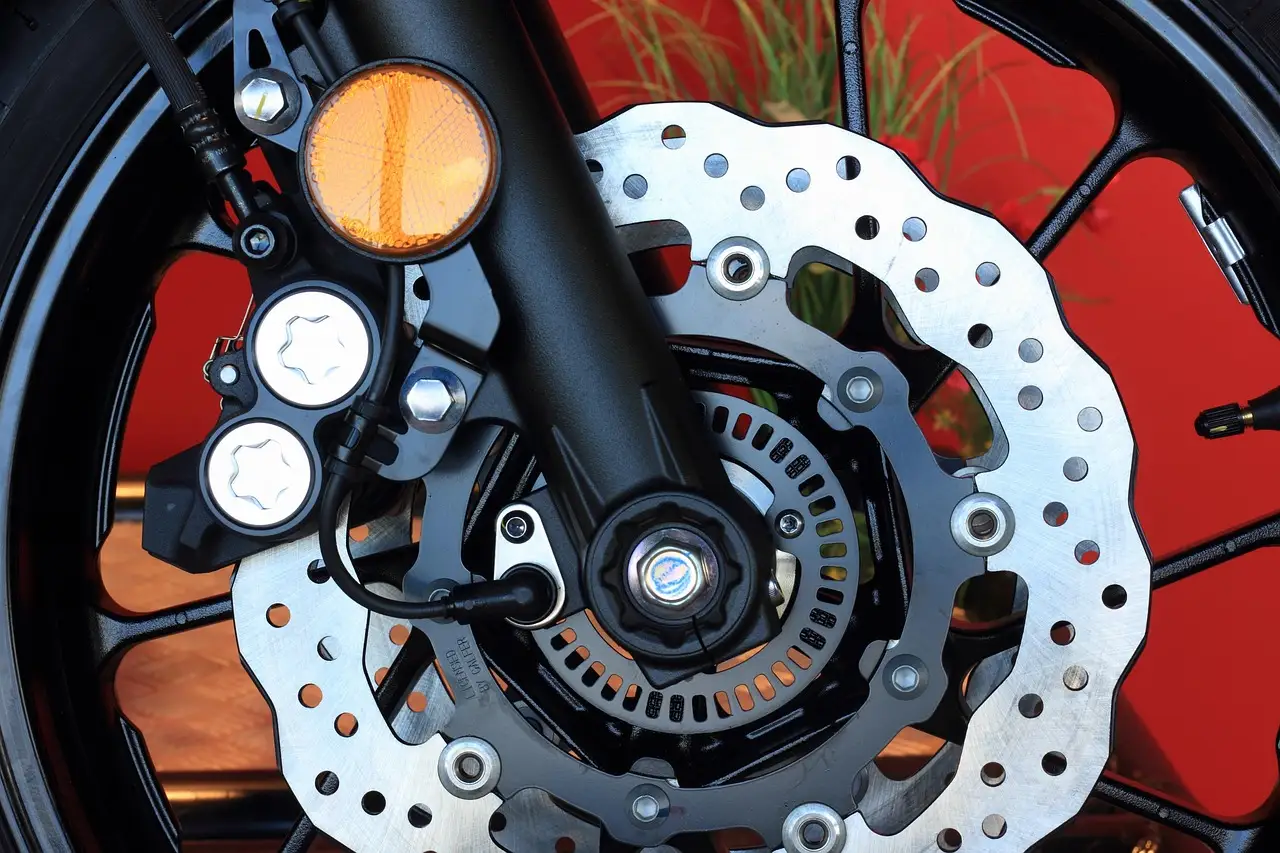
Brake Pad vs Rotor Replacement: Which One Comes First?
Replace pads first when friction material is under 3 mm and the rotors are still above minimum thickness; replace rotors first when they are grooved, heat-spotted, or at spec; replace both if the pads have reached metal or the rotor is below discard thickness. Bad sequencing wastes money and can leave noise, vibration, or weak braking after the job. I use a ruler and micrometer, then decide from what the brake actually shows, says, and measures.
This guide is part of our Car brake maintenance guide series.
Brake pad vs rotor replacement: which one you need first
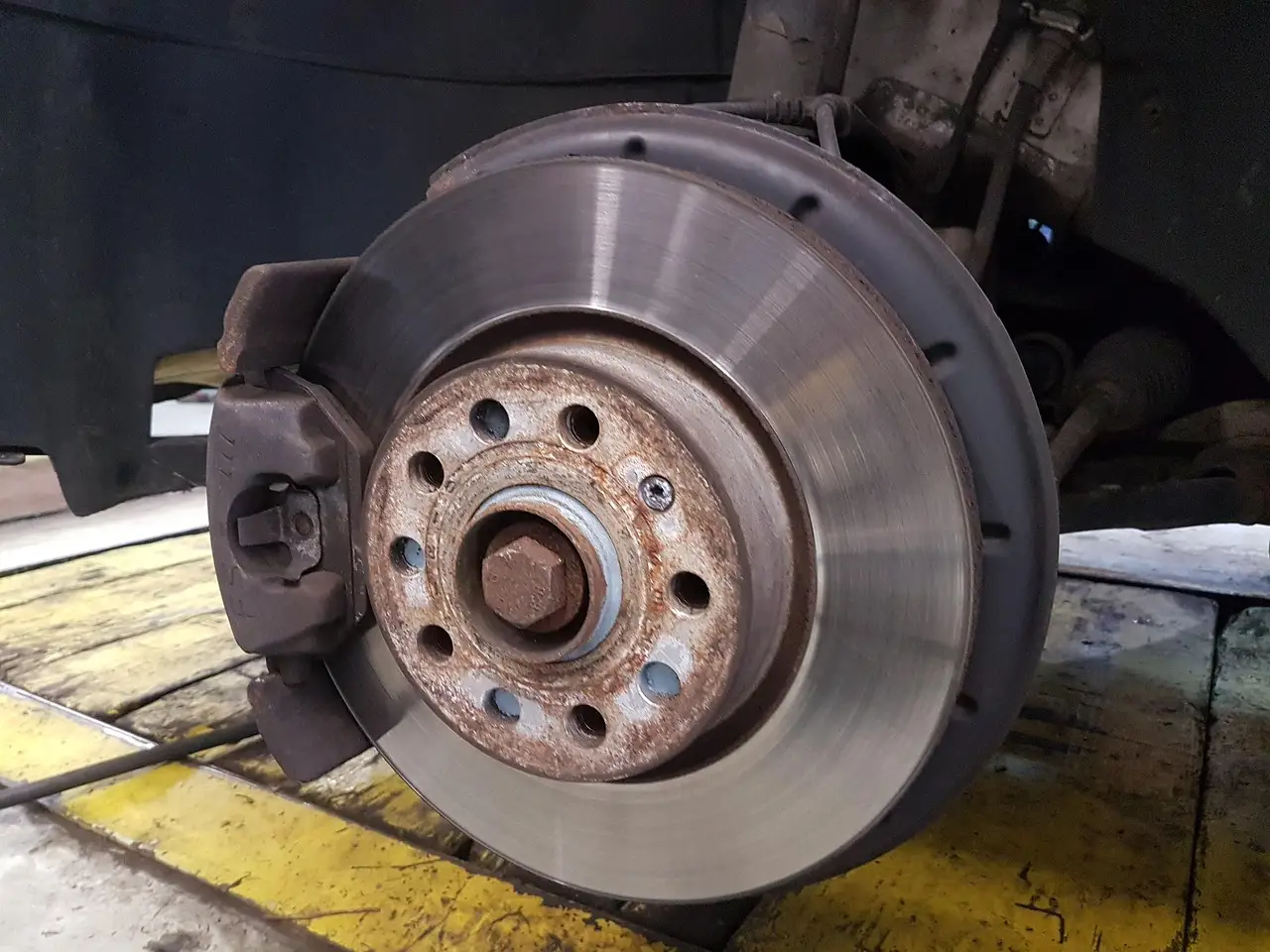


| Decision factor | Brake pad | Rotor replacement: which one you need first | Winner |
|---|---|---|---|
| Thin material | Replace when friction material is at 3 mm or below. | Keep if the disc surface is still within spec and wear is even. | Brake pad |
| Pulsation or shake | Can contribute if wear is uneven or the pad is worn to the backing plate. | More likely when rotor thickness variation is present. | Rotor replacement: which one you need first |
| Grinding damage | Usually points to fully worn pads. | Often damaged at the same time and may need replacement too. | Both |
| Uneven wear on one side | Can happen, but usually points to a symptom, not the root cause. | May be fine if the caliper or hardware is the issue. | Caliper/hardware inspection |
| New-parts fit | New pads can run well on an even, in-spec rotor. | Old rotors with grooves or thickness loss can shorten pad life and brake feel. | Tie |
Why the table points to different first parts
Brake pads wear from contact. If the pad is thin but the disc still measures safely and the face is even, I replace pads first. That is the cleanest pad-only job.
Rotors win when the braking surface is the problem. Groove wear, heat spots, and thickness variation can all create pedal pulse or shake, and those symptoms stay even if fresh pads are installed.
Both win when the system has already eaten into itself. Once the pad backing plate has touched the disc, rotor damage is often part of the problem, and one-sided wear often means the caliper or hardware also needs attention.
According to Should I Replace Brake Pads and Rotors at the Same Time? — Pads worn to 3mm or below are in the replace-now range.
What brake pads, rotors, calipers, and hardware each do
Brake pad wear patterns and the thin-pad threshold
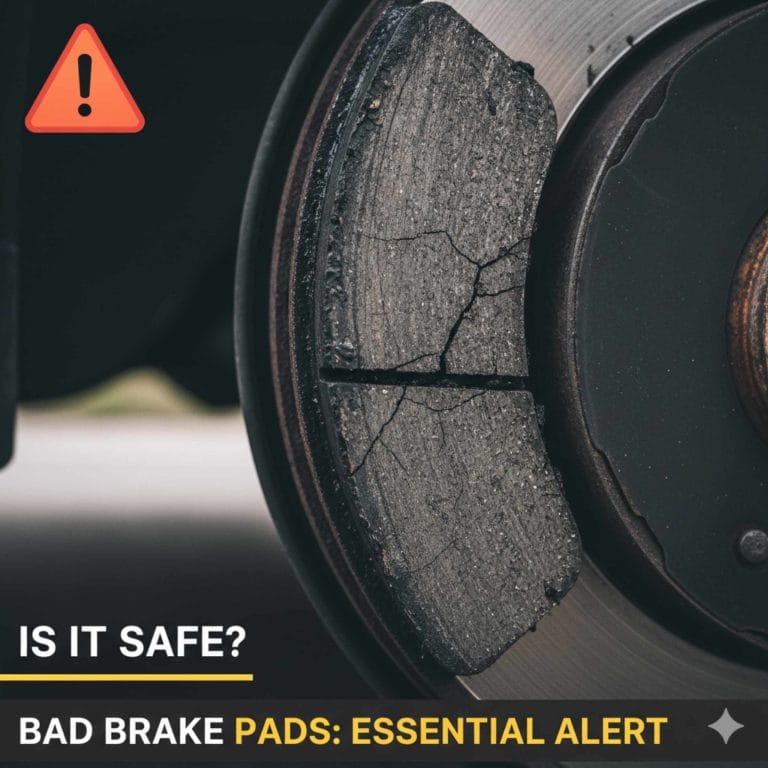
Brake pads wear away first during normal braking. They squeeze the rotor and turn motion into heat, so a pad with only a small friction layer left is already near the end of its service life. Pads worn to 3 mm or below are in the replace-now range.
Squeal often starts before the pad is fully finished. Grinding is more serious and may mean the pad is gone and the backing plate is contacting the disc, which can damage the rotor fast.
Rotor surface wear, minimum thickness, and thickness variation
The rotor is the rotating disc in the brake assembly. It has to stay flat enough and thick enough to handle heat and pressure, because disc brakes turn kinetic energy into heat every time the car slows down. When the rotor is grooved, heat-checked, or under spec, it stops being a good match for new pads.
Rotor thickness variation can cause brake pedal pulsation, and people often call it a warped rotor even when the disc is not literally bent. That distinction matters, because pulse can come from thickness variation long before the rotor looks obviously distorted.
How caliper movement and hardware condition change wear and noise
The caliper uses a piston to clamp the pads onto the disc. If a piston sticks, or if slide pins are dry, the pads can wear unevenly and one side can run hotter than the other. That pattern is a caliper or hardware clue, not a simple pad problem.
Clips, shims, and pins help control pad movement and noise. Dirty hardware or missing lubrication can make fresh pads squeal, drag, or wear crooked, which is why a brake job that ignores hardware can come back with the same complaint.
Which brake symptoms point to pads, rotors, or both?
Squeal points first to pad wear, hardware noise, or both. Grinding points harder to fully worn pads and possible rotor damage. Vibration, pedal pulse, and steering shake point more toward rotor thickness variation or a caliper fault, while pulling and uneven wear usually mean one side is not moving correctly.
Squeal and light scraping
Light squeal is often a pad warning, especially if the friction material is getting thin. It can also come from hardware issues such as a dry shim or a pad that is moving too freely in the bracket. If the sound changes with light brake pressure, inspect both the pads and the clips before ordering parts.
Grinding
Grinding is the red flag. [F4] says grinding sounds may indicate fully worn brake pads, and that is the point where the backing plate can start eating the rotor. Once that happens, both parts often need work, not just the pads.
Pedal pulse, steering shake, or vibration
[F7] says brake pedal pulsation can be a sign of worn rotors, and [F6] says steering wheel vibrations can signal deteriorating front brake rotors. [F5] also notes that brake vibrations may result from worn pads or damaged rotors. If the car shakes mostly through the wheel, start with the front rotors and calipers.
Pulling and uneven wear
If one front pad is far thinner than the other, or one rear wheel is hotter after a drive, the caliper or slide hardware deserves inspection first. A sticking caliper can mimic bad pads or bad rotors because it keeps one side dragging while the other side works normally.
What should you measure before you buy parts?
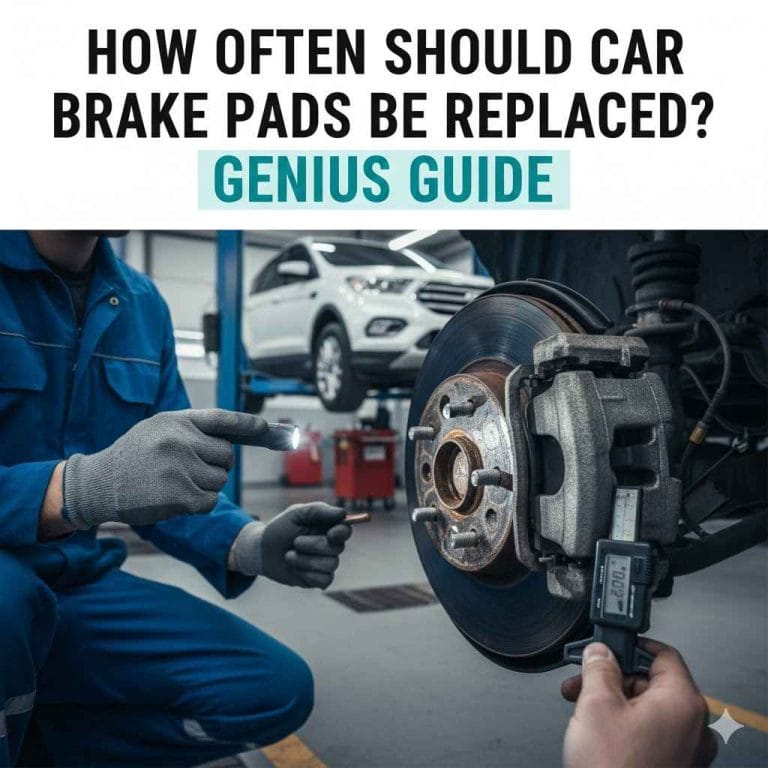
Check pad thickness, rotor thickness, and any uneven wear before buying parts. Those three checks answer most first-replacement questions in a driveway. If the brake feel has changed too, inspect fluid condition and the caliper slides while the wheel is already off.
Pad thickness check and when the pads are past service life
Look at the friction material, not the steel backing plate. [F3] gives the practical line: pads at 3 mm or below are in the replace-now range. If the wear is tapered from top to bottom, or one inner pad is much thinner than the outer pad, add a caliper check.
Rotor thickness and minimum-spec check
Use a micrometer, not a guess, if the rotor looks suspicious. A rotor can still look smooth and be too thin or too uneven to keep in service. If it is at minimum thickness or below, it is usually a rotor-first or both-parts decision rather than a pad-only job.
Checking for rotor grooves, hot spots, and side-to-side runout clues
Deep grooves suggest the pad has been too far gone or the hardware has been dragging. Hot spots or dark patches point to heat stress. If the steering wheel shimmies during braking, the front rotors deserve a close look because [F6] ties that symptom to deteriorating front brake rotors.
Looking at caliper slide pins, pads in the bracket, and fluid condition
Before ordering parts, confirm the caliper slides move freely and the pad ears are not hanging up in the bracket. Check brake fluid if the pedal feel has changed or the fluid looks dirty, since contaminated fluid can complicate braking symptoms and hide the real fault.
When can you put new pads on old rotors?
New pads on old rotors are fine when the disc is still within spec, the surface wear is even, and the rotor has no heavy grooves, cracks, or heat damage. They are a bad idea when the rotor is thin, rough, or uneven enough to shorten pad life or bring back vibration.
When a light cleanup is enough
If the rotor has only light glazing and the thickness reading is healthy, a pad-only job can make sense. That is the case where the disc still gives the new pads a flat, even surface. Some rotors only need a clean-up or refinish if local rules and thickness allow it.
When old rotors are the wrong match for new pads
Old rotors are a poor match when grooves are deep, the disc is close to minimum thickness, or there is clear thickness variation. [F8] states that new pads on worn rotors can compromise braking efficiency, and that is the problem DIY owners feel as noise, pulse, or weak bite after the repair.
Choose Brake pad if… / Choose rotor replacement: which one you need first if…
Choose pads first when the friction material is thin, the rotor thickness is still healthy, and the disc surface is smooth enough for fresh pads to bed in normally. Choose rotors first when the disc is the part causing pulse, shake, or visible damage. Choose both when wear has already crossed into metal-on-metal territory.
Choose brake pad if…
- The pad material is at 3 mm or below.
- You hear squeal, but the rotor surface still looks even.
- The rotor is still above minimum thickness and has no major grooves.
- The car stops straight and there is no pedal pulse.
Choose rotor replacement: which one you need first if…
- The pedal pulses during braking.
- The steering wheel shakes, especially from the front axle.
- The rotor is grooved, heat-marked, or at spec.
- The pads still have usable friction material.
Choose both if…
- You hear grinding.
- The pads have hit the backing plate.
- The rotor is below discard thickness or badly damaged.
- The wear pattern says the pad and disc have both been abused.
Proof asset: one-page decision matrix for DIY diagnosis
Use this matrix as a driveway check before you buy parts. It ties symptom, visible wear, and a quick measurement to the first replacement that makes the most sense. If more than one row matches, follow the most severe row.
| Symptom | Visible wear pattern | Quick measurement | Likely first replacement |
|---|---|---|---|
| Squeal at light brake pressure | Pad looks thin, rotor looks smooth | Pad at or below 3 mm | Brake pads |
| Grinding noise | Pad backing plate may be visible; rotor may show scoring | No useful pad material left | Both |
| Pedal pulse | Rotor shows grooves, heat marks, or uneven contact | Rotor at or near minimum thickness | Rotor replacement: which one you need first |
| Steering wheel shake during braking | Front rotor wear is uneven or glazed | Front rotor thickness varies side to side | Rotor replacement: which one you need first |
| Pulling to one side | One pad much thinner than the other | One caliper slide sticks or a pin is dry | Caliper/hardware inspection |
| Longer stopping distance with clean pads and discs | No obvious pad or rotor damage | Brake fluid looks dirty or contaminated | Caliper/hardware inspection |
- Check pad thickness first.
- Measure the rotor if the pads are still usable.
- Look for grooves, heat spots, and thickness variation.
- Move the caliper slides by hand and inspect pad hardware.
- Check brake fluid if the pedal feel has changed.
Do I need brake pads or rotors first?
Start with pads if the friction material is thin and the rotor is still in spec. Start with rotors if the main symptom is pedal pulse, steering shake, or a measured thickness problem. If there is grinding or metal contact, both parts are usually due, and the caliper or hardware should be checked too.
Can I replace brake pads without replacing rotors?
Yes, if the rotors are smooth, thick enough, and free of major grooves or heat damage. That is the best pad-only case. If the rotor surface is rough or uneven, the new pads may wear badly or feel noisy before they have a chance to seat.
Can I put new pads on old rotors?
Yes, when the old rotor is still within spec and the wear is even across the face. That is acceptable on many cars. It becomes a bad idea when the rotor is too thin, heavily grooved, or uneven enough to cause pulse, noise, or reduced braking efficiency.
What are the signs my brake rotors need replacing?
Common signs are brake pedal pulsation, steering wheel shake, vibration during braking, visible grooves, and heat damage on the disc face. [F7] and [F6] tie pulse and steering shake to rotor problems. If the rotor is at minimum thickness or below, replacement moves from optional to necessary.
What are the signs my brake pads need replacing?
Pad signs include squeal, thin friction material, and grinding when the pad is fully worn. [F3] puts pads at 3 mm or below in the replace-now range, and [F4] says grinding may indicate fully worn brake pads. Uneven wear on one pad also points to a caliper or hardware issue.
Why do my brakes squeal after new pads?
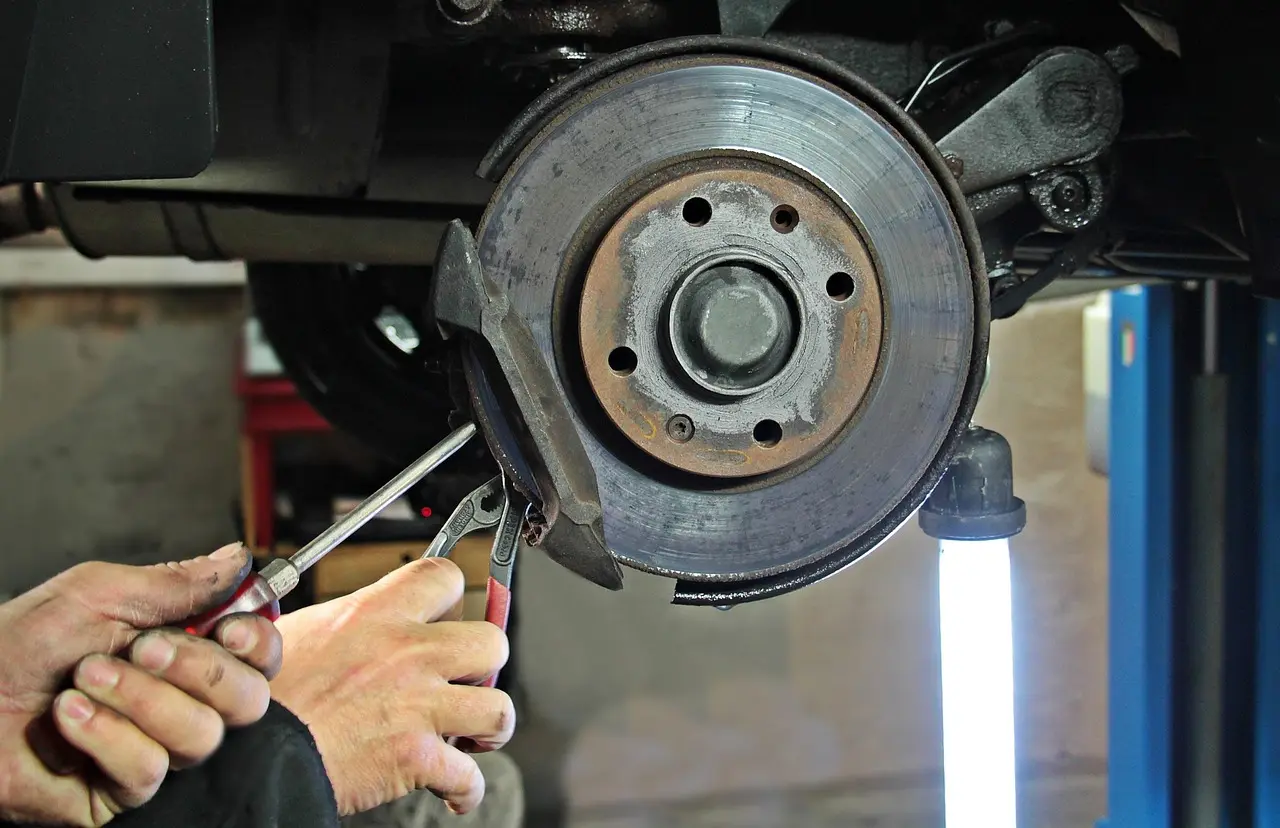
New pads can squeal when the hardware is dry, the shims are missing or poorly seated, or the rotor surface is too rough for the new pad compound. A fresh pad on a bad rotor often keeps making noise because the underlying surface problem never got fixed.
Why does my steering wheel vibrate when braking?
Steering wheel vibration during braking often points to the front rotors. [F6] says steering wheel vibrations can signal deteriorating front brake rotors, and [F5] notes that brake vibrations may also come from worn pads or damaged rotors. If the shake is one-sided, inspect caliper movement too.
When should brake pads and rotors be replaced together?
Replace both together when the pads are gone, the rotors are scored or below spec, or the brake problem has already spread across the whole corner. [F1] says most professional mechanics recommend replacing brake pads and rotors at the same time, and [F2] notes that doing so can improve performance and longevity.
Products related to this article
Sponsored / affiliate links. As an Amazon Associate I earn from qualifying purchases. I may earn additional commission from eligible campaigns.