Why Do Car Lights Flicker On Camera? Simple Explanation Here
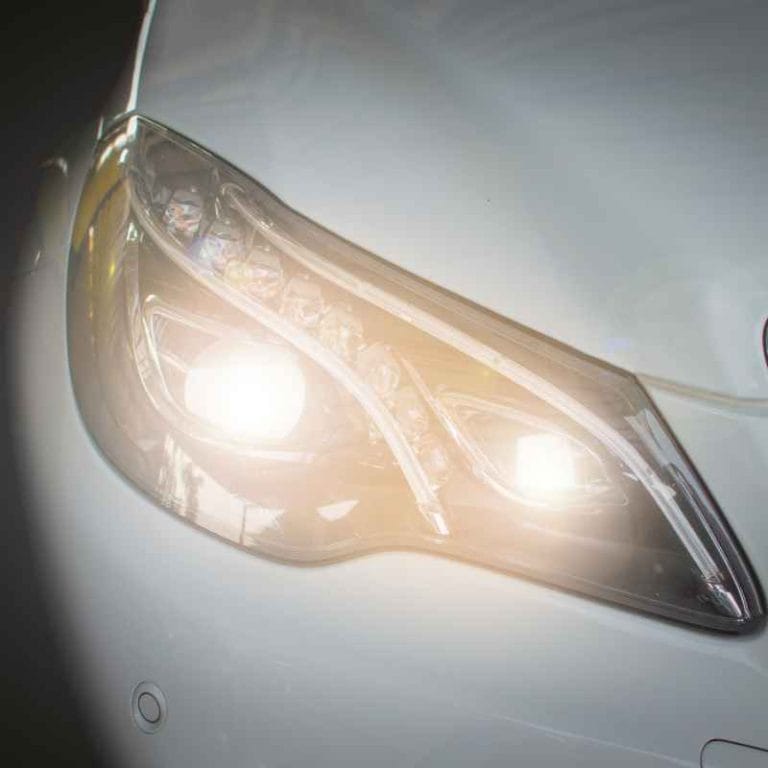
Car lights, like headlights and taillights, are designed to be bright and clear. They help us see and be seen. But when you record them with a camera, they can sometimes look like they’re blinking on and off.
This isn’t because the lights are actually broken. Instead, it’s all about how the camera and the lights work together. Or sometimes, how they don’t work perfectly together.
The main reason for this effect is something called “frame rate.” This is how many pictures, or “frames,” a camera takes every second. Most modern cameras, whether on your phone or a fancy video recorder, take pictures very quickly. This makes the video look smooth when you play it back.
But when this frame rate doesn’t match how the car’s lights work, you get that flickering effect.
Think of it like a flipbook. If you draw pictures on pages and flip them fast, you see movement. If the drawings don’t line up right, the movement looks jumpy.
Camera frames work the same way. They capture a moment in time. Car lights, especially older ones or certain types, also turn on and off very quickly.
This quick on-off action is key to the flicker you see on video.
My Own Frustrating Flicker Experience
I remember this happening to me not too long ago. I was filming a drive I took at dusk. I wanted to capture the pretty colors of the sky and the way the headlights cut through the dim light.
I thought it would make a cool short video to share. When I watched it back later, my own headlights looked like strobe lights. They were flashing on and off so fast it was dizzying.
I even started to wonder if my car had a problem! I checked the lights in my driveway. They looked perfectly normal.
No flickering at all. It was so confusing. I spent a good hour trying to figure out what was wrong.
Was my camera broken? Was it the specific type of bulbs in my car? It felt like a mystery I couldn’t solve, and it was really annoying because I just wanted a nice video.
Understanding Frame Rates and Light Cycles
Camera Frame Rate: This is how many still images (frames) a camera captures per second. Common rates are 24, 30, or 60 frames per second (fps). A higher fps means smoother video.
Your eye sees a continuous image when frames are captured fast enough.
Light Cycle: Some lights don’t shine with a steady, constant glow. They might turn on and off very rapidly. This is common with certain types of bulbs.
The time it takes for these lights to go from on to off and back on again is their cycle.
The Mismatch: When the camera’s frame rate doesn’t line up with the light’s on-off cycle, the camera might only capture the light when it’s on, or only when it’s off, in some frames. This creates the flicker effect you see on video.

The Science Behind the Flicker: How Lights and Cameras Interact
So, what’s really happening when you see that flicker? It’s a battle of timing between your camera and the light source. Most modern car lights, especially LED or modern halogen bulbs, are pretty steady.
But older types of lights, like some fluorescent lights or even some older incandescent bulbs, work a bit differently. They might be powered by alternating current (AC). AC power changes direction many times per second.
This change can cause the light to dim or even go out very briefly with each cycle.
Your camera’s shutter is like a tiny curtain that opens and closes. This curtain opens and closes very fast to let light onto the sensor. The speed at which this shutter opens and closes is linked to the camera’s frame rate.
If the light source is pulsing on and off at a speed that’s close to or a multiple of your camera’s shutter speed, you get a mismatch. The camera might be capturing a frame when the light is bright, then the next frame when the light is dim or off. This difference is what your eyes perceive as flickering on the video.
Think about the common electric current in the United States. It cycles at 60 Hertz (Hz). This means the power direction flips 60 times every second.
Some lights, especially older ones, pulse with this 60 Hz cycle. If your camera’s shutter is also working at a speed that’s a fraction of 60, or related to it in a certain way, you’ll see the flicker. It’s like trying to clap to a song where the beat is just a little bit off.
It feels awkward and noticeable.
This is why you might see flickering with streetlights or indoor lights in videos sometimes. It’s the same principle. The camera is trying to capture a fast-moving light source that’s also turning on and off based on the electrical current it uses.
Types of Car Lights and Their Flicker Potential
Not all car lights are created equal when it comes to flickering on camera. The type of bulb plays a big role. Let’s look at some common ones:
Bulb Types and Their Behavior
- Incandescent Bulbs: These are traditional bulbs. They have a filament that heats up to glow. They tend to be pretty steady. You’re less likely to see flicker with these unless they are very old or failing.
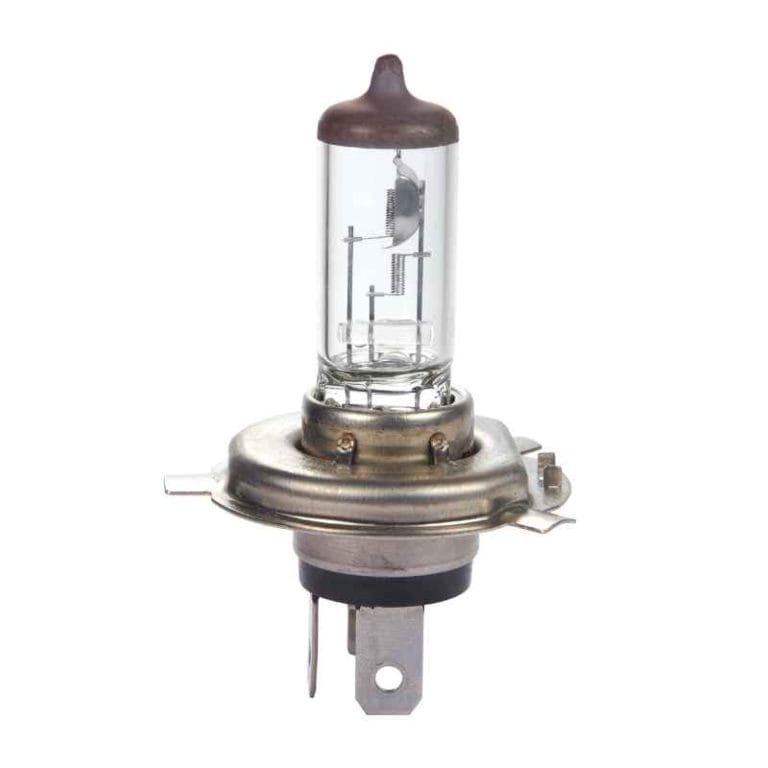
- Halogen Bulbs: Similar to incandescent but with a halogen gas inside. They also produce a steady light. Flicker is rare with standard halogen bulbs used in cars.
- LED Lights: These are very popular now. LEDs are efficient and last long. Many are designed to be very steady. However, some cheaper or older LED systems might flicker, especially if they have a less sophisticated driver circuit.
- HID (High-Intensity Discharge) Lights: These use an electric arc to create light. They need a ballast to start up and maintain the arc. Sometimes, the ballasts can cause a slight pulsing or flicker, especially when they are warming up.
The technology used to power the lights is just as important as the bulb itself. Many modern car systems use something called Pulse Width Modulation (PWM) for things like interior lights or even some taillight functions. PWM works by turning the light on and off very rapidly.
It does this at a high frequency. The idea is that if it’s fast enough, your eye won’t notice. But a camera’s shutter might still catch these rapid on-off cycles if the frequency isn’t high enough or if the camera’s settings aren’t ideal.
When you’re filming, the angle also matters. Sometimes, the flicker might be more noticeable from certain angles than others. This is because the way the light hits the camera sensor can change with the angle of the light source relative to the camera.
Real-World Scenarios: When Flicker Happens Most
You’ll often notice this flickering effect in specific situations. It’s not random. Several factors come together to make it show up on your video.
Common Flicker Scenarios
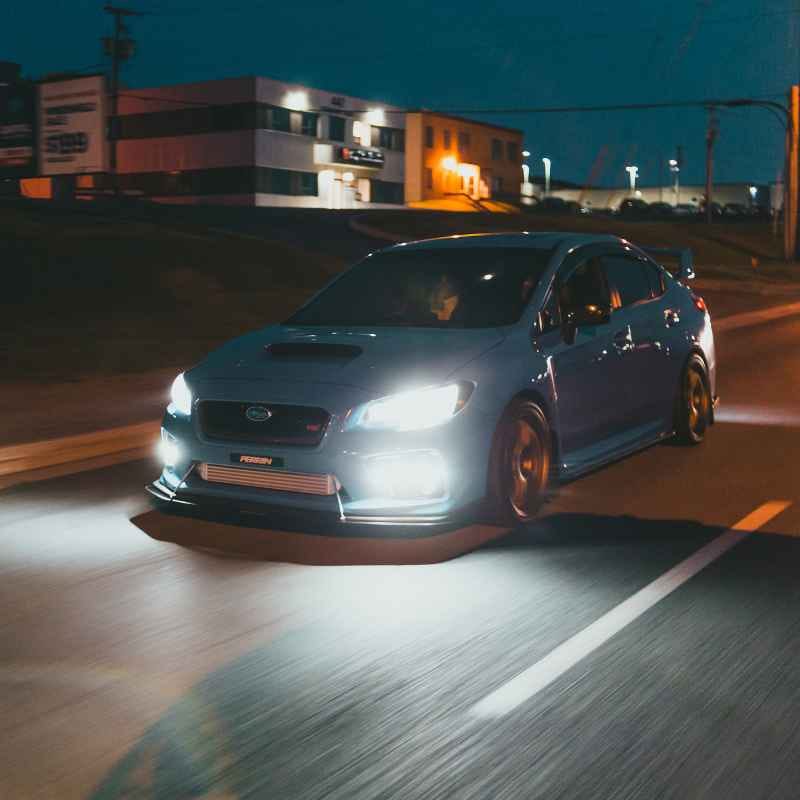
- Night Driving Videos: This is a big one. When you film at night, the camera’s sensitivity is turned up. This makes it easier to pick up even slight variations in light. The car’s headlights and taillights are often the brightest things in the frame, so their behavior stands out.
- Filming Under Streetlights: Many streetlights, especially older ones, use technologies that can flicker. When your car lights are also on, the combination of your lights and the streetlights can create a confusing visual on camera.
- Videos from Dash Cams: Dash cams are always recording. They are often set to capture video at standard frame rates. They might also be exposed to changing light conditions quickly, like entering or leaving a tunnel. This can highlight the flicker issue.
- Filming Indoors: Even if it’s not car lights, you might see this effect with indoor lights in the background of your video. This is because indoor lighting is often controlled by AC power, leading to that 60 Hz cycle.
The environment plays a role too. For example, if you are driving through an area with older infrastructure, you might encounter more lights that are prone to flickering. This is just because the technology is older.
Modern LED streetlights are usually designed to be very steady. But there’s a mix of lighting technologies out there.
Also, think about the camera settings. If you’re using a phone camera, it often tries to automatically adjust settings like shutter speed. This can sometimes make the flicker more pronounced if it’s not set optimally for the lighting conditions.
Professional cameras offer more control over these settings, allowing you to adjust the frame rate and shutter speed to minimize flicker.
What This Flicker Means (And What It Doesn’t)
It’s important to understand that seeing your car lights flicker on camera doesn’t usually mean there’s a problem with your car. In most cases, it’s a technical issue related to video recording. Your car’s lights are likely working perfectly fine.
However, there are times when flicker could point to something else. If you notice your car’s lights flickering in real life, not just on camera, then you should definitely get them checked. This could mean a loose connection, a failing bulb, or an issue with the car’s electrical system.
But the video flicker is almost always about the camera’s frame rate and the light’s cycle.
When to Worry About Light Flicker
- Flicker seen ONLY on camera: Usually NOT a car problem. It’s a video recording artifact.
- Flicker seen IN REAL LIFE (while driving or parked): YES, this is a concern. It could mean:
- A loose bulb or connection.
- A dying bulb.
- A problem with the car’s alternator or electrical system.
- A faulty light switch or wiring.
If you see flicker with your own eyes, it’s best to consult a mechanic.
So, if you’re reviewing footage and see those flashing lights, take a deep breath. It’s probably just the way the camera saw the light at that exact moment. The technology of light and cameras is fascinating, and sometimes, the way they interact creates these visual quirks.
It’s a reminder that what we see and what a camera captures aren’t always exactly the same.
Tips for Reducing Flicker in Your Videos
While you can’t change how your car lights work, you can make changes to your video recording to help reduce or even eliminate that annoying flicker. It mostly comes down to understanding your camera and the light.
Video Recording Tips
- Adjust Frame Rate: If your camera lets you, try changing the frame rate. Sometimes recording at 60 fps can help smooth things out because it captures more moments. Experiment with different rates.
- Change Shutter Speed: Some cameras allow you to adjust shutter speed independently of frame rate. Try setting the shutter speed to a value that is not a simple fraction of the AC frequency (like 60Hz in the US). For example, a shutter speed of 1/50th or 1/100th of a second might work better than 1/60th or 1/120th.
- Use Anti-Flicker Settings: Many modern cameras, especially professional ones and some higher-end phone apps, have built-in “anti-flicker” or “anti-banding” modes. These settings are designed to automatically adjust the camera’s settings to match the local power frequency, reducing flicker. Look for these options in your camera’s menu.
- Film at Different Times or Angles: If possible, try filming when ambient lighting is different, or from a slightly different position. Sometimes, a small change in angle can capture the light differently and reduce the perceived flicker.
- Post-Production Editing: There are video editing software tools that can help reduce flicker after you’ve recorded your footage. These tools analyze the video and try to even out the brightness fluctuations.
It often takes a bit of trial and error to find the best settings for your specific camera and the lighting conditions you are filming in. Don’t get discouraged if your first few attempts don’t work perfectly. Keep experimenting.
Understanding the basic principles of frame rates and light cycles will help you a lot.
Frequently Asked Questions About Car Light Flicker
Why do my car’s headlights flicker on camera but not in real life?
This happens because of a timing mismatch. Your camera captures video in frames per second (fps). Some lights, especially those powered by AC electricity, pulse on and off rapidly.
If the camera’s frame rate or shutter speed doesn’t align with this pulsing, the camera might only capture the light when it’s bright in some frames and dim in others. This difference creates the flicker effect you see on video, even though the light is steady to your eyes.
Is flickering car lights on camera a sign of a faulty bulb?
In most cases, no. If the lights look perfectly fine when you’re driving or parked, and the flicker only appears on video recordings, it’s very likely an issue with how the camera is capturing the light, not with the light itself. However, if you see the lights flickering with your own eyes, it could indicate a problem with the bulb, connection, or your car’s electrical system.
What is the typical frequency of AC power that causes light flicker?
In the United States, the standard AC power frequency is 60 Hertz (Hz). This means the power direction flips 60 times every second. Lights powered by this system can pulse at this frequency, which can lead to flicker when recorded by cameras if the camera’s settings aren’t optimized.
Can LED car lights flicker on camera?
Yes, LED lights can sometimes flicker on camera, though they are often more steady than older technologies. The flicker can happen if the LED’s driver circuit isn’t designed well, or if it’s using Pulse Width Modulation (PWM) at a frequency that’s too low for the camera to miss. Also, cheaper LED products might have this issue more often.
How can I fix flickering car lights in my video?
You can try adjusting your camera’s settings. Look for options to change the frame rate (e.g., to 60 fps) or shutter speed. Many cameras also have an “anti-flicker” or “anti-banding” mode that can automatically correct this.
If your camera doesn’t have these, you might need to use video editing software to reduce the flicker after recording.
Does the type of camera matter for light flicker?
Yes, the type of camera and its settings make a big difference. Professional cameras offer more control over frame rate and shutter speed, which helps in matching the camera to the light source. Simpler cameras or phone cameras with automatic settings might struggle more and show flicker more often.
Higher frame rates (like 60fps or more) tend to produce smoother video and reduce flicker.
Final Thoughts on Seeing the Light
It’s pretty neat, isn’t it? That little flicker you see on camera is a cool reminder of how technology works. It’s a little dance between light and lens.
Usually, it’s not a sign of trouble with your car. It’s just the way the camera captured the light’s rapid on-off cycles. By understanding frame rates and light frequencies, you can either stop worrying about it or even take steps to make your videos look better.
So next time you see those flashing lights on screen, you’ll know exactly why they’re there!
See also how much do car headlights cost to replace full breakdown. See also can you make car headlights clear again yes.
Products related to this article
Sponsored / affiliate links. As an Amazon Associate I earn from qualifying purchases. I may earn additional commission from eligible campaigns.