
Vehicle Types on a VIN Lookup: How to Read the Result
Treat vehicle type on a VIN lookup as a classification field, not proof. If it conflicts with the title or registration, check the source and the original vehicle record first. Wrong labels can stall registration, misprice insurance, or lead to a bad purchase decision. This guide explains vehicle type, body style, and class, then shows how to check conflicting VIN results against official records.
What vehicle type means on a VIN lookup

Vehicle type is a broad label a decoder may assign to a VIN result, such as passenger car, SUV, truck, van, or commercial vehicle. It is a lookup classification, not a guarantee that every database will describe the same vehicle the same way.
A VIN, or Vehicle Identification Number, is a 17-character standard used to identify one specific vehicle. Public and commercial VIN lookup tools decode fields from that number, but the type field may come from source data that differs from the title or DMV record. (Nhtsa)
The label can be broad enough to group similar vehicles together. A pickup may appear as light truck on one report and truck on another. A crossover may appear as SUV in one database and passenger vehicle in another if the source data is incomplete.
What you’ll need
- The full 17-character VIN
- The VIN lookup result you want to verify
- The title record, if available
- The current registration or DMV record
- The manufacturer label or door-jamb sticker, if present
Why do VIN decoders show different vehicle types?
Different decoders may use different source data, so the same VIN can return different vehicle types. One tool may rely more on manufacturer data, another on registry records, and another on older compiled datasets that may lag behind current administrative records.
That is why one site may show passenger car while another shows SUV or light truck. The difference often reflects the database, not a different vehicle identity. Older, imported, rebuilt, modified, or damaged vehicles are more likely to have incomplete or mixed records.
Say your VIN report says passenger car on one site and SUV on another for the same 17-character VIN. The best next check is not another random decoder; it is the title or registration record that controls the vehicle’s official classification.
How to read the source of the decode
- Open the VIN report and find the type label.
- Look for source clues such as manufacturer data, title data, or registry data.
- Compare the year, make, model, trim, and engine fields with the vehicle.
- Check whether the site labels the result as estimate, decoded, or classified.
- Use the title or DMV record if the source is unclear.
How do you read the body type and vehicle class from a VIN report?
Body style is narrower than vehicle type. It often points to the design form, such as sedan, coupe, hatchback, wagon, SUV, pickup, or van. Vehicle class is a separate administrative or regulatory grouping that DMV, insurance, or registration systems may use differently from consumer lookup labels.
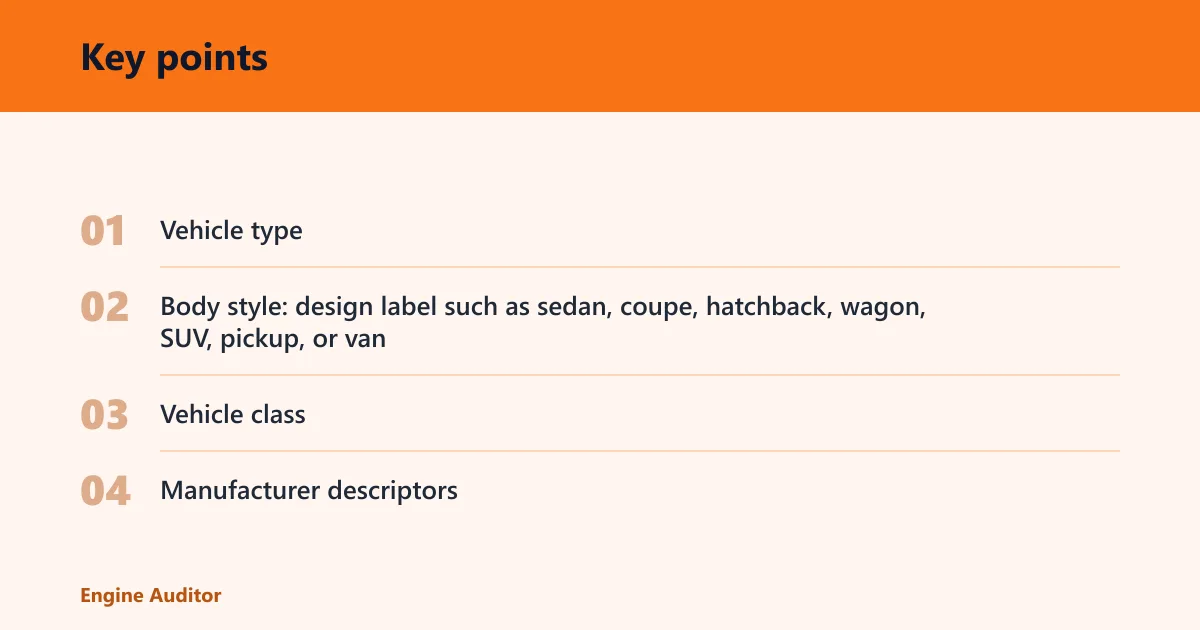
A report can therefore show a sedan body style and a passenger car vehicle type, or a pickup body style and a light truck class. The body style usually helps describe the vehicle’s shape, while the class often affects forms, fees, plate type, or usage rules.
What to match first
- Vehicle type: broad category such as passenger car, SUV, truck, van, or commercial vehicle
- Body style: design label such as sedan, coupe, hatchback, wagon, SUV, pickup, or van
- Vehicle class: administrative or regulatory grouping used by agencies and insurers
- Manufacturer descriptors: make, model, trim, body type, and engine configuration
Use the manufacturer descriptors to narrow the result. A sedan and a hatchback can share the same make and model family but differ in body style. A trim level can also matter when two near-identical vehicles land in different database buckets.
Picture a compact crossover that a consumer site calls SUV because of body shape, while a DMV record classifies it as passenger vehicle for registration purposes. Both labels can appear in the same vehicle file, but they answer different questions.
What should you do if records disagree?
If the VIN lookup, title, and registration do not agree, treat the official record as the first thing to verify. The registration or DMV record often controls road-use classification, fees, plate type, and form requirements.
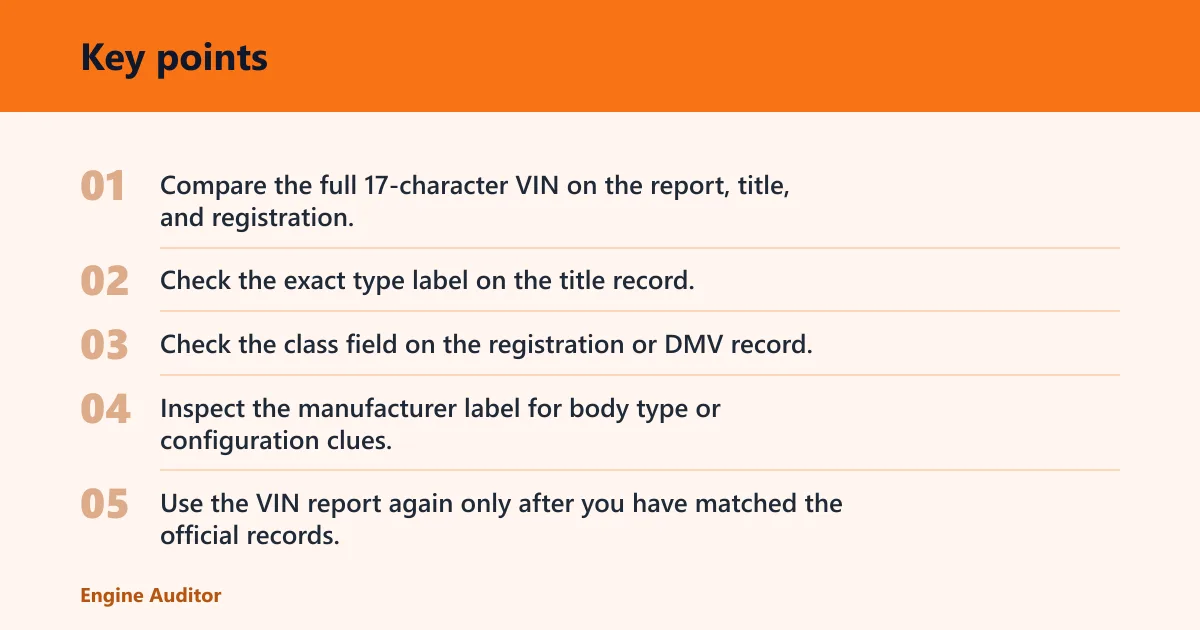
Start by checking whether the VIN on every document is identical, including the full 17 characters. Then compare the vehicle type code, body style, and class fields line by line. If the disagreement remains, the official record usually matters more than a consumer-facing decoder label.
Step-by-step check path
- Compare the full 17-character VIN on the report, title, and registration.
- Check the exact type label on the title record.
- Check the class field on the registration or DMV record.
- Inspect the manufacturer label for body type or configuration clues.
- Use the VIN report again only after you have matched the official records.
Suppose the decoder says commercial vehicle, but the title lists passenger car and the DMV record shows standard registration. That mismatch can come from stale data, a conversion that was never updated, or a record imported from another system with a different code set.
If that does not settle it, ask the DMV or title issuer which record controls the current classification. Bring the VIN, the title, and the registration so the records can be compared against the same vehicle identity.
VIN result interpretation checklist
| What the lookup says | What it likely means | What document to verify next |
|---|---|---|
| Passenger car | Broad on-road car classification; the body style may still be sedan, hatchback, or wagon | Title record, then registration if the class is unclear |
| SUV | Utility-style body or a database label used for a crossover-type vehicle | Manufacturer label and title record |
| Pickup | Truck-style body with open cargo bed; some systems may still call it light truck | Registration or DMV record |
| Van | Passenger or cargo van classification depending on seats, cargo setup, or source data | Manufacturer descriptors and title record |
| Commercial vehicle | Administrative use class, often tied to work use, weight group, or plate type | Registration or DMV record |
| Title and decoder disagree | Possible outdated record, source mismatch, imported history, or prior conversion not reflected everywhere | Title first, then DMV record, then manufacturer label |
What does passenger vehicle versus commercial vehicle mean on a VIN report?
Passenger vehicle usually points to a road-use category intended for personal transport, while commercial vehicle usually points to a business, work, or regulated use classification. The label may affect registration, plates, taxes, or insurance, and it may differ from body style.
A van can be either passenger or commercial depending on how the record is coded. A pickup can also move between categories in some systems if it is registered for work use or has been modified. The VIN alone may not settle that question without the title or DMV record.
How to use the result for buying, registration, or verification
- For buying, compare the decoder label with the title and the vehicle’s physical setup.
- For registration, follow the DMV record that governs fees and form requirements.
- For insurance, ask whether the insurer uses vehicle class, use type, or body style.
- For verification, keep the VIN, title, and registration aligned before you rely on a consumer report.
Why does my VIN lookup say the wrong vehicle type?
A wrong-looking type label usually means the decoder is working from incomplete, outdated, or differently coded source data. That is common with older vehicles, imported vehicles, rebuilt titles, modified bodies, and records that were copied between systems with different class codes.
The fix is to check the title, registration, and manufacturer descriptors before deciding the report is wrong. A mismatched label can be a data problem rather than a vehicle problem, especially when the make, model, year, and engine all line up.
Common mistakes
- Treating type, body style, and class as the same field
- Trusting one decoder without checking the source
- Ignoring mismatches on older, rebuilt, or imported vehicles
- Using the VIN alone as proof of exact body style
- Reading a consumer label as if it were a DMV code
Prevention: keep the title and registration together when you check a VIN report, and verify the full 17-character VIN before you compare categories.
Frequently asked questions
What does vehicle type mean on a VIN lookup?
It is the broad category a decoder assigns to the VIN result, such as passenger car, SUV, truck, van, or commercial vehicle. Use it as a screening label. If it does not match the title or registration, the official record should be checked next.
Is vehicle type the same as make, model, or trim?
No. Make, model, and trim identify the vehicle family and configuration, while vehicle type groups it into a broader category. A single make and model can appear in different body styles or classes, so those fields should be read together, not substituted for one another.
Can a VIN lookup tell if a vehicle is a sedan, SUV, or truck?
Often yes, but not with perfect consistency. Many decoders infer body style from manufacturer data or database mapping, so a sedan, SUV, or truck may appear on one site and a broader class may appear on another. Verify against the title or manufacturer label if the label matters.
Why do VIN decoders show different vehicle types on different sites?
They may use different datasets, different mapping rules, or different levels of manufacturer detail. One site may classify the same VIN as passenger car while another calls it light truck or SUV. Compare the report against the title and registration before treating any one label as final.
What should I do if the VIN lookup and title show different vehicle types?
Check that the VIN matches exactly, then compare the title, registration, and any manufacturer label on the vehicle. If the mismatch remains, ask the DMV or title issuer which record controls the current classification. That matters more than the consumer report for registration or fees.
Products related to this article
Sponsored / affiliate links. As an Amazon Associate I earn from qualifying purchases. I may earn additional commission from eligible campaigns.