How to Keep Track of Car Maintenance the Easy Way
Keep car maintenance in one log and update it within about five minutes of each service: date, mileage, work done, cost, and next due service. Add a photo of the receipt if you have it. Missed entries lead to skipped oil changes, duplicate repairs, and weak resale records. This guide shows a simple system that still works when you lose a receipt or forget the exact service date.
TL;DR: Use one log, enter the service the same day, and record date, odometer, work completed, cost, next due point, and receipt proof. If you miss a receipt, keep the mileage and service notes anyway so the record still works.
Why simple tracking works


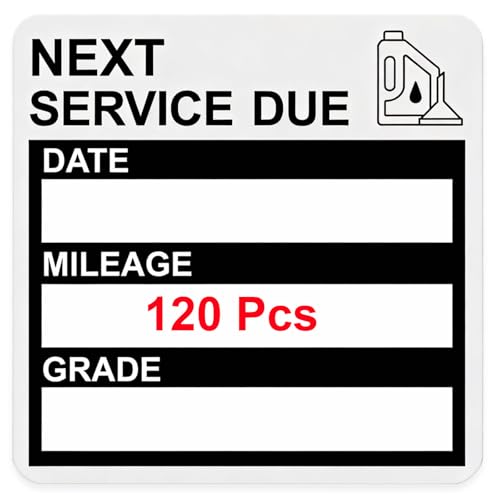
A basic log catches the details that matter most: when work happened, what was done, and what comes next. That is enough to prevent missed service, spot repeated problems, and rebuild a usable history when a record is missing.
Keep the system low effort. If logging takes more than a few minutes after each service, it will drift.
Why the owner’s manual comes first
Start with the maintenance schedule in the owner’s manual, then follow the interval that applies to your car and your driving conditions. Manufacturer schedules may vary by engine, transmission, trim, and service use, so the manual is the first place to confirm what the vehicle actually needs. If the manual gives both mileage and time, use the earlier trigger.
For severe-duty use, follow the stricter schedule when the manual calls for it. Short trips, towing, idling, extreme temperatures, and dusty conditions can shorten service intervals, so the log should note which schedule you are following.
What you’ll need
- A notebook, spreadsheet, or car maintenance app
- Your owner’s manual or maintenance schedule
- Your phone camera for receipt photos
- Current odometer reading at every service
- A folder for invoices, repair orders, or image files
- A reminder tool with calendar and phone alerts
Set up your maintenance log
Build one record for each service visit, then update it the same day. Record the date of service, mileage at service, work completed, next due date or mileage, and a receipt or invoice reference. If a receipt is missing, log what you do know and flag the gap.
- Choose one log. Pick a notebook, spreadsheet, or app, and keep every service record in that single place. Split records only by vehicle, never across random storage spots.
- Capture the odometer. Write the mileage before you leave the service bay or right after the work is done. That number drives mileage-based reminders and service interval checks.
- Record the work. List the service type and the parts or fluids replaced, such as oil change, brake pads, cabin filter, or coolant top-off. Add the oil grade or fluid type when it matters.
- Add the next due point. Enter the next mileage, next date, or both, depending on the schedule. Use the owner’s manual first, then note the interval source so you can verify it later.
- Save proof. Photograph the receipt or scan the invoice, then store the file name or invoice number in the log. That protects warranty claims and helps when you sell the car.
Suppose an oil change receipt goes missing. If the log still shows 84,120 miles, a 5W-30 oil grade, and a next due target of 89,120 miles, the service record remains useful even without the paper copy.
Maintenance log template
This template keeps the useful fields in one row. Copy it into a spreadsheet, notebook, or app note and use one line per service event.
| Date | Odometer | Service type | Interval source | Cost | Receipt status | Next due mileage/date | Notes |
|---|---|---|---|---|---|---|---|
| 2026-03-14 | 48,210 | Oil change, tire rotation | Owner’s manual: 5,000 miles or 6 months | $92.40 | Photo saved | 53,210 / 2026-09-14 | 5W-30 oil, filter replaced |
| 2026-05-02 | 49,880 | Brake inspection | Inspection interval | $0.00 | Invoice saved | 57,000 / 2026-11-02 | Front pads at 6 mm |
Add one more column in your own copy if you want vehicle name, shop name, or warranty notes. Keep the core fields above unchanged so the record stays readable years later.
What to log after every service
- Date of service
- Odometer reading
- Work completed
- Parts or fluids replaced
- Cost total
- Receipt, invoice, or photo reference
- Next due mileage or date
- Notes about warranty, unusual wear, or missed items
How do you know when service is due?
Use the owner’s manual first, then decide whether the next reminder is date-based, mileage-based, or both. Some jobs expire after months even if the car barely moves. Others depend mainly on mileage, such as oil, tires, and some fluid checks.
Time-based intervals
Set a calendar reminder when the interval is measured in months, not miles. Battery checks, brake fluid, coolant, and some inspection items often follow time even on low-mileage cars. If the manual gives both time and mileage, set the earlier one as the trigger.
Mileage-based intervals
Use the odometer to track service that depends on distance. Enter fuel fill-up mileage too if you want a monthly mileage average. That average helps estimate when the next service will land if your driving pattern changes.
Severe-duty and high-mileage schedules
Check for severe-duty rules if you drive short trips, tow, idle often, or face extreme heat or cold. Those conditions can shorten intervals. High-mileage schedules may also call for different service categories, so note which schedule you are following.
Picture a commuter car that also handles one long highway trip a month. The monthly average may be modest, but the trip still adds enough miles to move an oil change up sooner than the calendar alone suggests.
Should you use an app or spreadsheet for car maintenance?
Choose the tool that you will update every time. A car maintenance app is better if you want reminder notifications and multiple-vehicle support. A spreadsheet is better if you want filtering, shared access, backups, and a record you can export without friction.
What is the easiest setup?
The easiest setup is the one you will keep using: a phone app for reminders, a spreadsheet for flexible tracking, or a notebook if you prefer paper. The best choice is less about format and more about whether it supports same-day updates without friction.
When a phone app makes sense
Use an app if you want service history storage, reminder notifications, receipt upload, and quick edits on your phone. That works well when you need the whole record in your pocket and do not want to build your own structure.
When a spreadsheet is better
Use a spreadsheet tracker if you want custom columns for date, mileage, cost, service type, and notes. It also makes filtering by vehicle simple. A spreadsheet is often the better choice when family members or multiple drivers need shared access.
How to keep records backed up
Keep one backup copy outside the device you use most. Export the file monthly or save a cloud copy, then keep receipt photos in a separate folder with matching dates or invoice numbers. That protects your history if a phone is lost or replaced.
How can you track multiple vehicles?
Use one system and separate each vehicle by name, VIN last four digits, or a clear label such as “sedan,” “truck,” or “work van.” The method stays the same. Only the vehicle tag changes.
Separate logs by vehicle
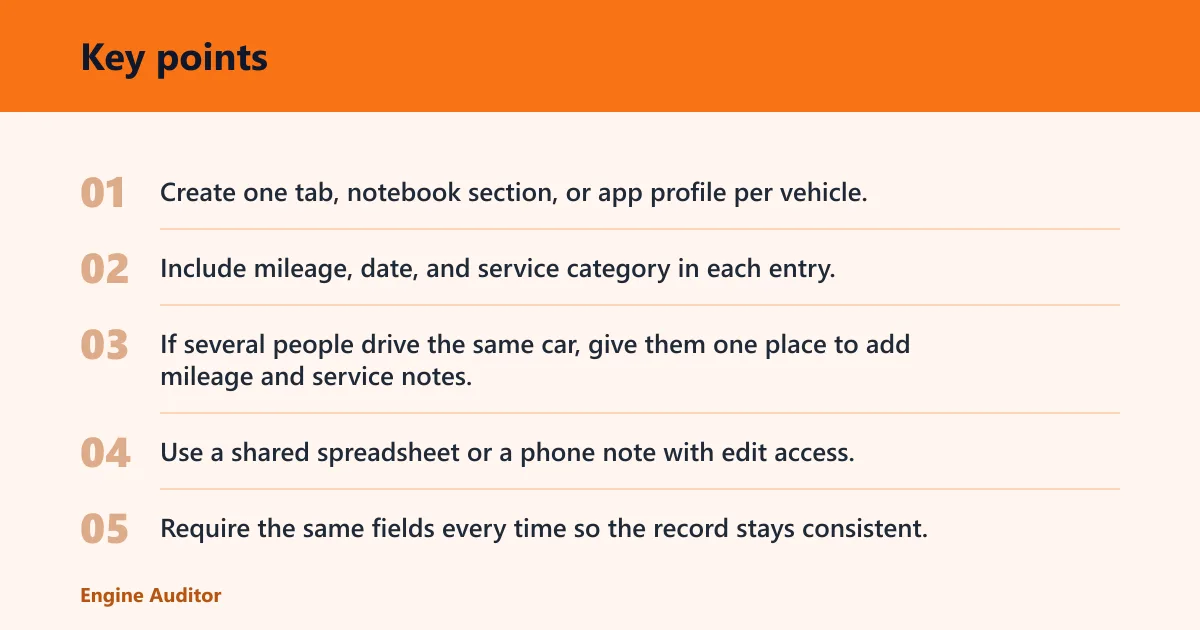
Create one tab, notebook section, or app profile per vehicle. Include mileage, date, and service category in each entry. That keeps service intervals clean when the cars use different schedules.
Shared access for families or drivers
If several people drive the same car, give them one place to add mileage and service notes. Use a shared spreadsheet or a phone note with edit access. Require the same fields every time so the record stays consistent.
Tracking a work car, commuter, and road-trip vehicle
Track the same car by use pattern as well as by vehicle. A commuter car may need mileage reminders, while a road-trip vehicle may need calendar checks before long travel. For company vehicles or fleet vehicles, add driver name, route type, and fuel fill-up entries so gaps are easier to spot.
How to handle company vehicles and equipment maintenance
For company vehicles, add a service line for driver, vehicle ID, location, downtime, and status so the record shows both the repair and the operational impact. For equipment, use the same approach: identify the asset, log the service date and runtime or use reading if applicable, note what was done, and mark the current status so the next person can act without guessing.
Common mistakes
The biggest failure is partial logging. A date with no mileage is weak. A receipt with no service type is weak. A reminder with no next due target is weak. Keep the same fields every time so the record still works months later.
- Log only the receipt. Receipts can disappear. Write the service details into the log the same day so the record survives without the paper copy.
- Ignore mixed intervals. Some items are time-based, others mileage-based. Record both when the manual calls for both, or you will miss one side of the schedule.
- Skip missing-data notes. If a used car arrives with no records, start with the first known mileage and mark earlier work as unknown. Do not guess past service dates.
- Use one reminder only. Pair calendar alerts with phone notifications and a manual check cadence, such as a monthly glance at the odometer. One alert can fail; two layers are harder to miss.
- Forget the receipt details. Save parts replaced, labor performed, oil grade or fluid type, cost totals, and warranty proof. Those details matter when a repair is questioned later.
A common first-timer mistake is logging an oil change but skipping the mileage. That leaves no clean way to estimate the next interval if the date gets buried.
12-month reminder cadence
| Month | Oil | Tires | Brakes | Battery | Fluids |
|---|---|---|---|---|---|
| January | Check due mileage | Check pressure | Visual inspection | Test if cold starts slow | Check washer fluid |
| April | Log service if due | Rotate if scheduled | Inspect wear | Inspect terminals | Check coolant level |
| July | Calendar reminder | Inspect tread | Check pad thickness | Check battery age | Check all fluid levels |
| October | Set next interval | Adjust for weather | Inspect before travel | Load-test if needed | Top off as needed |
Frequently asked questions
What is the easiest way to track car maintenance?
The easiest method is a single phone note or spreadsheet that you update right after service. Keep the fields fixed: date, mileage, service type, cost, and next due target. That takes only a few minutes and is usually enough for routine upkeep.
What maintenance records should I save for my car?
Save invoices, receipts, and any note that shows parts replaced, labor performed, oil grade or fluid type, total cost, and warranty proof. Keep the odometer reading with each entry. Those records help with resale, warranty questions, and future service planning.
How do I know when my car is due for service?
Check the owner’s manual, then use the earlier of the mileage interval or the time interval when both are listed. Add a reminder in your phone calendar and a mileage note in the log. For severe-duty use, shorten the interval if the manual says to do so.
How can I track car maintenance for multiple vehicles?
Give each vehicle its own log section, then use the same fields for every entry. If several people drive the vehicles, use a shared spreadsheet or shared app access so mileage and service notes land in one place. Add a vehicle label to every record.
Products related to this article
Sponsored / affiliate links. As an Amazon Associate I earn from qualifying purchases. I may earn additional commission from eligible campaigns.