Why Is My Dashboard Rattling? Causes and Fixes
A dashboard rattle usually comes from loose trim, a vibrating hidden part, or a body-to-dash contact point. Begin with simple outside checks, then move inward if taps, temperature, or road type change the noise. Ignoring it can waste time on the wrong panels, crack clips, and hide a loose module that may become a bigger repair. This guide shows how to isolate the noise, judge urgency, and pick the right fix before dismantling the dash. For a broader overview of cabin noises, see car rattle diagnosis, rattles over bumps, and dashboard noise causes.
Dashboard rattle basics


![[5 PC] Car Trim Removal Tool Kit - Auto Plastic Pry Tool, Door Panel & Clip | 4 Nylon Pry Tools + Fastener Remover: Push](https://m.media-amazon.com/images/I/51K7dEUgSOL._SL500_.jpg)
Dashboard noise has three common source categories: trim panels, internal components, and dashboard mounts or fittings. Loose screws, clips, or panels can vibrate against nearby parts; worn-out mounts can add movement; and temperature fluctuations can make interior materials expand and contract enough to change the noise. Automakers and service literature commonly treat a repeatable buzz or rattle as a fitment issue first, not a major structural fault, and vibration behavior can change as the cabin warms and parts settle into place.
Humidity levels can also matter because they can affect material change and vibration-related noise, but they are usually part of the larger pattern rather than the only cause. Internal components may be the real source even when the sound seems to come from the outer dash surface. Materials research from vehicle and interior-assembly guidance also notes that plastic trim and foam interfaces can change feel and clearance with heat and moisture, which is why a rattle may appear only in certain weather conditions.
For a safety-minded baseline on when noise becomes a concern, NHTSA emphasizes that loose interior parts can interfere with controls or visibility if they migrate, while AAA recommends investigating persistent interior noises before they develop into broken trim or loose hardware. See NHTSA, AAA repair guidance, and your vehicle’s factory service information for model-specific attachment points and clip locations.
What to treat as urgent
If the sound appears near a safety-related part, changes after a sudden impact, or comes from a loose module that could shift farther, treat it as a deeper issue. Cosmetic trim noise is common. A mount, fitting, or hidden component that is moving more than it should deserves prompt inspection. If the noise is paired with a warning light, steering interference, or anything that blocks an airbag cover, stop and inspect before further driving.
What you’ll need
- Prying tools for trim removal, to help avoid scratching the dashboard
- Flashlight
- Inspection mirror
- Packing foam sheets, for immobilizing wires or damping vibration
- Heat-resistant material for warmer areas near ducts or other hot spots
- Helper for parked listening checks
- Painter’s tape or masking tape for temporary labeling
How do you pinpoint the source?
Start with parked checks. A helper can listen while the vehicle rolls slowly over a rough surface, and a controlled parking-lot crawl can often separate a road-speed rattle from a stationary buzz. Pressing the dash while parked can help locate the source, but do not do that while driving. If you are working around trim or bezels, use the least invasive access first and avoid forcing clips; OEM service manuals and repair procedures commonly warn that brittle retainers can break when pried from the wrong edge.
- Clear loose items from the glovebox, center console, and dashboard storage pockets.
- Choose a quiet route with a rough patch, then have a helper listen from the passenger seat.
- Tap one zone at a time with the vehicle parked to see whether the sound changes.
- Note whether the noise follows temperature changes, rough pavement, or engine vibration.
Say your dash rattles only after the cabin warms up on a cold morning. That pattern points toward thermal expansion at a trim edge or clip rather than a loose item bouncing in a compartment. If the noise appears only after the defroster runs or after the sun hits one side of the cabin, the likely culprit is a contact edge changing size enough to touch a bracket or bezel.
Dashboard noise decision table
| Noise location | Likely source category | Quick test | Confidence level | Next step |
|---|---|---|---|---|
| Top center of dash | Trim panel or hidden wiring | Tap the panel while parked and note if the sound changes | High | Inspect clips and foam contact points |
| Behind vents or infotainment bezel | Internal components | Listen with the fan off, then on low | Medium | Open the bezel and check for loose cables or rubbing parts |
| Lower dash near knees | Mounts or fittings | Press the lower panel lightly while parked | Medium | Inspect fasteners and attachment points |
| One side after temperature change | Trim movement from expansion and contraction | Compare cold start to warm cabin behavior | Medium | Check clip tension and contact surfaces |
| Noise at windshield base | Not the dashboard: cowl or windshield trim | Listen from outside the car at idle | High | Inspect the cowl panel and windshield trim separately |
| Noise near side glass | Not the dashboard: A-pillar trim | Lightly press the pillar trim while parked | High | Check the trim clips and adjoining seal |
| Noise from front passenger area | Not the dashboard: glovebox or contents | Empty the glovebox and retest | High | Secure the latch and remove loose contents |
The table is meant to separate cosmetic trim rattles from deeper dash-frame issues. If the sound tracks the windshield base, A-pillar, glovebox, or cowl, treat it as a separate source instead of opening the dash first. For related checks, see glovebox rattle fix, A-pillar noise, and cowl rattle.
How do you inspect trim and hidden parts?
Trim panels often hide the real source. Loose clips can let a dashboard trim panel vibrate against a nearby bracket, and a panel may need prying tools to remove without scratching. Internal cables, ducts, and small modules can sit behind the face trim and rattle only under load. In many factory procedures, the first safe step is to disconnect the battery only if the repair area includes SRS-related trim or connectors, then wait the specified time before touching airbag-adjacent parts.
- Remove the nearest trim panel with prying tools, starting at the least visible edge.
- Check each clip for looseness, wear, or a bent tab.
- Look for wires or small parts that can touch the back of the panel.
- Inspect dashboard mounts or fittings for play, movement, or missing fasteners.
A common first-timer mistake is assuming a clicking sound from the center stack must be the dash shell. In a warm cabin, a loose cable can tap a bezel every time the body flexes over a bump. If you are not sure whether the noise is trim, wiring, or a deeper bracket issue, inspect the exposed contact points before removing larger sections.
How do you stop the rattling?
Use foam only where it can stay put. Packing foam sheets work well to immobilize wires or act as a vibration-damping filler, but keep padding away from HVAC ducts and moving parts. Near warmer areas, use heat-resistant material instead of foam that may soften or shift. Manufacturer trim-service bulletins often recommend adding restraint or anti-squeak tape only at verified contact points, not as a blanket fix.
- Place a thin foam strip where a wire or panel edge can touch a fixed surface.
- Keep foam clear of vent passages, fan doors, and linkage movement.
- Use heat-resistant material near ducting or other warm sections.
- Reinstall the trim, then retest on the same road surface.
- Add only 1 piece at a time, then recheck before adding another.
Suppose the rattle comes from a wire behind the infotainment bezel. A narrow foam strip at the contact point may stop the noise, while a thick wad could push on a vent flap and create a new problem. If the sound changes after rain, car wash use, or long sun exposure, check whether a seal, pad, or retainer is swelling or shifting rather than assuming the foam fix failed.
If that didn’t work, try this next
When the first fix fails, move from cosmetic parts to support points. Dashboard mounts can contribute to rattling, and a worn fitting may get worse over time. If trim and wiring checks do not change the sound, the next step is a closer look at attachment points and nearby body interfaces. A persistent rattle that survives glovebox, bezel, and wiring checks is more likely to need a deeper disassembly or a shop-level diagnosis.
- Check for movement at the lower dash, center stack, and side brackets.
- Compare the sound with the glovebox open and closed.
- Listen again with HVAC fan settings unchanged, then with them off.
- If the noise remains, book a shop inspection for hidden mounts or internal modules.
DIY diagnosis often takes under an hour if the source is a loose trim piece, while a deeper shop inspection can take longer because panels may need removal and reassembly. A simple trim fix is often a low-cost repair; a damaged mount, hidden module, or broken clip set can move the job into a more involved repair. AAA and OEM repair guidance both suggest stopping short of forceful disassembly if the panel resists or the noise appears to involve an SRS cover, because broken retainers can turn a small problem into a larger one.
Common mistakes
Chasing the wrong panel is the fastest way to waste time. A windshield trim buzz, A-pillar squeak, glovebox latch click, or cowl rattle can sound like a dashboard problem from the driver’s seat.
Using too much filler can also create new contact points. Foam should not block vents, interfere with moving parts, or press hard enough to deform the trim when the cabin heats up. Skipping the separate not-the-dashboard checks leaves the main cause untouched.
Why is my dashboard rattling when I drive?
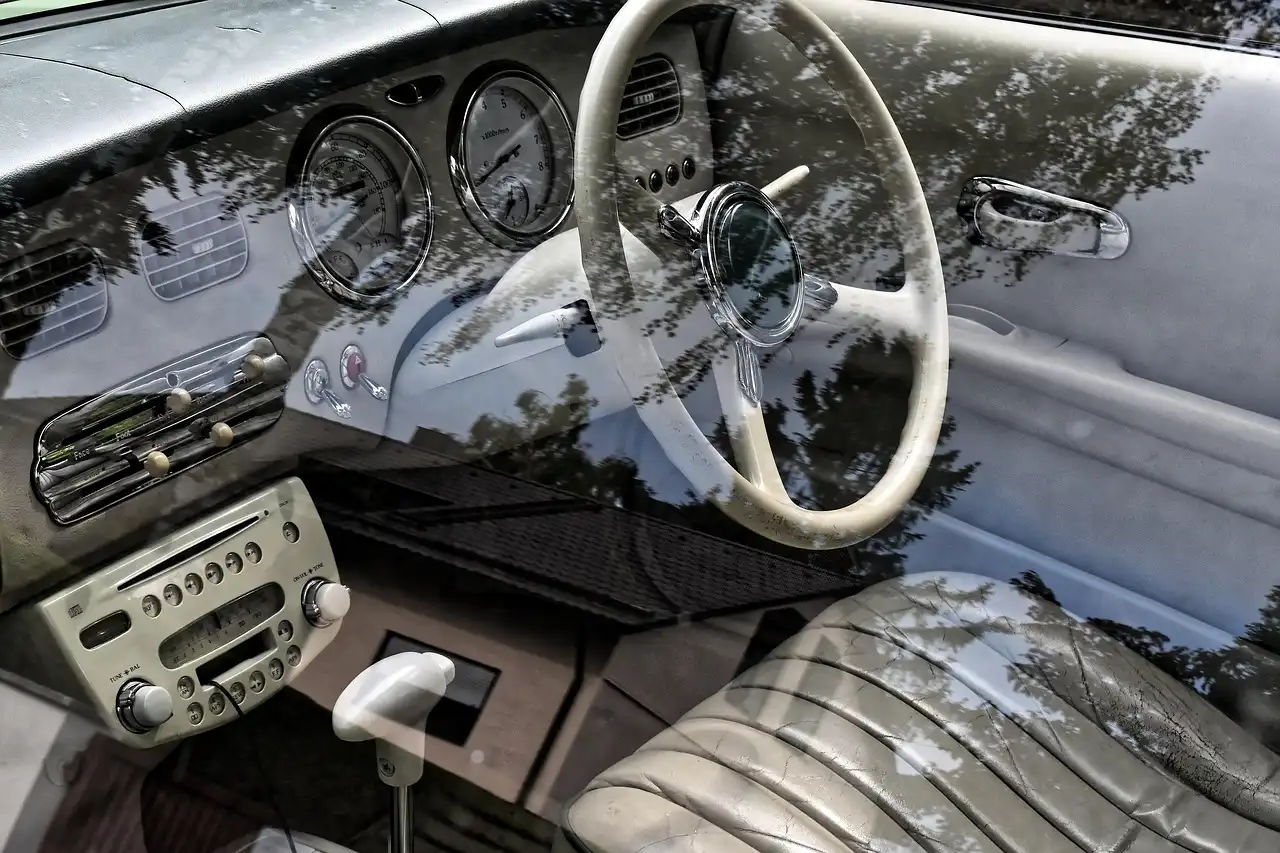
Road motion usually makes a loose clip, wire, or fitting move just enough to buzz. If the sound appears only over bumps, start with a parked press test, then compare rough pavement to smooth pavement. A helper can listen while you drive slowly on a safe, empty road. A bump-only rattle that disappears at idle usually points to a part with clearance, not an engine-speed issue, which helps narrow the search to clips, bezel edges, or a shallow wire harness.
Why is my dashboard vibrating?
Vibration usually points to a part that is not fully secured, especially a trim edge, loose cable, or mount. Check the center stack, glovebox area, and lower dash first. If the noise changes with engine speed as well as road texture, look at the interface between the dash and its fittings. A steady buzz at one rpm range can suggest a loose bracket or resonant panel rather than a random rattle.
Why is my dashboard shaking?
Shaking suggests broader movement than a simple buzz, so inspect the dashboard mounts or fittings and the nearby body interface. Look for play at the edges of the dash, then compare the noise with the car idling versus rolling. If the sound grows after a bump, the fitment deserves attention. A shift that feels like the whole panel moves can also indicate a broken clip, a misseated bracket, or a trim piece that is no longer fully anchored.
Why is my dashboard creaking?
Creaking often comes from two surfaces rubbing as temperature changes make them expand and contract. That makes trim contact points and clip tension more important than the face panel itself. Check for tight contact along the top edge, then retest after the cabin warms up. A creak that starts in cold weather and fades as the interior heats up often comes from plastic-to-plastic or plastic-to-felt contact rather than a loose fastener alone.
Why is my dashboard making noise while driving?
Driving adds body flex and road vibration, so a hidden part that seems quiet at idle can start moving under load. Start with loose items, then move to trim panels and hidden wiring. If the sound follows a rough patch but disappears on smooth pavement, source isolation is usually straightforward. If it changes only when the HVAC is on, check for a blower-speed-related buzz or a duct contact point instead of chasing the dash shell first.
Why is my car dashboard rattling?
Car dashboard rattles are usually caused by loose parts or vibration, but the location matters more than the label. Check whether the sound comes from trim panels, internal components, or a mount. Then separate true dash noise from windshield, A-pillar, glovebox, or cowl sources before opening larger sections. If the rattle is strongest at startup and weakens as the interior warms, trim expansion is a strong clue; if it stays constant, focus on hardware and retainers.
Products related to this article
Sponsored / affiliate links. As an Amazon Associate I earn from qualifying purchases. I may earn additional commission from eligible campaigns.