How to Find EV Charging Stations Near You
Find EV charging stations near you by searching a charger app or map, then checking live availability, plug type, and speed before you drive. Keep one backup station about 5 to 10 miles away. Bad filters or stale status can send you to an occupied, incompatible, or broken stall. This guide shows a repeatable three-step method to search broadly, verify live status, and route with backup options.
How EV charger search works
Finding an EV charger is different from finding a gas station because distance alone is not enough. You also need connector fit, charging speed, payment method, site access, and current stall status. A station in the nearest parking lot can still fail your trip if the plug does not match or every stall is busy.
What signals matter most
Start with the closest workable option, then check whether it supports your connector, your charging rate, and your payment method. Public EV charging network availability varies by network and site, and many chargers sit in parking lots, hotels, or shopping centers where access rules matter as much as location.
For quick screening, trust these signals in order: live status, recent check-ins, plug type, and number of chargers. A stall count of one is fragile; a site with multiple plugs and recent successful check-ins is a better bet.
What you’ll need
- A primary map app for nearby search, such as Google Maps or Apple Maps
- A cross-network charger directory with filters and check-ins, such as PlugShare or ChargeHub
- Your vehicle’s connector type, charging port location, and maximum AC and DC charging limits
- A backup app for the specific network you may use, such as Electrify America, EVgo, or ChargePoint
- If you drive a Tesla, the Tesla app or Tesla navigation for vehicle-specific routing and Supercharger compatibility
How do you find EV charging stations near you?
Search broad first in Google Maps or Apple Maps, then narrow the results by plug type, charging speed, and open-now status. Use the map for fast discovery and the directory app for confirmation. The goal is not the nearest dot on the map; it is the nearest charger you can actually use.
- Open Google Maps, Apple Maps, or a charger directory and search “EV charging stations.”
- Filter by your plug type and the speed you need, especially if you want DC fast charging instead of Level 2.
- Check whether the result says open now, has recent check-ins, or lists active stalls.
- Pick the closest option that still matches your vehicle and your schedule.
- Save one backup station in case the first site is full, blocked, or offline.
Suppose you are in a city center and the nearest result is a two-stall charger in a garage. A nearby shopping center may be farther away, but if it has four stalls, recent check-ins, and easier access, that is the better first choice.
How do you know a charger will work with your EV?
A charger works for your vehicle only if the connector, charging speed, and site rules match your car. Check the standard first, then verify whether you need an adapter. After that, confirm the station’s AC or DC output fits your vehicle’s maximum charging rate.
Compatibility checklist before departure
- Match the connector standard to your vehicle’s charge port.
- Check whether the site offers AC charging, DC fast charging, or both.
- Confirm your car’s maximum charging rate so you do not expect more speed than it can accept.
- Verify adapter needs before leaving, especially for non-Tesla sites or Tesla-specific routing.
- Confirm the station supports your vehicle model or charging network requirements.
For Tesla drivers, the Tesla app and Tesla navigation are the most direct tools for Supercharger locations, vehicle-specific compatibility, and routing. For non-Tesla drivers, cross-network directories are better for seeing mixed sites and available connector types before you go.
How do you tell if a charging station is working right now?
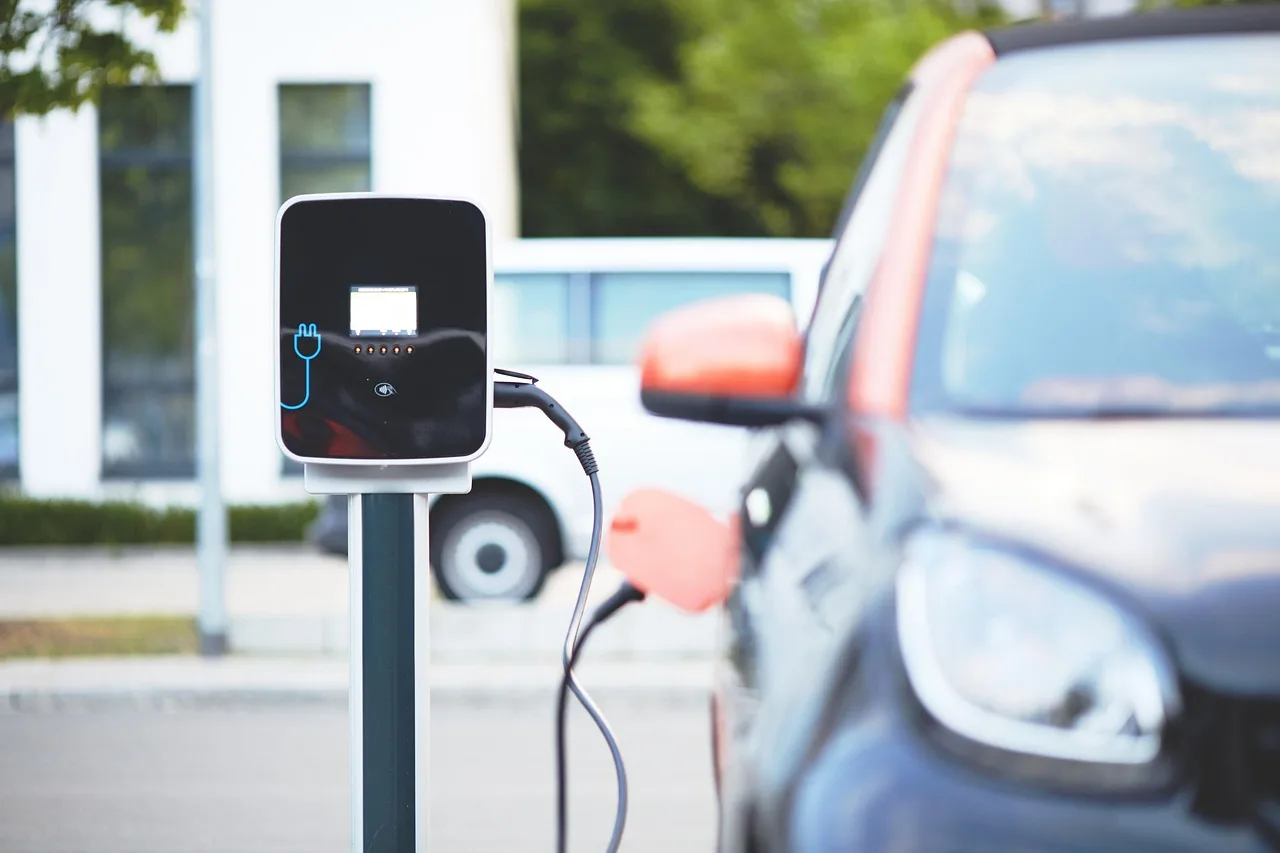
The best signal is live status inside a network app when the station belongs to that network. If you do not have that, use recent check-ins, user comments, and the number of available stalls in PlugShare or ChargeHub. A charger can still be occupied, offline, or blocked even when the map looks normal.
Read the right signals
- Live status: best when the network app shows a stall as available, in use, or offline
- Recent check-ins: useful when other drivers confirm the site worked minutes or hours ago
- Occupancy clues: multiple stalls in use can turn a good station into a wait
- Access clues: blocked stalls, gated lots, or parking restrictions can stop charging even if the hardware works
Network apps like Electrify America, EVgo, and ChargePoint can be best for real-time status, and they are generally used to initiate charging anyway. That makes them the right second check when you plan to use one of those networks.
If that didn’t work, try this next
- Confirm the stall number in the app and at the pedestal.
- Move to another stall on the same site if one is open.
- Call the network support number listed in the app or on the charger.
- Switch to the backup station you saved earlier if the site stays dead or occupied.
Picture a fast charger with two stalls at a mall. One is in use, one is dark, and the app still shows the site as available. In that case, the live stall count matters more than the map pin, and the backup station should already be on your route.
Charging app decision matrix
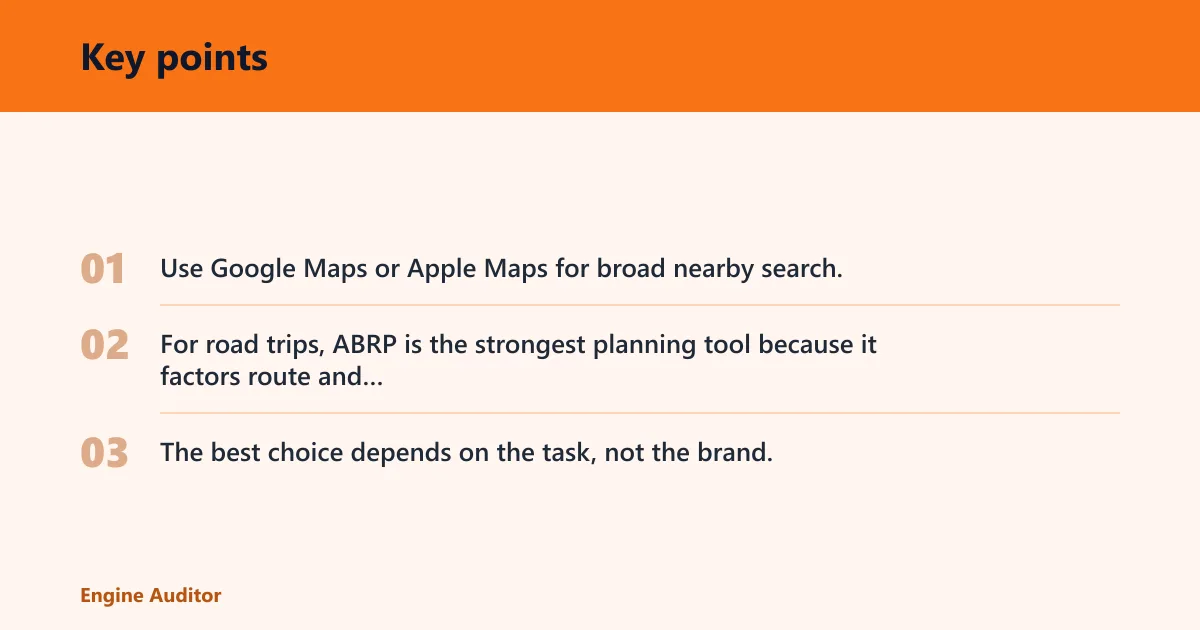
Use Google Maps or Apple Maps for broad nearby search, PlugShare or ChargeHub for cross-network filtering, and network apps when you need the freshest station data. For road trips, ABRP is the strongest planning tool because it factors route and charging stops. The best choice depends on the task, not the brand.
| Scenario | Recommended tool | Signal to trust | When to switch to a backup app |
|---|---|---|---|
| Nearest charger | Google Maps or Apple Maps | Closest labeled EV charger with navigation handoff | Switch if the result lacks plug type or looks like a closed site |
| Free charger | PlugShare or ChargeHub | Price label, session limit, parking validation, and idle fee notes | Switch if the listing has no price details or old comments |
| Open-now search | Network app or PlugShare | Live status, recent check-ins, and occupied stall count | Switch if live status is missing or the site is reported full |
| Compatibility check | Tesla app for Tesla drivers; PlugShare or ChargeHub for others | Connector type, adapter need, and charging speed | Switch if the site does not support your plug or speed |
| Road-trip planning | ABRP | Route plan with charging stops and arrival state | Switch if a stop is unreliable, busy, or too slow for the route |
| Reliability verification | Network app first, then PlugShare or ChargeHub | Real-time status plus recent user reports | Switch if the app and user reports disagree |
How do you find free EV charging stations near you?
Search by price, then read the fine print before you leave. A free charger may still require parking payment, a session cap, a time limit, or an idle fee if you leave the car plugged in too long. The real question is whether the total stay is free, not just the plug.
Check the cost details
- Look for a listing that clearly says free or $0 session price.
- Check whether parking is validated, metered, or separately billed.
- Read any session limit, such as a short free window or a maximum charge time.
- Look for idle fees that start after charging ends.
- Use user comments to confirm whether the free offer is still active.
Free charging near a hotel can be useful, but it is often tied to guest parking or a short time limit. PlugShare can help find a Level 2 charger near a hotel, while ChargeHub offers similar functionality with fewer ads.
How different search habits fit different places
Apartment drivers usually need nearby Level 2 options, building access notes, and long dwell times. City drivers often care more about curbside access, parking rules, and open-now status. Roadside drivers need fast charging, clean route planning, and a backup site within a short detour.
Common mistakes
The most common mistake is trusting distance alone. A charger that is closer but incompatible, blocked, or offline wastes more time than a site that is a few miles farther away.
- Skipping plug compatibility: confirm connector type and adapter needs before departure.
- Ignoring price details: read parking fees, idle fees, and time limits, especially for “free” charging.
- Using the wrong app: use map apps for discovery, directory apps for filters, and network apps for live status.
- Arriving without a backup: save a second site before you leave.
- Overtrusting stale listings: prefer recent check-ins and live status over old reviews.
A common first-timer mistake is choosing a charger because it appears open on a map, then discovering it is behind a gated lot after business hours. A better habit is to check access notes, then route to a backup if the site has any red flags.
When to use your car’s navigation or a charger app
Use your car’s navigation when you want vehicle-specific routing, battery-aware arrival estimates, or Tesla-specific Supercharger guidance. Use a charger app when you need cross-network search, recent check-ins, price detail, or a live view of whether a site is working now. For many trips, both are worth checking.
Frequently asked questions
What app is best for finding EV chargers near me?
For nearby search, Google Maps or Apple Maps is the fastest start. For better filter control, PlugShare is the stronger cross-network directory, and ChargeHub offers similar functionality with fewer ads. If you need real-time status for a specific network, use that network’s app first.
How do I know if a charger is compatible with my EV?
Check your connector standard, adapter needs, and whether the site offers AC or DC charging that matches your car. Then verify the station supports your vehicle model or network access rules. Tesla drivers should check Tesla navigation or the Tesla app for vehicle-specific compatibility.
How can I tell if a charging station is working right now?
Use live status in the network app when available, then confirm with recent check-ins in PlugShare or ChargeHub. Look for reports of occupied stalls, blocked access, or offline units. If the site looks uncertain, keep the backup station ready before you drive there.
Should I use my car’s navigation or a charger app?
Use both when possible. Car navigation is best for vehicle-aware routing and arrival estimates, while charger apps are better for live status, filters, and user reports. For Tesla drivers, Tesla navigation is especially useful for Supercharger routing and compatibility.
How do I find an EV charger near me that is open now?
Search with a network app first if you know the network, because live status is usually strongest there. Then confirm with PlugShare or ChargeHub check-ins. If the site is full or the status looks stale, switch immediately to the backup location you saved earlier.
How do you find EV charging stations?
Start with a map app for nearby discovery, then narrow the list with a cross-network directory and your vehicle’s connector type. Confirm live status or recent check-ins before you drive. That sequence is faster than searching one app and hoping the first result works.
Products related to this article
Sponsored / affiliate links. As an Amazon Associate I earn from qualifying purchases. I may earn additional commission from eligible campaigns.