How to Start Car With Chevy Key Fob: Quick & Easy Guide
When you buy a modern Chevy, you get more than just a car. You also get a Chevy key fob—a small device that makes driving easier and more secure. But for many owners, using all the features of this key fob can be confusing, especially when it comes to starting the car. If you’ve ever found yourself holding your Chevy key fob and wondering how to start your vehicle, you’re not alone. This guide will show you, step by step, how to start your Chevy with the key fob, explain how it works, and help you handle common problems.
Many Chevy owners only use their key fob to unlock or lock the doors. But these devices offer much more. With remote start, you can warm up your car on cold mornings or cool it down in summer before you even open the door. Some models even let you drive the car without inserting the key—just having the fob in your pocket is enough.
However, these features can be confusing if you’ve never used them before, or if the battery in your fob dies. This article will cover all the details, from the basics to troubleshooting, so you can start your Chevy with confidence—every time.
What Is A Chevy Key Fob?
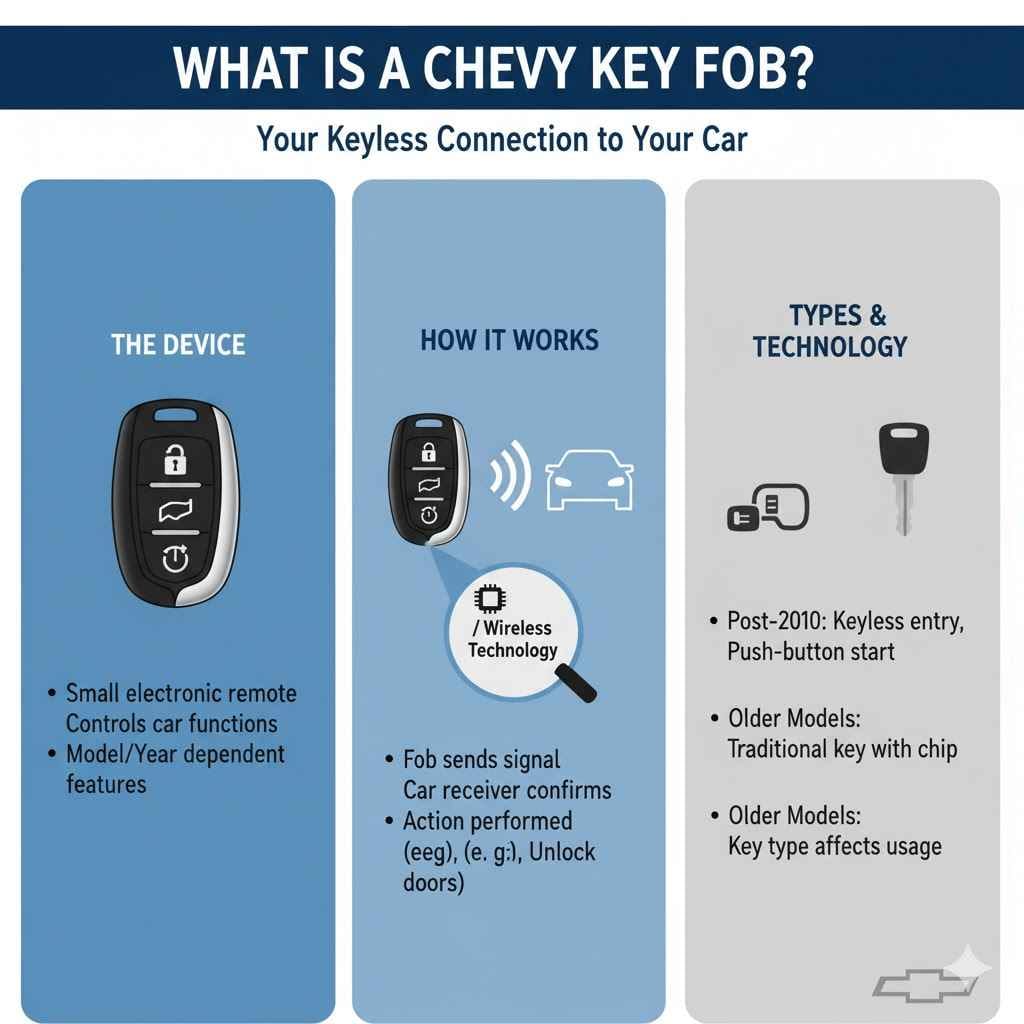
A Chevy key fob is a small electronic remote that communicates with your car. It usually has buttons for locking, unlocking, opening the trunk, and starting the engine. Some fobs have extra features, depending on your Chevy model and year.
The key fob uses radio frequency identification (RFID) or other wireless technology to talk to your car. When you press a button, the fob sends a signal to the car’s receiver. If the signal matches, the car performs the action—like unlocking the doors or starting the engine.
Most Chevys built after 2010 come with keyless entry and push-button start. Older models might have a traditional key with a built-in chip. Understanding the type of key fob you have is the first step in using it correctly.
Types Of Chevy Key Fobs
Chevy has released different key fobs over the years. Knowing your fob type helps you use the right method to start your car.
Standard Key Fob With Flip Key
This type combines a remote with a physical key that flips out. It’s common on Chevys from the late 2000s to mid-2010s. You use the remote for locking/unlocking, but you still insert the key to start the car.
Smart Key Fob (keyless Entry/push-button Start)
Newer Chevys (2015 and later) often use a smart key fob. You can start the engine with a button inside the car, as long as the fob is nearby. Many of these fobs also offer remote start.
Remote Start Fob
Some Chevys have a special button for remote start. This lets you start the engine from a distance, so the car can heat up or cool down before you get in.
Passive Entry Fob
With passive entry, you don’t need to press a button to unlock the car. Just touch the handle while the fob is near, and the car unlocks. These fobs usually support push-button start.
How To Identify Your Chevy Key Fob
Different key fobs look similar, but their features can differ. Check these to know your fob type:
- Look for special buttons: If you see a circular arrow or “start” icon, your fob supports remote start.
- Check for a physical key: If a key flips out, it’s a standard fob. If not, it’s likely a smart fob.
- Read your owner’s manual: It will show pictures of your fob and explain its functions.
- Test the features: Try locking, unlocking, and starting the car while the fob is in your hand and in your pocket.
Understanding your fob’s features is important for starting your Chevy the right way.
Starting Your Chevy With The Key Fob: Step-by-step
Let’s look at how to start your Chevy using the key fob, for both remote start and push-button models.
For Chevys With Remote Start
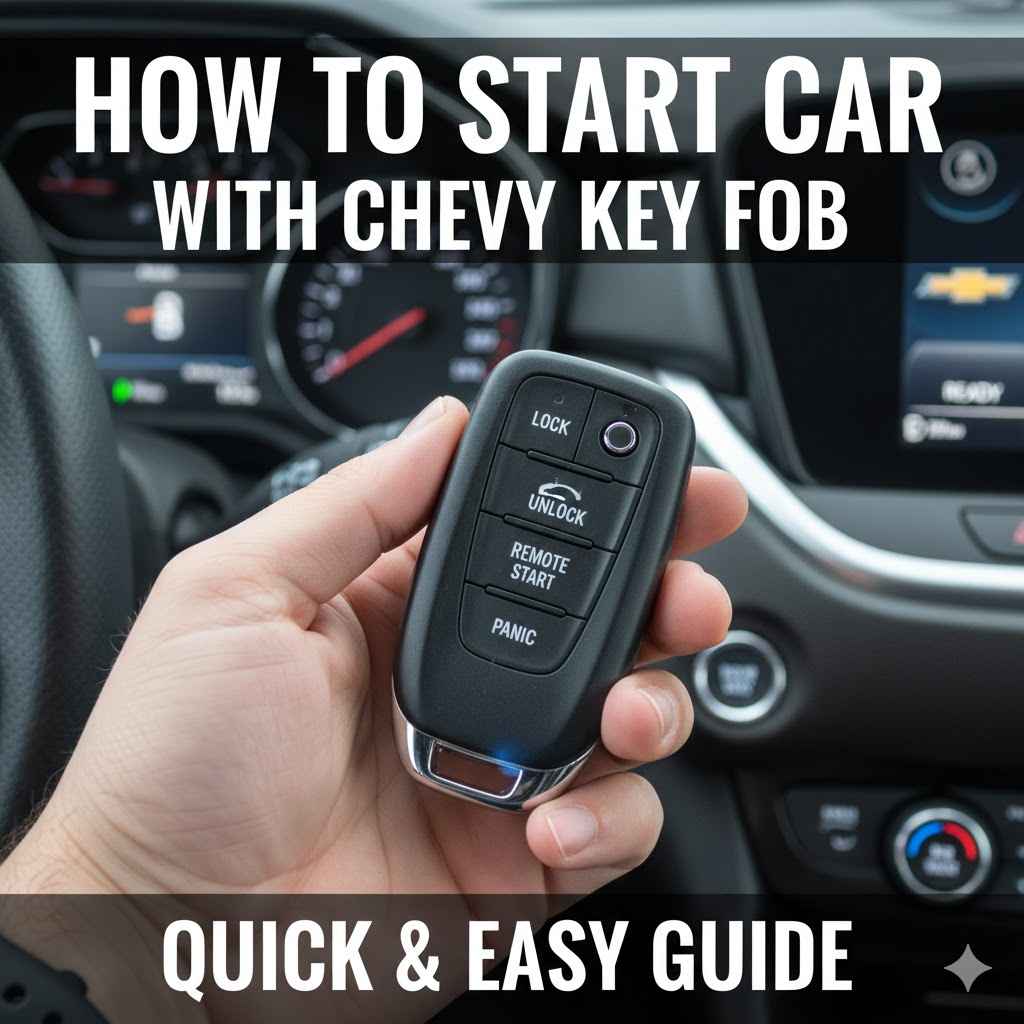
If your Chevy key fob has a remote start button (often a circular arrow), you can start the car from outside. Here’s how:
- Lock the doors: Press the lock button on your fob. Most Chevys require the car to be locked for remote start to work.
- Press and hold remote start: Within five seconds, press and hold the remote start button. Usually, you hold it for 3-5 seconds until the lights flash or the engine starts.
- Wait for confirmation: The car’s lights will blink, or the horn may honk. The engine starts, and the climate control system runs.
- Enter and drive: When you’re ready to go, unlock the doors with the fob. Insert the key (if needed) or press the start button inside. You may need to press the brake pedal first.
Important: The car will run for 10-15 minutes, then shut off if you don’t enter and drive. This saves fuel and prevents theft.
For Push-button Start Models
With a keyless entry and push-button start, you don’t need to insert a key. Here’s what to do:
- Make sure the fob is inside: Keep the fob in your pocket, bag, or cup holder.
- Press the brake pedal: Hold down the brake (or clutch for manual transmissions).
- Push the start/stop button: The engine should start if the fob is detected.
If the fob battery is low, hold the fob close to the start button or a special spot (often marked in the center console). Many Chevys have a backup sensor for this situation.
For Standard Flip Key Fobs
If your Chevy uses a flip key, the process is simple:
- Insert the key into the ignition.
- Turn to start: Turn the key to start the engine. The fob part is only for locking/unlocking.
This method is mechanical, so a dead fob battery won’t stop you from starting the car.
Using Chevy Remote Start: Features And Tips
Remote start is one of the most popular Chevy key fob features. It’s especially useful in extreme weather. Let’s look at how to make the most of it.
How Remote Start Works
When you use remote start, the car starts its engine, climate control, and sometimes heated seats or defrosters (if equipped). The car stays locked during remote start, so it’s secure.
Practical Tips For Remote Start
- Use in cold or hot weather: Start your car before you leave the house so it’s comfortable inside.
- Set climate controls before you exit: The system uses the last settings. Set your heater, AC, or defrosters before turning off the car.
- Understand the limits: Most Chevys allow two remote starts in a row before you have to physically start the car. This prevents battery drain.
- Know the range: Remote start works up to 200-300 feet, depending on obstacles and battery strength.
Safety And Security
Remote start won’t let someone drive away with your car. The vehicle remains locked and requires the fob (and sometimes the key) to operate the transmission.
Remote Start In Different Chevy Models
Here’s a comparison of remote start features in three popular Chevy cars:
| Model | Remote Start Standard? | Climate Activation | Max Runtime |
|---|---|---|---|
| Chevy Malibu (2022) | Yes (on LT, Premier) | Heater/AC, Seats | 10 min, 2 cycles |
| Chevy Silverado (2021) | Available (most trims) | Heater/AC, Rear Defrost | 10 min, 2 cycles |
| Chevy Equinox (2022) | Yes (on LT, Premier) | Heater/AC | 10 min, 2 cycles |
This shows that remote start is common, but the features can vary by trim and model.
Troubleshooting: When Your Chevy Key Fob Won’t Start The Car
Even the best key fobs can fail sometimes. Here’s how to handle the most common problems.
Dead Key Fob Battery
If your fob’s battery is dead, remote start and push-button functions won’t work. But you can still start your car:
- For push-button models: Hold the dead fob close to the start button or a special sensor pad (often in the center console or cup holder). Press the brake and push the start button.
- For flip key fobs: Remove the physical key and insert it into the ignition.
Lost Key Fob
If you lose your fob, you usually can’t start the car. Call a Chevy dealer for a replacement. You may need proof of ownership.
Car Battery Issues
A weak or dead car battery can prevent the fob from working, even if the fob itself is fine. Test your car battery if the fob doesn’t work.
Interference
Strong radio signals, metal objects, or electronic devices can block the fob’s signal. Move away from large metal structures or turn off other electronics.
Fob Not Programmed
If you buy a used fob, it may not be programmed for your car. Only a Chevy dealer or a locksmith with special equipment can program it.
Common Error Messages
Some Chevys will show errors like “No Remote Detected. ” Try holding the fob near the start button, changing the battery, or using a spare fob.
How To Replace A Chevy Key Fob Battery
A weak battery is the most common reason for fob problems. Replacing the battery is simple.
- Find the battery type: Most Chevy key fobs use a CR2032 or CR2025 coin battery. Check your manual.
- Open the fob: Look for a small slot or seam. Use a small flat screwdriver or coin to gently pry open the fob.
- Remove the old battery: Note the orientation (+ side up or down).
- Insert the new battery: Place it in the same position as the old one.
- Snap the fob shut: Make sure it clicks together fully.
Tip: Handle the circuit board gently. Avoid touching the metal contacts with your fingers, as oils can cause problems.
How To Start Chevy With A Dead Key Fob
Many Chevy owners don’t know that you can start your car even if the fob battery is dead. Here’s how for both key types.
For Push-button Start Models
- Hold the dead fob near the start button: Some models have a special spot (look for a small symbol or check your manual).
- Press the brake: Hold the brake pedal.
- Push the start button: The car should start, as the backup sensor reads the fob’s chip.
For Flip Key Models
- Remove the physical key: There’s often a small switch or button to release it.
- Insert and turn: Use the key in the ignition as usual.
If you can’t start the car, the fob may be damaged—not just dead. In this case, you’ll need help from a dealer.
Programming A New Chevy Key Fob
If you buy a new or replacement key fob, it needs to be programmed to your Chevy. This process links the fob’s signal to your car. For most Chevys built after 2010, you’ll need a dealer or locksmith with special tools. Some older models allow self-programming:
- Get in the car with both fobs (old and new).
- Put the working fob in the ignition and turn to “on” (don’t start the engine).
- Turn off and remove the fob.
- Insert the new fob and turn to “on”.
- Wait for the security light to turn off (about 10 seconds).
- Turn off and remove the new fob.
Check your owner’s manual for the exact process. If your model doesn’t support self-programming, visit a dealer.
Chevy Key Fob Features: Beyond Starting The Car
Many people don’t realize their Chevy key fob can do much more than just start the engine.
Trunk Release
Most fobs have a trunk button. Press and hold to pop the trunk open, which is helpful when your hands are full.
Panic Alarm
A red “horn” button sounds the car alarm. Use this if you feel unsafe in a parking lot or need to find your car quickly.
Window Control
Some Chevys let you roll down windows remotely. Press and hold the unlock button to lower the windows and let hot air out before you get in.
Smart Lock/unlock
Passive entry means you can unlock the doors just by touching the handle with the fob nearby—no need to press a button.
Car Locator
If you forget where you parked, use the panic button or press lock/unlock to flash the lights and find your vehicle.
Customizable Settings
In some Chevys, you can program the fob to remember seat positions, mirror angles, and even radio presets for different drivers.
Chevy Key Fob And Security
Chevy key fobs use rolling codes—the signal changes each time you press a button, making it hard for thieves to copy. The car only responds to the correct fob.
Anti-theft Features
- Engine immobilizer: The car won’t start without the right fob signal.
- Remote disable: In some cases, OnStar or a dealer can disable your fob if it’s lost or stolen.
Risks And Safety
No system is perfect. Keep your key fob away from doors and windows at home, as thieves with “relay” devices can sometimes boost the signal and unlock your car. Store your fob in a metal box or use a signal-blocking pouch for extra safety.
What To Do If Your Chevy Key Fob Is Lost Or Stolen
Losing your key fob is stressful, but you have options.
- Contact your Chevy dealer: They can order and program a new fob.
- Provide proof of ownership: You’ll need ID and your car’s VIN.
- Consider reprogramming: If your fob is stolen, ask the dealer to erase old fobs from the system for security.
Replacement fobs can cost $100–$300, depending on the model and programming fees.
Chevy Key Fob Myths And Facts
Many drivers believe myths about key fobs. Let’s clear up some common ones:
- Myth: Remote start wastes fuel.
- Fact: Remote start uses a small amount of fuel, but it helps keep the engine and cabin comfortable. Used wisely, it’s efficient.
- Myth: A dead fob means you can’t drive.
- Fact: You can still start your car with backup methods (physical key or holding the fob near the sensor).
- Myth: All fobs work with all Chevys.
- Fact: Fobs are programmed for specific models and years. They’re not universal.
- Myth: Remote start damages the engine.
- Fact: Used as designed, remote start is safe and can even help your engine by warming it up slowly.
Real-world Examples: Chevy Key Fob In Action
Let’s look at how Chevy owners use their key fobs in daily life.
Winter Morning
Sarah lives in Michigan, where winters are cold. Every morning, she uses her remote start to warm up her Chevy Equinox. When she gets in, the ice is gone and the cabin is warm.
Hot Summer Day
Miguel parks his Chevy Malibu outside his office in Texas. Before he leaves work, he starts the car with the fob, letting the AC cool the cabin so it’s comfortable when he gets in.
Lost Fob Situation
Liam misplaces his key fob after shopping. He calls his dealer, who programs a new fob and erases the old one for security.
Dead Battery Emergency
Priya’s fob battery dies at a gas station. She uses the physical key hidden in her smart fob to unlock the door, then starts her Chevy Traverse by holding the fob near the start button.
Comparing Chevy Key Fob With Other Brands
How does Chevy’s system stack up to others? Here’s a quick look:
| Brand | Remote Start | Push-Button Start | Passive Entry |
|---|---|---|---|
| Chevy | Most models (option/standard) | Most models | Many models |
| Ford | Many models | Most models | Some models |
| Toyota | Some models | Many models | Many models |
| Honda | Few models | Many models | Some models |
Chevy is competitive, offering keyless and remote features on many trims.
Common Mistakes When Using Chevy Key Fob
Even experienced drivers can make mistakes. Here are two that beginners often miss:
- Not locking the car before remote start: Most Chevys require the doors to be locked. If you forget, remote start won’t work.
- Standing out of range: If you try to start the car from too far away, the signal won’t reach. Walk closer and try again.
Less obvious: Some drivers forget to set their climate controls before using remote start, so the car doesn’t warm up or cool down as expected.
Tips For Maximizing Chevy Key Fob Life
To keep your key fob working smoothly:
- Change the battery every 1–2 years.
- Keep the fob dry—water can damage the electronics.
- Avoid dropping or crushing the fob.
- Store a spare battery in your glove box for emergencies.
- Clean the fob with a dry, soft cloth to keep contacts clear.
Chevy Key Fob: Environmental Impact
Modern fobs use small batteries, which should be recycled—not thrown in the trash. Many auto parts stores and recycling centers accept coin batteries. Fobs themselves last many years, so they have a small environmental footprint if cared for properly.
When To Visit A Dealer
Sometimes, only a dealer can help:
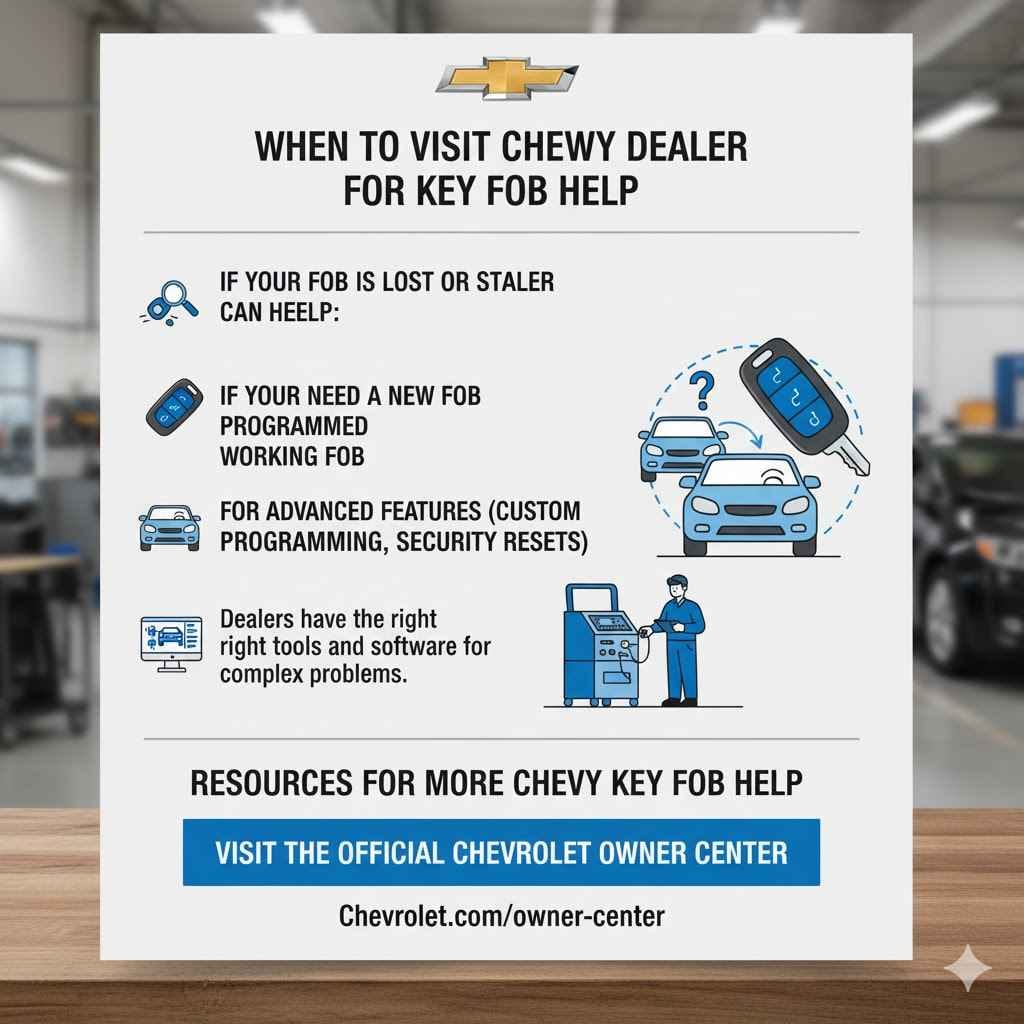
- If your fob is lost or stolen.
- If you need a new fob programmed.
- If your car won’t recognize a working fob.
- For advanced features (custom programming, security resets).
Dealers have the right tools and software for complex problems.
Resources For More Chevy Key Fob Help
If you want more details, visit the official Chevrolet Owner Center for guides, manuals, and videos.
Frequently Asked Questions
How Do I Know If My Chevy Supports Remote Start?
Most Chevys from 2015 and newer offer remote start on mid- and high-level trims. Look for a circular arrow or “start” button on your key fob. Your owner’s manual will confirm if remote start is available for your model.
Can I Add Remote Start To An Older Chevy?
Yes, many Chevy models can be upgraded with remote start. Dealers and some auto shops offer kits. Make sure the kit is compatible with your vehicle’s year and trim.
What Should I Do If My Key Fob Is Lost?
Contact your Chevy dealer right away. They can program a new fob and erase the old one from your car’s memory for security. Bring your ID and vehicle information.
How Far Away Can I Use Remote Start?
Most Chevy key fobs work up to 200–300 feet (about 60–90 meters), depending on obstacles like buildings or walls. If remote start doesn’t work, move closer and try again.
Is It Safe To Leave My Car Running With Remote Start?
Yes, the car stays locked and can’t be shifted out of park without the key fob. Remote start is designed to be secure, but always follow safety guidelines and never leave children or pets in the car.
Getting the most out of your Chevy key fob is simple once you understand how it works. From starting your car on cold mornings to unlocking extra features, this small device can make life much easier. With the tips and steps in this guide, you’ll be able to start your Chevy with your key fob quickly and safely—no matter the situation.