How to Auto Start a Honda Civic 2023 (Quick & Easy Guide)
Learning how to auto start a Honda Civic 2023 lets you warm the engine on cold mornings or cool the cabin before you step inside. This guide covers the key fob method, the HondaLink app setup, troubleshooting tips, and common mistakes to avoid so you can use remote start with confidence.
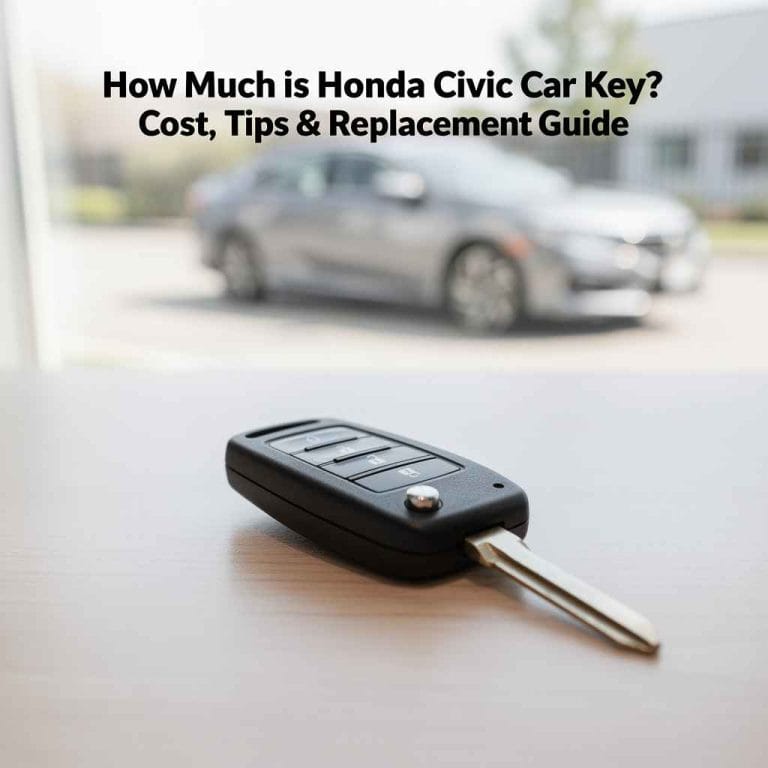
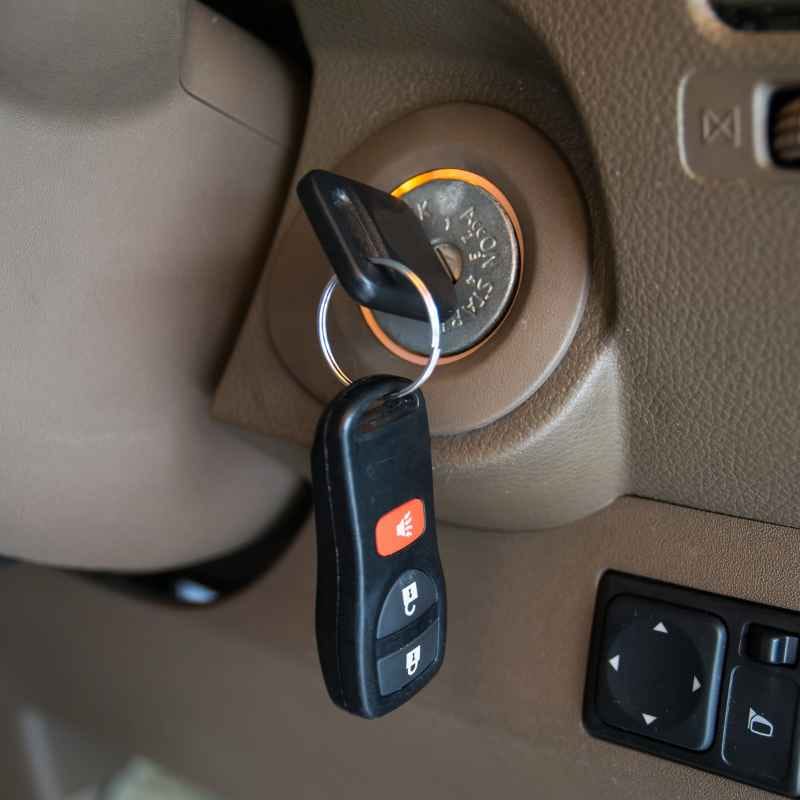
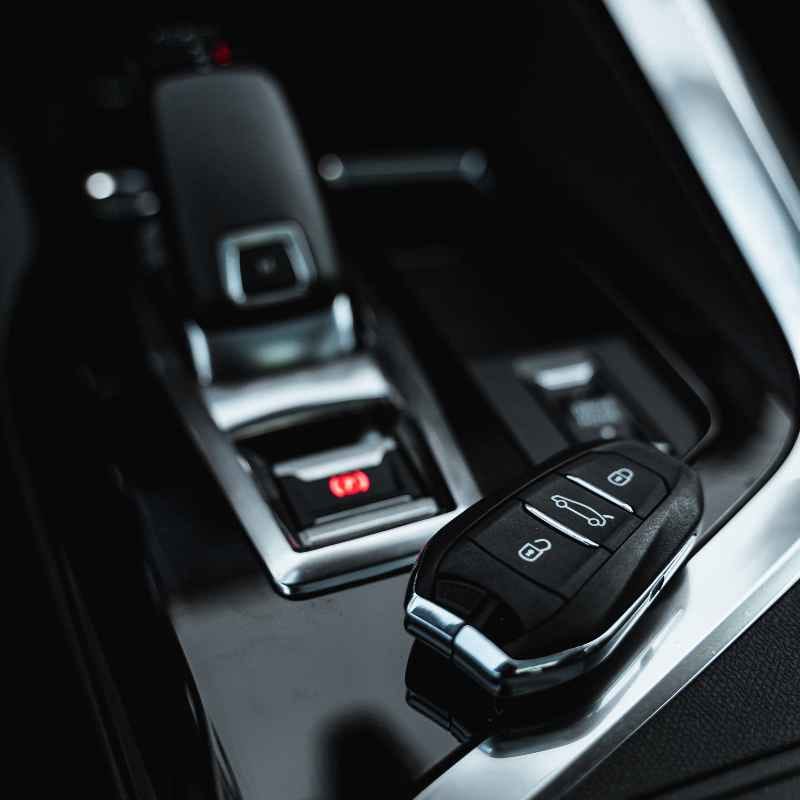
Simply put, press the Lock button on your key fob once, then press and hold the Remote Start button (circular arrow icon) for at least two seconds. The parking lights flash, the engine starts, and the climate system activates based on your last setting. You can also start your Civic remotely using the HondaLink smartphone app from virtually anywhere.
Key Takeaways
- Auto start a Honda Civic 2023 using the key fob: press Lock once, then hold the Remote Start button for two seconds.
- The HondaLink app lets you start your Civic from anywhere with a cellular signal, giving you extended range beyond the key fob.
- The remote start system runs for 10 minutes by default and can be extended once for an additional 10 minutes.
- Remote start only works when the vehicle is locked, the hood is closed, and all doors are shut tight.
- Most remote start failures are caused by a low key fob battery, being out of range, or unmet safety conditions.
What Is Remote Start on a Honda Civic 2023?
Remote start is a factory-installed feature on the 2023 Honda Civic that allows you to start the engine from outside the vehicle. It comes standard on EX and Touring trims and is available as an accessory on lower trims. The system integrates with the car’s climate control to automatically adjust the temperature based on your last settings.
When you activate remote start, the engine runs for 10 minutes. The doors remain locked, and the vehicle stays secure. The system is designed to prevent unauthorized use — the car will not move until you insert the key fob and press the brake pedal.
This is a key safety feature embedded in the design.
According to a 2023 report by S&P Global Mobility, over 65% of new vehicles sold in North America now offer remote start as either standard or optional equipment. The 2023 Honda Civic is part of that trend, making it easier than ever to precondition your car before driving.
Which Honda Civic 2023 Trims Include Remote Start?
| Trim Level | Remote Start Standard | HondaLink Compatible |
|---|---|---|
| LX | No (dealer-installed option) | Yes (with accessory install) |
| Sport | No (dealer-installed option) | Yes (with accessory install) |
| EX | Yes | Yes (built-in) |
| Touring | Yes | Yes (built-in) |
The EX and Touring trims come with remote start pre-installed. If you own an LX or Sport, you can add remote start through a Honda dealership using a genuine Honda accessory kit.
How to Auto Start a Honda Civic 2023 Using the Key Fob
Using the key fob is the most direct way to auto start a Honda Civic 2023. The process takes less than five seconds once you know the sequence. Follow these steps exactly to avoid triggering the alarm or having the start command fail.
- Press the Lock button on your key fob once. This ensures the vehicle is locked and ready to accept a remote start command.
- Press and hold the Remote Start button (the button with a circular arrow icon) for at least two seconds. Do not tap it — hold it firmly.
- Watch for confirmation: the parking lights will flash, the engine will start, and the climate system will activate. This confirms the command worked.
- Enter the vehicle normally. When you open the door, the engine may shut off as a safety measure. Insert the key fob and press the brake pedal to re-engage the drive system.
- Drive away once the engine is running and the dashboard displays the normal driving mode.
Warning: If you press the Remote Start button without pressing Lock first, the command will not work. Always start with the Lock button, then hold the Remote Start button. Skipping this sequence is the most common error new owners make.
Key Fob Range for Auto Start
The key fob for the Honda Civic 2023 has a range of approximately 80 meters (about 262 feet) in open conditions. Walls, buildings, and other obstructions reduce this range. Honda recommends standing within 30 to 50 feet of the vehicle for reliable operation.
If you are too far away, the car will not respond.
Factors that affect key fob range include:
- Obstructions like concrete walls, metal structures, or dense trees
- Low battery in the key fob itself
- Interference from other electronic devices operating on similar frequencies
- Extreme cold weather, which can temporarily reduce battery output
- Signal jammers or high-power radio transmitters in the area
How to Auto Start a Honda Civic 2023 Using the HondaLink App
The HondaLink app gives you the ability to auto start a Honda Civic 2023 from anywhere with a cellular data connection. This is useful when you are inside a building, at work, or far from the parking lot. The app offers additional control beyond what the key fob provides.
To use HondaLink for remote start, you need an active HondaLink subscription. The remote start feature is part of the HondaLink Remote package, which requires a compatible trim level and a registered account. The app is available for both iOS and Android devices.
Step-by-Step: Using HondaLink to Auto Start
- Download and install the HondaLink app from the App Store or Google Play Store.
- Create an account using your email address and vehicle identification number (VIN).
- Link your Civic by entering the VIN and confirming ownership through the on-screen prompts.
- Select the Remote Start option from the app dashboard. You will see a button labeled “Start Engine” or similar.
- Confirm the command. The app will send the signal to your Civic via the cellular network. You will receive a notification once the engine starts.
Tip: The HondaLink app also lets you check vehicle status, see fuel level, and receive maintenance reminders. You can extend the remote start runtime from the app without going outside.
HondaLink Subscription Tiers
| Tier | Remote Start Access | Cost |
|---|---|---|
| Remote | Yes (full remote start + door lock/unlock) | $10/month or $110/year |
| Connect | No (vehicle status only) | Free with eligible vehicle |
| Security | No (stolen vehicle tracking + alerts) | $10/month or $110/year |
Only the Remote tier gives you app-based auto start. The free Connect tier provides basic vehicle status but no remote commands. If you want both remote start and security features, you can bundle the plans.
What Are the Requirements for Remote Start to Work?
The Honda Civic 2023 remote start system has several built-in safety checks. The engine will not start unless all conditions are met. Understanding these requirements helps you troubleshoot auto start failures quickly.
- The vehicle must be locked. Remote start will not work if any door is unlocked or if the vehicle is in the unlocked state.
- The hood must be fully closed. An open hood triggers a safety interlock that prevents remote start.
- All doors must be shut. If a door is ajar, even slightly, the system will not activate.
- The trunk must be closed. An open trunk also disables remote start.
- The shift lever must be in Park (P). The engine will not start remotely if the transmission is in any other position.
- The brake pedal must not be pressed. If the brake is depressed, the system assumes the driver is inside and disables remote start.
- The key fob must have a working battery. A weak battery reduces range and can cause intermittent failures.
- The vehicle fuel level must be above empty. Remote start will not work if the fuel light is on or the tank is critically low.
Important: The remote start system is designed to prevent carbon monoxide buildup. If the vehicle is in an enclosed space like a garage, the engine will not start remotely unless you have disabled the feature in the settings. Always use remote start in well-ventilated areas.
How to Set Up Remote Start on Your Honda Civic 2023
If your Civic 2023 came with remote start from the factory, no setup is required. The feature works out of the box. However, if you added remote start as an accessory, or if you want to configure the climate settings, you need to go through a short setup process.
According to Honda, the remote start system remembers your last climate control settings. If you had the heat set to 72°F with defrost on when you last drove, the remote start will activate those same settings. You can change this behavior through the vehicle settings menu.
Adjusting Remote Start Climate Settings
- Turn on the ignition without starting the engine — press the Start button twice without pressing the brake.
- Navigate to Settings on the touchscreen display.
- Select Vehicle Settings then choose Remote Start Setup.
- Choose Climate Control to select between Auto, Last Setting, or Off.
- Save your preference and exit the menu. The system will apply this setting each time you use remote start.
Tip: Setting the climate control to Auto during remote start ensures the system heats or cools the cabin to a comfortable temperature regardless of the weather. This is the most energy-efficient option.
Extending Remote Start Runtime
Once the engine is running remotely, it will shut off after 10 minutes. You can extend the runtime once by repeating the remote start sequence. On the key fob, press Lock then hold the Remote Start button again for two seconds.
In the HondaLink app, tap the Extend button. The engine will run for another 10 minutes, for a total of 20 minutes. After that, you must physically enter the vehicle and restart it.
Honda limits the total remote start runtime to 20 minutes per session for safety and fuel efficiency. The EPA notes that idling for extended periods wastes fuel, so this limit encourages you to drive rather than let the engine run unnecessarily.
Common Mistakes When Using Auto Start on a Honda Civic 2023
Even experienced drivers make errors when using remote start. These mistakes are easy to avoid once you know what to look for. Here are the most frequent issues reported by Honda Civic 2023 owners.
- Skipping the Lock button. You must press Lock before the Remote Start button. Many users press Remote Start first and wonder why nothing happens.
- Tapping instead of holding. The Remote Start button requires a two-second hold. A quick tap does not register as a valid command.
- Being out of range. The key fob has a limited range. Walk closer to the vehicle and try again.
- Ignoring the battery light. If the key fob battery is low, the signal may not reach the car. Replace the battery if you notice reduced range or intermittent failures.
- Leaving the doors or trunk open. The system performs a safety check before starting. Even a slightly open door prevents remote start.
- Pressing the brake pedal out of habit. If you press the brake while trying to remote start, the system interprets that as a manual start command and shuts off.
Warning: Do not try to start the car remotely while sitting inside it. The system is designed for exterior use only. Attempting to start the engine while inside with the brake pressed will cause the remote start to fail and may trigger the alarm.
How to Troubleshoot Honda Civic 2023 Remote Start Issues
If your remote start is not working, do not panic. Most problems have simple fixes. Troubleshooting auto start failures on the 2023 Civic usually involves checking a few key areas before calling the dealership.
Step-by-Step Troubleshooting Checklist
- Check the key fob battery. Replace it with a CR2032 battery if the range has dropped or if the LED on the fob is dim.
- Verify all doors and the hood are closed. Walk around the car and confirm every panel is shut tight.
- Make sure the car is locked. Press the Lock button on the fob and listen for the click. Then try remote start again.
- Check the fuel level. If the fuel light is on, remote start will not work. Add fuel and try again.
- Move closer to the vehicle. Stand within 30 to 50 feet and remove any large obstructions between you and the car.
- Try the HondaLink app. If the key fob still fails, use the app. This tells you whether the issue is with the fob or the vehicle itself.
- Reset the system. Disconnect the car battery for 30 seconds, then reconnect. This resets the remote start module and can clear temporary errors.
Important: If none of these steps work, the issue may be a faulty remote start module or a software glitch. Contact your Honda dealership for diagnostic service. The 2023 Civic is covered by a 3-year/36,000-mile basic warranty, so repairs related to remote start may be covered.
Safety Tips for Using Auto Start on Your Honda Civic 2023
Remote start is a convenient feature, but it comes with responsibilities. Following these safety tips ensures you use the system without risking damage to your vehicle or harm to yourself or others.
- Never use remote start in an enclosed space. Carbon monoxide from the exhaust can accumulate quickly in a garage, even with the door open. Always park outside or in a well-ventilated area before using remote start.
- Keep the key fob out of reach of children. Accidental activation can start the car when you least expect it. Store the fob in a secure location.
- Set the climate control properly. In winter, set the defrost to clear ice from the windshield. In summer, set the AC to maximum cool. The system will work more efficiently if you set it before you exit the vehicle.
- Do not leave the engine running unattended for long periods. The 10-minute runtime is sufficient to precondition the cabin. Extending it to 20 minutes is safe, but longer idle times waste fuel and increase engine wear.
- Use the HondaLink app for added security. The app notifies you when the engine starts and stops, giving you peace of mind if you accidentally trigger remote start from the key fob.
According to the National Highway Traffic Safety Administration (NHTSA), remote start systems do not increase the risk of theft or accidents when used correctly. The Honda Civic 2023 remote start system includes multiple safety interlocks that prevent the car from being driven without the key fob present.
Frequently Asked Questions
Can I auto start my Honda Civic 2023 from the key fob if I have an LX or Sport trim?
Only if you have installed the genuine Honda remote start accessory. LX and Sport trims do not come with remote start from the factory, but a Honda dealership can install the accessory kit. Once installed, the key fob and HondaLink app will work the same as on EX and Touring trims.
Why does my Honda Civic 2023 remote start shut off when I open the door?
This is a standard safety feature. The system assumes that once the door is opened, you are ready to drive. The engine shuts off to prevent accidental movement.
Insert the key fob and press the brake pedal to restart the engine and put the car into drive mode.
How do I know if my Honda Civic 2023 remote start is working?
When remote start activates successfully, the parking lights flash, the engine starts, and the climate system turns on. You can also check the HondaLink app for a confirmation notification. If you are using the key fob, listen for the engine and watch for the flashing lights.
Does the Honda Civic 2023 remote start work in extreme cold weather?
Yes, but cold temperatures can reduce the range of the key fob battery. The engine will still start and run normally in cold weather. The climate system will activate based on your last setting, so set the heat and defrost before exiting the vehicle for best results in winter.
Can I disable remote start on my Honda Civic 2023?
Yes. You can disable remote start through the vehicle settings menu on the touchscreen. Go to Vehicle Settings, select Remote Start Setup, and choose Off.
You can re-enable it at any time. Disabling remote start does not affect any other vehicle systems.
Final Thoughts
Learning to auto start a Honda Civic 2023 is straightforward once you know the correct button sequence and safety requirements. Use the key fob for short-range convenience and the HondaLink app for remote access from anywhere. Always check that the vehicle is locked, all doors are closed, and the area is well-ventilated before activating remote start.
With these steps in mind, you can enjoy a comfortable cabin every time you drive.
See also best car speakers for honda civic upgrade your sound now.
Products related to this article
Sponsored / affiliate links. As an Amazon Associate I earn from qualifying purchases. I may earn additional commission from eligible campaigns.