How Do I Check My Ford Service History? 4 Ways to Look It Up
Check Ford service history through the FordPass app, the owner.ford.com website using your VIN, your Ford dealer records, or your own saved receipts. Missing a service like a 100,000 mile transmission fluid change can mean a costly surprise repair or a lower resale offer later. This guide covers all 4 methods, what to do if records are incomplete, and why buyers ask for them.
Understanding Your Ford’s Service History
Your Ford’s service history is a record. It lists all the maintenance and repairs done to the vehicle. Think of it as your car’s medical chart.
It shows what’s been done. It also shows when it was done.
This history is important for many reasons. It helps you know when the next service is due. This stops problems before they start.
It can also increase your car’s value. A well-maintained car is worth more. Buyers like to see proof of good care.
Ford keeps these records. But how you access them depends on a few things. It depends on your car’s age.
It depends on if you’ve used Ford dealers for service. And it depends on what digital tools you use.
My Own Service History Scare
I remember one time, I was getting ready to take my old Ford Explorer on a long road trip. I thought everything was perfect. I’d always kept up with oil changes, or so I believed.
Then, a friend asked casually, “Did you ever get that transmission fluid checked? It’s due around 100,000 miles.” My heart sank. I started digging through old papers.
I couldn’t find a clear record. Panic set in. What if I’d missed it?
What if a costly repair was looming because of my oversight? That feeling of uncertainty was awful. I spent the next two days calling every shop I’d ever used.
It was a stressful hunt. This experience taught me how vital organized service records are. I learned not to just assume.
I learned to actively check and keep track.
FordPass App: Your Pocket Service Log
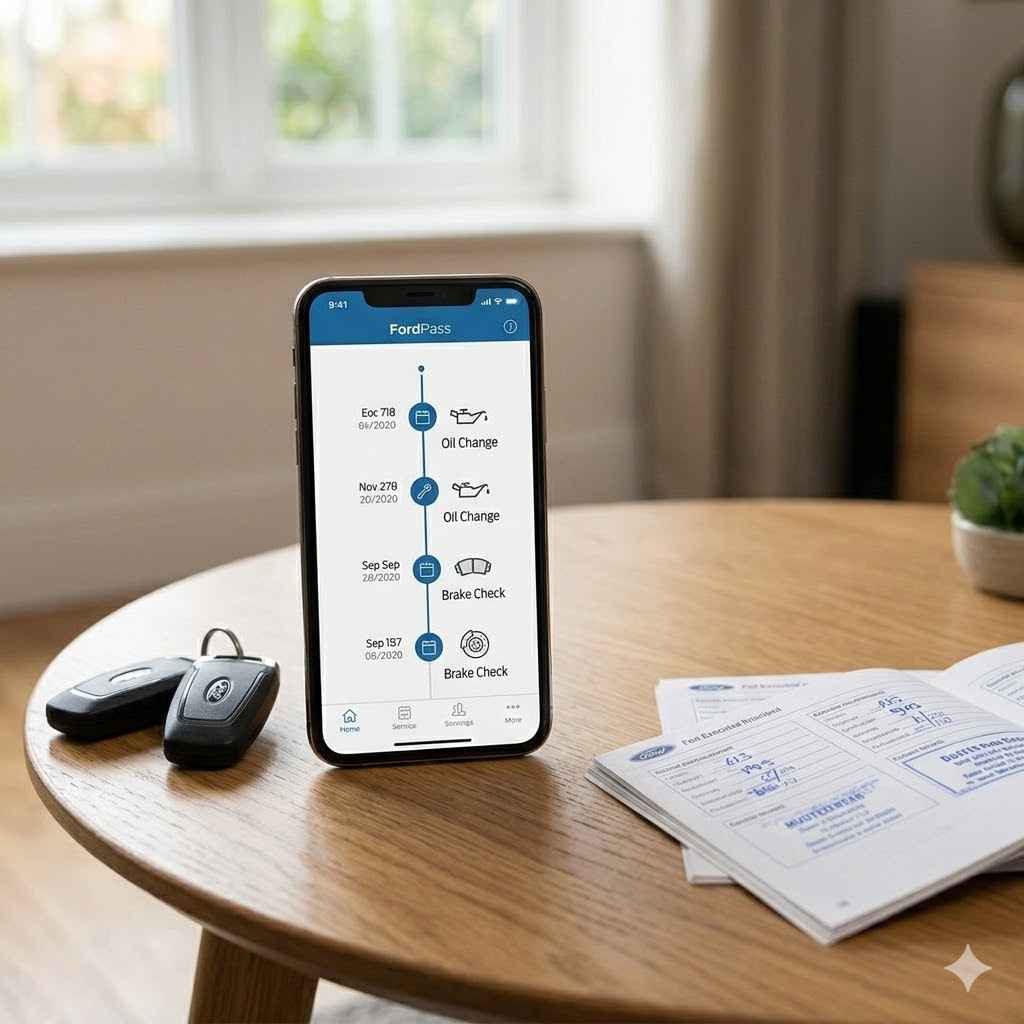
The FordPass app is a great tool. If you have a newer Ford, you can use it. It links to your car.
It shows basic service history. You can see scheduled maintenance. It might even remind you when service is due.
This is super handy. It puts a lot of info right on your phone. Make sure your car is connected to the app.
Then, check the “Vehicle” section. Look for “Service History” or “Maintenance.”
This app is designed for modern Ford owners. It tries to make things easy. It connects your phone to your car’s systems.
This allows for more than just service history. You can check tire pressure. You can find your car’s location.
It’s a full digital assistant for your Ford.
So, if you haven’t already, download FordPass. Set it up with your car. It’s a simple step.
It can save you a lot of guessing later on. For many new models, this is the first place to look.
Ford Owner Website: The Online Hub
Ford also has a website for owners. It’s called the Ford Owner website. Here, you can create an account.
You can add your vehicle’s VIN. The site will then show you some of your car’s history. This includes recalls.
It can also show scheduled maintenance. If you had your Ford serviced at a Ford dealer, much of that work should be logged here. This is a key place to check if the app doesn’t show enough.
It’s like a digital filing cabinet for your car’s life.
This online portal is for all Ford owners. You don’t need a super new car to use it. Your VIN is the magic key.
It tells the website what car you have. It then pulls up the relevant information. This includes any warranty claims or major repairs.
It’s a good idea to log in periodically. Check if the information looks right. See if any new services are listed.
To get started, go to the Ford website. Look for the “Owners” section. You’ll see an option to “Sign In” or “Register.” Follow the steps to create your account.
Have your car’s VIN handy. It’s usually found on the driver’s side dashboard.
Contacting Your Ford Dealer
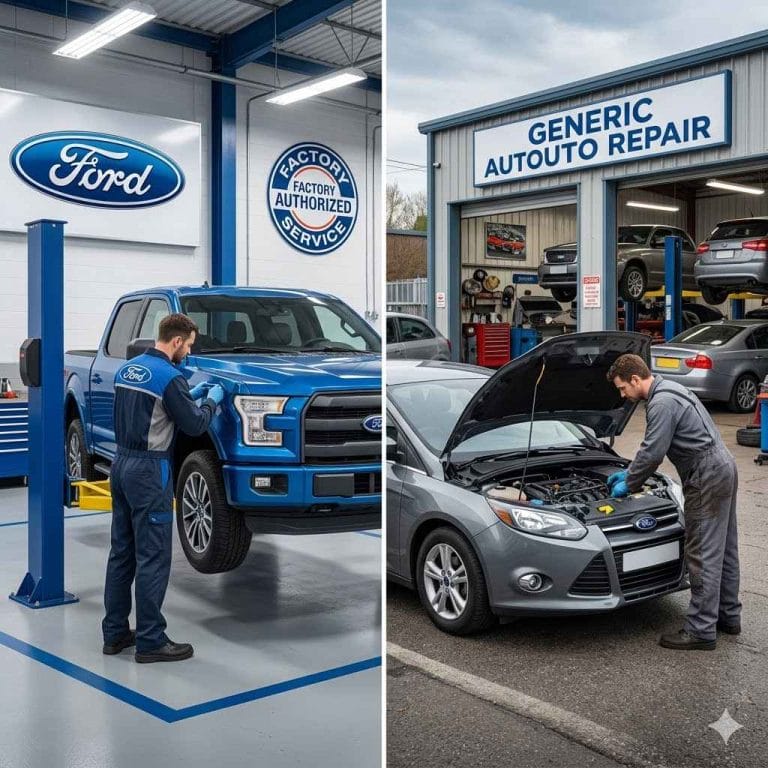
Your local Ford dealership is a goldmine of information. They keep detailed records. This is especially true if you’ve always taken your Ford there for service.
The service department can look up your car’s VIN. They can access their computer system. This system holds a history of every visit you’ve made to their shop.
This method works for older Fords too. Even if you don’t have digital accounts set up. The dealer’s records are often the most complete.
They might have details on specific parts used. They might also have notes from the mechanic. This can be very helpful.
When you call, be ready with your VIN. Ask for the service department. Explain that you need a copy of your vehicle’s service history.
They can usually print it out or email it to you. Some dealers might charge a small fee for this. But it’s often worth it for the clarity you get.
Quick Scan: Your Dealer Visit Records
What was done: Oil Change. Date: 05/15/2023. Odometer: 45,000 miles.
What was done: Tire Rotation. Date: 05/15/2023. Odometer: 45,000 miles.
What was done: Brake Inspection. Date: 05/15/2023. Odometer: 45,000 miles.
What was done: Air Filter Replaced. Date: 11/20/2023. Odometer: 52,000 miles.
Remember, the completeness of these records depends on how consistently you’ve used that specific dealer. If you’ve moved or switched dealerships, you might need to contact a few places.
Checking Your Personal Records
Don’t forget about your own paperwork! Many people keep service receipts. They tuck them away in a folder or a binder.
This is a very direct way to see what’s been done. Look for a dedicated car maintenance folder. It might be in a desk drawer or a file cabinet.
When you’re checking your personal records, look for a few things. Look for the date of service. Look for the mileage at the time.
Check the name of the shop. See what work was performed. This helps you build a complete picture.
It helps you fill in any gaps from digital records.
I learned to do this after my road trip scare. Now, after every service, I ask for a detailed receipt. I then put it right into my car’s binder.
It takes only a minute. But it saves so much worry. It’s a simple habit that pays off.
It’s your personal backup system.
Your Car’s Notebook: A Simple System
- Keep a Folder: Get a sturdy folder.
- Collect Receipts: Put all service slips inside.
- Note Down Services: You can also use a small notebook. Write down the date, mileage, and what was done.
- Add Manuals: Include your car’s owner’s manual.
This manual method is old-school. But it’s reliable. It doesn’t depend on apps or websites working.
It’s a tangible history you can hold.
What If My Service History is Incomplete?
It happens. Not everyone has a perfect service log. Maybe you bought a used Ford.
Maybe you didn’t keep up with your own records. An incomplete history doesn’t mean your car is doomed. It just means you need to be a bit more proactive.
First, do your best to gather what you can. Use the methods we’ve discussed: FordPass, the owner website, dealers, and your own papers. Every bit of information helps.
If you still have gaps, the best thing to do is a thorough inspection. Take your Ford to a trusted mechanic. Explain that you’re trying to build a service history.
Ask them to check key components. They can look at the engine oil, transmission fluid, brakes, tires, and belts. They can tell you what needs immediate attention.
They can also recommend a schedule moving forward.
Contrast: Normal vs. Concerning Service Gaps
Normal: Missing receipts for minor checks like tire rotations from 5 years ago. Why: These are common, often done quickly, and not always a big deal if the car runs well.
Concerning: No record of major service like timing belt replacement (if applicable) or transmission fluid changes. Why: These are critical for engine and transmission health. Missing them can lead to serious engine damage.
Think of this inspection as a fresh start. It’s a way to create a new history. A history based on a full understanding of your car’s current condition.
Why Service Records Matter for Resale Value
When you decide to sell your Ford, a good service history is a huge plus. Buyers want confidence. They want to know they’re buying a car that’s been cared for.
A detailed logbook or a digital history provides that confidence.
Imagine two similar Fords for sale. One has a binder full of receipts and a clear digital record. The other has nothing.
Which one would you trust more? Most people would choose the one with records. This can translate directly into a higher selling price.
You can ask more for a car that shows proof of good maintenance.
It shows responsibility. It shows you invested in the car’s well-being. This is true for any vehicle, but especially for brands like Ford, which have loyal followings.
They appreciate a well-cared-for machine.
Quick Checklist: What Buyers Look For
- Regular Oil Changes: Shown by dates and mileage.
- Tire Service: Rotations and replacements.
- Brake Work: Pad and rotor replacements.
- Fluid Checks: Transmission, coolant, brake fluid.
- Major Component Service: Timing belts, spark plugs.
Even if your records aren’t perfect, any documentation helps. It’s always better to have something than nothing. It shows you made an effort.
Best Practices for Maintaining Your Service History
Once you’ve found your Ford’s service history, or are starting to build one, keep it going. It’s not a one-time task. It’s an ongoing habit.
Here are some tips to make it easy:
1. Use a Digital Tool: The FordPass app and the Ford Owner website are your first line of defense. Make sure your vehicle is linked.
Check them regularly.
2. Keep Paper Copies: Always ask for a detailed receipt after any service. Store these in a dedicated folder.
For major repairs, keep the invoices.
3. Schedule Service at Ford Dealers (When Possible): If you use a Ford dealer, your records will likely be logged automatically. This simplifies things greatly.
4. Create a Simple Logbook: A small notebook in your glove box can be a lifesaver. Jot down the date, mileage, and what was done for every service.
This is a quick reference.
5. Note Down DIY Work: If you do any basic maintenance yourself, like topping up oil or changing an air filter, write it down. Include the date and mileage.
Your Service History Toolkit
Essential Apps: FordPass
Essential Websites: Ford Owner Website
Physical Items: Service Folder, Notebook, Pen
Key Information to Record: Date, Mileage, Service Performed, Parts Used, Shop Name
The goal is to have a clear, easy-to-understand record. This record helps you. It helps potential buyers.
It helps ensure your Ford runs its best for years to come.
Common Scenarios and How to Check
Let’s look at a few common situations. We’ll see how to check your service history in each case.
Scenario 1: You bought a Certified Pre-Owned (CPO) Ford last year.
For a CPO Ford, the dealer usually provides a comprehensive inspection report. You should have received this at purchase. Check that report.
Also, try linking your car to the FordPass app. The dealer might have done some initial service as part of the CPO process. Their records should reflect that.
Scenario 2: You bought a used Ford from a private seller. You have some old receipts.
Start with the receipts you have. Organize them by date. Then, try contacting the Ford dealership closest to where the previous owner lived.
They might have records if the car was serviced there. You can also try the Ford Owner website using the VIN. This might show any factory recalls or major warranty work.
Scenario 3: You’ve only ever serviced your Ford at the same dealership.
This is the easiest scenario. Your dealership has the most complete record. Call their service department.
Ask them to pull up your vehicle’s history based on your VIN or license plate number. They should be able to provide a full printout or digital copy.
Where Did I Get My Last Oil Change?
If at a Ford Dealer: Contact their service department. Provide your VIN.
If at a Chain Shop (e.g., Jiffy Lube, Valvoline): Call the specific location. They keep customer records.
If at an Independent Mechanic: They should have your service record on file. Call them directly.
If You Did It Yourself: Check your own notes or receipts.
The key is to be persistent. Combine digital tools with human outreach. You’ll likely find the information you need.
Understanding Ford Maintenance Schedules
Knowing your service history is one part. Knowing what service your Ford needs is another. Ford provides recommended maintenance schedules.
These are based on mileage and time. They are crucial for keeping your car in top shape.
You can find these schedules in your Ford owner’s manual. They are also often available on the Ford Owner website. They will tell you things like when to change your oil.
They also say when to inspect your brakes or replace your air filter. Following this schedule is essential.
Your service history helps you track progress against this schedule. It shows you what’s been done. It highlights what’s coming up next.
This proactive approach prevents many common car problems.
Sample Maintenance Items by Mileage (Varies by Model)
Every 5,000 – 7,500 Miles: Oil change, tire rotation, fluid check.
Every 15,000 – 30,000 Miles: Air filter replacement, cabin air filter replacement, brake inspection.
Every 30,000 – 60,000 Miles: Spark plug replacement, transmission fluid service (depending on type).
As Needed/By Time: Battery check, coolant flush, brake fluid flush.
Always refer to your specific Ford model’s manual. These are general guidelines.
When Service History is Not Enough
Sometimes, even with a perfect service history, a car can develop issues. Modern cars are complex. There can be rare problems.
There can be defects. Or maybe a service was done, but not quite right.
If your Ford is showing new symptoms – strange noises, warning lights, poor performance – don’t ignore them. Your service history is a guide, not a guarantee. If you notice a problem, get it checked by a qualified mechanic immediately.
A mechanic will perform their own diagnostics. They won’t just rely on past records. They will look at the current state of your car.
This is where experience and expertise truly matter. They combine your car’s history with their professional assessment.
Signs Your Car Needs Attention (Beyond Regular Service)
- Unusual Noises: Grinding, knocking, squealing.
- Warning Lights: Check Engine, ABS, Airbag lights.
- Performance Issues: Hesitation, loss of power, rough idling.
- Leaks: Underneath the car, strange-colored fluids.
- Strange Smells: Burning rubber, fuel, sweet smell.
Your service history is a tool to help you manage your car’s health. But your own senses and a good mechanic are the ultimate checks.
Final Thoughts on Your Ford’s Service Story
Keeping track of your Ford’s service history is key. It gives you control. It gives you confidence.
It helps protect your investment. Whether you use apps, websites, dealers, or paper records, find what works for you.
Staying organized means your Ford stays reliable. It means you can address issues before they become big problems. It’s a simple but powerful way to care for your vehicle.
Your car will thank you for it. And so will your wallet.
Frequently Asked Questions About Ford Service History
Can I see my Ford’s service history online?
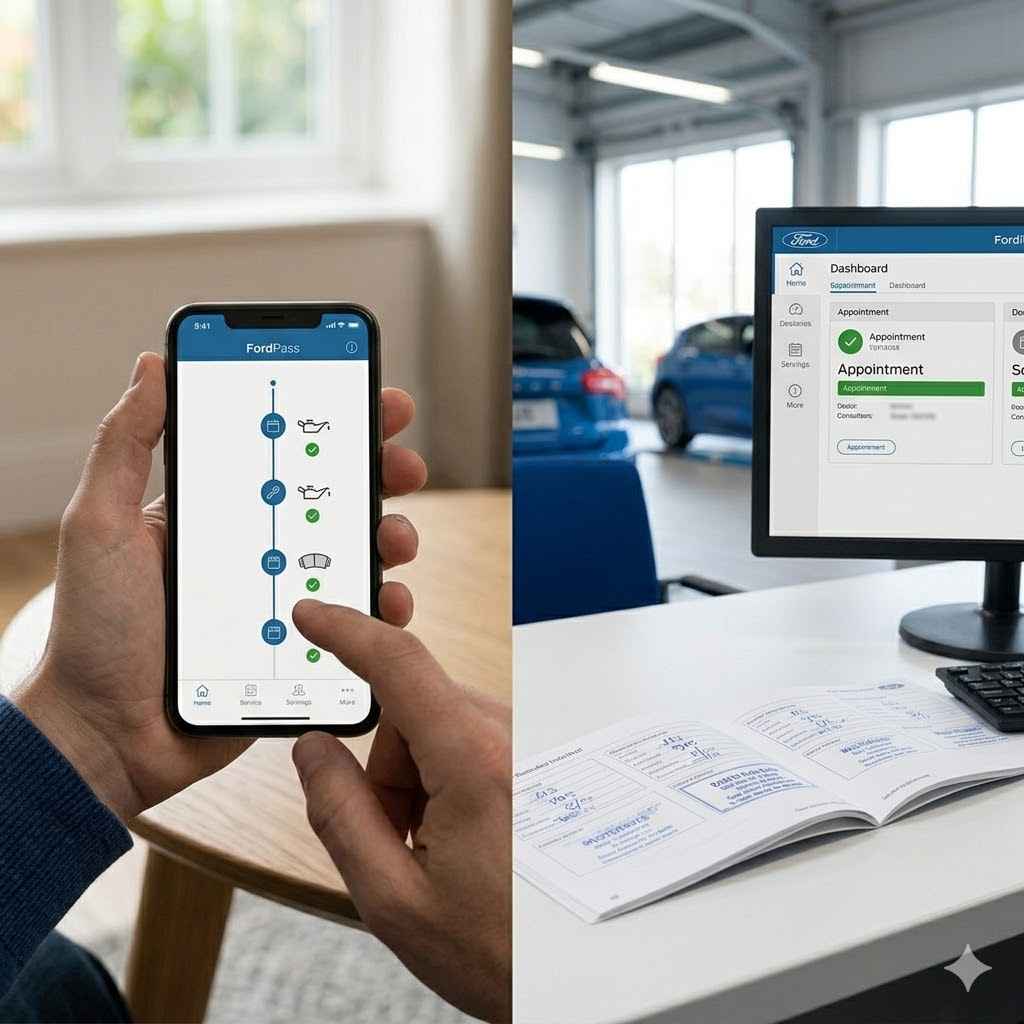
Yes, you can often see your Ford’s service history online. Use the FordPass app on your smartphone or visit the Ford Owner website. You’ll need to create an account and add your vehicle’s VIN.
If you’ve had service done at a Ford dealership, it should appear there.
How do I get a complete Ford service record?
To get a complete Ford service record, combine information from multiple sources. Check the FordPass app and Ford Owner website. Contact your Ford dealerships, especially if you’ve used more than one.
Also, gather any paper receipts or service logs you have personally kept.
What information should be in a Ford service history?
A good Ford service history should include the date of service, the vehicle’s mileage at the time, the specific maintenance or repair performed (e.g., oil change, brake replacement), the parts used, and the name of the service provider. Any notes from the technician are also helpful.
Does Ford keep records of all service done at dealerships?
Yes, Ford dealerships typically keep detailed records of all services performed at their locations. These records are usually stored in a central system that can be accessed using your vehicle’s VIN. This makes it easier to track maintenance history for vehicles serviced at Ford dealers.
What if my Ford was serviced at a non-Ford shop?
If your Ford was serviced at a non-Ford shop (like a chain auto repair or independent mechanic), that shop will have its own records. You will need to contact them directly to request a service history. The Ford Owner website or FordPass app may not show this information.
How can I check my Ford’s service history if I don’t have an account?
If you don’t have a FordPass app account or Ford Owner website login, you can still check your history. The most reliable method is to contact your local Ford dealership. Provide them with your vehicle’s VIN, and they can look up any services performed at their facility.
Products related to this article
Sponsored / affiliate links. As an Amazon Associate I earn from qualifying purchases. I may earn additional commission from eligible campaigns.