Can You Track Your Car on the Ford App? Here’s the Truth
Wondering if you can track your car on the Ford app? The answer is yes, but only under specific conditions. This guide explains exactly how FordPass tracking works, what features are available, and what you need to get started.
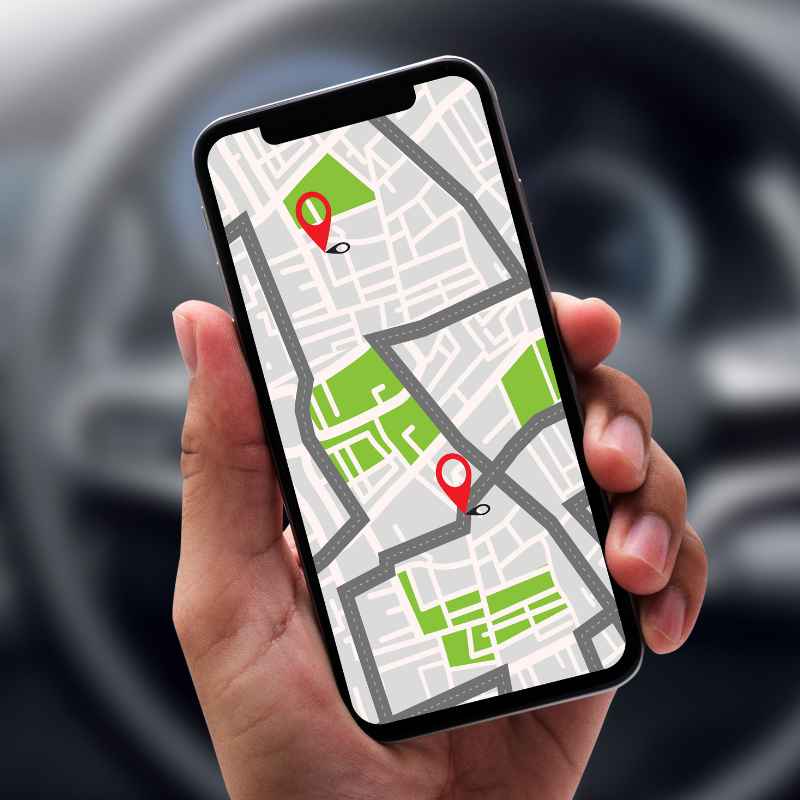
Simply put, yes, you can track your car using the FordPass app, but only if your vehicle is equipped with FordPass Connect hardware and an active data subscription. The app provides real-time GPS location, vehicle status, and remote services, though not all models offer the same level of tracking.
Key Takeaways

HONGTOP H
GPS Tracker for Vehicles, No Subscription Car…
- ✅✅【No Subscription GPS Tracker Device for Vehicles】There is no monthly fee for this Car Tracker, download the Find My app and use…
- ✅✅【Smart GPS Locate Vehicles Tracker】The mini car tracking device allows you to easily connect your vehicle through the Find My ap…
- ✅✅【Real Time GPS Tracker for Vehicles】Whether you need a child tracking device or a vehicle tracker, our Car GPS tracker can be su…
As an Amazon Associate I earn from qualifying purchases.
- Tracking your car on the Ford app requires FordPass Connect and an active data plan.
- Real-time GPS location is available for vehicles with SYNC 4 or similar systems.
- You can also check fuel level, tire pressure, and lock/unlock doors remotely.
- The app also surfaces basic service history and maintenance records for connected vehicles.
- Privacy settings let you control when and how location data is shared.
- Older Ford models may not support full tracking features without aftermarket devices.
What Is FordPass and How Does It Work?
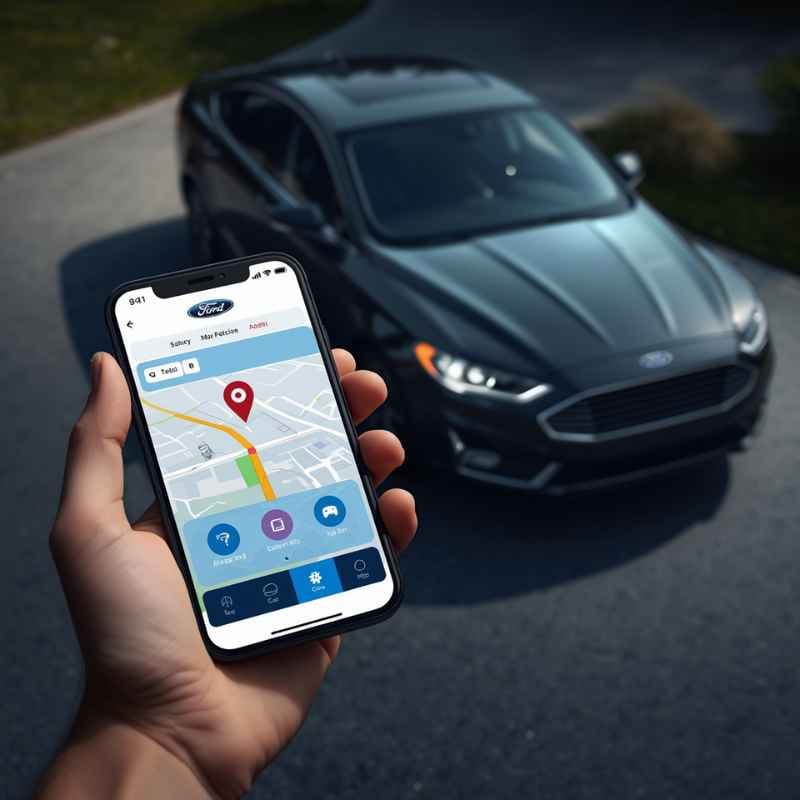
FordPass is Ford’s official smartphone app that connects your vehicle to your phone. It gives you remote control over several functions, including location tracking, starting the engine, and checking vehicle health.
To use FordPass tracking, your car must have the factory-installed FordPass Connect modem. This hardware allows the vehicle to communicate with the cloud. Most Ford models from 2020 onward include it, but lower trims may require an option package.
Once set up, the app sends and receives data through AT&T’s cellular network (in North America). The system uses GPS and cellular triangulation to determine your car’s position.
- Available on iOS and Android devices.
- Requires a free FordPass account.
- Data plan costs around $80/year for basic tracking features.
- Works with SYNC 3 (with Connect) and all SYNC 4 systems.
- Wi-Fi hotspot feature also uses the same modem.
Tip: If you recently purchased a used Ford, check the window sticker or contact a dealer to confirm FordPass Connect is installed.
How to Track Your Car on the Ford App – Step by Step
Setting up vehicle tracking in FordPass takes just a few minutes. Follow these steps to start locating your car from your phone.
- Download the FordPass app from the App Store or Google Play.
- Create an account or sign in with your Ford login.
- Add your vehicle using the VIN number. The app automatically detects your car’s model and features.
- Activate FordPass Connect by accepting the terms and connecting to your vehicle’s modem.
- Subscribe to a data plan (if required). Basic location tracking may be free for the first year on new cars.
- Allow location permissions on your phone so the app can update vehicle position.
- Open the app and tap the “Location” icon on the home screen to see your car’s position on the map.
The map refreshes every few seconds when you are actively viewing it. The app also stores recent parking locations if you forget where you parked.
Warning: If the app shows “Vehicle location unavailable,” your car may be in a dead zone or the modem could be offline. This is common in underground garages or remote areas.
FordPass Tracking Features – What You Can and Cannot See
The FordPass app offers more than just a dot on a map. Depending on your model and subscription, you get a dashboard of real-time vehicle data.
| Feature | Free Trial | Paid Subscription |
|---|---|---|
| GPS location/parking finder | Yes (first 1 year) | Yes |
| Remote start & lock/unlock | Yes | Yes |
| Fuel level & range | Yes | Yes |
| Tire pressure monitoring | Yes | Yes |
| Monthly vehicle health report | No | Yes |
| Real-time GPS tracking (non‑stop) | No | Yes (with security plan) |
The paid plan (FordPass Protect Connected Navigation & Wi-Fi Hotspot) unlocks continuous location updates. The free trial gives you basic location access but only when you actively open the app.
You cannot view historical routes or driving behavior through the standard FordPass app. That data is only available through Ford’s commercial telematics products.
Is FordPass Tracking Always Active? Understanding Privacy Settings
FordPass does not track your car 24/7 by default. The app only sends location data when you request it or when certain events happen (like a security alarm trigger).
You control the tracking privacy through the app’s settings. You can turn off location sharing entirely, set a timer for automatic sharing, or limit it to specific times of day.
- Privacy mode: Hides the vehicle location from the app until you disable it.
- Geofence alerts: Get notified when your car enters or leaves a preset area.
- Valet mode: Records the vehicle’s movement when a valet driver uses the key.
- Data deletion: Ford allows you to erase all stored location history at any time.
Important: Even with privacy mode on, FordPass may still send emergency location data during a crash (via SOS post‑crash assist). This is a safety feature and cannot be disabled.
According to Ford’s privacy policy, the company does not sell your location data. However, your data may be shared with third-party service providers (like AT&T for mobile connectivity).
FordPass Vehicle Location vs. Real-Time GPS Tracking
There is a difference between the “vehicle locator” feature in FordPass and true continuous GPS tracking. The locator shows you where your car was parked the last time you turned off the engine, while real-time tracking updates the position as the car moves.
Real-time tracking requires the paid security subscription (around $15/month). With that plan, you see your car’s live movement on the map, receive speed alerts, and get curfew notifications.
Without the subscription, the app only refreshes the location when you manually click “Find Vehicle” or when the car’s ignition is turned on or off.
- Parked location: Stored automatically each time the engine stops.
- On-demand update: Press the location button for a fresh fix.
- Real-time tracking: Only available with the paid plan – updates every 5‑10 seconds.
- Stolen vehicle tracking: Police can request real-time data from Ford’s security team with a warrant.
If you are concerned about theft, the paid plan offers better protection. The basic free tracking is more of a “find my parking spot” tool than a full security system.
Common Problems and Limitations of Ford App Tracking
Many users report issues with FordPass tracking not working reliably. Here are the most frequent problems and what you can do about them.
- No signal: Your car must have cellular coverage. If parked in a metal-heavy garage, the modem may not connect.
- Battery drain: Older batteries can cause the modem to shut down to preserve power.
- Account issues: If the app shows “vehicle unavailable,” log out and back in or re-add the VIN.
- Software updates: SYNC updates sometimes reset modem settings – check for updates in the app.
- Subscription lapsed: Free trials expire after 1 year. You’ll see “tracking requires activation.”
- Wrong region: FordPass may not support tracking in all countries. Verify compatibility for your location.
| Problem | Likely Cause | Solution |
|---|---|---|
| Location not updating | Poor cellular coverage | Move car to open area |
| App says “no vehicle found” | VIN not added correctly | Re‑enter VIN in settings |
| Remote commands fail | Modem in sleep mode | Wait 15 minutes or start engine |
| Subscription not working | Billing issue with AT&T | Contact FordPass support |
If your car still doesn’t appear after trying these fixes, the modem may need a hardware reset. You can do this by disconnecting the car’s battery for 10 minutes, but check your owner’s manual first.
Privacy and Security Concerns with FordPass Tracking
Having a real-time location feed of your car naturally raises privacy questions. Ford has implemented several safeguards to protect user data.
The vehicle location is encrypted in transit. Ford uses token-based authentication so that only your account can access the tracking data. Even customer service representatives cannot view your location without your explicit authorization.
However, there is a risk of unauthorized access if your FordPass password is weak or your phone is stolen. Enable two-factor authentication in the app for an extra layer of security.
- Two-factor authentication (2FA): Adds a code sent to your email or phone.
- Remote deactivation: You can unlink the car from your account if you sell it.
- Data retention: Ford keeps location data for up to 30 days unless you delete it.
- Law enforcement access: Ford requires a court order to share real-time location with police.
Warning: If you sell your Ford, make sure to factory reset the SYNC system and remove the vehicle from your FordPass account. The new owner could otherwise see your location history.
For additional peace of mind, you can disable location sharing entirely in the app’s privacy menu. Keep in mind that this will also turn off features like stolen vehicle locator and automatic parking reminders.
Frequently Asked Questions
Do I need a paid subscription to track my car on the Ford app?
Basic location tracking (find your parking spot) is free for one year on new Ford vehicles with FordPass Connect. After that, you need a subscription, which costs roughly $80/year for location + remote features.
Can I track my Ford using the app if the car is turned off?
Yes. The modem stays powered for a limited time after the ignition is off (usually 1–2 days) to allow location requests. After that, the modem enters deep sleep to save battery.
Is FordPass tracking available on all Ford models?
No. Only models built with the FordPass Connect modem can use tracking. This includes most 2020–present F-150, Mustang, Explorer, Escape, Bronco, and Edge models.
Check your VIN at Ford’s website to be sure.
Can someone else track my Ford without my permission?
Only someone with your FordPass login credentials can see your vehicle’s location. Do not share your password, and use a strong, unique password to prevent unauthorized access.
Does FordPass work with older Ford vehicles like 2015 models?
Factory tracking is not available on most vehicles older than 2017. However, you can install aftermarket OBD-II trackers that integrate with the FordPass app through third-party services, but those are not official Ford features.
Final Thoughts
You can track your car on the Ford app if you have FordPass Connect and an active subscription. The free tier is useful for finding your parking spot, while the paid plan adds real-time monitoring. Just keep in mind the privacy controls and make sure your modem stays connected.
FordPass is a solid solution for everyday vehicle security, but it is not a replacement for a dedicated GPS tracker if you need constant updates.
See also best ford car for gas mileage top fuel-efficient picks. See also the ford car that looks like a porsche model revealed.
Related pick: Check today's price on Amazon
Products related to this article
Sponsored / affiliate links. As an Amazon Associate I earn from qualifying purchases. I may earn additional commission from eligible campaigns.