Can You Unlock Your Car With The Chevy App? Find Out
It’s a common modern frustration. You’re rushing out the door, juggling bags, and you realize your keys are still inside the car. Or maybe you’ve lent your car to a friend and they’ve forgotten their key.
Wouldn’t it be great if you could just tap your phone and unlock it? Many people wonder about this very thing. Can you use the Chevrolet (Chevy) app to unlock your car?
Let’s dive into what’s possible and how it all works.
Understanding Chevy Remote Access
The Chevrolet app, often called “MyChevrolet,” is a powerful tool. It connects your smartphone to your vehicle. This connection allows for many handy features.

AUTO KEY MAX
2 Programmable Keyfob Scanner Tool, Replacement Car…
- Simple and Fast Programming Process: Download our APP,Connect device and work on programming by following on-screen step by step i…
- Enhanced Security with Replacement Kit: Each remote key fob kit includes a key fob and programmer, Communicate with the vehicle in…
- Please note compatibility: Our replacement key fob is designed to be compatible with 2013-2016 Chevy Malibu, 2011-2016 Chevy Cruze…
As an Amazon Associate I earn from qualifying purchases.
One of the most asked-about features is remote unlocking. But it’s not always a straightforward “yes” or “no” answer.
The ability to unlock your car remotely depends on a few key things. First, your car needs to be equipped with the right technology. Most newer Chevy models have this.
Second, you need an active subscription to a specific service. This service is usually part of the Chevrolet Connected Services plans.
So, can you unlock your car with the Chevy app? Yes, many Chevy owners can unlock their car using the app. However, there are conditions and specific steps you need to follow.
Let’s break down what you need to know.
How Remote Unlock Works with the Chevy App
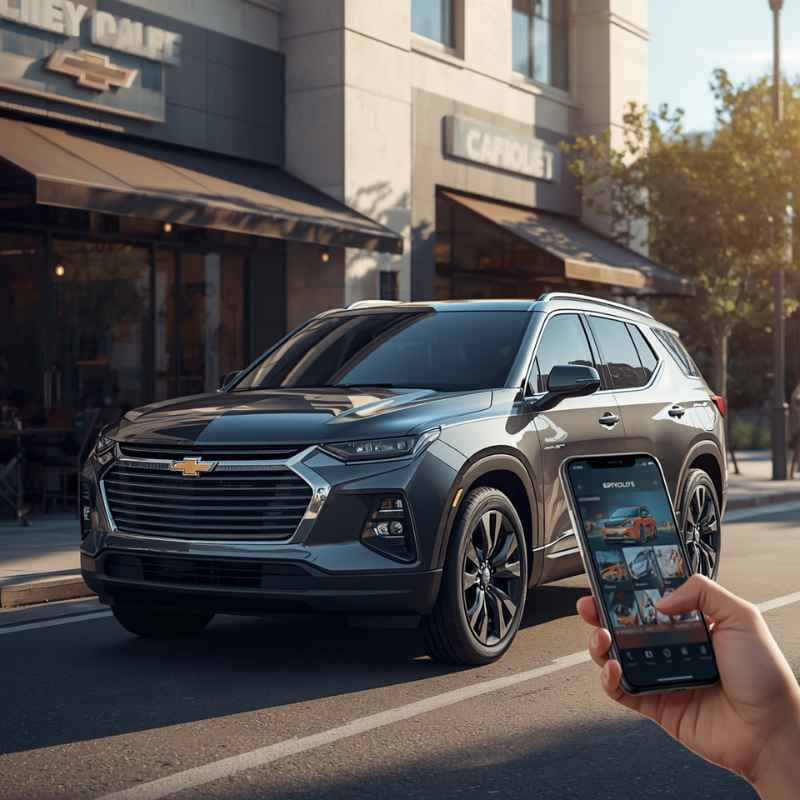
The magic behind remote unlocking is a combination of your car’s built-in system and your smartphone. Your Chevy is equipped with a telematics system. This system sends and receives signals.
When you use the MyChevrolet app to unlock your car, you’re sending a command. This command travels wirelessly.
The command goes through a network. It then reaches your car. Once the car receives the unlock signal, it tells its locks to disengage.
It’s a quick process when everything is set up correctly. It feels like a bit of magic, but it’s advanced technology at work.
This remote capability isn’t just for unlocking. You can often also lock your doors remotely. You might also be able to start your engine, check tire pressure, or locate your parked car.
These features are designed to make car ownership more convenient and less stressful.
My Chevy App Story: The Day I Almost Got Locked Out
I remember one particularly hectic Tuesday morning. My partner, Sarah, was heading out for an early meeting. I was still getting ready for work, and she waved goodbye.
A few minutes later, my phone buzzed. It was Sarah. She’d realized she’d left her work badge inside the car.
And, of course, she’d accidentally locked the doors after she shut them.
My heart sank a little. She was already a good ten minutes away from home. She couldn’t turn back without being very late.
Panic started to set in for her. She was looking at a potentially embarrassing and costly situation.
Then it hit me. I have the MyChevrolet app on my phone. I know we have the connected services active because of the remote start in the winter.
I quickly opened the app. I navigated to the remote commands section. My fingers were a little shaky as I tapped the “Unlock” button.
I held my breath.
There was a short pause. I saw a little spinning icon. Then, a confirmation message popped up.
“Doors Unlocked.” I immediately texted Sarah. “Try your door!” A moment later, she replied with a flood of happy emojis and a “You’re a lifesaver!” It was such a relief. That day really showed me the power of this technology.
It turned a potential disaster into a minor inconvenience. It’s those real-life moments that make you appreciate these digital tools.
Key Requirements for Remote Unlock
Vehicle Compatibility: Not all Chevy vehicles have this feature. It’s usually found in models from the last decade or so. Look for models equipped with OnStar or Chevrolet Connected Services.
Active Subscription: You need a paid subscription to a Chevrolet Connected Services plan. This plan provides the necessary data connection and service. Basic plans might not include remote commands.
App Setup: The MyChevrolet app must be downloaded and properly linked to your vehicle. This involves a setup process where you verify ownership.
Vehicle Location: Your car needs to be within a range where it can receive the wireless signal. Usually, this means it’s within a few miles of your current location. The app often shows you if your car is online.
Setting Up Your Chevy App for Remote Access
Getting the MyChevrolet app to unlock your car isn’t a complicated process. But it does require a few steps. It’s all about making sure the app and your car are talking to each other correctly.
Here’s a general guide.
First, download the MyChevrolet app. You can find it on the Apple App Store or Google Play Store. Once it’s installed, you’ll need to create an account.
If you already have a GM account (for other GM brands), you might be able to use that.
Next, you’ll link your vehicle to your account. This often involves entering your Vehicle Identification Number (VIN). You might also need to confirm ownership.
This is a security measure. Your car’s VIN is a unique number. It identifies your specific vehicle.
After your car is linked, you’ll need to ensure you have the right subscription. Chevrolet Connected Services come in different packages. Remote unlock is typically part of the plans that offer advanced features.
You can usually check your current plan or upgrade through the app or the Chevrolet website.
Once everything is set up, you can test the remote unlock feature. Open the app. Look for a section like “Remote Commands” or “Vehicle Controls.” You should see options to unlock, lock, start, or stop your engine.
Tap “Unlock.” Your car should respond within moments.
Remember, your phone needs an internet connection (Wi-Fi or cellular data) to send the command. Your car also needs to be able to receive it. If your car is in a garage with no signal, or if the battery is dead, the remote command might not work.
MyChevrolet App Features Overview
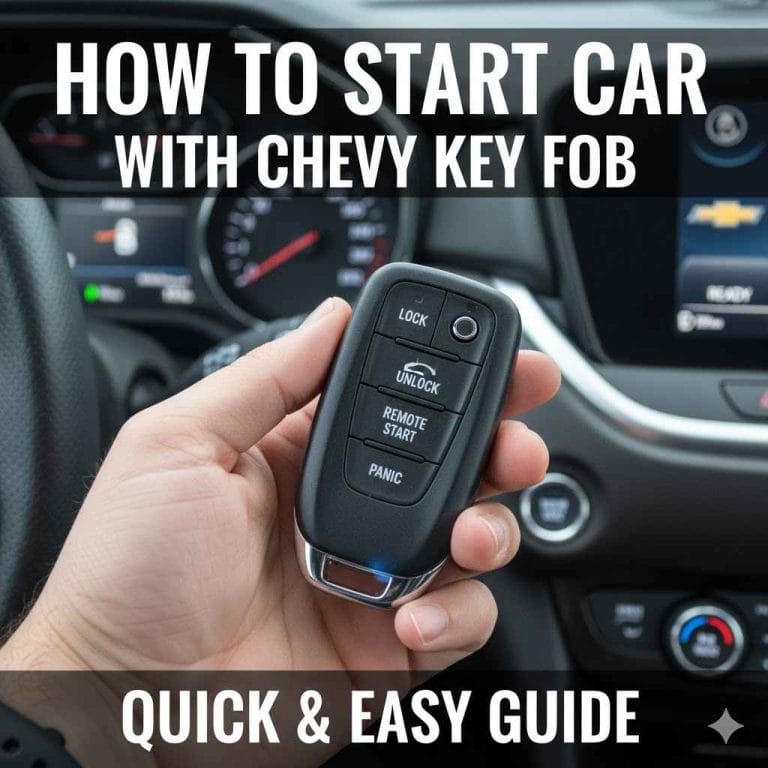
- Remote Key Fob Services: Lock/unlock doors, start/stop engine.
- Vehicle Status: Check fuel level, tire pressure, oil life.
- Location Services: Find your parked car on a map.
- Roadside Assistance: Request help when you need it.
- Scheduled Remote Start: Set your car to warm up or cool down.
- Vehicle Health Alerts: Get notified of maintenance needs.
When Remote Unlock Might Not Work
While the Chevy app is incredibly useful, it’s not foolproof. There are several reasons why a remote unlock command might fail. Understanding these can save you a lot of frustration when you’re in a bind.
One of the most common issues is a weak or no cellular signal. Your car communicates with the service provider’s network. If there’s no signal, the command can’t reach your car.
This can happen in remote areas, underground parking garages, or even in certain urban “dead zones.”
Another big factor is the car’s battery. If your car’s battery is drained or very low, the electronic systems won’t have enough power to respond to commands. A dead battery means no communication.
Make sure your car battery is in good health, especially if it sits for long periods.
Your subscription status is also critical. If your Chevrolet Connected Services subscription has expired or was not renewed, remote features will stop working. The app might show the command, but it won’t be sent or processed by the car.
Sometimes, there can be temporary service disruptions. The network that connects your car to the app might have issues. These are usually short-lived.
But during an outage, remote commands won’t function.
Finally, the car itself can have issues. If there’s a problem with the car’s telematics module or its internal communication system, it won’t be able to receive commands. This is rarer, but it’s a possibility.
Real-World Scenario: The “No Signal” Scare
I was helping my friend move into a new apartment. We had a lot of stuff to haul. She parked her Chevy Equinox in the basement parking garage of her building.
It was a large, concrete structure. We had a lot of boxes to unload.
After the first trip upstairs, she realized she’d left her personal phone in the car. She asked me, “Can you just unlock it with your app?” I confidently pulled out my phone. I opened the MyChevrolet app.
I went to the remote commands. I tapped “Unlock.”
Nothing happened. I tapped it again. Still nothing.
The app showed the command being sent, but there was no confirmation from the car. I tried locking it, then unlocking again. The dreaded “Command Failed” message eventually appeared.
My friend started to look worried.
We were stuck. There was no way to get her phone without getting into the car. The parking garage had a very weak, almost nonexistent cell signal.
This was a perfect storm for the app to fail. We ended up having to wait for the building manager to come and unlock the car for us with a master key. It added about twenty minutes to our move.
That day taught me a valuable lesson: always have a backup plan, especially when relying on technology in tricky spots.
When to Worry About Your Chevy’s Remote Access
Consistent Failures: If remote commands fail almost every time, even with a good signal, there might be a deeper issue with your car’s system or your subscription.
App Not Showing Car Status: If the app consistently can’t show your car’s location or status, it means the connection is broken.
OnStar System Malfunctions: If your OnStar indicator light is off or blinking red, it suggests a problem with the telematics unit.
Battery Drain: If your car battery seems to drain unusually fast, it could be related to the always-on telematics system. Consult a mechanic.
What This Means for You: Convenience vs. Reliability
The ability to unlock your car with the Chevy app is a fantastic convenience. It can get you out of a jam. Think about forgetting your keys inside on a hot day, or needing to let a family member in when you’re far away.
These are situations where the app shines.
However, it’s important to understand that this feature is a supplement, not a replacement, for your physical key fob or car keys. Technology can and does fail. Relying solely on the app could leave you stranded if one of the conditions isn’t met.
For instance, in an emergency where you absolutely need access, and your phone is dead, or there’s no service, the app is useless. This is why keeping your physical keys safe and accessible is always the best practice. The app is an excellent tool for those “nice-to-have” moments or as a backup, but not as the primary method of entry.
Consider the situation: Are you in a critical need for access right now? Or is this an opportunity to use a handy feature? If it’s critical, double-check your signal, your battery, and your subscription before you count on it.
For everyday convenience, it’s usually reliable.
Tips for Maximizing Your Chevy App Experience
To ensure your remote unlock feature works when you need it most, there are a few simple things you can do. They help keep the technology running smoothly.
Keep Your App Updated: Always download the latest version of the MyChevrolet app. Updates often include bug fixes and performance improvements that can help remote commands work better.
Regularly Check Subscription: Make sure your Chevrolet Connected Services subscription is active and up-to-date. Many people forget to renew, and then their features stop working without them realizing it.
Test Occasionally: Don’t wait until you’re in an emergency to try the unlock feature. Test it once every few months. This way, you’ll know if there’s a problem before you absolutely need it.
Understand Your Car’s Battery: A healthy car battery is essential for all electronic functions. If you notice your car struggling to start or if warning lights appear, get your battery checked.
Know Your Subscription Limits: Some basic plans might not include remote unlock. Familiarize yourself with what your specific Chevrolet Connected Services plan covers. You can usually find this information within the app or on the Chevrolet website.
Chevy App Unlock vs. Key Fob
Key Fob:
- Range: Typically shorter, about 50-100 feet.
- Requires: Line of sight or close proximity.
- No Subscription Needed: Works independently of network services.
- Instant Response: Usually faster than app commands.
Chevy App:
- Range: Virtually unlimited, as long as both devices have a signal.
- Requires: Internet connection for both phone and car.
- Subscription Needed: Part of Chevrolet Connected Services.
- Slight Delay Possible: Can take a few seconds to process.
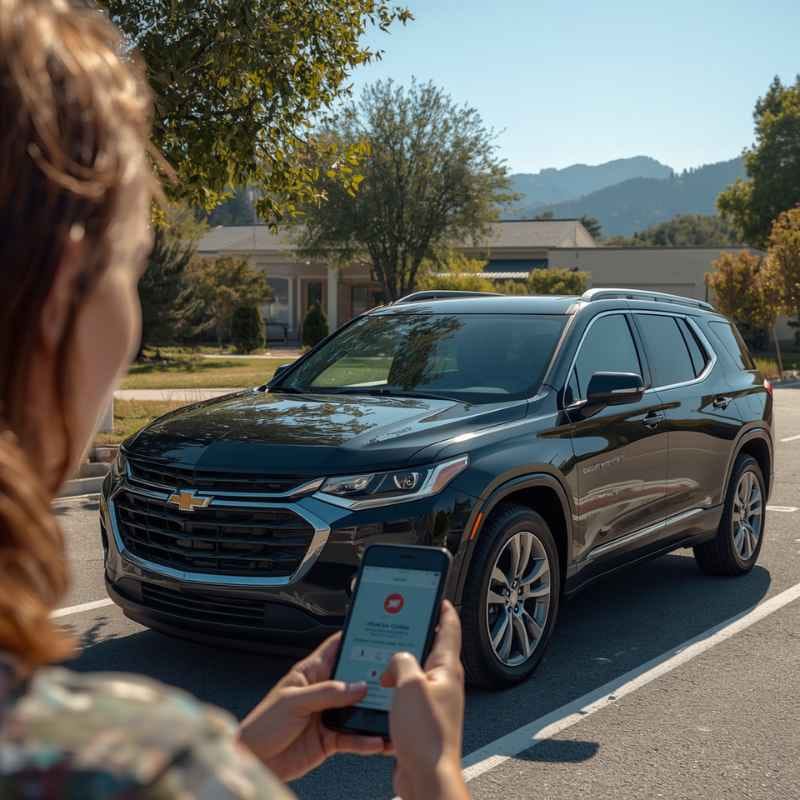
Frequently Asked Questions About Chevy App Unlock
Do I need a special subscription for the Chevy app to unlock my car?
Yes, generally you do. Remote unlock capabilities are usually part of a Chevrolet Connected Services plan, often referred to as an “OnStar” plan or similar. Basic plans might not include this feature.
You’ll need to check your specific subscription details.
How far away can I be to unlock my car with the Chevy app?
The range is virtually unlimited. As long as both your smartphone and your car have a stable internet or cellular connection, you can send the unlock command from anywhere in the world.
What if my phone’s battery is dead? Can I still unlock my car?
No. If your phone’s battery is dead, you won’t be able to use the MyChevrolet app. This is why it’s always wise to keep your physical key fob in a secure and accessible place.
Can the Chevy app unlock any Chevrolet model?
Not all models are equipped with the necessary telematics system for remote access. This feature is typically available on newer models, generally from 2015 and later, and often depends on the trim level and optional packages installed.
Why does the Chevy app say “Command Failed” sometimes?
This can happen for several reasons. Common causes include a weak or no signal for your car, a low or dead car battery, an expired subscription, or a temporary issue with the Chevrolet network. It’s important to have a backup way to access your car.
Is the MyChevrolet app secure for unlocking my car?
Yes, Chevrolet uses robust security measures to protect your account and vehicle. The app requires your login credentials and often uses secure communication protocols. However, like any online account, it’s important to use strong passwords and keep your login information private.
Conclusion
So, can you unlock your car with the Chevy app? For many owners, the answer is a resounding yes! The MyChevrolet app offers a convenient way to manage your vehicle remotely.
Remote unlocking is a standout feature. Just remember that it relies on your car being properly equipped, having an active subscription, and both devices having a strong connection. It’s a fantastic modern convenience, but always keep your physical keys handy as your ultimate backup.
Related pick: Check today's price on Amazon
Products related to this article
Sponsored / affiliate links. As an Amazon Associate I earn from qualifying purchases. I may earn additional commission from eligible campaigns.