How To Get Ford Vehicle Out Of Transport Mode Effortless
To get a Ford vehicle out of Transport Mode, turn the ignition on without starting the engine. Then, press the brake pedal five times, followed by pressing the hazard light button five times. The “Transport Mode” message on the dashboard should disappear. Turn the ignition off and then start the vehicle normally to confirm it’s deactivated.
Hello there! I’m Md Meraj, your friendly guide to making car care simple. Is your new Ford acting a little strange? Maybe the radio won’t turn on, or you see a message on your dashboard about “Transport Mode.” Don’t worry at all! This is a very common issue with a surprisingly easy fix. Many new car owners run into this, and it’s not a sign of a problem with your vehicle. In this guide, I’ll walk you through exactly what to do, step by step, so you can get your Ford running perfectly in just a few minutes. Let’s get started and solve this together!
Understanding Ford’s Transport Mode
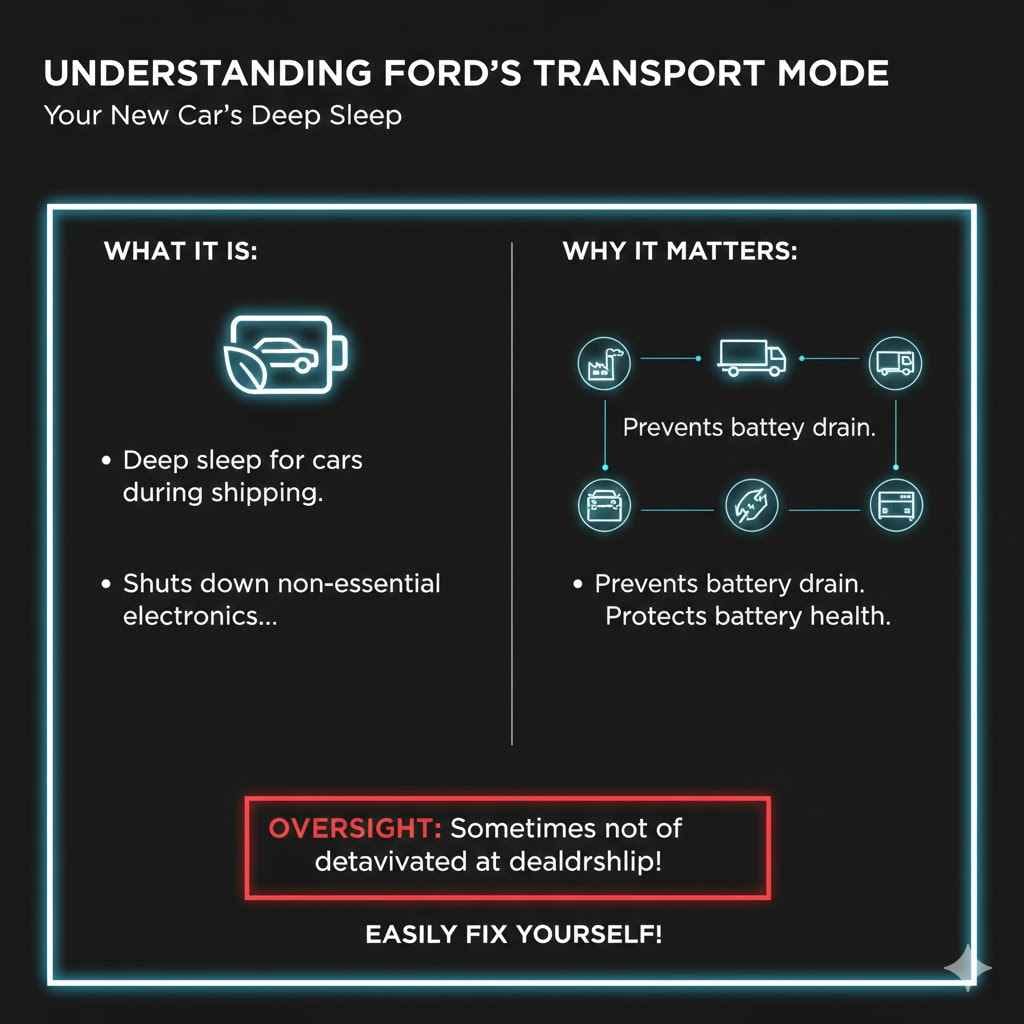
Before we jump into the solution, let’s quickly understand what Transport Mode is. Think of it as a deep sleep mode for your car. When Ford builds a vehicle, it has a long journey ahead—from the factory, onto a truck or ship, and finally to your local dealership. To make sure the battery doesn’t drain during this trip, Ford activates Transport Mode.

As an Amazon Associate I earn from qualifying purchases.
This mode shuts down non-essential electronic systems to conserve battery life. It’s a smart feature that protects your new car’s battery until it reaches its new home. The problem only happens when this mode isn’t turned off before you take delivery. It’s a simple oversight that you can easily correct yourself.
What is Transport Mode?
Transport Mode, sometimes called Factory Mode or Shipping Mode, is a special power-saving state designed specifically for shipping and storage. When activated, it limits the functionality of many of your car’s electrical components.
Key Functions of Transport Mode:
- Battery Preservation: Its main job is to prevent the 12-volt battery from dying. Modern cars have dozens of computers that draw a small amount of power even when the car is off. Transport Mode minimizes this power draw.
- System Protection: It helps protect sensitive electronics during transit. By limiting their operation, it reduces the risk of any potential issues arising before the car is properly inspected by a dealer.
- Prevents Accidental Use: It ensures that features like the radio, interior lights, and other accessories aren’t accidentally left on for long periods while the car is sitting in a storage lot.
Common Signs Your Ford is in Transport Mode
Not sure if your car is actually in Transport Mode? It’s easy to tell once you know what to look for. The symptoms are designed to be noticeable so that a technician will deactivate the mode during the pre-delivery inspection. If your vehicle shows several of these signs, you’ve likely found the culprit.
- Dashboard Message: The most obvious sign is a message on your instrument cluster that clearly says “Transport Mode” or “Shipping Mode Active.”
- Radio and Infotainment System Are Off: Your SYNC system or radio will not turn on. The screen may remain completely blank.
- Interior Lights Don’t Work: The dome lights and other courtesy lights won’t come on when you open the doors.
- Limited Power Accessories: Power windows, power seats, or heated mirrors might not work at all or may operate very slowly.
- Remote Key Fob Issues: The key fob might only be able to lock and unlock the doors, with other functions like remote start being disabled.
- Warning Chimes Are Silent: You won’t hear the typical chimes for an open door or a key left in the ignition.
Here is a simple table to help you compare the symptoms with normal vehicle operation.
| Feature | Behavior in Transport Mode | Normal Operation |
|---|---|---|
| Infotainment/Radio | Will not turn on; screen is blank. | Fully functional and responsive. |
| Interior Lights | Remain off, even when doors are open. | Turn on automatically when a door is opened. |
| Instrument Cluster | May display a “Transport Mode” warning message. | No warning messages are displayed. |
| Key Fob | Limited functionality (e.g., no remote start). | All features work as designed. |
| Power Windows | May be disabled or work intermittently. | Operate smoothly and consistently. |
How to Get a Ford Vehicle Out of Transport Mode: Step-by-Step Guide
Ready to wake your car up? Great! The good news is you don’t need any special tools for this. The process is a simple sequence of button and pedal presses designed to be done by anyone. We’ll cover the most common methods that work for the majority of modern Ford models, including the F-150, Explorer, Escape, Mustang, and Bronco.
Follow these steps carefully. If the first method doesn’t work, don’t panic! Just move on to the next one, as some models have slightly different procedures.
Method 1: The Standard Brake and Hazard Light Procedure
This is the most common and widely successful method for deactivating Transport Mode on most newer Ford vehicles. It works for cars with both a traditional key and a push-button start.
- Prepare the Vehicle: Get inside your Ford and close all the doors, including the trunk or tailgate. Make sure you are sitting comfortably in the driver’s seat.
- Turn the Ignition ON:
- For Keyed Ignition: Insert the key and turn it to the “ON” position. This is the position where the dashboard lights up, but the engine is not running. Do NOT start the engine.
- For Push-Button Start: Without pressing the brake pedal, press the “Start/Stop” button once or twice until the dashboard and accessories turn on. Again, the goal is to have the power on without the engine running.
- Press the Brake Pedal: Firmly press and release the brake pedal five (5) times. Don’t rush it; press and release deliberately each time.
- Press the Hazard Light Button: Now, find the hazard light button (the one with the red triangle symbol). Press and release this button five (5) times. You should see the hazard lights flash on your dashboard with each press.
- Check for Confirmation: At this point, you should see the “Transport Mode” message disappear from your dashboard. Some models may flash the turn signals or sound a chime to confirm the mode has been deactivated.
- Turn the Ignition OFF: Turn the key to the “OFF” position or press the “Start/Stop” button to power down the vehicle completely.
- Start the Engine: Wait about 10-15 seconds. Then, start your Ford normally by turning the key all the way or by pressing the brake and the “Start/Stop” button.
Your radio, lights, and other accessories should now be working perfectly. Congratulations, you did it!
Method 2: The High-Beam and Brake Pedal Alternative
If the first method didn’t work, don’t worry. Some Ford models, particularly certain trucks and SUVs, use a slightly different sequence. Let’s try this one next.
- Prepare the Vehicle: Just as before, sit inside the car and make sure all doors are closed.
- Turn the Ignition ON: Turn the ignition to the “ON” position without starting the engine. All the dashboard lights should come on.
- Flash the High Beams: Locate the turn signal stalk on the side of your steering column. Pull it towards you to flash the high beams. Do this five (5) times in a row. You are just “flashing” them, not turning them on permanently.
- Press the Brake Pedal: Now, press and release the brake pedal three (3) times. Be deliberate with each press.
- Look for Confirmation: Watch the instrument cluster. The “Transport Mode” message should vanish. You might also notice the battery light on the dashboard flash to indicate success.
- Turn the Ignition OFF: Power down the vehicle and wait for about 10 seconds.
- Restart the Vehicle: Start the car as you normally would. All systems should now be fully active.
What to Do If You’re Still Stuck in Transport Mode
It’s rare, but sometimes these standard procedures might not work on the first try. Before you call for help, here are a few troubleshooting tips to try. Most of the time, it’s a simple timing issue or a low battery.
Troubleshooting Checklist:
- Try Again Slowly: The most common reason for failure is rushing the steps. The car’s computer needs to register each press distinctly. Go through your chosen method again, but this time, count “one-one-thousand” between each press of the pedal or button.
- Check Your Battery Voltage: Transport Mode is designed to protect a low battery, but if the battery is already too weak, the system may not have enough power to exit the mode. If you have a voltmeter, you can check the battery. A healthy car battery should read around 12.6 volts when the car is off. If it’s below 12.2 volts, it may need charging. You can find more information about vehicle battery health from the National Highway Traffic Safety Administration (NHTSA).
- Lock and Unlock the Doors: Sometimes, cycling the door locks can help “wake up” the vehicle’s body control module. Using the key fob, lock and then unlock the doors. Then, try one of the deactivation procedures again.
- Consult Your Owner’s Manual: Your vehicle’s specific procedure may be mentioned in the owner’s manual. If you don’t have the physical book, you can usually find a digital copy on the official Ford Owner’s Manuals website. Look in the index for “Transport Mode” or “Shipping Mode.”
Here’s a quick reference table for troubleshooting common issues.
| Problem | Likely Cause | Recommended Solution |
|---|---|---|
| The procedure didn’t work on the first try. | The sequence was performed too quickly or out of order. | Repeat the steps more slowly and deliberately. Ensure you are pressing the correct number of times. |
| The dashboard lights are very dim. | The vehicle’s battery charge is critically low. | Connect the battery to a battery tender or charger. Once charged, attempt the procedure again. |
| The car won’t even go into “ON” mode. | The battery is completely dead or there is a key fob issue. | Try the other key fob if you have one. If that fails, the battery likely needs to be jump-started or replaced. |
| All steps failed after multiple attempts. | The vehicle may have a more specific procedure or a system fault. | It’s time to contact your Ford dealership. They can deactivate it with their diagnostic tools in minutes. |
When to Call the Dealership
You’ve tried everything, and that pesky message is still there. While this is uncommon, it’s time to let the professionals handle it. There is no need to feel defeated; sometimes, a car’s computer can be stubborn.
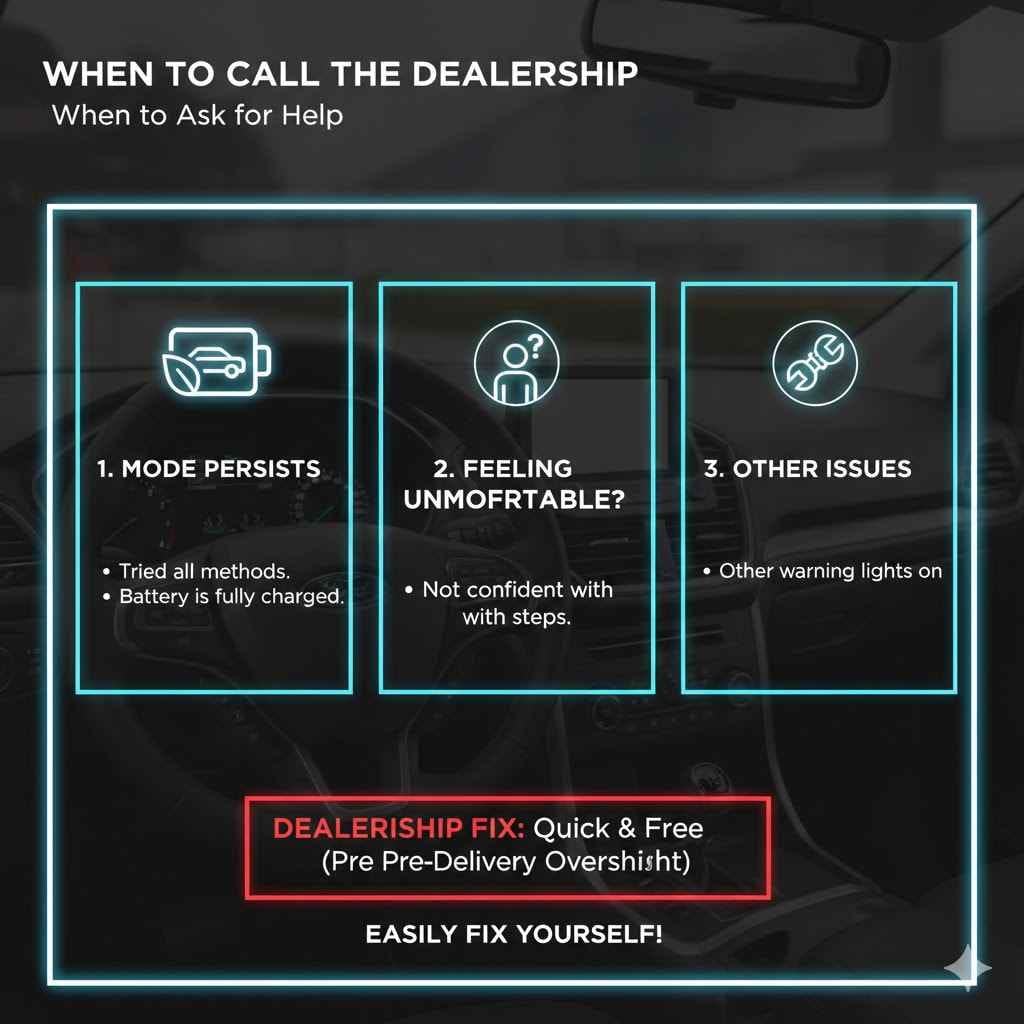
You should contact your Ford dealership if:
- You have tried all the methods multiple times without success.
- Your vehicle’s battery is fully charged, but the mode persists.
- You are not comfortable performing these steps yourself.
Your dealer has a diagnostic tool that can disable Transport Mode with the click of a button. Since this is part of the pre-delivery inspection (PDI), they should have done it before you took the car. They will be happy to correct it for you at no charge.
Frequently Asked Questions (FAQ)
1. What exactly is Ford Transport Mode?
Ford Transport Mode is a temporary power-saving setting used when shipping vehicles from the factory. It turns off non-essential electronics like the radio, interior lights, and some power accessories to keep the battery from draining during transport and storage.
2. Is it safe to drive my Ford in Transport Mode?
While the vehicle will typically start and drive, it’s not recommended. Driving in Transport Mode means many features, including some convenience and safety-related systems, will be disabled. It’s best to deactivate it as soon as you notice it for a full and safe driving experience.
3. Will deactivating Transport Mode erase any of my car’s settings?
No, not at all. Disabling Transport Mode will not affect any of your personal settings, radio presets, or vehicle configurations. It simply “wakes up” the systems that were put to sleep. Everything will return to its normal factory state.
4. Why didn’t my dealer turn off Transport Mode?
It was most likely a simple human error. Deactivating Transport Mode is a standard step in the dealership’s pre-delivery inspection (PDI) process. Occasionally, a technician might overlook this step in the checklist, especially during busy times. It’s not a sign of a bad car or a bad dealership.
5. Do I need any special tools to get my car out of Transport Mode?
Absolutely not! That’s the best part. The entire process is designed to be done without any tools. All you need are your hands, your feet, and the vehicle’s own buttons and pedals.
6. Can leaving my car in Transport Mode damage it?
No, leaving the car in Transport Mode will not cause any damage. The feature is designed to protect your vehicle. However, it will prevent you from enjoying all the features you paid for, so it’s best to disable it right away.
7. What if none of the methods listed here work for my Ford?
If you’ve carefully tried all the steps and your car is still in Transport Mode, the best and safest next step is to contact your local Ford dealership’s service department. They have specialized diagnostic equipment that can instantly resolve the issue for you.
Conclusion: Enjoy Your Fully Awake Ford!
And there you have it! That little “Transport Mode” message that seemed like a big problem was really just your car waiting for the right secret handshake to wake up fully. By following these simple steps, you’ve successfully taken control and fixed the issue yourself, saving you a trip to the dealership and giving you a bit more confidence in understanding your vehicle.
Remember, features like Transport Mode are there to protect your car, and learning how to manage them is part of the ownership journey. You’ve proven that with a little guidance, you can handle these minor hiccups with ease. Now you can get back to what matters most: enjoying every feature of your new Ford. Happy driving!
Related pick: Check today's price on Amazon
Products related to this article
Sponsored / affiliate links. As an Amazon Associate I earn from qualifying purchases. I may earn additional commission from eligible campaigns.