How To Get Ford Vehicle Out Of Transport Mode A Simple Fix
To get a Ford vehicle out of Transport Mode, sit in the driver’s seat with all doors closed. Press and hold the brake pedal firmly. Then, press the hazard light button five times in quick succession. You should see the door locks cycle or hear a chime, confirming the mode is disabled.
Have you ever gotten into your Ford, ready to go, only to be greeted by a strange message on the dashboard? Maybe it says “Transport Mode” or “Factory Mode Active.” At the same time, your radio, air conditioning, and other accessories might refuse to turn on. It can be a confusing and frustrating moment, leaving you wondering if something is seriously wrong with your car.
Don’t worry! This is a common issue, and the fix is usually incredibly simple. You don’t need to be a mechanic or own fancy tools to solve it. Transport Mode is a special feature Ford uses, and getting out of it is often as easy as pressing a few buttons in the right order.
In this guide, I’ll walk you through exactly what Transport Mode is, why your car is in it, and the simple, step-by-step process to turn it off. You’ll be back on the road with all your car’s features working perfectly in just a few minutes.
What Exactly Is Ford Transport Mode?
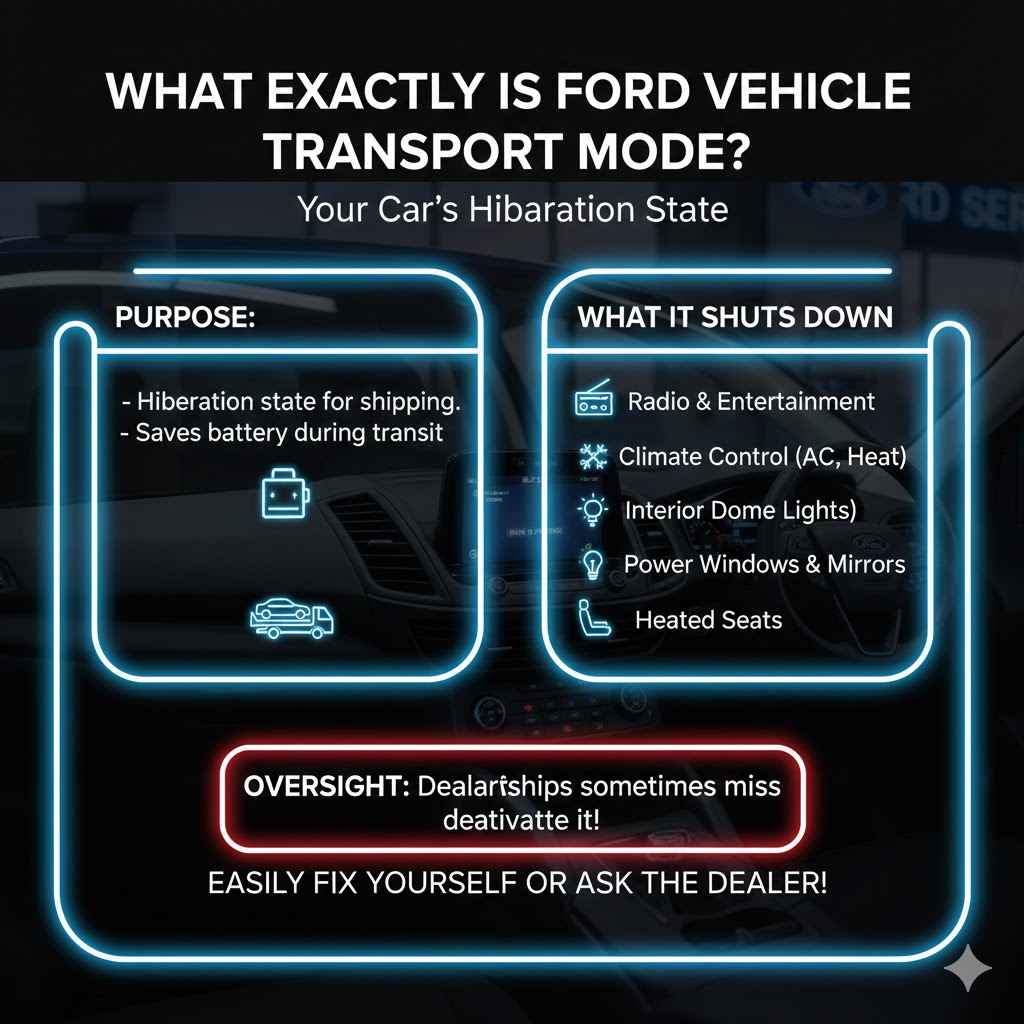
Before we jump into the fix, let’s quickly understand what this mode is for. Think of Transport Mode as a hibernation state for your car. Ford activates it at the factory before a new vehicle is shipped to the dealership. Its main purpose is to save the battery during its long journey.

As an Amazon Associate I earn from qualifying purchases.
When a car sits for weeks or even months during shipping and on the dealership lot, its battery can slowly drain. Features like the clock, security system, and interior lights all draw a small amount of power, even when the car is off. Over time, this can lead to a dead battery before the car is even sold.
To prevent this, Transport Mode shuts down most of the non-essential electrical systems, including:
- The radio and entertainment system
- Climate control (A/C and heat)
- Interior dome lights
- Power windows and mirrors
- Heated seats
This clever feature ensures that when you buy a new Ford, it starts right up with a healthy, fully charged battery. The dealership is supposed to deactivate this mode during their pre-delivery inspection, but sometimes it gets missed, or the mode can be accidentally re-activated later.
Common Reasons Your Ford Is Stuck in Transport Mode
So, why is your car suddenly acting like it’s still on a delivery truck? There are a few common reasons why you might see the “Transport Mode” message appear. Understanding these can help you figure out what happened and prevent it in the future.
1. It’s a Brand New Vehicle
This is the most common scenario. If you just drove your new Ford off the lot, it’s possible the technician at the dealership simply forgot to take it out of Transport Mode during the final preparation. It’s a simple human error and, thankfully, one you can fix yourself without having to drive all the way back.
2. Recent Battery Work
Transport Mode can sometimes be re-triggered after the vehicle’s battery has been disconnected and reconnected. This might happen if you’ve recently replaced the battery, had it disconnected for a repair, or even after using a jump-starter. The car’s computer system can sometimes default back to this safe mode when power is restored.
3. An Accidental Button Combination
Believe it or not, it’s sometimes possible to activate the mode by accident. The sequence of button presses used to exit Transport Mode can also be the same one to enter it. While unlikely, a specific combination of pressing the brake, ignition, and hazard buttons could have put your car into this state without you realizing it.
4. A Glitch in the Electrical System
In rare cases, a temporary glitch in the car’s computer, known as the Body Control Module (BCM), can cause it to enter Transport Mode. This might happen due to a weak battery or a momentary power surge. Usually, performing the deactivation procedure will clear the glitch and return everything to normal.
Signs and Symptoms of Transport Mode
How can you be sure your Ford is in Transport Mode? The signs are usually very clear and consistent. If you notice several of the following symptoms at once, Transport Mode is almost certainly the culprit.
- A Dashboard Warning Message: The most obvious sign is a message on your instrument cluster display. It will typically read “Transport Mode,” “Factory Mode,” or “Transport Mode Active Contact Dealer.”
- Radio and Infotainment System Are Off: The entire center screen and radio will likely be dead. No music, no navigation, no backup camera.
- Climate Control Doesn’t Work: You won’t be able to turn on the air conditioning or the heater. The fan controls will be unresponsive.
- Interior Lights Are Disabled: Opening a door won’t turn on the dome lights or courtesy lights.
- Power Windows and Locks Are Inoperative: You may find that your power windows, mirrors, and sometimes even the central locking system don’t respond.
- The Engine May Still Start: In most cases, Transport Mode is designed to allow the engine to start and the car to be driven for short distances (like moving it around a lot). However, all non-essential features will remain off.
Recognizing these symptoms can save you a lot of stress. Instead of worrying about a major electrical failure, you can feel confident that it’s just a simple mode that needs to be switched off.
The Simple 5-Step Method to Disable Transport Mode
Alright, let’s get to the solution! This process works for the vast majority of modern Ford vehicles, including popular models like the F-150, Explorer, Escape, Mustang, and Transit. It requires no tools and takes less than a minute. Just follow these steps carefully.
Get Inside and Close All Doors
Sit in the driver’s seat and make sure every single door, including the rear hatch or trunk, is fully closed. The system needs to recognize that the vehicle is secure before it will exit the mode.
Put the Car in the “On” Position
You do not need to start the engine for this to work.
If you have a traditional key: Insert the key into the ignition and turn it to the “On” position. This is the position right before you would crank the engine. All your dashboard warning lights should illuminate.
If you have a push-button start: With your foot OFF the brake pedal, press the “Start/Stop” button once. This will put the car into accessory mode. Press it a second time (still with your foot off the brake) to put it into the “On” position.
Press and Hold the Brake Pedal
With your right foot, press the brake pedal down firmly and hold it there. You will need to keep the brake pedal pressed for the next step.
Press the Hazard Light Button 5 Times
While still holding the brake pedal down, use your other hand to press and release the hazard light button (the button with the red triangle) five times in a row. Don’t do it too fast or too slow; a steady “one-two-three-four-five” rhythm is perfect.
Look and Listen for Confirmation
If the sequence was successful, your car will give you a clear signal. You should notice one of the following things happen almost immediately:
- The door locks will cycle (lock and then unlock).
- The horn might honk once briefly.
- The “Transport Mode” message on the dashboard will disappear.
- The interior lights or radio might suddenly turn on.
Once you see or hear this confirmation, you can release the brake pedal. You’ve done it!
Now, test your accessories. Turn on the radio, try the power windows, and check the A/C. Everything should be working perfectly again. You can now start the engine and drive normally.
What if That Didn’t Work? Alternative Methods and Troubleshooting
Sometimes, the first try doesn’t work. Don’t get discouraged! There could be a slight variation for your specific model or year, or another small issue might be getting in the way. Let’s go through some common troubleshooting steps.
Alternative Deactivation Method
For some Ford models, a slightly different sequence is required. If the first method failed, give this one a try:
- Get in the car and close all doors.
- Turn the ignition to the “On” position (engine off).
- Flash your high beams 5 times. (Pull the turn signal stalk toward you 5 times).
- Press and release the brake pedal 3 times.
- Look for the confirmation signal (locks cycling, message disappearing).
This “high beam and brake” method is a known alternative and often works when the hazard light method does not.
Troubleshooting Common Issues
If you’re still stuck, let’s look at a few potential problems and their solutions. We’ve organized them in a table to make it easy to diagnose your situation.
| Problem | Possible Cause | Simple Solution |
|---|---|---|
| The deactivation sequence does nothing. | The timing was off, or a door was not fully closed. | Double-check that all doors, the hood, and the trunk are latched securely. Try the sequence again, performing the button presses at a slightly slower, more deliberate pace. |
| The “Transport Mode” message is gone, but accessories still don’t work. | A fuse may have blown, or the Body Control Module (BCM) needs to reset. | First, turn the car completely off, wait 30 seconds, and turn it back on. If that doesn’t work, check the fuses related to the radio and interior accessories. Your owner’s manual will show you the fuse box location and layout. |
| The car’s battery seems very weak or dead. | The battery may have drained despite Transport Mode, or the battery itself is failing. A low battery voltage can prevent the deactivation sequence from working. | Try charging the battery with a proper battery charger. Once it has a full charge, attempt the deactivation sequence again. If the battery won’t hold a charge, it may be time for a replacement. |
| I’ve tried everything multiple times, and it’s still stuck. | There might be a more complex electrical issue or a specific procedure for your vehicle’s model year. | At this point, it’s best to stop and consider professional help. Continuing to try random things could cause other issues. |
DIY vs. Calling a Professional: Making the Right Choice
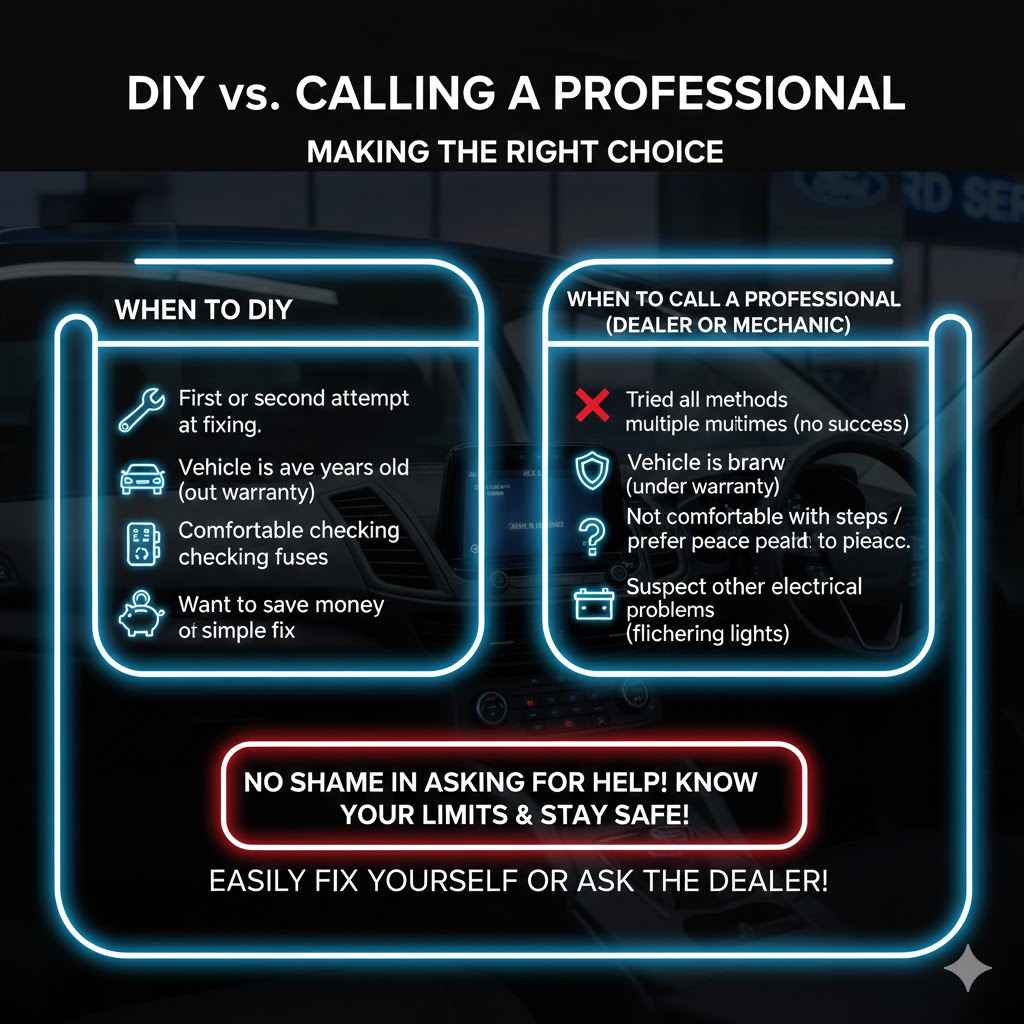
Fixing Transport Mode is a perfect DIY task for most people. It saves you time and the potential cost of a dealership visit. However, there are times when calling for backup is the smarter move.
Here’s a breakdown to help you decide:
| When to DIY | When to Call a Professional (Dealer or Mechanic) |
|---|---|
| It’s your first or second attempt at fixing the issue. | You have tried both deactivation methods several times without success. |
| Your car is a few years old and out of warranty. | The vehicle is brand new and still under warranty. The dealer should fix this for free. |
| You are comfortable with basic troubleshooting like checking fuses. | You suspect there might be other electrical problems (flickering lights, slow starting). |
| You want to save money on a simple fix. | You are not comfortable working on your car at all and prefer peace of mind. |
There is no shame in asking for help. A Ford technician has specialized diagnostic tools that can quickly identify and resolve the issue if it’s more than just a simple mode setting. Being a smart car owner also means knowing your limits. For more information on vehicle safety and systems, you can always consult reliable resources like the National Highway Traffic Safety Administration (NHTSA).
Frequently Asked Questions (FAQ)
What is the purpose of Ford’s Transport Mode?
Transport Mode is a feature used by the factory to conserve battery life while a new vehicle is being shipped to the dealership. It turns off non-essential electronic systems like the radio, climate control, and interior lights to prevent the battery from draining over long periods of inactivity.
Can I drive my Ford while it’s in Transport Mode?
Yes, in most cases, the engine will start and the car is drivable. However, it’s not recommended for regular use because many important features will be disabled. You won’t have your radio, A/C, or potentially even power windows. It should be disabled as soon as possible for a normal driving experience.
Does Transport Mode drain the battery?
No, it does the opposite. Transport Mode is specifically designed to prevent the battery from draining. By shutting down various modules and systems, it significantly reduces the parasitic draw on the battery while the car is parked for extended periods.
Will disconnecting the battery get my car out of Transport Mode?
Sometimes, but it’s not the recommended method. Disconnecting the battery can reset many of your car’s systems, including radio presets, clock settings, and learned engine parameters. In some cases, reconnecting the battery can even trigger Transport Mode. It’s always best to try the proper deactivation sequence first.
Why did my car go into Transport Mode after a battery change?
When power is completely removed from the vehicle’s computer systems and then restored with a new battery, the computers can sometimes default to a “safe” or “base” setting. For many Ford vehicles, this default state is Transport Mode. Simply perform the deactivation steps after installing a new battery to restore normal function.
How much does a dealer charge to fix this?
If your vehicle is under warranty, a dealer should perform this service for free. If it’s out of warranty, they may charge a small diagnostic fee, typically ranging from $50 to $150, just for their time. This is why learning to do it yourself can save you both time and money.
Is there a special tool needed to exit Transport Mode?
No, absolutely not! One of the best things about this fix is that it requires no special tools. All you need are your hands, your car key (or push-button start), and a few moments of your time.
Conclusion: You’ve Got This!
Facing a dashboard warning like “Transport Mode” can be unsettling, but as you’ve now seen, the solution is usually simple and straightforward. By following the easy steps of closing the doors, holding the brake, and pressing the hazard button, you can take control and restore your Ford to its fully functional state in minutes.
You’ve not only fixed the problem but also learned a little more about how your vehicle works. This knowledge builds confidence and empowers you to handle small issues without relying on a trip to the dealership. Remember to be patient, follow the steps carefully, and trust in your ability to solve the problem.
So the next time you or a friend encounters this peculiar mode, you’ll know exactly what to do. Enjoy your drive with the radio on, the climate control set just right, and the peace of mind that comes from being a capable and informed car owner.
Related pick: Check today's price on Amazon
Products related to this article
Sponsored / affiliate links. As an Amazon Associate I earn from qualifying purchases. I may earn additional commission from eligible campaigns.