How to Get a Ford Out of Transport Mode (Any Model)
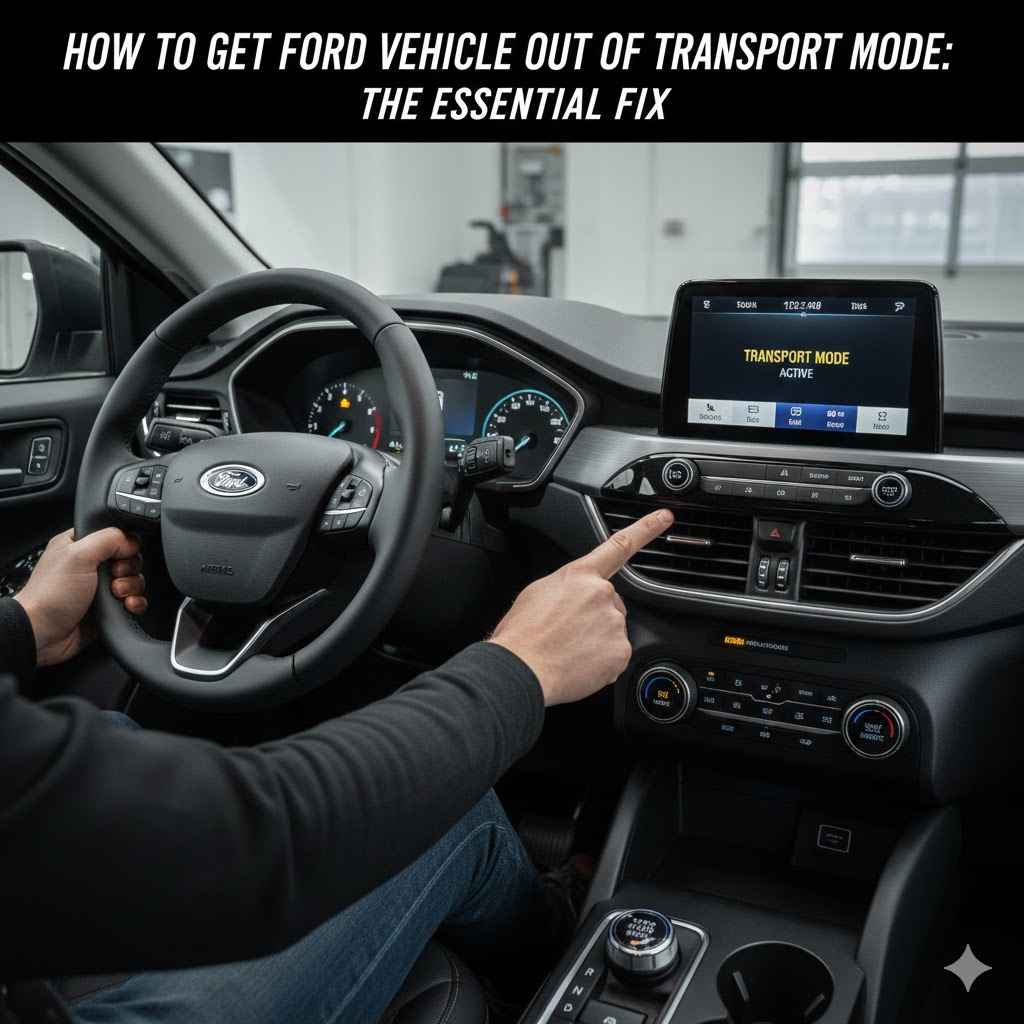
To get a Ford vehicle out of Transport Mode, turn the ignition on (without starting the engine), press the brake pedal five times, then press the hazard light button five times. The instrument cluster should display a “Transport Mode Deactivated” message. This simple sequence restores full functionality to your vehicle’s electrical systems.
Transport mode disables radio, interior lights, and infotainment — features that look like electrical faults to most new Ford owners. Skipping the manual sequence auto-deactivates after 125 miles of driving, but leaves all those systems off for the entire first trip. If you recently purchased a Ford with Ford Pass, you can also use the app to check vehicle status after deactivation.
This guide covers the brake-and-hazard method, the infotainment menu shortcut, and what to try if neither works.
What Is Ford Transport Mode and Why Is It On?
Seeing a “Transport Mode” message can be alarming, but it’s actually a helpful feature. Think of it as a deep sleep for your car. Automakers like Ford use this mode to make sure your vehicle arrives with a healthy, fully charged battery. Let’s break down what it is and why your car might be in this state.
The Purpose of Transport Mode
When a car is built, it has a long journey ahead. It might sit on a truck, a train, or a ship for weeks. During this time, the car is off, but many electronic systems are still drawing a tiny bit of power. These small power draws are often called “parasitic drains.” Over weeks, they can slowly drain the battery.
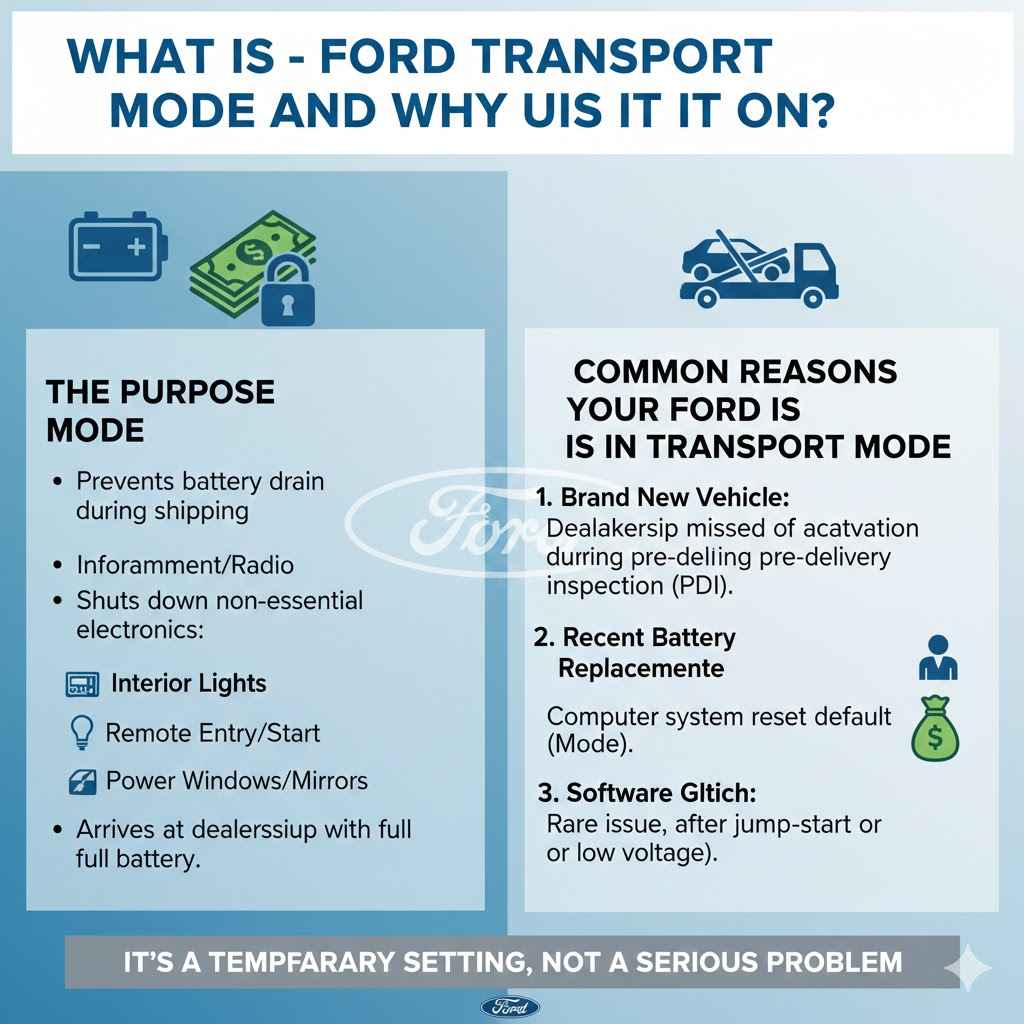
To prevent this, Ford activates Transport Mode. This setting shuts down non-essential electrical systems, such as:
- The radio and infotainment system
- Interior dome and map lights
- Remote keyless entry and remote start
- Power windows and mirrors (in some cases)
- Climate control systems
By turning these features off, the car uses almost no power. This ensures that when the car arrives at the dealership, the battery is still strong and ready for its new owner. It’s a smart way to protect one of your car’s most important components.
Common Reasons Your Ford Is in Transport Mode
So, why is your car still in this mode? There are a few common reasons this happens.
- Brand New Vehicle: This is the most common reason. The dealership is supposed to deactivate Transport Mode during the pre-delivery inspection (PDI). Sometimes, this step is accidentally missed. If you just drove your new Ford home and are noticing these issues, this is likely the cause.
- Recent Battery Replacement or Disconnection: If you recently replaced your car’s battery or had it disconnected for a repair, the vehicle’s computer system might reset to its factory default settings. For some Ford models, this default state is Transport Mode. The car thinks it might be getting ready for shipping again.
- Software Glitch: Though less common, a random software hiccup could cause the system to enter Transport Mode. This can sometimes happen after a jump-start or if the battery voltage drops significantly for a short period.
Understanding why your car is in this mode is the first step. The key takeaway is that it’s not a sign of a serious problem. It’s a temporary setting that you can easily fix yourself.
Symptoms: How to Know If Your Car Is in Transport Mode
Before you try the fix, it’s good to confirm that Transport Mode is actually the problem. The symptoms are usually very clear and consistent across different Ford models like the F-150, Explorer, Mustang, and Bronco. If you’re experiencing a few of the issues below, you’re almost certainly dealing with Transport Mode.
Key Warning Signs
- Dashboard Message: The most obvious sign is a message on your instrument cluster display that says “Transport Mode Active” or “Transport Mode On.”
- Radio/Infotainment System Not Working: You’ll notice that the radio, touchscreen, and sound system are completely unresponsive. You can’t turn them on, and the screen will likely remain black.
- No Interior Lights: When you open the door, the dome lights and other interior courtesy lights will not turn on.
- Key Fob Issues: The remote lock, unlock, and panic buttons on your key fob may not work. You might have to use the physical key to unlock your doors.
- Limited Power Features: Other accessories like power windows, heated seats, or the climate control system might be disabled.
Here is a simple table to help you compare the symptoms with normal operation.
| Vehicle Feature | Status in Transport Mode | Status in Normal Operation |
|---|---|---|
| Infotainment/Radio | Off / Unresponsive | Fully Functional |
| Interior Lights | Do Not Turn On | Turn On With Doors |
| Remote Key Fob | May Not Work | Works Correctly |
| Dashboard Warning | “Transport Mode” Message | No Message Displayed |
| Engine Start | Starts and Runs | Starts and Runs |
One important thing to note is that the car will still start and drive. Transport Mode is designed to allow the vehicle to be moved around lots and onto transport carriers without disabling the engine. So, if your car starts but none of the electronics work, you have a classic case of active Transport Mode.
The Step-by-Step Fix: How to Deactivate Transport Mode
You’re ready for the solution! The best part is that you don’t need any special tools. This procedure takes about 30 seconds and just requires a simple sequence of button and pedal presses. Let’s walk through it together.
The Standard Procedure for Most Modern Fords
This method works for the vast majority of Ford vehicles made in the last decade, including trucks, SUVs, and cars.
- Get Inside and Close the Door: Sit in the driver’s seat and make sure all the doors are closed.
- Turn the Ignition On: Press the “Start/Stop” button without your foot on the brake pedal. If you have a traditional key, turn it to the “On” position. This turns on the vehicle’s electronics but does not start the engine. You should see the dashboard lights turn on.
- Press the Brake Pedal Firmly: With the ignition on, press down firmly on the brake pedal five (5) times. Don’t rush it, but don’t go too slowly either. A normal, steady pace is perfect.
- Press the Hazard Light Button: Now, locate your hazard light button (the triangle symbol). Press this button five (5) times. Again, use a steady rhythm. You will see the hazard lights flash on your dashboard with each press.
- Watch for Confirmation: After the last press, keep your eyes on the instrument cluster display. You should see a message that says “Transport Mode Deactivated.” The process is now complete!
- Confirm Everything Works: To be sure, start the engine by pressing the brake and hitting the “Start/Stop” button (or turning the key). Once the engine is running, test the radio, interior lights, and power windows. Everything should be back to normal.
That’s it! You’ve successfully woken up your Ford. It’s a surprisingly simple fix for what seems like a complicated problem.
A Note on Different Models
While the “5 brake presses, 5 hazard presses” method is the standard, some older models or specific vehicles might have a slight variation. For example, some forums mention a sequence involving flashing the high beams. However, the procedure described above is the most current and widely effective one recommended by technicians. Always try this standard method first. If it doesn’t work, we’ll cover what to do next.
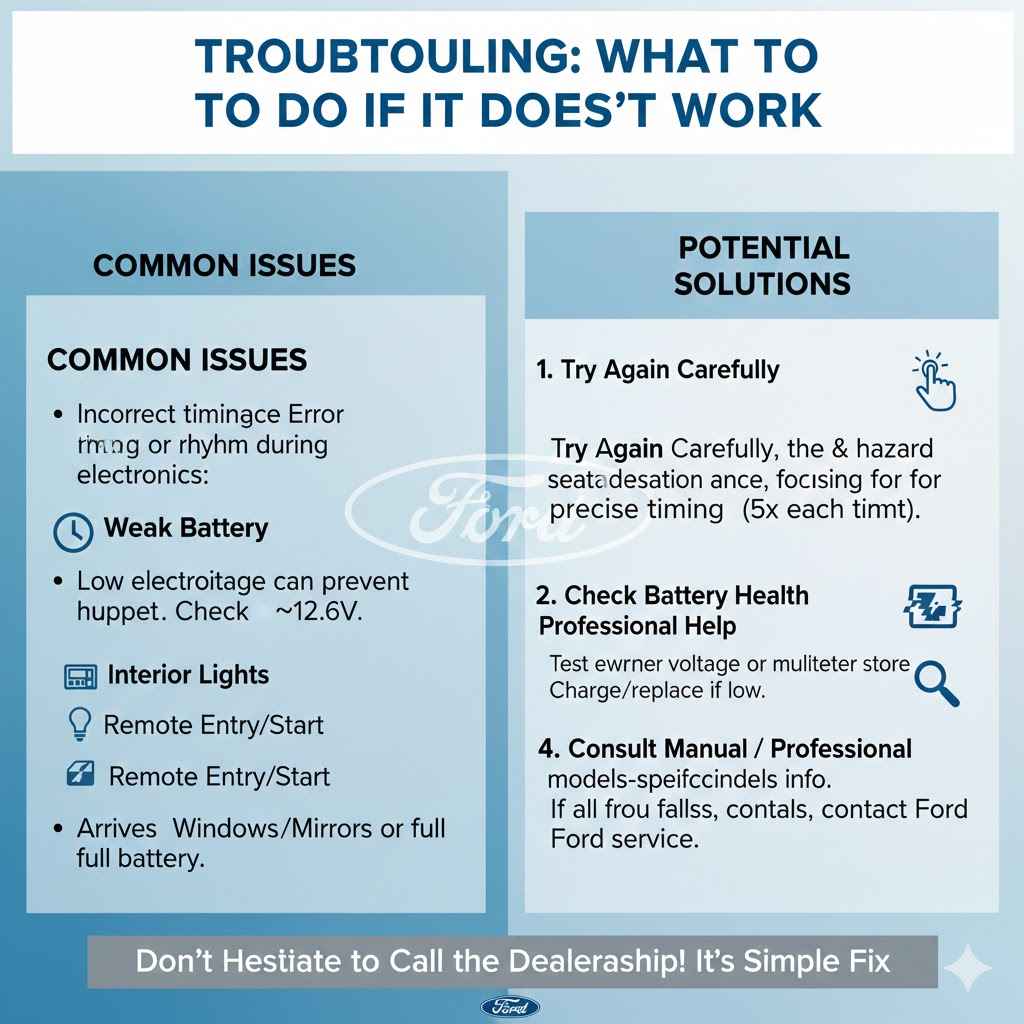
Troubleshooting: What to Do If It Doesn’t Work
Did you try the sequence and nothing happened? Don’t get discouraged. Sometimes it takes a second try, or there might be another small issue at play. Here are a few things to check if your Ford is still stuck in Transport Mode.
1. Try the Sequence Again, Carefully
The most common reason for failure is timing. The vehicle’s computer is looking for a specific sequence in a specific timeframe. Try the steps again, but this time, pay close attention to your rhythm.
- Press the brake pedal and hazard button deliberately. Not too fast, not too slow.
- Make sure you press each one exactly five times.
- Ensure the ignition is fully in the “On” position before you start.
Sometimes, a second or third attempt is all it takes for the computer to register the command.
2. Check Your Battery’s Health
A weak or low-voltage battery can cause all sorts of strange electronic issues, including preventing the vehicle from exiting Transport Mode. The mode itself is designed to protect the battery, but if the battery is already too low, the system might not respond correctly.
You can check the battery voltage with a simple multimeter if you have one. A healthy car battery should read around 12.6 volts when the engine is off. If it’s below 12.2 volts, it may need to be charged or replaced. If you’re not comfortable doing this, most auto parts stores offer free battery testing. You can also find helpful resources from the U.S. Department of Energy on how car batteries function.
3. Consult Your Owner’s Manual
Your vehicle’s owner’s manual is the ultimate source of truth. While most don’t explicitly detail the Transport Mode deactivation sequence (as it’s intended for technicians), they can provide clues about the vehicle’s electronic systems. It’s always a good idea to check the manual for any model-specific information. You can find digital copies of your manual on the official Ford Owner’s Manuals website.
4. When to Call a Professional
If you’ve tried the sequence multiple times and checked your battery, and the car is still in Transport Mode, it might be time to let a professional take a look. There could be a more complex software issue that requires a diagnostic tool to fix.
Here’s a quick guide on what to do next.
| Problem | Potential Solution | Next Step |
|---|---|---|
| Sequence not working | Incorrect timing or rhythm | Try the sequence again, slowly and deliberately. |
| Car has other electrical issues | Low battery voltage | Get the battery tested at an auto parts store or with a multimeter. |
| Multiple attempts fail | Possible software glitch or different procedure | Contact your Ford dealership’s service department. |
Don’t feel bad if you need to call the dealership. This procedure is supposed to be done before you even get the car, so it’s perfectly reasonable to ask them to fix it for you, usually at no charge if the car is new.
Frequently Asked Questions (FAQ)
1. What is the purpose of Ford Transport Mode?
Transport Mode is a factory-set feature that shuts down non-essential electronics like the radio, interior lights, and key fob functions. This preserves the vehicle’s battery charge during its long journey from the assembly plant to the dealership.
2. Will driving my car in Transport Mode cause any damage?
No, it is completely safe to drive your Ford while it is in Transport Mode. The mode only affects comfort and convenience features — radio, lights, and infotainment. For other Ford features that may be limited in certain modes, see our guide on Ford vehicle features and tracking. The engine, brakes, steering, and all essential safety systems remain fully operational.
3. Why did my car enter Transport Mode after a battery change?
When the battery is disconnected, the vehicle’s main computer can sometimes reset to its factory settings. For many Ford models, Transport Mode is part of that default state. The car essentially thinks it’s back at the factory and needs to conserve power.
4. Does this deactivation method work for all Ford models?
The “5 brake presses, 5 hazard presses” method is the standard procedure for most modern Ford vehicles, including the F-150, Explorer, Escape, Mustang, and Bronco. While it is highly effective, very old or very new models might have a slight variation. This method should always be your first attempt.
5. How much does it cost to have a dealership turn off Transport Mode?
If your vehicle is new and was delivered in Transport Mode, the dealership should deactivate it for free, as it is part of their pre-delivery inspection process. If the mode activated after a repair, they may charge a small diagnostic fee, but often they will do it as a courtesy, since it only takes a minute.
6. Can I accidentally put my car back into Transport Mode?
It is highly unlikely. The activation sequence is different and more complex than the deactivation one, typically requiring a specialized diagnostic tool. You won’t accidentally trigger it during normal driving.
7. Is the “Transport Mode Active” warning light a serious issue?
No, this warning is not serious and does not indicate a mechanical failure. It is simply an informational message telling you that the battery-saving feature is currently enabled. Once you follow the steps to deactivate it, the message will disappear.
Conclusion: Taking Control of Your Vehicle
There you have it—the simple, essential fix for getting your Ford out of Transport Mode. What might have seemed like a major electrical problem is, in reality, a simple settings issue that you can solve in your own driveway with no tools required. By following the easy sequence of pressing the brake and hazard buttons, you can restore full power to your radio, lights, and other features, and enjoy your vehicle exactly as it was intended.
Remember, features like Transport Mode are designed to protect your vehicle, not to frustrate you. Now that you know the secret, you can feel confident and empowered. You’ve learned a new trick, saved a potential trip to the dealership, and taken one more step toward becoming a more knowledgeable car owner. So go ahead, wake up your Ford, and enjoy the ride!
Products related to this article
Sponsored / affiliate links. As an Amazon Associate I earn from qualifying purchases. I may earn additional commission from eligible campaigns.