
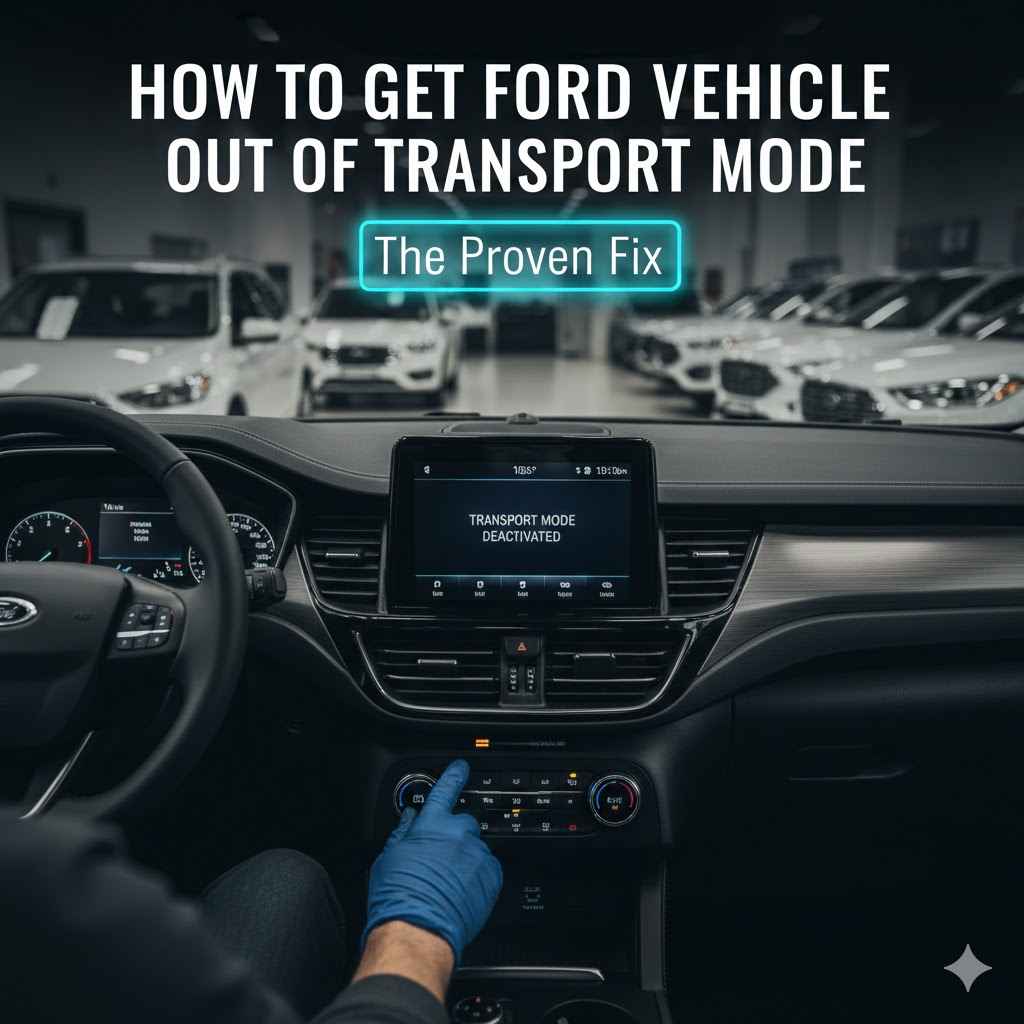
To get a Ford vehicle out of Transport Mode, sit inside, close all doors, and press the brake pedal. Turn the ignition on (without starting the engine), then press the hazard light button. Now, quickly press the brake pedal five times, then the hazard light button five times. A confirmation message should appear on your dash.
Is your new Ford acting strange? Maybe the radio won’t turn on, the windows won’t go down, or a weird message is on your dashboard. It can be frustrating when your car doesn’t work as expected. The good news is, you likely don’t have a serious problem. Your car might just be in “Transport Mode.” This is a common issue with a very simple fix. In this guide, I’ll walk you through exactly what to do, step by step. You’ll have your Ford back to normal in just a few minutes, no tools or mechanic needed!
What Is Ford Transport Mode, Anyway?
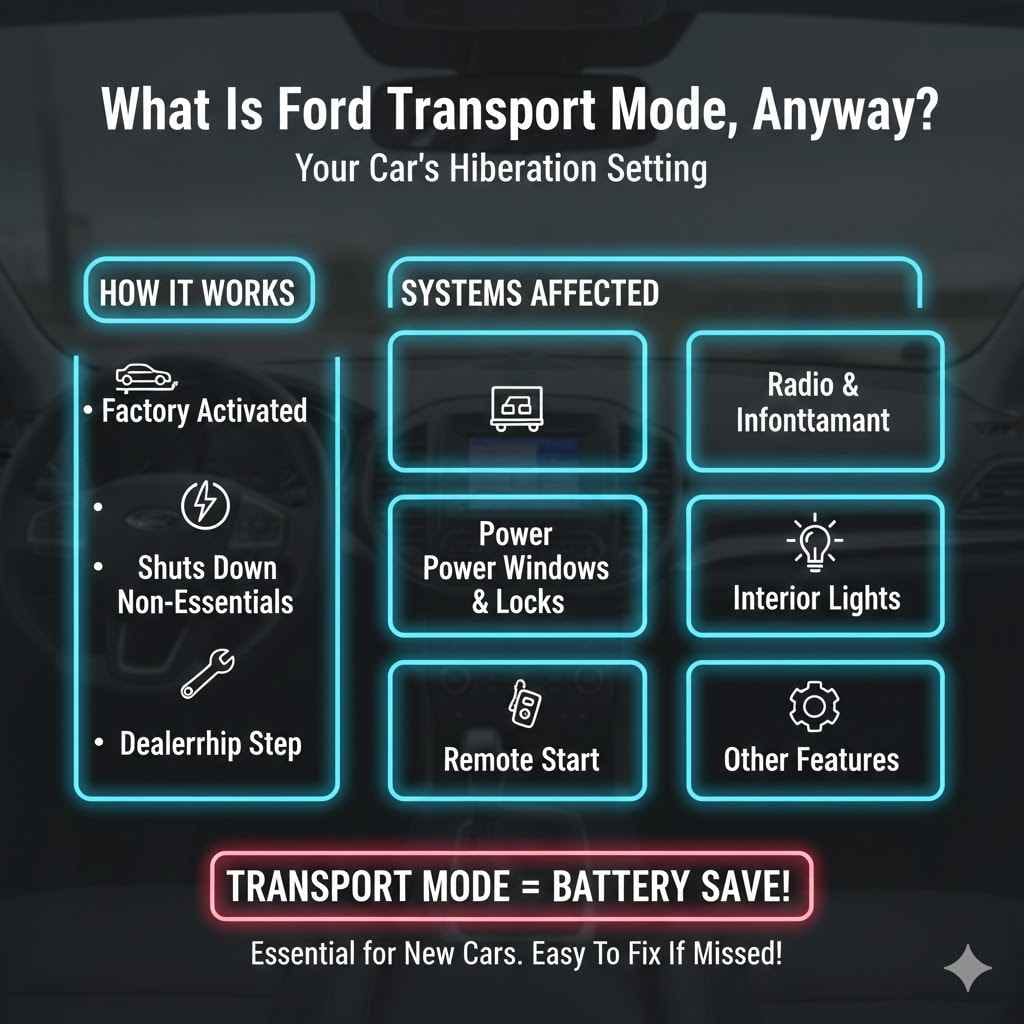
Think of Transport Mode as a hibernation setting for your car. Ford activates this mode at the factory before a new vehicle is shipped to the dealership. Its main job is to save the car’s battery life during the long journey. When a car sits for weeks on a truck or a ship, all its little electronic systems can slowly drain the battery. Transport Mode prevents this from happening.
What does it do exactly? It shuts down non-essential features to conserve power. This includes things like:
- The radio and infotainment system
- Power windows and locks
- Interior dome lights
- Remote start functionality
- Other convenience features
This mode ensures that when the car arrives at its destination, the battery has enough power to start. The dealership is supposed to turn this mode off during their final inspection before they hand you the keys. Sometimes, however, this step gets missed. It can also sometimes be accidentally triggered if your battery is disconnected for a major repair.
How to Know if Your Ford is in Transport Mode
It’s easy to mistake Transport Mode for a serious electrical problem. But before you panic, look for these common signs. If your car is showing several of these symptoms, especially if it’s brand new, Transport Mode is the most likely cause. The most obvious sign is often a message on the instrument cluster display that literally says “Transport Mode.”
Here’s a quick-glance table of the most common symptoms you might experience:
| Symptom | What You Might Notice |
|---|---|
| Warning on Dashboard | You may see a message like “Transport Mode Contact Dealer” or “Transport Mode Active” when you start the car. This is the clearest sign. |
| Limited Electrical Features | Your radio, navigation, or entire infotainment screen might be dead. Power windows, power seats, and interior lights may not work at all. |
| Remote Start Failure | If you try to use your key fob to start the car remotely, it probably won’t respond. The system is disabled to save power. |
| Key Fob Issues | While the fob might unlock the doors, other functions like the trunk release or panic button may not work correctly. |
| Rapidly Flashing Lights | Some owners report that the hazard lights or turn signals flash very quickly for a few seconds when the car is started, which can be another indicator. |
Before You Start: A Quick Safety Check
The process to disable Transport Mode is incredibly safe and simple. You won’t need any tools, and you won’t be messing with any complicated parts of your car. However, it’s always a good habit to follow a few basic safety steps before doing anything with your vehicle. This builds good habits for any future car care you might do!
- Find a Safe Spot: Make sure your Ford is parked on a flat, level surface. Your driveway or a level spot in a parking lot is perfect.
- Engage the Parking Brake: Put the parking brake on. This is an important safety step to ensure your car doesn’t move unexpectedly.
- Close Everything Up: For this process to work, all your car doors, the hood, and the trunk must be fully closed.
That’s it! You are now ready to perform the sequence. Remember, this is a standard procedure designed to be performed by dealership technicians and even owners. You are not hacking or modifying your car in any way.
The Easiest Way to Disable Ford Transport Mode: A Step-by-Step Guide
Ready for the fix? This simple sequence of button presses is like a secret handshake that tells your car it’s time to wake up. It should take you less than 60 seconds. Just follow these steps in order, and don’t rush the “quick” parts. The timing is important.
- Get In and Shut the Doors: Sit in the driver’s seat and make sure every single door is closed securely.
- Press the brake pedal: With your foot, press and hold down the brake pedal. You don’t need to press it extremely hard, just a firm, steady pressure.
- Turn the Ignition On:
- For Push-Button Start: Press the ENGINE START/STOP button one time. Do NOT start the engine. You just want the car’s electronics to turn on.
- For a Traditional Key: Insert the key and turn it to the “ON” position. This is the position right before the engine cranks. All your dash lights should illuminate.
- Activate the Hazard Lights: Find the button with the red triangle symbol (your hazard lights or emergency flashers) and press it once to turn them on. You should hear them clicking and see them flashing on your dashboard.
- Perform the “Brake Pedal Pump”: While the hazards are still flashing, press and release the brake pedal firmly five (5) times. Try to do this within a few seconds. Think: one-two-three-four-five.
- Perform the “Hazard Button Pump”: Immediately after pumping the brake, press and release the hazard light button five (5) times. Again, do this fairly quickly.
- Look for Confirmation: Now, watch your dashboard display. Within a few seconds, you should see a message pop up that says something like “Transport Mode Deactivated” or “Exiting Transport Mode.” The car’s horn might honk once, or the lights might flash as a confirmation signal.
- Start Your Car: Once you see the confirmation, you can start your engine normally. All your accessories—radio, windows, lights—should now be working perfectly!
What If My Ford Has a Traditional Key?
The good news is that the process is almost identical for Fords with a physical key instead of a push-button start. The only difference is in step three. Instead of pressing a button, you will simply turn your key to the “ON” position. This is the setting where your dashboard lights up, but the engine hasn’t actually started yet. From there, all the other steps—pressing the hazards, pumping the brake, and pumping the hazard button—are exactly the same.
Still Stuck? Troubleshooting Common Issues
Did you try the sequence and nothing happened? Don’t worry. Sometimes it takes a second try, or there might be another simple issue at play. Before you call the dealership, let’s run through a few common troubleshooting steps. Most of the time, one of these little adjustments will solve the problem.
| Problem | Easy Solution to Try |
|---|---|
| The Sequence Didn’t Work | The most common reason for failure is timing. The “five presses” need to be done fairly quickly. Turn the car off completely, wait about 10 seconds, and then try the entire sequence again from step one. Be deliberate with your presses. |
| No Confirmation Message Appeared | If you completed the steps and saw no message, try the car anyway. Sometimes the confirmation doesn’t show, but the mode is still deactivated. Check if your radio or windows are working now. If not, the issue might be a weak battery. |
| The Car’s Battery is Weak or Dead | Transport Mode is designed to save the battery, but if the car has been sitting for a very long time, the battery could still be too low. A weak battery can cause all sorts of strange electrical behavior and may prevent the deactivation sequence from registering. Try charging the battery or getting a jump start first, then attempt the sequence again. For more on how vehicle batteries work, you can review this helpful guide from the U.S. Department of Energy. |
| Some Features Work, But Not All | If the car is out of Transport Mode but something specific (like just the radio) still isn’t working, you may have a separate issue, like a blown fuse. This is a good time to consult your owner’s manual or consider contacting a professional. |
Understanding Why Your Ford Might Be in Transport Mode
It can be confusing to find your car in this state, but there are really only a couple of logical reasons for it. Understanding why it happens can give you peace of mind.
- Your Car is Brand New: This is by far the most common reason. The car was shipped from the factory in Transport Mode, and the dealership simply forgot to perform the deactivation sequence during their pre-delivery inspection (PDI). It’s a simple human error and nothing to be concerned about regarding the health of your car.
- Recent Major Service or Battery Change: If your car’s battery was disconnected for an extended period (for example, during a major repair or a battery replacement), the vehicle’s main computer can sometimes reset itself to a factory default state, which includes Transport Mode. It’s the car’s way of protecting itself when it loses power.
In either case, it does not mean your car is faulty. It is a feature working as designed, just at an inconvenient time for you. Knowing the simple deactivation sequence puts you back in control.
When Is It Time to Call for Help?
You’ve tried the steps, you’ve run through the troubleshooting list, and something still isn’t right. While it’s great to be self-sufficient, it’s also important to know when to call in a professional. There’s no shame in asking for help, especially when it comes to your valuable and complex vehicle. Your safety and peace of mind are what matter most.
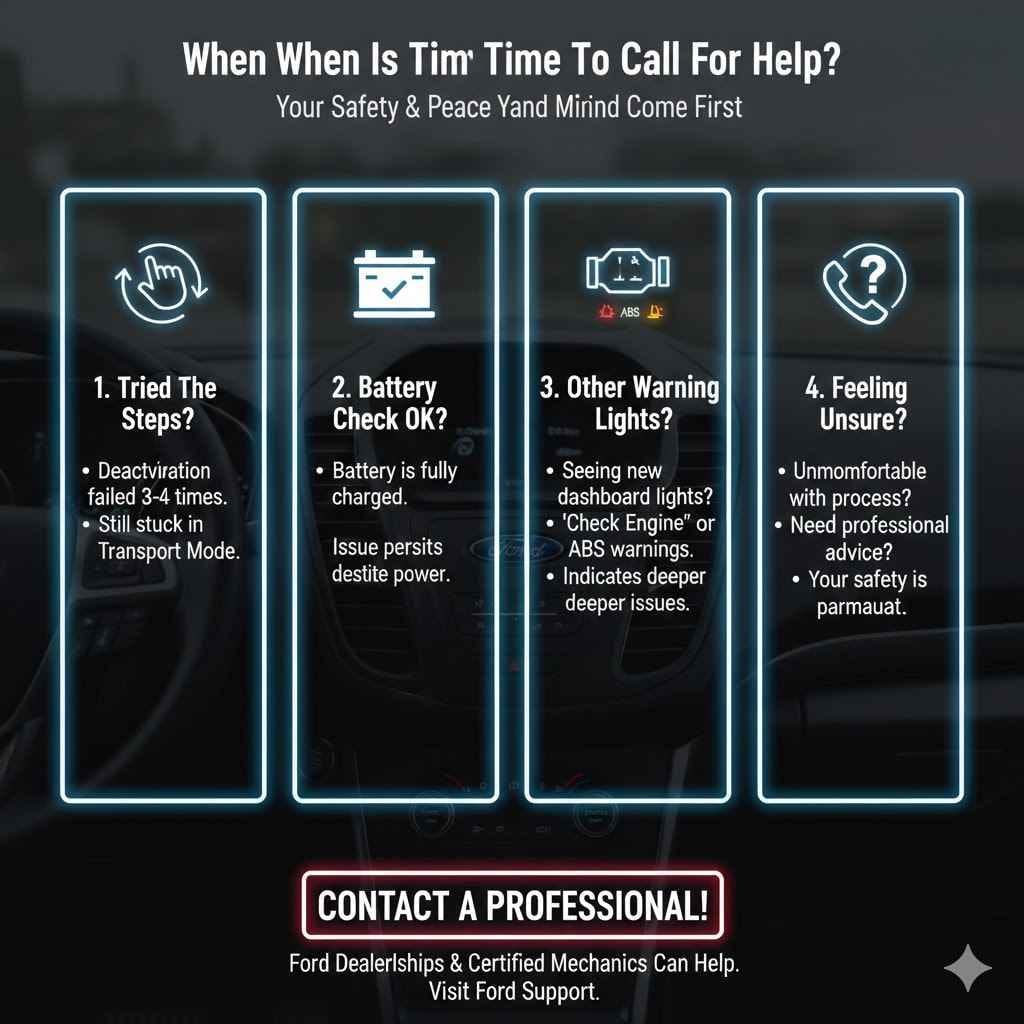
You should contact your Ford dealership or a trusted local mechanic if:
- You have carefully tried the deactivation sequence three or four times without any success.
- You have confirmed your battery is fully charged, but the car still won’t exit Transport Mode.
- Your car is showing other warning lights on the dashboard that are unrelated to Transport Mode (like a “Check Engine” light or an ABS warning). This could indicate a deeper issue.
- You feel uncomfortable or unsure about any part of the process. A quick call for professional advice is always a good idea.
The service department at a Ford dealership sees this issue all the time and can typically resolve it in minutes. For more information or to find a local dealer, you can visit the official Ford Support website. They can provide resources and connect you with certified technicians.
Frequently Asked Questions (FAQ)
Can I drive my Ford while it is in Transport Mode?
Technically, the car will usually start and drive, but it is not recommended. Your safety and convenience features will be limited. For example, your power windows, turn signal sounds, and other important feedback systems may not work. It is best to deactivate the mode immediately.
Does getting my car out of Transport Mode void my warranty?
Absolutely not. Disabling Transport Mode is a standard, necessary procedure. It is part of the normal setup of the vehicle. You are not modifying or harming your car in any way by performing this sequence, so your warranty is completely safe.
How long does it take to get a Ford out of Transport Mode?
The process itself takes less than one minute. Once you know the sequence of pressing the brake and hazard button, you can complete it very quickly.
Why do car companies even use a Transport Mode?
They use it purely to protect the vehicle’s battery. Modern cars have dozens of computers and modules that draw a small amount of power even when the car is off. Over the weeks or months a car sits in transit and on a dealer lot, this “parasitic draw” would drain the battery. Transport Mode prevents this.
Will Transport Mode turn on by itself again?
It is extremely unlikely to happen on its own. Once deactivated, it should stay off. The only time you might see it again is if the car’s battery is disconnected for a long time during a future repair.
Do all Ford models use the exact same deactivation sequence?
This sequence works for the vast majority of modern Ford vehicles (from roughly 2015 and newer), including the F-150, Explorer, Escape, Mustang, and Bronco. However, very old models or specific commercial vehicles might have a different procedure. If this sequence doesn’t work, your owner’s manual is the next best place to check.
Conclusion: You’ve Got This!
Finding your car in a strange, limited mode can be alarming, but as you’ve now seen, Ford’s Transport Mode is a problem with a surprisingly simple solution. You don’t need to be a car expert or spend money on a mechanic to fix it. With just a few presses of a pedal and a button, you can wake your vehicle up and restore all its features in under a minute.
By learning this simple trick, you’ve not only saved yourself a trip to the dealership but also built a little more confidence in understanding your car. Every small bit of knowledge empowers you as a car owner. So, the next time a friend or family member with a new Ford has a similar issue, you’ll be the one with the quick and easy fix. Happy driving!