
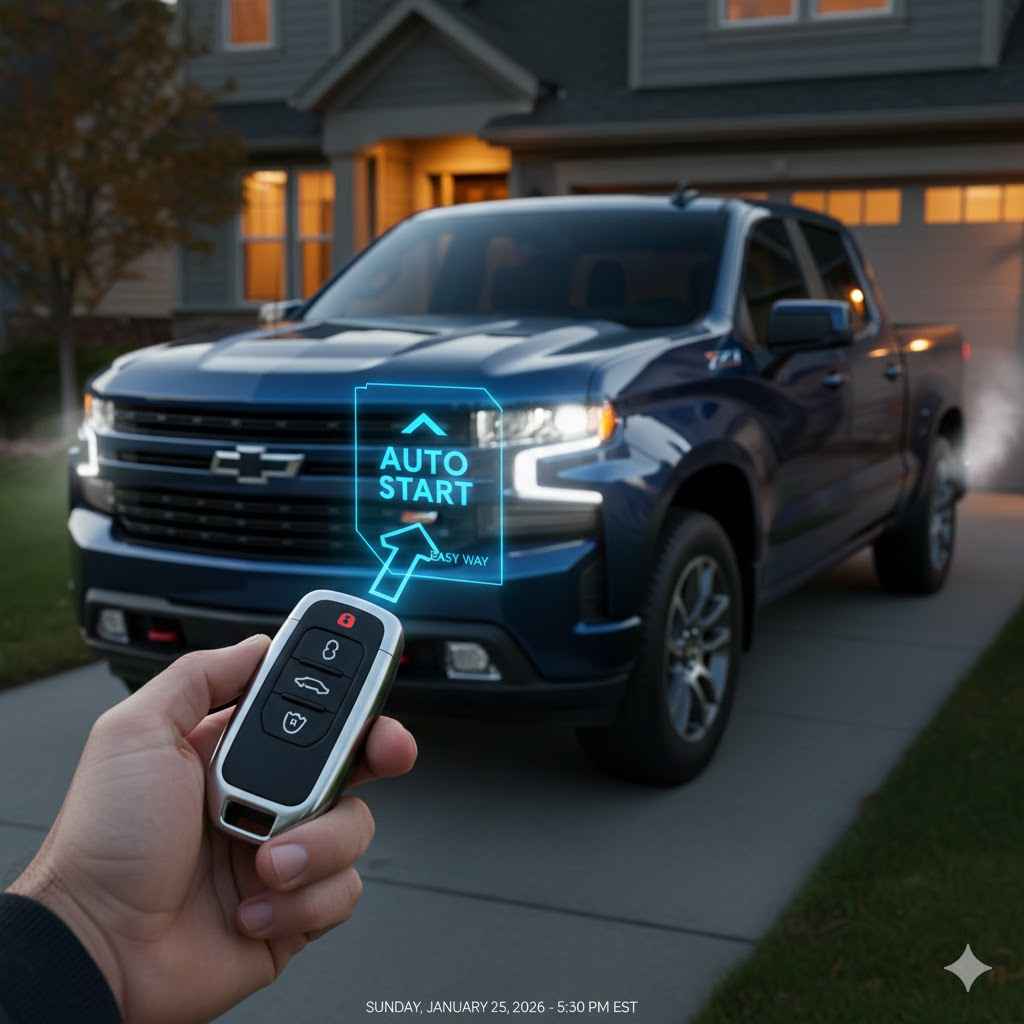
To use the auto start on your Chevy Silverado, first press the “Lock” button on your key fob. Immediately after, press and hold the circular arrow “Remote Start” button for about four seconds. Your truck’s parking lights will flash to confirm it has started. The engine will run for 15 minutes before automatically shutting off.
Hello there, Dustin Hall here! Let’s talk about one of the best features on your Chevy Silverado: remote start. On a freezing morning or a scorching afternoon, being able to warm up or cool down your truck before you even step outside is a game-changer. But sometimes, figuring out a new button on your key fob can feel a little confusing. Don’t worry, you’re not alone! Many drivers aren’t sure of the exact steps. I’m here to show you just how simple it is. We’ll walk through it together, step-by-step, so you can use this awesome feature with confidence every single time.
What Exactly Is Remote Start?
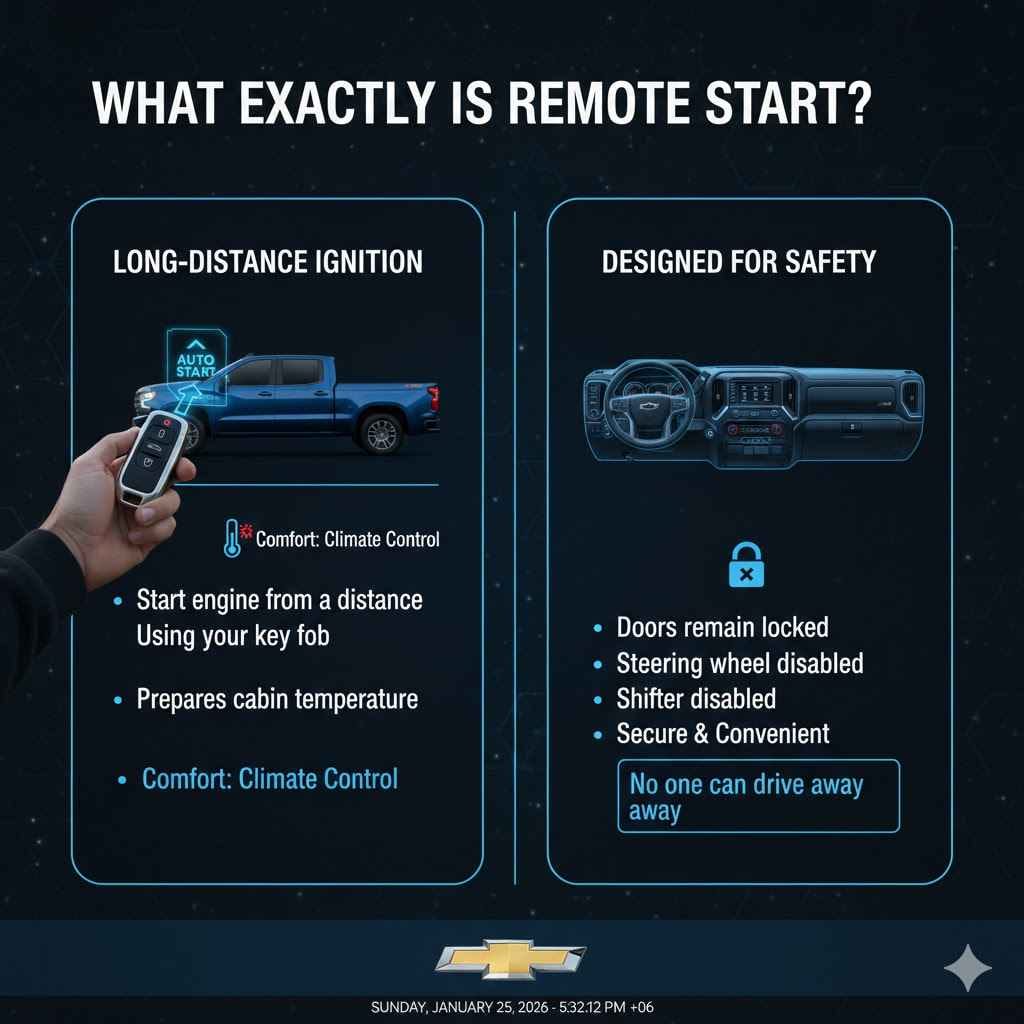
Before we jump into the “how-to,” let’s quickly cover what remote start (or auto start) actually is. Think of it as a long-distance ignition switch. It’s a feature built into your Silverado that allows you to start the engine from a distance using your key fob. The main goal is comfort—it gets your climate control system running so the cabin is at a pleasant temperature when you’re ready to drive.
It’s designed with safety in mind. When you remote start your truck, the engine is running, but the doors remain locked, and the steering wheel and shifter are disabled. No one can hop in and drive away. It’s a secure and convenient way to prepare your vehicle for your journey, making those extreme weather days much more bearable.
Your Chevy Silverado Key Fob: A Quick Tour
First things first, let’s get familiar with the tool for the job: your key fob. While designs can vary slightly by year and trim level, most modern Silverado fobs have a few standard buttons. Grab yours and let’s identify the key players.
- Lock Button: This usually has a symbol of a closed padlock. You’ll need this to start the remote start sequence.
- Unlock Button: This has a symbol of an open padlock. You’ll use this to get into your truck after it’s started.
- Remote Start Button: This is the one we’re focused on! It typically looks like a circular arrow or an arrow in a semi-circle.
- Panic Button: This is usually a red button with an alarm symbol, used for emergencies.
The remote start button is our main target. Knowing what it looks like is the first step to mastering the process.
How to Use Auto Start on Your Chevy Silverado: The Step-by-Step Guide
Alright, let’s get your truck running! Using the remote start is as easy as a two-step dance. Just follow these simple instructions, and you’ll have it down in no time. For this to work, make sure all your truck’s doors, hood, and tailgate are closed.
- Step 1: Press the ‘Lock’ Button
First, you must lock your truck. Aim your key fob at your Silverado and press the lock button (the one with the padlock icon) one time. You should hear the doors lock and see the parking lights flash once. This is a crucial safety step; the system requires the vehicle to be secure before it will start the engine. - Step 2: Press and Hold the ‘Remote Start’ Button
Immediately after locking the doors, press and hold the remote start button (the circular arrow). Keep it held down for about four to five seconds. You don’t need to be right next to the truck, but you do need to be within range, which is typically around 200 feet. - Step 3: Look for Confirmation
Success! Your Silverado’s engine will roar to life. To let you know it worked, the parking lights will turn on and remain on. This visual cue confirms that your truck is running and your climate control system is starting to work its magic.
That’s it! You’ve successfully remote started your Chevy Silverado. Your truck will now run for a 15-minute cycle before automatically shutting off for safety and fuel conservation.
What to Do After You’ve Remote Started Your Truck
So your truck is running and the cabin is getting comfortable. What’s next? Getting in and driving away is just as simple.
- Unlock the Doors: Press the unlock button on your key fob. The doors will remain locked during remote start, so you’ll need to unlock them as you normally would.
- Get Inside and Take Your Seat: Hop in and get settled. You’ll notice the engine is running, but the dashboard might not be fully illuminated, and the radio could be off. This is normal.
- Complete the Ignition Sequence: This is the most important step. Your truck needs to know that the driver is now in control.
- If you have a traditional key: Insert the key into the ignition and turn it to the “ON” position (the position right before you’d normally crank the engine). Do not try to crank it again! Just turn it forward until the dashboard lights up completely.
- If you have a push-to-start button: With the key fob inside the vehicle, press the brake pedal and then press the “START/STOP” button one time. The dashboard will fully illuminate, and you’ll be ready to go.
- Shift and Drive: Once you’ve completed the ignition sequence, you can shift into Drive or Reverse and head on your way. The system seamlessly transitions from remote start to normal driving mode.
How to Turn Off Your Silverado Remotely
What if you remote start your truck and then your plans change? You don’t have to wait for the 15-minute timer to run out. You can easily turn the engine off from the same key fob.
To turn your Silverado off remotely, simply press and hold the remote start button again for about four seconds, just like you did to start it. The engine will shut down, and the parking lights will turn off. It’s a simple way to cancel the cycle if needed.
Customizing Your Remote Start Settings for Maximum Comfort
Did you know you can customize how your remote start system behaves? Your Silverado’s infotainment system allows you to tweak settings to make the feature even more useful. For example, you can have the heated seats turn on automatically on cold days!
Here’s how to access these settings (menu names may vary slightly by model year):
- Turn your truck on completely (not in remote start mode).
- On your center touchscreen display, tap “Settings.”
- Tap on the “Vehicle” tab.
- Look for a menu item called “Remote Lock, Unlock, Start” or something similar.
Inside this menu, you’ll find some fantastic options. Here are some of the common settings you can adjust:
Common Remote Start Customization Options
| Setting | What It Does | Dustin’s Tip |
|---|---|---|
| Remote Started Auto Heat Seats | When turned on, this feature will automatically activate the heated seats if the outside temperature is below a certain threshold (e.g., 45°F or 7°C). | Absolutely turn this on! There’s nothing better than sliding into a warm seat on a frosty morning. It makes a huge difference. |
| Remote Started Auto Cool Seats | Similar to the heated seats, this will automatically activate the ventilated/cooled seats if the outside temperature is high. | If you live in a hot climate, this is a must. It helps cool you down much faster once you get in the truck. |
| Remote Start Climate Control | This setting determines how the climate system operates during remote start. You can usually set it to “Auto” or “Last Setting.” | I recommend keeping this on “Auto.” The truck is smart enough to know whether to turn on the heat or the A/C based on the outside temperature. |
| Remote Window Opening | Some models allow you to open the windows slightly with the key fob to vent hot air before you get in. | This is great for quickly cooling down a truck that’s been sitting in the sun. Check your Chevrolet Owner’s Manual to see if your truck has this feature. |
Troubleshooting: What to Do If Remote Start Isn’t Working
Sometimes, you’ll press the buttons and… nothing happens. Don’t panic! The system has several safety checks in place, and usually, there’s a simple reason why it’s not working. Here’s a quick guide to the most common issues and how to fix them.
Common Remote Start Problems and Easy Fixes
| The Problem | The Easy Fix |
|---|---|
| The truck doesn’t respond at all. | Most likely, your key fob battery is dead or you’re too far away. Try moving closer. If that doesn’t work, replace the battery in your key fob (it’s usually a small, coin-shaped battery like a CR2032). |
| The lights flash, but the engine doesn’t start. | This usually means one of the safety conditions isn’t met. Check these things:
|
| The truck starts but shuts off after a few seconds. | This often points to a security system issue or a problem with the truck’s battery. If the vehicle battery is weak, it may not have enough power to keep the engine running. Make sure your battery connections are clean and tight. |
| I’ve used remote start twice in a row and now it won’t work. | The system limits you to two consecutive remote starts. After two 15-minute cycles, you must start the vehicle normally with the key or push-button start to reset the system. |
Remember, these are safety features, not flaws. They’re designed to protect you, your truck, and anyone who might be near it.
Safety First: When You Should NOT Use Remote Start
Remote start is an amazing tool, but there are a few situations where you should absolutely avoid using it. Safety is always the top priority.
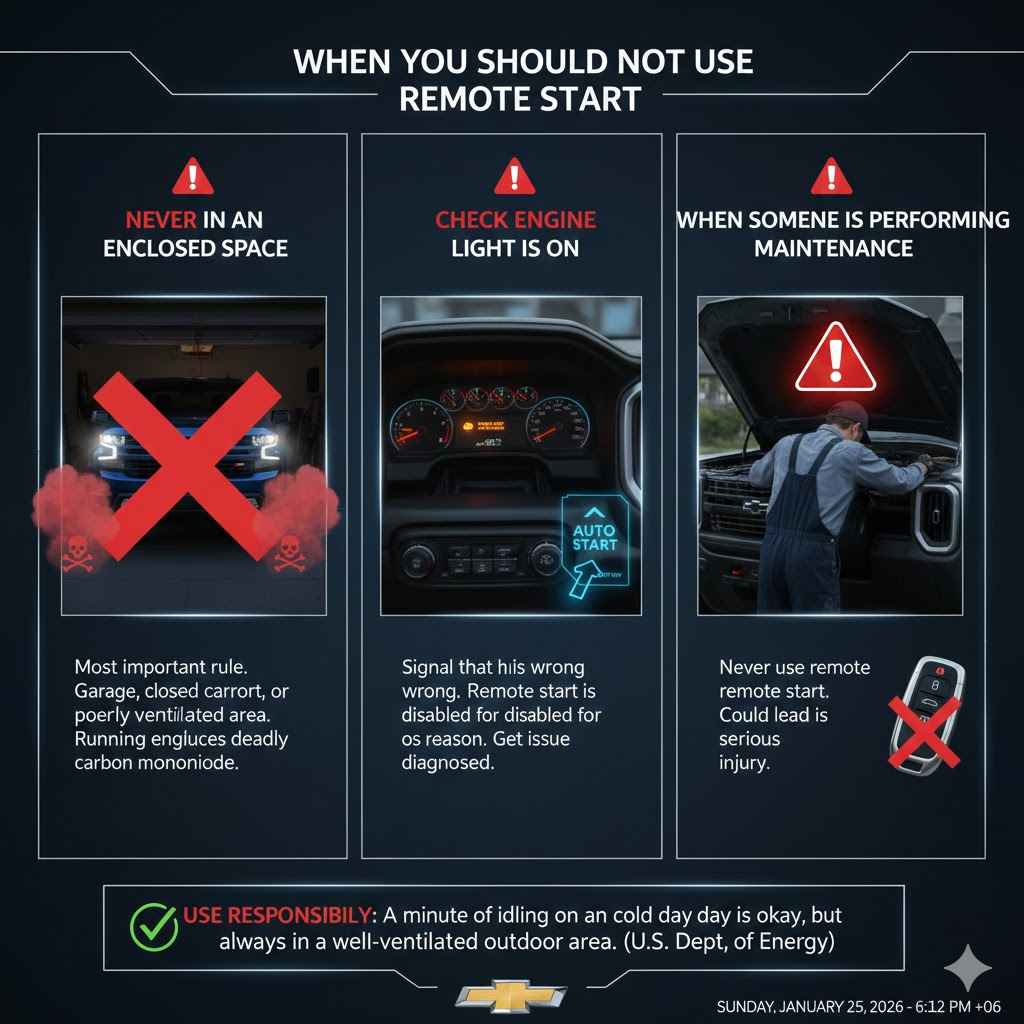
- Never in an enclosed space: This is the most important rule. Never use remote start when your truck is parked in a garage, a closed carport, or any other poorly ventilated area. A running engine produces carbon monoxide, a colorless, odorless gas that can be deadly.
- If your “Check Engine” light is on: As mentioned, the light being on is a signal that something is wrong. Remote start is disabled for a reason. Don’t try to bypass it; get the issue diagnosed.
- When someone is performing maintenance: If a friend, family member, or mechanic is working under the hood, never use the remote start. It could lead to a serious injury.
According to the U.S. Department of Energy, modern engines warm up most efficiently by being driven, but a minute or two of idling on a cold day can help get fluids circulating. Remote start is perfect for this, but always use it responsibly in a well-ventilated outdoor area.
Frequently Asked Questions (FAQ)
How long will my Chevy Silverado run on remote start?
Your Silverado will run for a 15-minute cycle. After 15 minutes, it will automatically shut off. You can initiate one more 15-minute cycle remotely, but after that, you will need to start the truck normally to use the feature again.
Can I use remote start if my check engine light is on?
No, you cannot. If the check engine light is illuminated, the remote start feature will be disabled by the vehicle’s computer. This is a safety measure to prevent further damage to the engine or emissions system.
How do I know for sure if my Silverado has remote start?
The easiest way to check is to look at your key fob. If you see a button with a circular arrow icon, your truck is equipped with factory remote start. If you’re unsure, you can also check your truck’s original window sticker or enter your VIN on the Chevrolet website.
Why did my remote start turn off by itself before the 15 minutes were up?
This can happen for a few reasons. The most common cause is if someone opens a door or the hood without first completing the ignition sequence inside the truck. It can also shut down if the engine detects an issue, such as overheating or low oil pressure.
Can I drive my truck right after remote starting it?
No, you cannot just hop in and drive. The shifter will be locked. After getting in your truck, you must complete the startup process by either turning the key to the “ON” position or pressing the push-to-start button with your foot on the brake. This hands control over to you.
Does using remote start use a lot of extra gas?
It does use fuel, as the engine is idling. However, a 15-minute idle cycle uses a relatively small amount of gasoline. For the comfort and convenience it provides, especially in extreme weather, most owners find the minimal fuel usage to be well worth it.
How far away can I be from my truck for the remote start to work?
The range for a factory Chevrolet remote start system is typically around 200 feet (about 60 meters). This can be affected by obstacles like walls, buildings, and other electronic interference. Always make sure you have a clear line of sight for the best performance.
You’ve Got This!
And there you have it! You are now fully equipped to use the remote start feature on your Chevy Silverado like a pro. It’s not a complicated gadget hidden behind confusing menus; it’s a simple, two-button process designed to make your life easier and your drives more comfortable. From pre-cooling the cabin on a sweltering day to melting the ice off your windshield before you even grab your coat, it’s a feature you’ll come to love.
Remember to always use it safely and in an open area. Now go ahead, give it a try from your window and watch your awesome truck come to life. Enjoy the comfort and convenience you deserve!