
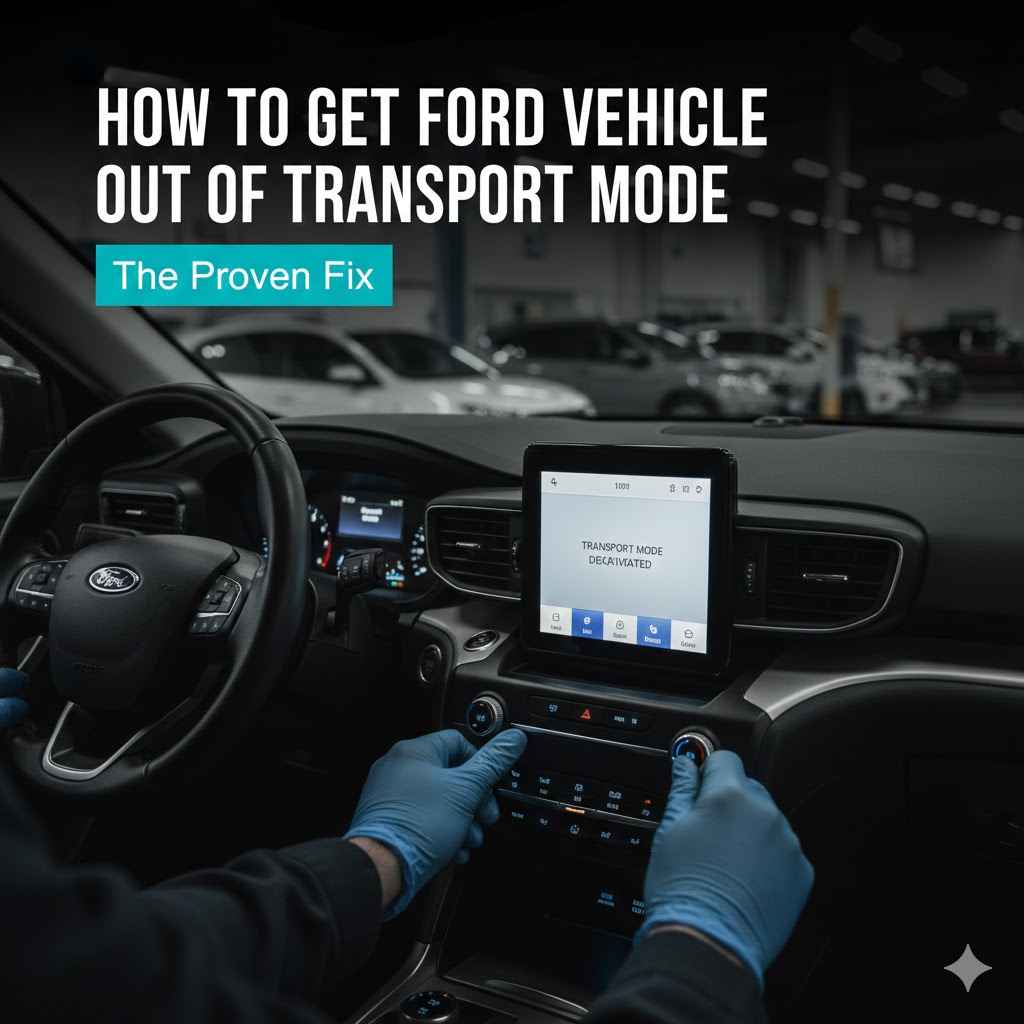
To get a Ford vehicle out of transport mode, press the brake pedal firmly. While holding the brake, press the hazard light button five times in quick succession. Finally, press the engine start/stop button once. This simple sequence should restore full functionality to your vehicle’s electrical systems and clear the “Transport Mode” message.
Seeing a “Transport Mode Active” message on your dashboard can be confusing and a little scary. You might notice your radio won’t turn on, or your power windows don’t work. It feels like your car is broken, but I’m here to tell you it’s not! This is a very common issue with a very simple fix.
Don’t worry, you don’t need to be a mechanic or call for a tow truck. In this guide, I’ll walk you through the exact steps to solve this problem in just a few minutes, right from your driver’s seat. Let’s get your Ford back to normal so you can enjoy your drive.
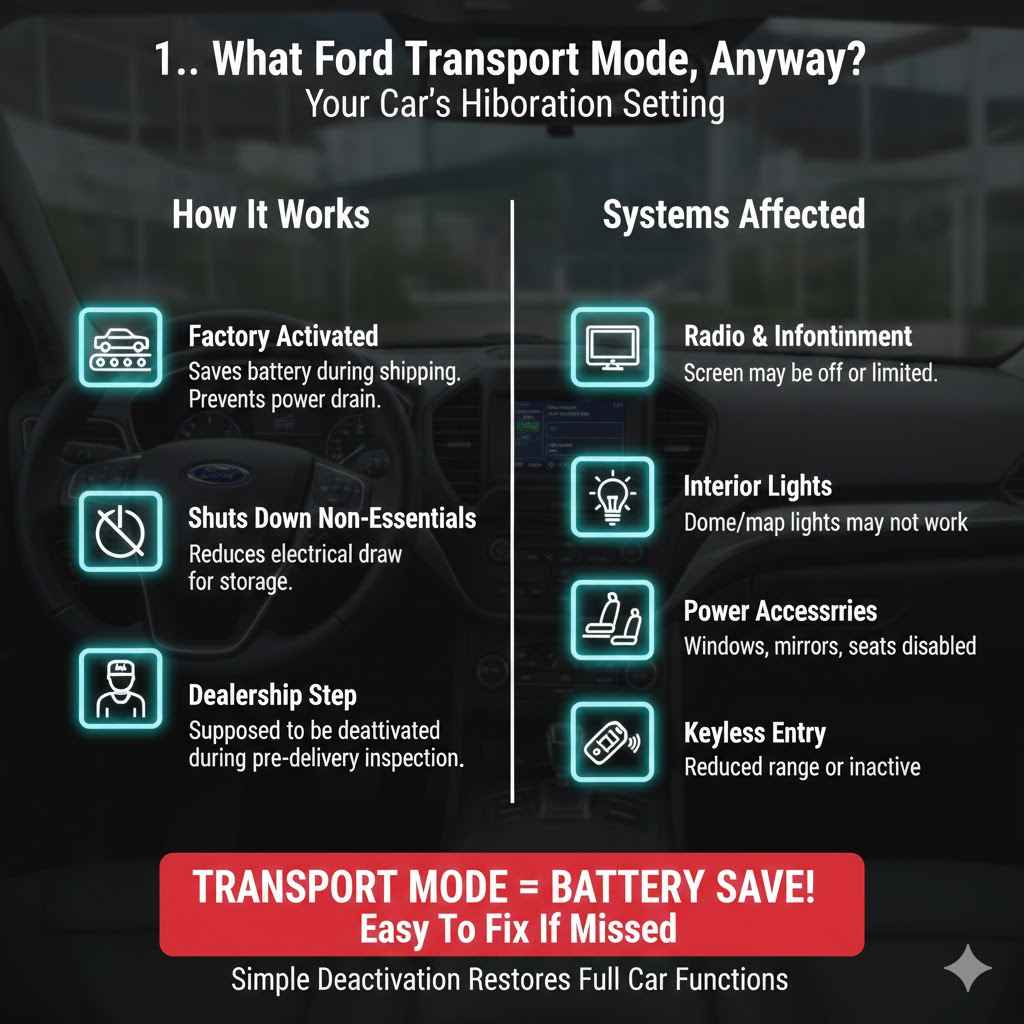
What Is Ford Transport Mode, Anyway?
Think of Transport Mode as a hibernation setting for your car. Ford activates this mode at the factory before a new vehicle is shipped to the dealership. Its main job is to save battery power during its long journey. The car might sit for weeks on a truck or a ship, and this mode prevents the battery from dying before it even reaches its first owner.
When this mode is active, it shuts down non-essential electrical systems to minimize battery drain. These systems often include:
- The radio and infotainment screen
- Interior dome and map lights
- Power windows, mirrors, and seats
- The keyless entry system (it may still work, but with a very limited range)
- Other accessory modules that aren’t needed to start and move the vehicle
The dealership is supposed to deactivate this mode during their pre-delivery inspection (PDI). However, sometimes this step gets missed, or the mode can get re-triggered accidentally. The good news is that turning it off is incredibly easy.
Why Your Ford Might Be Stuck in Transport Mode
If you’re seeing this message, it’s almost never a sign of a serious problem. It’s usually just a system setting that needs to be switched off. Here are the most common reasons you might find your Ford in Transport Mode:
- It’s a Brand New Car: The most frequent cause is simply that the dealership forgot to perform this step during the new car prep process. It’s a simple oversight.
- Recent Battery Change: If you’ve recently disconnected or replaced your car’s battery, the vehicle’s computer system can sometimes reset and default back to Transport Mode as a safety precaution.
- Low Battery Voltage: A weak or dying battery can sometimes trigger the system to enter this power-saving mode to preserve enough energy to start the engine. This is the car trying to protect itself.
- A Minor System Glitch: Like any computer, your car’s electronics can have a small hiccup. In rare cases, a software glitch could reactivate the mode, but this is less common.
No matter the reason, the solution is usually the same. You don’t need any special tools or technical skills—just the key to your car and a few moments of your time.
Common Signs Your Ford is in Transport Mode
The signs are usually very clear and appear all at once. If you notice a combination of the following symptoms, your car is likely in Transport Mode. The most obvious sign is a message on your instrument cluster, but other clues can confirm it.
| Symptom | What It Means |
|---|---|
| “Transport Mode Active” or “Factory Mode” Message | This is the clearest indicator. The message will appear on your dashboard screen when you start the car. |
| Radio and Infotainment System Are Off | The entire center screen may be blank or unresponsive. You won’t be able to play music or access navigation. |
| No Interior Lights | When you open the door, the dome lights and other courtesy lights will not turn on. |
| Key Fob Has Limited Range | You might have to be standing right next to the car for the lock and unlock buttons to work. |
| Power Accessories Don’t Work | Power windows, power-adjustable seats, and power mirrors will not respond. |
The Step-by-Step Guide to Disabling Ford Transport Mode
Alright, let’s get this fixed! This is the proven method that works for the vast majority of modern Ford vehicles, including popular models like the F-150, Explorer, Mustang, Bronco, and Escape. Take a deep breath—you’ve got this.
Before You Begin: A Quick Safety Check
Safety is always our first priority. Before you start, please make sure you do the following:
- Park your vehicle on a flat, level surface.
- Engage the parking brake firmly.
- Ensure the transmission is in Park (P).
- Have your key fob inside the vehicle with you.
- Close all the car doors.
The Proven 3-Step Fix
Follow these three simple steps in order. The timing is important, so perform the actions smoothly and without long pauses between them. It should only take about 10 seconds.
- Step 1: Press and Hold the Brake Pedal
Sit in the driver’s seat and press the brake pedal down with your foot. Keep holding the brake pedal down through the next two steps. Do not start the engine yet.
- Step 2: Press the Hazard Light Button Five Times
While still holding the brake, find the hazard light button (the button with the red triangle on it). Press and release this button five times in a row. Try to do this fairly quickly, like “press-press-press-press-press” over about two to three seconds.
- Step 3: Press the Engine Start/Stop Button
Continue holding the brake pedal down. Now, press the engine start/stop button one time. You are not trying to start the engine, just waking up the electrical system. The car should be in what is known as “accessory mode.”
And that’s it! You should see the “Transport Mode” message disappear from your dashboard. At this point, you can test your radio, interior lights, and power windows. They should all be working again. You can now start your car normally. Congratulations, you just fixed it yourself!
What If The First Method Doesn’t Work? An Alternative Approach
For 99% of people, the method above works perfectly. However, if your car is still in Transport Mode, don’t panic. There’s one more thing you can try at home before considering a trip to the dealership. This method involves resetting the car’s computer by briefly disconnecting the battery.
The Battery Disconnect Method (Use with Caution)
A word of warning: This method is slightly more advanced. If you are not comfortable working under the hood of your car, it is perfectly okay to skip this and contact your dealer. If you proceed, you will need a small wrench (usually 8mm or 10mm) to loosen the battery terminal.
Safety First: Pop the Hood and Locate the Battery. Turn the car completely off. For your safety, always disconnect the negative terminal first. It is usually black and marked with a minus (-) symbol. You can learn more about general vehicle safety from trusted sources like the National Highway Traffic Safety Administration (NHTSA).
Disconnect the Negative Terminal. Use your wrench to loosen the nut on the negative terminal clamp. You don’t need to remove the nut completely, just loosen it enough so you can wiggle the clamp off the battery post. Move the cable away from the post so it cannot make contact.
Wait for 15 Minutes. This waiting period allows the vehicle’s computer modules to fully power down and reset their short-term memory, which should clear the Transport Mode status.
Reconnect the Battery. Place the negative terminal clamp back onto the battery post and tighten the nut until it is snug. You don’t need to overtighten it. Just make sure it’s secure and won’t wiggle off.
Check the System. Close the hood, get back in the car, and start it. The Transport Mode message should now be gone. Note that your radio presets and trip computer may have been reset.
DIY Fix vs. Calling the Dealer: Making the Right Choice
Trying the simple button-press sequence is always worth it. It’s free, fast, and carries zero risk. But if that fails, you might wonder whether to try the battery disconnect or just call for help. Here’s a simple table to help you decide.
| Factor | DIY Method (Button Press) | Dealership Visit |
|---|---|---|
| Cost | Completely free. | Could be free if under warranty, but might involve a diagnostic fee ($100+) otherwise. |
| Time | Less than 1 minute. | Could take several hours, including travel, wait time, and service. |
| Convenience | You can do it anytime, anywhere. | Requires scheduling an appointment and taking your car to the service center. |
| Risk Level | Extremely low. You are just pressing buttons. | None for you, as professionals are handling it. |
| When to Choose | Always try this first. It’s the intended method for deactivation. | Choose this if the DIY methods fail or if you suspect an underlying electrical issue. |
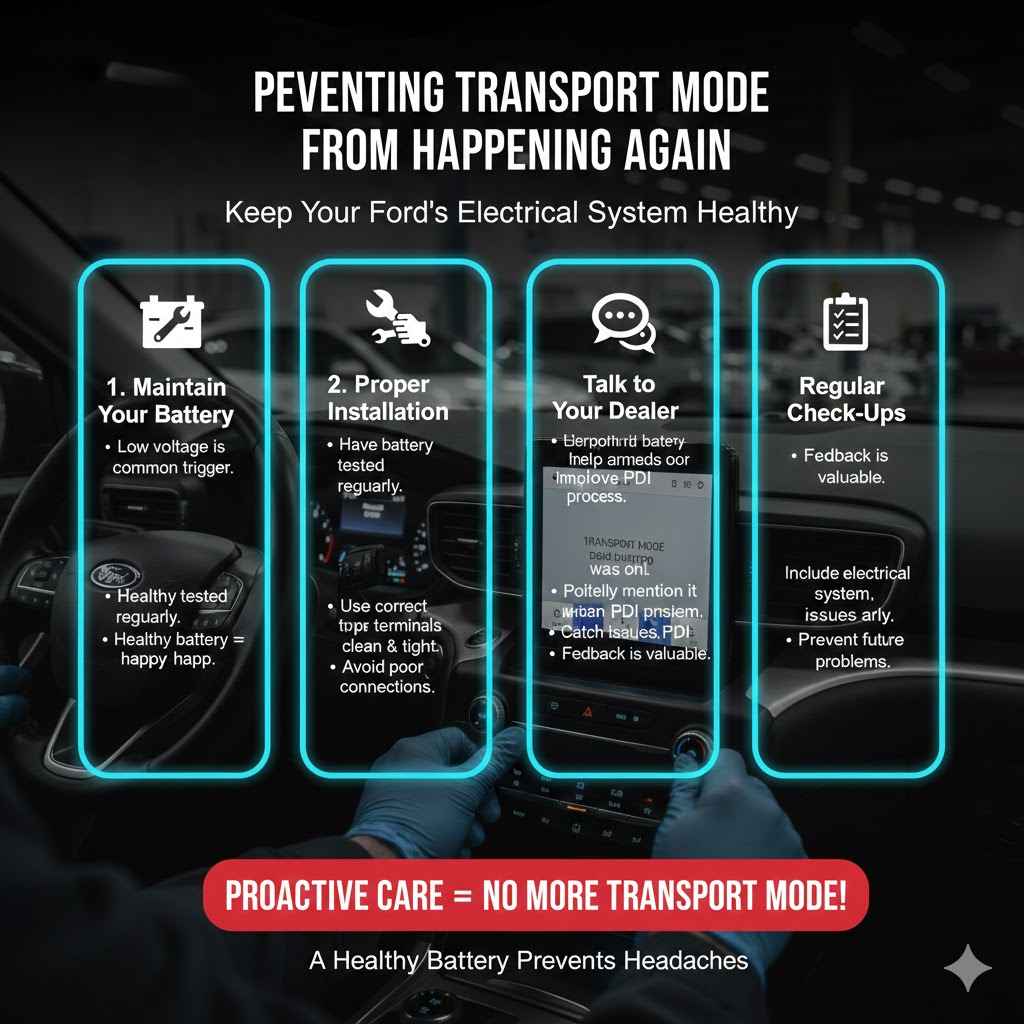
Preventing Transport Mode from Happening Again
Once you’ve turned Transport Mode off, it should stay off. It’s not a problem that typically repeats itself unless there’s an underlying cause. Here are a few tips to keep your Ford’s electrical system happy and reduce the chances of seeing that message again:
- Maintain Your Battery: The most common trigger (besides a new car delivery) is low battery voltage. If your car is a few years old, have your battery tested during regular oil changes. A healthy battery is key to a healthy electrical system.
- Ensure Proper Battery Installation: If you replace the battery, make sure the new one is the correct type for your Ford and that the terminals are clean and tight. A poor connection can cause all sorts of strange electrical issues.
- Talk to Your Dealer: If you just bought the car, it doesn’t hurt to politely mention that Transport Mode was still on. This helps them improve their PDI process for future customers.
Frequently Asked Questions (FAQ)
What exactly is Transport Mode on a Ford?
It’s a special power-saving mode used by the factory to keep the battery charged while the car is being shipped to the dealership. It turns off non-essential electronics like the radio and interior lights to prevent battery drain.
Will driving my car in Transport Mode cause any damage?
No, it is completely safe to drive your vehicle while it is in Transport Mode. The mode only affects comfort and convenience features. The engine, brakes, steering, and all essential safety systems will function perfectly normally.
Why did my Ford go into Transport Mode after a battery change?
When the battery is disconnected for a period, the car’s main computer, the Body Control Module (BCM), can sometimes reset to its factory default settings. For safety, this can include re-enabling Transport Mode to conserve power until it’s sure the new battery is stable.
Does this fix work for all Ford models like the F-150, Explorer, and Mustang?
Yes, the “brake pedal + 5 hazard flashes + start button” procedure is the standard method for most modern Ford vehicles built in the last decade. It works across the lineup, from trucks and SUVs to cars.
What should I do if the Transport Mode message keeps coming back?
If you successfully disable the mode but it returns a day or two later, this is a strong sign of an underlying issue. The most likely culprit is a weak battery or a problem with your car’s charging system (the alternator). In this case, it’s best to have a mechanic test your battery and alternator.
Do I need any special tools to get my car out of Transport Mode?
For the primary fix, you need no tools at all! Your hands and feet are all that’s required. If you attempt the alternative battery-disconnect method, you will need a simple wrench, typically a 10mm, to loosen the battery terminal.
Your Next Steps to a Trouble-Free Drive
Facing a warning light or an odd message on your dashboard can be stressful, but you handled it perfectly. That “Transport Mode Active” message is one of the most common and easily fixable issues new Ford owners encounter. By following the simple steps above, you’ve not only solved the problem but also saved yourself a trip to the dealership.
Remember that your car is full of smart systems designed to protect it, and Transport Mode is just one of them. Now that you know the fix, you can feel even more confident and in control of your vehicle. Keep this guide handy, and don’t be afraid to tackle the small challenges that come with car ownership. You’re more capable than you think!